 Botmonster Tech
Aider: The Open-Source AI Pair Programmer That Works with Any LLM

Aider is the open-source AI pair programming tool that arrived before Claude Code , Codex CLI , and Gemini CLI - and it remains the only major AI coding assistant that lets you use whichever language model you want. Claude, GPT-5, Gemini, DeepSeek, Grok, a local model running through Ollama - Aider connects to all of them. The project sits at 42K GitHub stars, 5.7 million pip installations, and 15 billion tokens processed per week. It is licensed under Apache 2.0, which means you pay nothing for the tool itself. Your only costs are the API tokens you consume at provider rates, which for most developers runs between $30 and $60 per month depending on usage patterns and model choices.
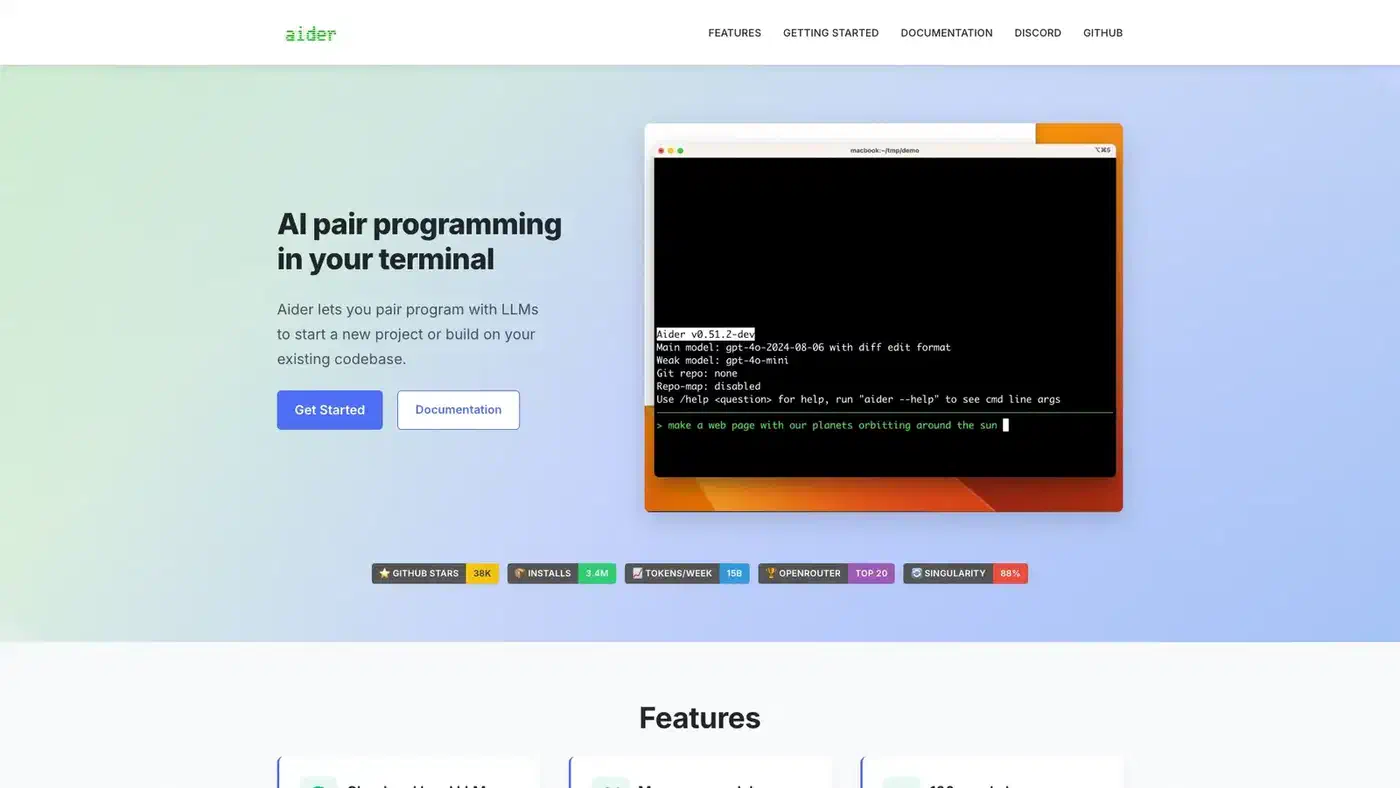
What separates Aider from the growing field of AI coding agents is a set of technical decisions that compound into a noticeably different workflow. Where other tools dump raw file contents into an LLM’s context window, Aider builds a structured map of your codebase using tree-sitter abstract syntax trees. It supports multiple optimized edit formats and automatically picks the best one for your chosen model. Every AI-generated change gets committed to git with a descriptive message, making edits auditable and reversible through standard git tooling.
Tree-Sitter Repository Maps
The core technical innovation behind Aider is its repository map system. When you launch Aider in a project, it uses tree-sitter to parse your source code into abstract syntax trees and builds a compressed representation of the entire codebase showing classes, functions, methods, and their relationships across files. This map gets included in every prompt sent to the LLM.

The difference between this approach and brute-force context inclusion is significant. Tools that stuff entire files into the context window burn through tokens quickly and hit context limits on larger projects. Aider’s repository map preserves the semantic structure - which function calls which, what classes inherit from what, how modules relate to each other - while using a fraction of the token budget. The LLM gets structural awareness of your project without needing to read every line of every file.
Tree-sitter grammars cover over 100 programming languages. Python, JavaScript, TypeScript, Rust, Go, Ruby, C++, PHP, Java, HTML, CSS, and dozens more all get automatic repository mapping. After each LLM edit, Aider runs tree-sitter-based linting to catch syntax errors before they reach your git history. If the model generates broken code, Aider detects it and automatically requests a fix.
The map updates dynamically as you add or remove files from the chat context or as the LLM makes changes. This keeps the model’s view of your project current without manual intervention. The practical result is that Aider uses fewer tokens per coding task than tools relying on raw context window size, which directly translates to lower API costs.
Edit Formats and Architect Mode
Aider does not take a one-size-fits-all approach to code generation. It supports multiple edit formats , each optimized for different models and scenarios:
- whole - The LLM returns the complete updated file. Simple and reliable, but token-expensive. Best for small files or models that struggle with partial edits.
- diff - The LLM returns search/replace blocks. Token-efficient for targeted changes to specific functions or sections.
- udiff - A simplified unified diff format where only changed portions come back. Aider’s benchmarks showed this format made GPT-4 Turbo “3x less lazy” by reducing the model’s tendency to skip code.
- editor-diff and editor-whole - Specialized formats designed for the editor model in Architect Mode.
Aider automatically selects the optimal edit format based on benchmark data for each model. You do not need to configure this manually, though you can override it if you have a preference.
Architect Mode is where Aider’s benchmark scores get interesting. It splits the coding task between two models: an “architect” model that proposes a high-level solution and an “editor” model that translates that proposal into concrete file edits. You might pair Claude Opus as the architect with DeepSeek as the editor, getting expensive high-quality reasoning for the planning step and cheap fast execution for the mechanical editing step. This separation produced Aider’s state-of-the-art SWE-bench score - 85 out of 100 real-world GitHub issues from projects like Django, scikit-learn, and matplotlib resolved correctly.
The cost structure of Architect Mode works in your favor. The architect model does the hard thinking on a complex problem, consuming perhaps a few thousand tokens of expensive API time. The editor model then handles the file manipulation, consuming more tokens but at a fraction of the cost per token. The result is top-tier reasoning quality at a blended rate well below what you would pay running the expensive model for the entire interaction.
In comparative benchmarks, Aider completes coding tasks in roughly 257 seconds using about 126K tokens on average. Claude Code takes around 745 seconds and 397K tokens for a similar task - over 3x more tokens for only a 2.8 percentage point accuracy improvement. For developers watching their API bills, that is a meaningful difference.
| Metric | Aider | Claude Code | Codex CLI |
|---|---|---|---|
| Approach | Open-source, model-agnostic | Proprietary, Claude-only | OpenAI models |
| Avg tokens per task | ~126K | ~397K | Varies |
| Avg completion time | ~257s | ~745s | Varies |
| SWE-bench (best) | 85% (Architect Mode) | 80.9% (Claude Opus 4.5) | 77.3% (Terminal-Bench) |
| Monthly cost | $30-60 (API tokens only) | $20-200 (subscription) | $20-200 (subscription + API) |
| Model flexibility | Any LLM | Claude only | OpenAI only |
Every LLM, Every Provider, Every Budget
The model-agnostic architecture is Aider’s most distinctive feature in a market where every other major tool locks you into one vendor. Here is what that looks like in practice:
Cloud models - Claude 3.7 Sonnet and the Opus 4.x series from Anthropic, the GPT-5 family from OpenAI (added in v0.86.0), Gemini Flash and Pro from Google, DeepSeek R1 and Chat V3, Grok-4 from xAI, and anything available through OpenRouter .
Local models - Run DeepSeek, CodeLlama, Mistral, or any Ollama-compatible model on your own hardware for complete privacy and zero API costs. Aider automatically adjusts its edit format and prompting strategy for local model capabilities, which tend to be more constrained than cloud models.
Easy onboarding - The default setup now offers deepseek/deepseek-r1:free for zero-cost experimentation and anthropic/claude-sonnet-4 for paid usage through OpenRouter, so new users can start coding immediately without digging through provider documentation for API keys.
Mid-session model switching - The /model command lets you change models without leaving the conversation. Use a cheap model for routine refactoring, switch to a reasoning-heavy model for a complex algorithm, and switch back. Your chat context and repository map carry over.
Provider redundancy - If Anthropic’s API goes down, switch to an OpenAI or DeepSeek model and keep working. No single provider failure stops your session. This is a practical concern that developers using single-vendor tools like Claude Code or Codex CLI cannot easily address.
The version v0.86.0 release also added support for Grok-4 via xAI and several community-contributed model configurations, including Moonshot’s Kimi K2 through OpenRouter. The project tracks model releases closely, typically adding support within days of a new model becoming available.
Git-Native Architecture and Voice Coding
Aider treats git as a first-class citizen. Every architecture decision flows from the assumption that git is the source of truth for your code.
Every AI-generated change gets automatically committed with a descriptive commit message. This means you can use standard git tools to manage AI edits. git log shows you what the LLM changed and when. git diff HEAD~1 shows exactly what the last edit touched. git revert HEAD undoes a bad AI change cleanly. You never lose work to a broken AI edit because the previous state is always one git revert away.
In practice, this makes a real difference. In tools without tight git integration, a bad AI edit that corrupts your file state requires you to manually undo the changes or hope your editor’s undo history is deep enough. With Aider, the safety net is git itself, and every developer already knows how to use it.
Voice coding lets you speak requests to Aider instead of typing them. Describe a new feature, request a test case, or report a bug verbally, and Aider translates your speech into code changes. It is useful for hands-free work, accessibility, and rapid prototyping when you know what you want faster than you can type the specification.
Watch mode integrates Aider with your existing IDE without requiring a plugin. Aider monitors file changes, so you can add comments in VS Code, Vim, Emacs, JetBrains, or any other editor, and Aider picks up the request and implements changes. No vendor-specific extension required.
Linting and testing run automatically after every edit. Combined with the tree-sitter AST parsing, this creates a feedback loop: the model generates code, Aider checks it for syntax errors and test failures, and if problems are found, it sends the errors back to the model for correction - all before committing.
Image and web page context - You can feed screenshots, mockups, and web pages directly into the chat. Describe what needs to change about a UI and Aider translates that into code modifications.
One more number that says a lot: 88% of the new code in Aider’s latest release was written by Aider itself. The tool is substantially self-hosting its own development, which functions as a continuous real-world benchmark of what it can actually do.
What Aider Leaves Out - and Why
Aider deliberately omits several features that competing tools offer:
No sandboxing. Unlike Codex CLI’s OS-level Seatbelt/Landlock/seccomp isolation, Aider runs with your user’s full permissions. There is no sandbox mode, no restricted execution, no network blocking. You review the LLM’s output the way you review any code before committing it.
No MCP support. Aider does not implement Model Context Protocol for connecting to external tool servers. Its extensibility model is simpler: configure the model, point it at your repo, use git for everything else.
No CI/CD integration. There is no codex exec equivalent or GitHub Action. Aider is an interactive developer tool, not a CI pipeline component.
No built-in web search. The LLM works with its training data and whatever context you provide - files, images, web pages you add manually. It does not search the internet during sessions.
These omissions are deliberate. Aider targets developers who already have CI pipelines, security policies, and toolchains in place. It fits into existing workflows without asking you to replace anything. The “just an AI pair programmer” positioning avoids the complexity of becoming a platform.
The trade-off is real: teams that need automated PR review, OS-level sandboxing for compliance, or MCP tool integration will need to look at Claude Code or Codex CLI. Aider serves developers who want the best accuracy-to-cost ratio and maximum model flexibility without infrastructure overhead.
Getting Started
Installation is two commands:
python -m pip install aider-install
aider-install
Then point it at your project with the model of your choice:
cd /your/project
aider --model sonnet --api-key anthropic=YOUR_KEY
Or use DeepSeek for a lower-cost option:
aider --model deepseek --api-key deepseek=YOUR_KEYOr run entirely local with Ollama:
aider --model ollama/deepseek-coder-v2The project is at github.com/Aider-AI/aider with full documentation at aider.chat . For developers tired of vendor lock-in or subscription fatigue, Aider remains the most flexible and cost-effective option in the AI coding assistant space.