 Botmonster Tech
Best Silent Mechanical Keyboard Switches in 2026

The best silent switches in 2026 use dual-damping silicone pads and high-quality TPE materials to eliminate both the “clack” of bottoming out and the “ping” of the spring returning - all without reducing the satisfying tactile bump that makes mechanical keyboards worth using in the first place. If you want truly quiet office typing, look for “Silent Linear” options that combine factory lubing with a dampened bottom-out for a deep, muted sound.
What Makes a Switch “Silent”? The Mechanics Explained
Before diving into recommendations, it helps to understand exactly what creates noise in a mechanical keyboard. There are two distinct noise sources, and the best silent switches address both.
The first is bottom-out impact: when you fully depress a keycap, the stem hits the bottom of the switch housing. On a standard Cherry MX Red, this produces a sharp plastic-on-plastic crack. Modern silent switches place a small silicone or TPE (thermoplastic elastomer) dampener on the stem legs that cushions this impact, converting that crack into a soft thud.
The second is top-out return: when you release a key, the spring pushes the stem back upward and it impacts the top of the housing - a subtler but still audible sound, especially on high-spring-weight switches. Addressing top-out requires dampening the upper stem or adding a second dampener pad to the housing ceiling.
Not all “silent” switches are created equal. Early silent designs only dampened the bottom-out, leaving the top-out intact. Switches like the Gateron Silent Red G Pro address both using integrated silicone legs on the stem. The material matters too: silicone dampeners are the most common and most effective, while some budget options use foamed plastic inserts that compress inconsistently over time. TPE blends sit between the two - softer than pure silicone but more dimensionally stable than foam.
Factory lubing also makes a meaningful difference. Even with silicone dampeners, a dry switch retains microscopic friction noise from stem-to-housing contact. A pre-lubed silent switch eliminates that faint scratchiness, producing the characteristic “thock” sound that keyboard enthusiasts prize. The trade-off to understand: heavy dampening inevitably softens tactile feedback. This is why clicky switches like Cherry MX Blues cannot be truly silenced without destroying the sharp click feel - the clicky mechanism itself requires a snap action that transmits through the keyboard. Silent tactile switches (like the Boba U4) approximate tactile feel but are perceptibly softer than their non-silent counterparts.
Magnetic (Hall Effect) Silent Switches
Hall Effect switches represent the most significant technical evolution in silent keyboard technology in recent years, and 2026 options have matured considerably. Instead of a physical leaf spring contact that bounces and generates electrical noise, Hall Effect switches use a small magnet in the stem and a magnetic field sensor (a Hall effect sensor) in the PCB. The keypress is registered when the magnet passes the sensor threshold - no physical contact, no contact bounce, and no mechanical click possible by design.
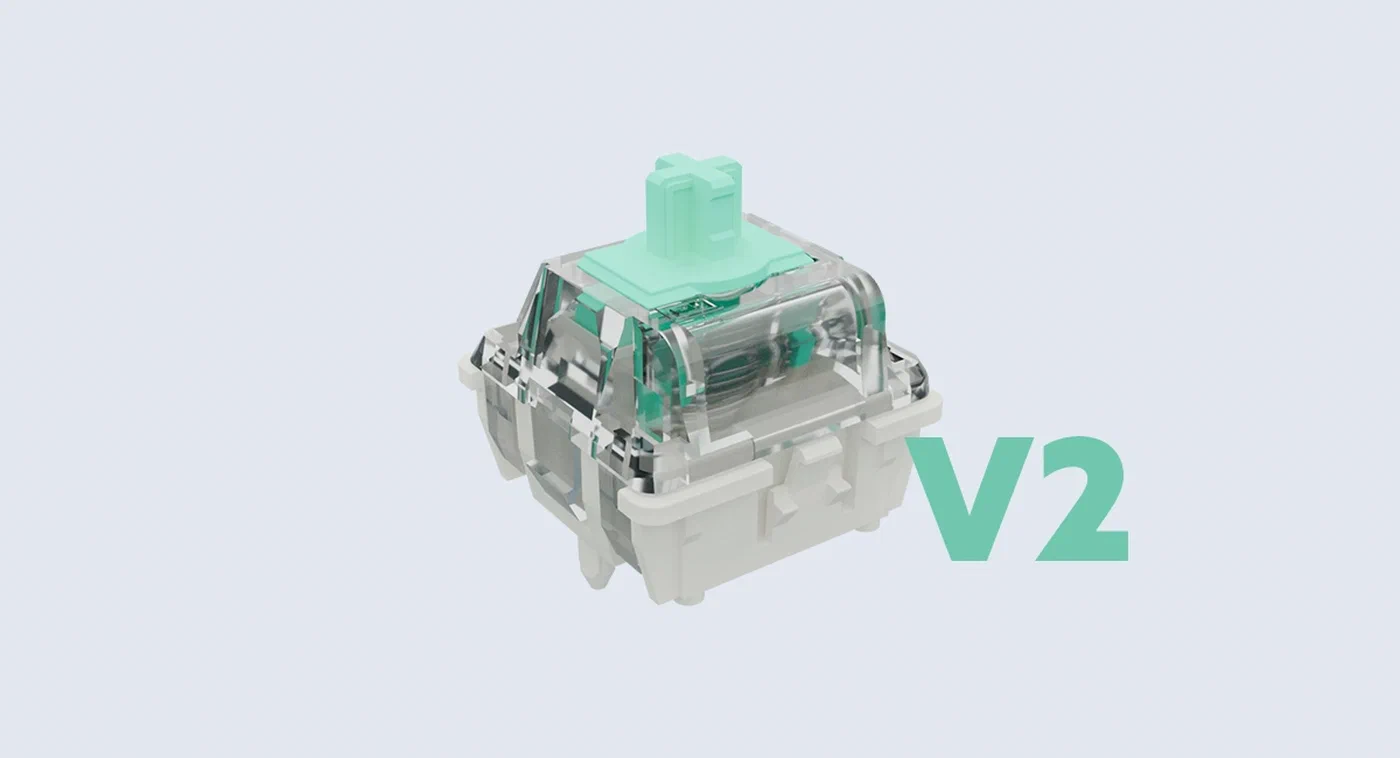
The engineering implications are significant. Without a physical contact mechanism, the switch is inherently silent at the registration point. The only noise generated is the physical stem movement within the housing - which can still be dampened with silicone. But the bigger advantage is adjustable actuation: because the registration point is a programmable magnetic threshold rather than a fixed physical position, you can set each key to actuate at 0.1mm of travel or 3.8mm of travel through firmware. Wooting’s implementation (the Wooting 60HE ) pioneered the consumer market for this, and Gateron’s KS-37 brought it to a wider price point.
For programmers, the per-key actuation customization is transformative. Setting modifier keys (Ctrl, Alt, Shift) to require full travel eliminates accidental activations during fast typing. Setting shortcut keys to light actuation (0.5mm) creates hair-trigger response for frequently-used combos. The Geon Raptor HE is the enthusiast-grade option with improved magnet tolerances for more consistent actuation curves across the board.
In terms of silence, Hall Effect switches with silicone-dampened stems in solid housings (avoid flex-cut PCBs for Hall Effect builds) produce some of the quietest keystrokes measurable. The absence of any leaf spring mechanism means there’s no spring ping - a persistent issue with high-weight conventional switches.
3D-Printed “Elastic” Stems
One of the more interesting 2026 developments in silent switch technology has been the use of multi-material FDM printing to produce switch stems with micro-elastic properties. Traditional switch stems are rigid POM (polyoxymethylene) or nylon - materials chosen for dimensional accuracy and low friction. The new approach uses TPU-blend filaments printed at low layer heights to create stems that absorb impact through slight elastic deformation rather than transmitting it rigidly to the housing walls.
The original criticism of silent switches was “mushiness” - the sense that the key travel has no crisp endpoint. Early silicone dampeners did introduce that feeling, particularly on light linear switches. The elastically-dampened stem design resolves this by defining the deformation zone precisely: the stem body remains dimensionally rigid through the tactile event, but the dampening legs deform just enough to absorb impact energy at the moment of bottom-out contact. The result is a defined actuation endpoint with a soft landing - not mushy, but not clicky either.
The DIY community has embraced this development enthusiastically. STL files for compatible stems are shared on GitHub and the Keyboard Layout Editor community forums. Compatible printers require 0.2mm nozzles and careful temperature control to achieve the right shore hardness, but the results rival commercial silent switches at a fraction of the cost for large group-buy builds.
Comparing feel directly: factory-dampened switches like the Gateron Silent Red use silicone pads that feel consistent but can feel slightly spongy on aggressive bottom-out. Foam-insert modifications on standard switches (the “tempest mod” applied to the switch interior) produce a similar deadened sound but can affect tactile feedback negatively. Elastically-dampened printed stems occupy a middle ground - quiet, defined, and with a consistent feel that doesn’t degrade the way foam can compress over millions of keystrokes.
Top Silent Switch Recommendations by Use Case
For Office Environments
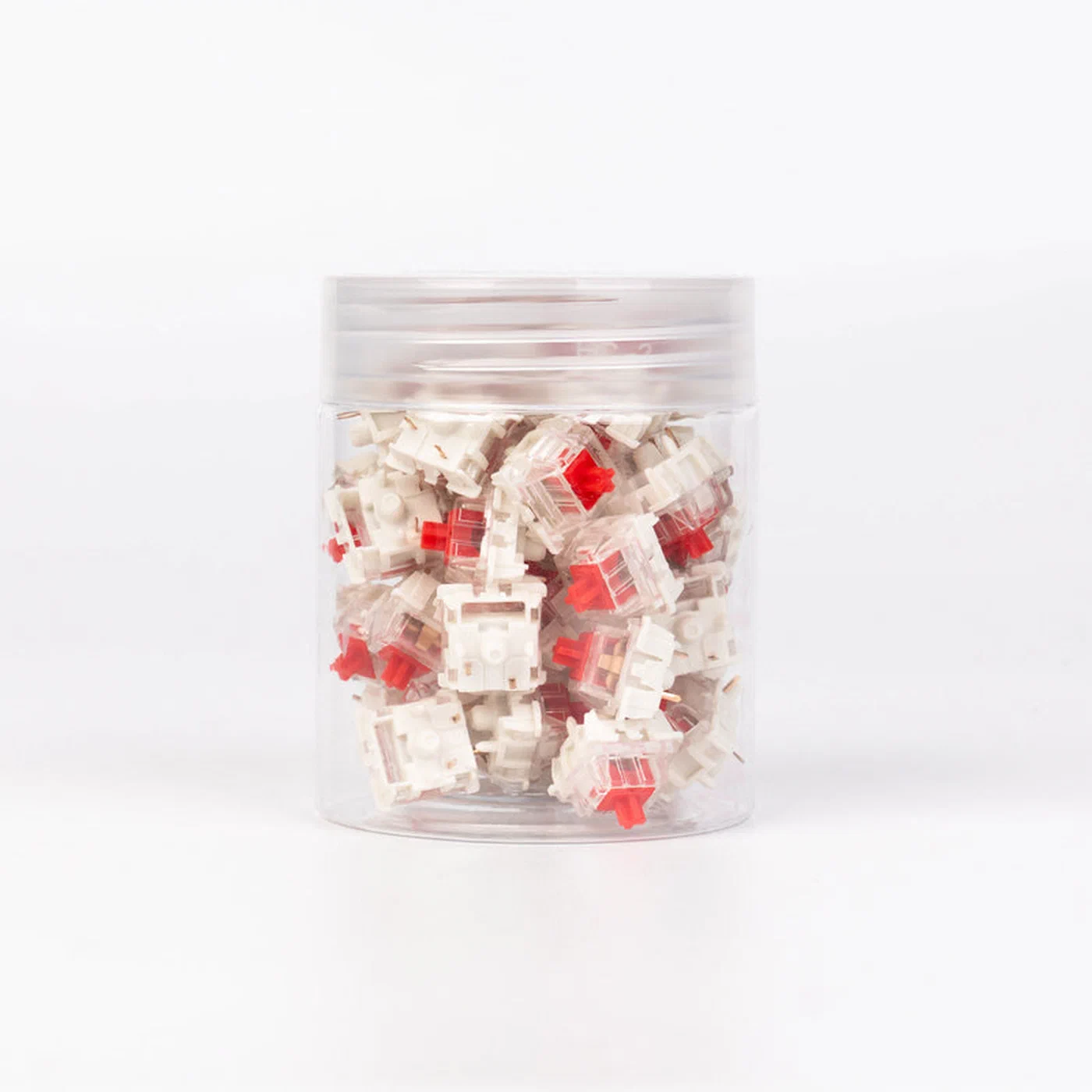
The Gateron Silent Red G Pro remains the go-to recommendation for shared workspaces in 2026. It’s widely available, affordable (around $0.35 per switch in bulk), factory-lubed, and genuinely quiet enough to use in an open-plan office without drawing complaints. The linear action means no tactile feedback, which some typists find imprecise, but for email-heavy or spreadsheet work the trade-off is worthwhile.
The Outemu Silent Peach is the budget pick at roughly $0.15 per switch. Sound quality is acceptable but not exceptional - the dampeners are softer than Gateron’s and produce a slightly dead feeling at bottom-out. For a first mechanical keyboard or a secondary typing board, it’s a sensible entry point.
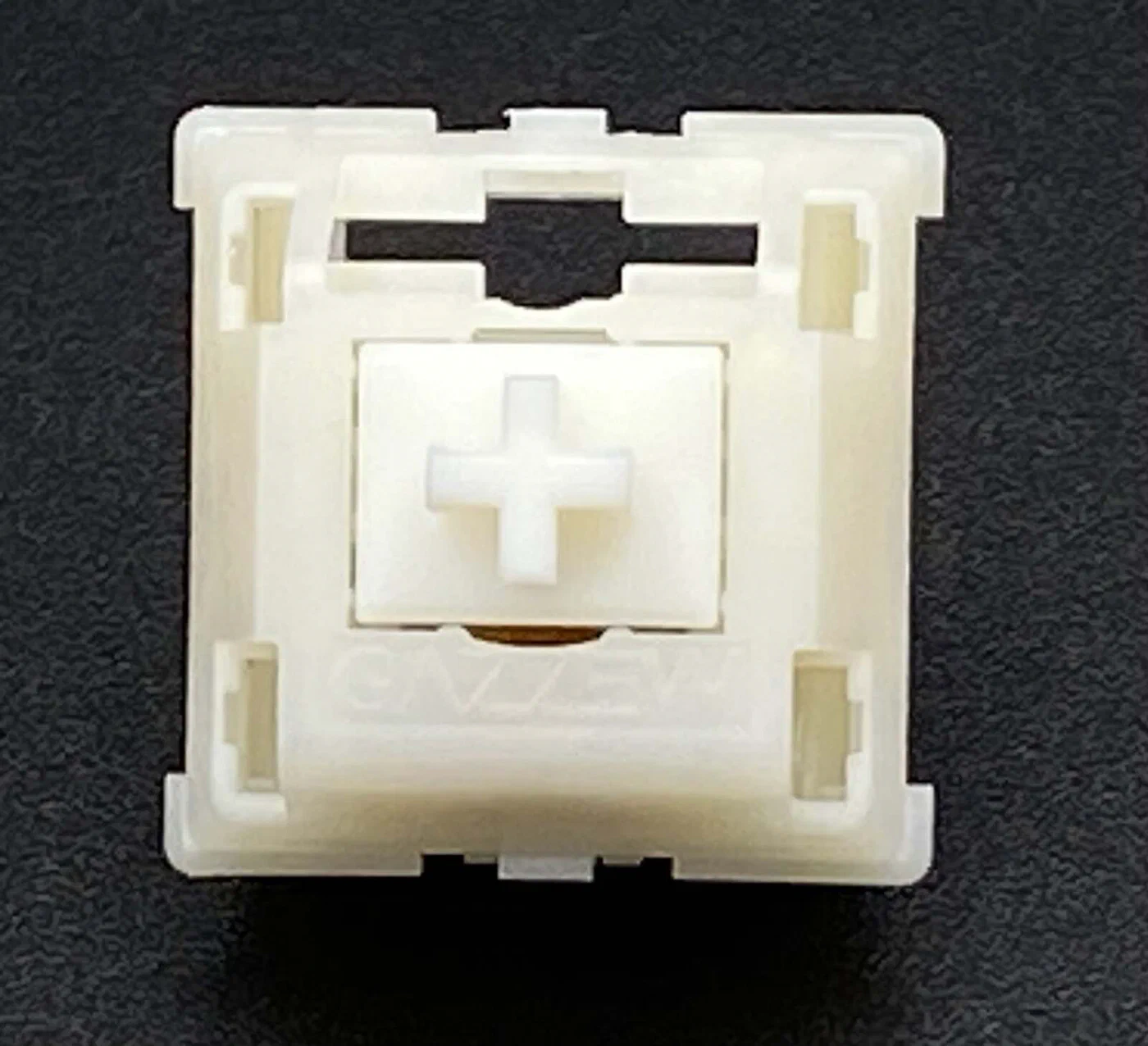
For typists who need tactile feedback in quiet environments, the Boba U4 (from Gazzew) is the best available option in its price tier. It delivers a noticeable round tactile bump with no audible click - the switch is quiet enough for library use. The trade-off is a slightly heavier actuation force (62g) that reduces fatigue on long typing sessions compared to lighter linears.
For Long Coding Sessions
The Boba U4T brings a stronger, sharper tactile version of the U4’s profile at the cost of slightly more noise. It’s still well within “office appropriate” territory but provides the kind of feedback that prevents the disconnect many programmers feel on silent linears. Paired with a gasket-mounted keyboard, it produces a satisfying “thonk” rather than the hollow clatter of a budget plastic case.
The Durock T1 Shrimp is worth consideration for developers who want a heavier tactile option. At 67g actuation, it combats fatigue-induced typo rates that light switches sometimes produce during eight-hour coding marathons. The sound profile is similar to the U4T but with a more pronounced tactile event near the top of the travel.
For Gaming in Silence
Hall Effect switches dominate this category. The Gateron KS-37 at its current price point offers the rapid actuation adjustment that competitive gaming demands without any mechanical noise. The Wooting Lekker (named for the Dutch word for “nice”) remains the premium pick - its actuation customization software is more polished than Gateron’s, and the switch-to-switch consistency is tighter.
Where to Buy in 2026
KBDfans carries the widest selection of enthusiast switches with reliable international shipping. Note that Drop.com announced its shutdown - a longtime source for group-buy switches and bundled deals is no longer available, so check KBDfans , Divinikey , and Cannonkeys for alternatives. Local group buys in communities like the GeekHack forums often yield switches unavailable through retail, sometimes at better prices.
Sound Decibel Comparisons
To give a concrete sense of the noise reduction involved, here’s a comparison of common switch types measured at 30cm distance during regular typing on an aluminum-case keyboard:
| Switch Type | Approx. dB (typing) | Notes |
|---|---|---|
| Cherry MX Blue (clicky) | 62–65 dB | Loud by office standards |
| Cherry MX Red (linear, stock) | 52–55 dB | Standard reference |
| Gateron Silent Red G Pro | 38–42 dB | ~10–15 dB quieter than standard linear |
| Boba U4 (silent tactile) | 36–40 dB | Near-silent at normal typing pace |
| Hall Effect (KS-37) | 34–38 dB | Quietest class; no mechanism noise |
| Membrane keyboard | 45–50 dB | For reference comparison |
The 15 dB reduction from standard Cherry MX Red to a quality silent linear isn’t just a number - human perception of loudness doubles approximately every 10 dB, meaning a silent switch genuinely sounds about one-third as loud to a nearby listener.
Keyboard Case Modifications That Amplify Silence
The best silent switches will underperform in a hollow polycarbonate or thin-walled plastic case. The case acts as a resonance chamber, amplifying whatever residual sound the switches produce. Case-level modifications work synergistically with silent switches and are often cheaper than upgrading switches.
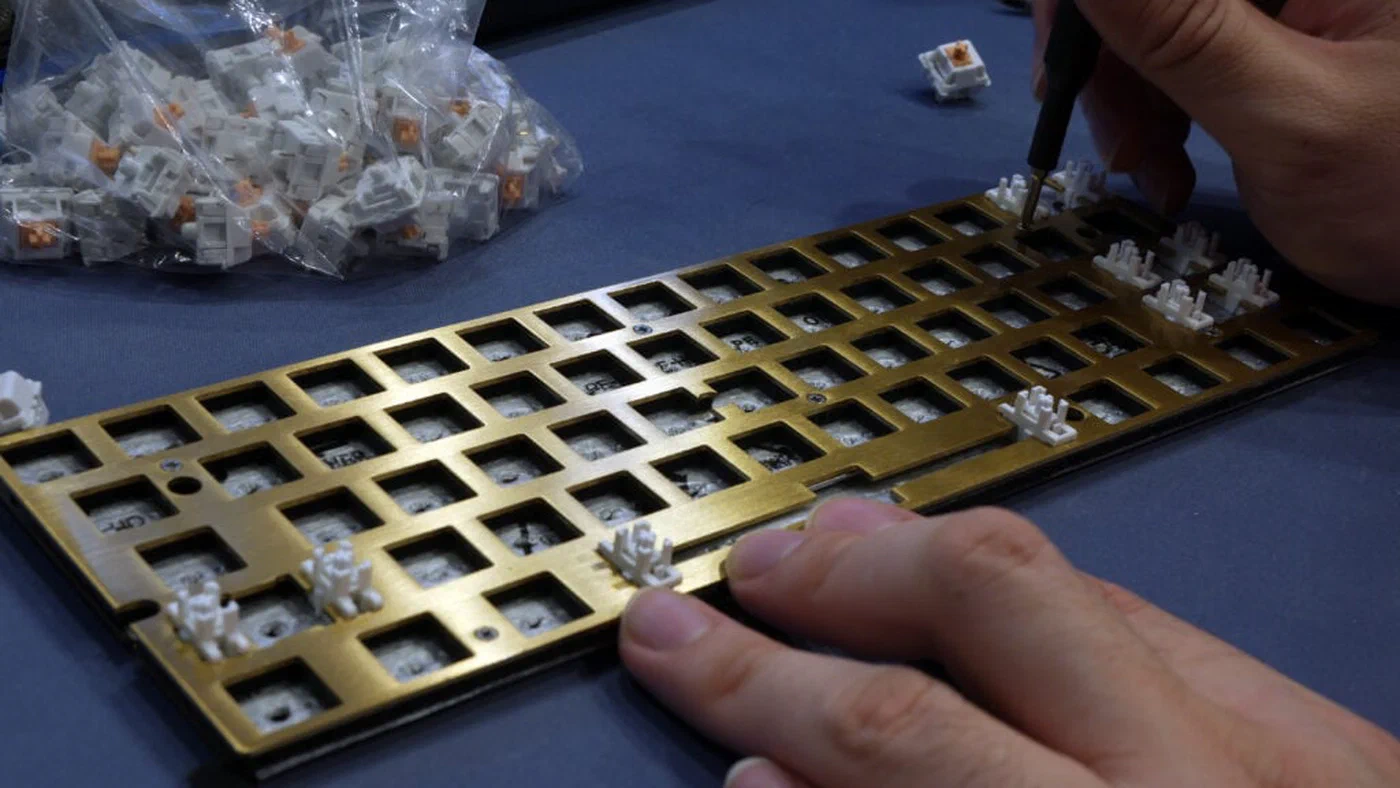
PE foam mod: Inserting a layer of polyethylene foam between the PCB and the plate is one of the highest-impact, lowest-cost modifications available. The foam absorbs vibration before it reaches the case walls. A single sheet of craft PE foam costs under $5 and can transform a hollow-sounding board into one with a deep, muted thock. The trade-off is very slightly increased key travel feel, which some typists notice and some don’t.
Tempest mod (case foam): Filling the empty space inside the keyboard case with foam eliminates the resonant air chamber that amplifies switch sounds. Acoustic foam, packing foam, or even carefully cut IKEA shelf liner all work. This mod is particularly effective on tenkeyless boards with large internal cavities.
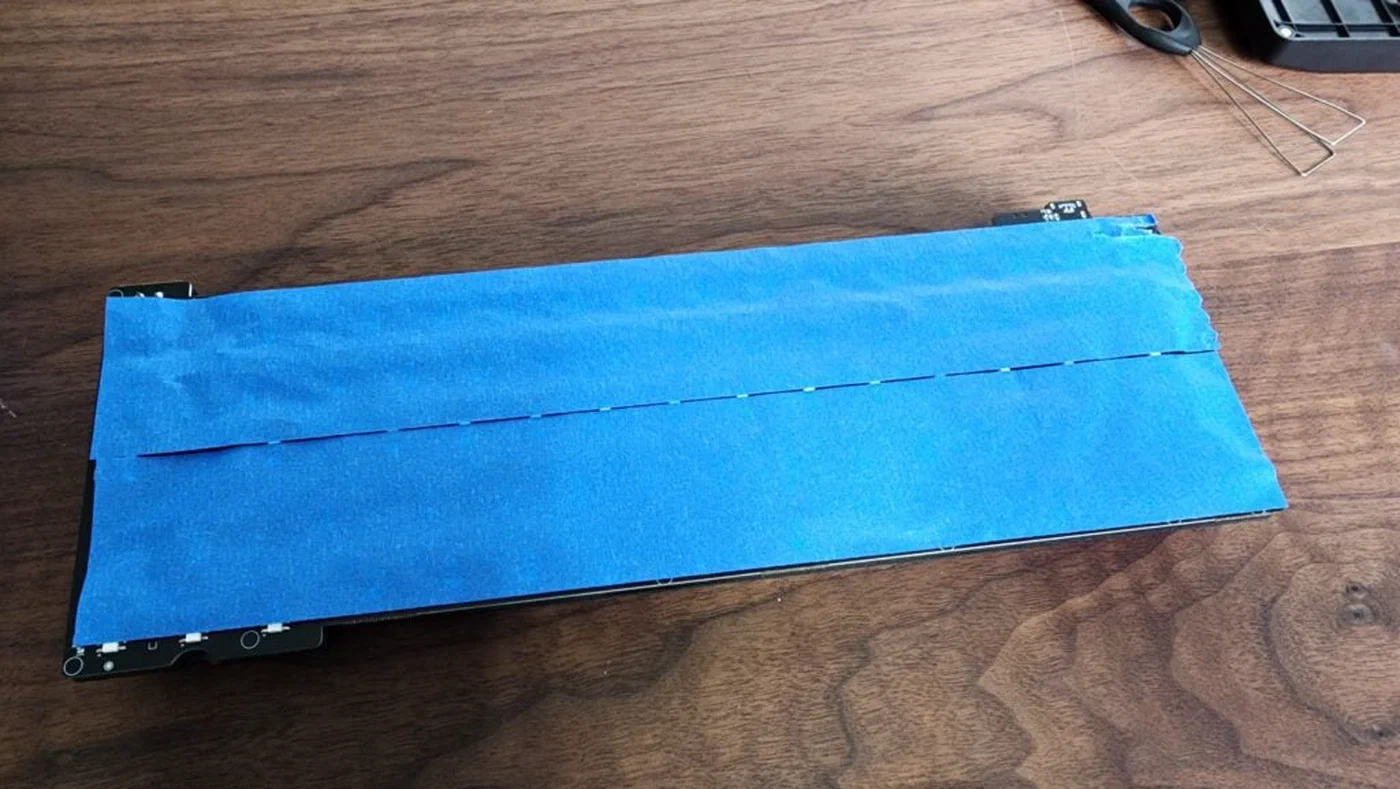
Tape mod: Applying three to four layers of painter’s tape to the back of the PCB dampens the PCB’s natural resonance frequency. It costs nothing and is reversible. The effect is subtle but measurable - lower-pitched, more uniform sound across all keys.
Gasket mounting: The mounting style of a keyboard significantly affects how sound travels through the case. In a top-mount or bottom-mount design, the PCB is rigidly connected to the case, so every keystroke vibration travels directly to the outer walls. Gasket-mounted keyboards suspend the PCB on silicone or polymer gaskets that absorb lateral vibration. For silent switch builds, gasket mounting is the single most effective case-level investment - budget gasket boards from brands like Akko or Keychron V series start around $80 and pair well with any quality silent switch.
O-rings and switch films: O-rings installed under keycap stems reduce the impact of keycap-to-switch housing contact, adding another layer of dampening. Switch films - thin layers of polycarbonate or PC film between switch top and bottom housing halves - tighten housing tolerances, reducing the wobble that creates high-frequency rattle on some switches.
Plate and case material interaction: Aluminum plates produce a sharper, higher-pitched sound profile. Polycarbonate plates are more flexible and produce a lower, softer sound that complements silent switches. Brass plates are heavy and dense, producing a very low thud - premium for quiet enthusiast builds but heavy and expensive. If you’re building a quiet keyboard from scratch, pair a polycarbonate plate with a gasket-mounted case and silent tactile switches for the most comfortable typing experience available in 2026.
Value and Longevity
Silent dampeners do wear over time, though the rate depends heavily on material quality. Budget silicone dampeners on switches like the Outemu Silent Peach can begin to feel inconsistent after 15–20 million keystrokes. Mid-range options from Gateron and Gazzew typically maintain consistent feel past 50 million keystrokes. Hall Effect switches have no contact mechanism to wear, making them the most durable option for long-term use.
For value-conscious buyers: a $60 keyboard kit with Boba U4 switches and a PE foam mod will produce a quieter, more pleasant typing experience than a $150 pre-built “gaming keyboard” with marketing-first “silent” switches. The enthusiast community’s wisdom on this has accumulated over a decade and the gap between good and great sound at each price tier has never been smaller.