 Botmonster Tech
Hyprland vs Sway vs COSMIC: Best Wayland Compositor for Developers in 2026

Sway is the most stable and battle-tested tiling compositor for developers who want an i3-like experience with zero surprises. Hyprland offers the flashiest animations and deepest customization but demands more tinkering. COSMIC from System76 is the best pick for developers who want a polished, full desktop environment with tiling built in rather than assembling a compositor from scratch.
Picking a compositor depends on how you actually work - how many monitors you run, whether you want to configure everything by hand, and how much tolerance you have for occasional breakage. The practical differences across architecture, display handling, tiling models, extensibility, and real-world stability are what separate these three.
Architecture and Design Philosophy
These three compositors disagree about what a Wayland compositor should even be, and those design choices show up in every aspect of daily use.
Sway is a drop-in i3 replacement built on the wlroots library. It reads i3 config syntax, targets stability over features, and follows the “do one thing well” Unix philosophy. Version 1.10 (released in 2026) remains the reference wlroots compositor that other projects measure themselves against. If you have an existing i3 config, you can often copy it over to Sway and have a working setup within minutes.
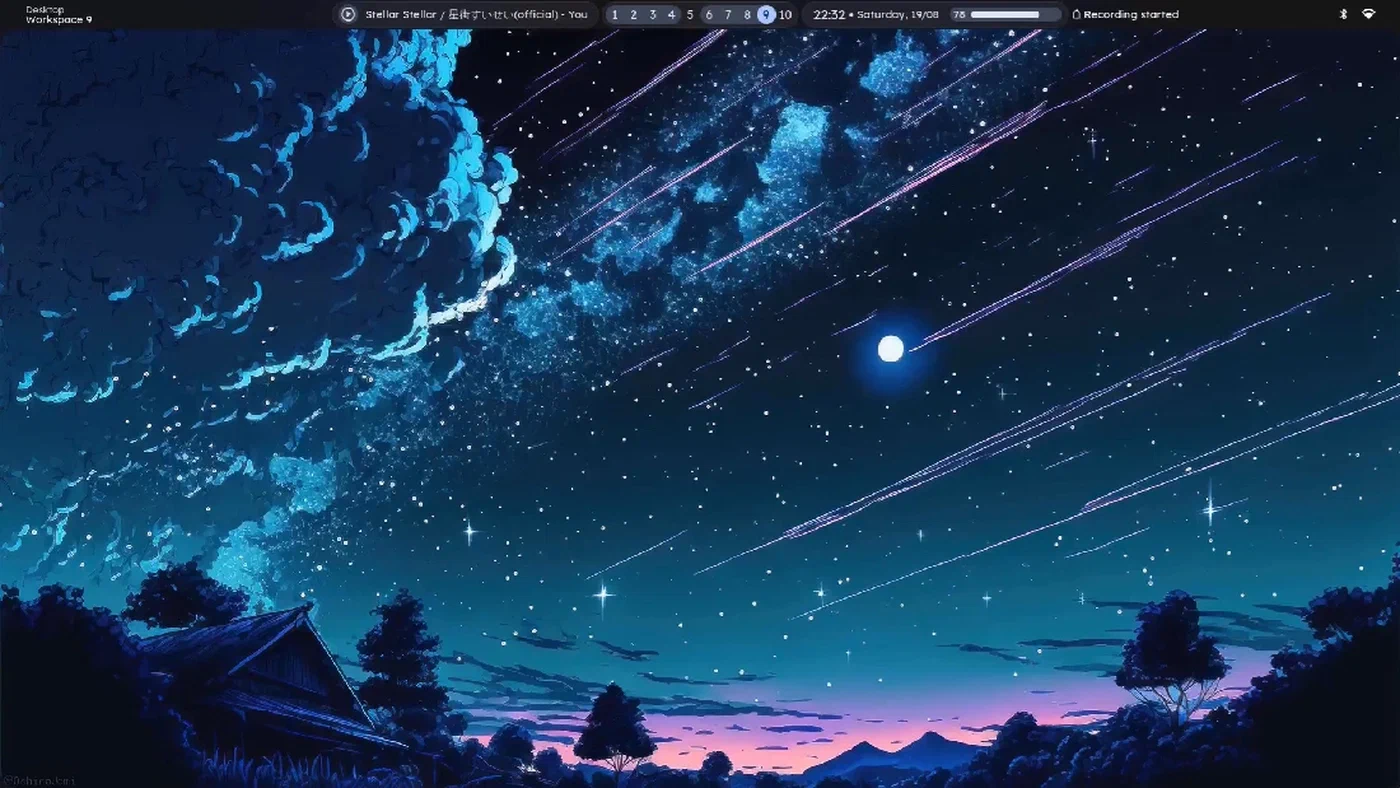
Hyprland is an independent compositor built on its own Aquamarine backend, which forked from wlroots in 2024. It prioritizes smooth animations, dynamic tiling, and visual polish. Version 0.48+ is the current stable line in 2026, and development moves fast - sometimes too fast for users who prefer stability over new features. The fork from wlroots gave the Hyprland developers freedom to implement their own rendering pipeline, which is why animations feel noticeably smoother than anything else in the Wayland tiling space.
COSMIC goes much further than a standalone compositor. It is a full desktop environment written in Rust by System76, using its own iced
-based toolkit and the cosmic-comp compositor. COSMIC 1.x shipped with Pop!_OS 24.04 LTS and is available as a standalone session on Fedora and Arch. This means you get a panel, application launcher, file manager, text editor, terminal, and settings app all designed to work together out of the box.

The biggest architectural divide is between compositor-only tools and full desktop environments. Sway and Hyprland are compositor-only, which means you need to assemble your own status bar, application launcher, notification daemon, and settings management. COSMIC ships all of these as integrated components. That distinction alone determines whether your first hour with the compositor is spent writing config files or actually working.
All three support the wlr-layer-shell protocol for overlays and status bars, but COSMIC also implements its own protocol extensions for tighter integration with its panel and applets.
Configuration tells you a lot about the target audience. Sway uses a flat text config file with i3 syntax that most Linux tinkerers already know. Hyprland uses its own hyprland.conf format with nested categories, animation curves, and bezier definitions. COSMIC uses a GUI settings application backed by TOML files in ~/.config/cosmic/, which makes it the only one of the three where you never have to open a text editor to configure your window manager.
HiDPI, Multi-Monitor, and Display Handling
Display handling is where Wayland compositors can make or break a developer’s workflow, especially if you run a mixed-DPI setup with a laptop and external monitors.
Sway supports per-output fractional scaling (e.g., output DP-1 scale 1.5) and has done so reliably since version 1.8. All wlroots-based applications render crisply at fractional scales, but some older XWayland applications appear blurry. This is a protocol-level limitation rather than a Sway bug, but it still affects your experience if you rely on apps that have not been ported to native Wayland.
Hyprland supports fractional scaling with its own rendering pipeline and has added per-window scaling overrides - a feature neither Sway nor COSMIC offers. Its animation system renders smoothly at non-integer scale factors, producing fluid window transitions even at 1.25x or 1.75x scaling. If you care about visual polish on a HiDPI display, Hyprland handles it better than either competitor.
COSMIC offers a GUI slider for fractional scaling per display and handles XWayland scaling automatically via the xwayland-satellite approach. You drag a slider, the scaling applies, and XWayland apps get scaled without the blurriness that plagues other compositors. For anyone who does not want to touch a config file for display settings, COSMIC is the obvious choice.
For multi-monitor hot-plug scenarios (docking and undocking a laptop, for instance), all three handle monitor connect and disconnect gracefully. Hyprland’s workspace assignment rules using monitor= directives are the most flexible here, allowing workspaces to follow specific monitors by name or connector type. You can set up rules like “workspace 1 always goes to my ultrawide, workspaces 7-9 always go to the vertical monitor” and they will follow those monitors even when you unplug and replug them.
Mixed DPI setups - say a 4K laptop screen at 2x scaling next to a 1080p external at 1x - work on all three but with different amounts of effort. Sway handles this correctly but requires manual config entries for each output. Hyprland handles it with per-monitor scale directives in its config file. COSMIC detects display characteristics and applies sensible defaults automatically, which usually means zero configuration.
Variable Refresh Rate (VRR) and FreeSync support varies too. Hyprland has the best VRR implementation with a per-monitor toggle and fine-grained control. Sway supports it via output adaptive_sync on. COSMIC added VRR support in version 1.1. If you game on the same machine you develop on, or if you just want smoother scrolling, Hyprland is the clear winner here.
Tiling, Window Management, and Keybindings
The tiling model and keybinding system determine whether a compositor speeds up or slows down your work. The right choice depends on how your brain processes window layout.
Sway uses i3’s tree-based manual tiling model. You explicitly split horizontally or vertically, and windows go exactly where you put them. This makes window placement completely predictable once you learn the split logic, but it does require active decision-making about layout as you open new windows. Many long-time i3 users consider this a feature rather than a limitation - you always know where a window will appear because you told it where to go.
Hyprland defaults to a dynamic “dwindle” layout where each new window splits the focused window into progressively smaller tiles. It also offers a “master” layout where one window takes up the larger portion of the screen and others stack beside it. Switching between layouts is a single config change, and you can bind a key to toggle between them at runtime. Hyprland also supports window groups and tabbed containers for keeping related windows together without giving each one its own tile.
COSMIC uses an auto-tiling model inspired by Pop!_OS’s pop-shell extension. Windows automatically tile in a grid pattern and you adjust with keyboard shortcuts or mouse drag. A stacking (floating) mode toggle is one keypress away, which makes it easy to switch between tiled coding and floating reference windows. The auto-tiling approach is the most approachable for developers coming from traditional desktop environments.
Scratchpads - temporary floating windows you can toggle in and out of view - work differently across all three. Sway supports i3-style scratchpads natively. Hyprland has “special workspaces” that function as dropdown terminals or floating overlays with configurable animation. COSMIC does not have a dedicated scratchpad feature yet, which is a notable gap for developers who rely on a quick-toggle terminal.
Keybinding flexibility matters when you spend all day in a tiling compositor. Sway supports bindsym and bindcode with modifiers, matching i3’s proven approach. Hyprland goes further with bind, bindm (mouse bindings), bindle (repeat on hold for volume and brightness keys), and bindl (works even when the screen is locked). COSMIC keybindings are configured through a GUI with a search-based shortcut editor, which is easier for discovery but less powerful for complex binding setups.
Window rules for auto-placing applications differ in power and syntax. All three support rules for making windows float, assigning them to workspaces, and setting initial sizes. Hyprland’s windowrulev2 system with regex matching on window title, class, and initial size gives you the finest control. You can write rules like “any window from Firefox with ‘Developer Tools’ in the title should float at 80% width on workspace 3” - that kind of specificity is hard to match in Sway or COSMIC.
Plugin Ecosystem and Extensibility
Once you exhaust the config file, each compositor gives you very different tools for going further. Sway expects you to bolt on external programs. Hyprland lets you write C++ plugins. COSMIC has a panel applet system.
Sway has no plugin system. Extension happens entirely through external tools communicating over IPC using the i3/sway IPC protocol. In practice, this means the Sway “ecosystem” is a collection of standalone tools: swaymsg for IPC commands, waybar or i3status-rs for status bars, rofi-wayland for application launching, and swaylock for screen locking. This mature tool landscape means Sway is extremely flexible, but the flexibility comes from assembling and configuring separate programs.
Hyprland has a mature C++ plugin API with a community that has built plugins for custom borders, window decorations, layout algorithms, and workspace overview effects. The hyprpm package manager installs plugins from source, making it straightforward to add and update extensions. Notable plugins include hyprexpo for a workspace overview grid, hyprspace for a macOS-style mission control view, and hy3 which adds i3-like manual tiling as an alternative to Hyprland’s default dwindle layout. If you want your compositor to behave in a way the developers did not anticipate, Hyprland is the only one of the three that lets you write native code to make it happen.
COSMIC is extensible through its applet system for the panel. Third-party applets can be written in Rust using the COSMIC toolkit and added to the top or bottom panel. The applet ecosystem is still young compared to Sway’s mature tool landscape or Hyprland’s plugin community, but it benefits from being part of a coherent desktop environment where applets share the same theming and UI conventions.
All three compositors work with the standard Wayland tool set: wl-clipboard
for clipboard management, grim
and slurp
for screenshots, and wl-screenrec
or wf-recorder for screen recording. These tools are compositor-agnostic and work identically across Sway, Hyprland, and COSMIC.
For scripting and automation, Sway and Hyprland both expose IPC sockets. Hyprland’s hyprctl command-line tool can control nearly every aspect of the compositor at runtime, including animation curves, layout changes, window positioning, and monitor configuration. COSMIC exposes a D-Bus interface for programmatic control, which is more standardized but currently less comprehensive than Hyprland’s IPC.
Theming is another area of divergence. Sway defers theming entirely to individual tools - you set your GTK theme, your bar theme, your terminal colors, and your lock screen appearance all separately. Hyprland has built-in decoration theming with gradient borders, rounded corners, and drop shadows. COSMIC has a unified theme system with light and dark modes plus accent color selection, and all COSMIC applications respect these settings automatically. For developers who want a consistent visual environment without manually theming a dozen separate tools, COSMIC wins this category.
Stability, Resource Usage, and Choosing the Right One
Features do not matter if your compositor crashes during a presentation or eats too much RAM on a constrained laptop.
Sway’s memory footprint runs roughly 40-60 MB with a typical workspace setup. It rarely crashes and has the longest track record of stability among Wayland tiling compositors, having been stable since 2019. If uptime and reliability are your top priorities - say you are running a development workstation that stays on for weeks - Sway is the safest bet. The downside is that new features arrive slowly, and the project’s conservative approach means some quality-of-life improvements that Hyprland and COSMIC have adopted are not on Sway’s roadmap.
Hyprland uses 80-120 MB due to its animation engine and GPU compositor. It is less stable than Sway, with occasional regressions in git releases, though the versioned releases are more reliable. The development pace is fast, which means you get new features quickly but sometimes at the cost of stability. If you track the git main branch, expect to deal with occasional breakage. If you stick to tagged releases and your distribution’s packages, the experience is considerably smoother.
COSMIC uses 150-250 MB as a full desktop environment, which includes the compositor, panel, application library, settings daemon, and background services. This is comparable to GNOME’s memory usage but with significantly better tiling support. For a complete desktop environment, this is reasonable. If you are comparing it to Sway or Hyprland on raw memory numbers, keep in mind that those compositors do not include a panel, settings app, or any of the other components COSMIC bundles.
Here is a quick comparison of key attributes:
| Feature | Sway | Hyprland | COSMIC |
|---|---|---|---|
| Memory usage | 40-60 MB | 80-120 MB | 150-250 MB |
| Animations | None | Smooth, configurable | Subtle, built-in |
| Config format | i3 syntax (text) | hyprland.conf (text) | GUI + TOML |
| Plugin system | None (IPC only) | C++ plugin API | Panel applets (Rust) |
| Tiling model | Manual (tree) | Dynamic (dwindle/master) | Auto-tiling (grid) |
| Fractional scaling | Per-output | Per-output + per-window | GUI slider, auto XWayland |
| Stability | Excellent | Good (tagged releases) | Good |
| Scratchpads | Yes (i3-style) | Yes (special workspaces) | No |
Sway is the right pick if you are an i3 user who wants a zero-compromise Wayland migration, you value stability over aesthetics, and you enjoy assembling your own tool stack. It rewards users who already know what they want and just need a compositor that gets out of the way.
Hyprland makes sense if you want smooth animations, visual effects, and maximum configurability. You should be comfortable with occasional breakage and willing to engage with an active, community-driven development process. It is the compositor for people who want their desktop to look and feel exactly the way they imagine it.
COSMIC fits best if you want a complete, cohesive desktop experience with tiling built in. You do not want to spend hours configuring individual components, or you are setting up workstations for a team where consistency matters. It is also the right choice if you are coming from macOS or Windows and want the tiling workflow without the steep learning curve of a standalone compositor.
All three are solid options for development work in 2026. The Wayland tiling compositor space has matured enough that the choice is less about “which one works” and more about which workflow philosophy matches how you think about window management.