 Botmonster Tech
Best OLED monitors for coding 2026: WOLED beats QD-OLED for text
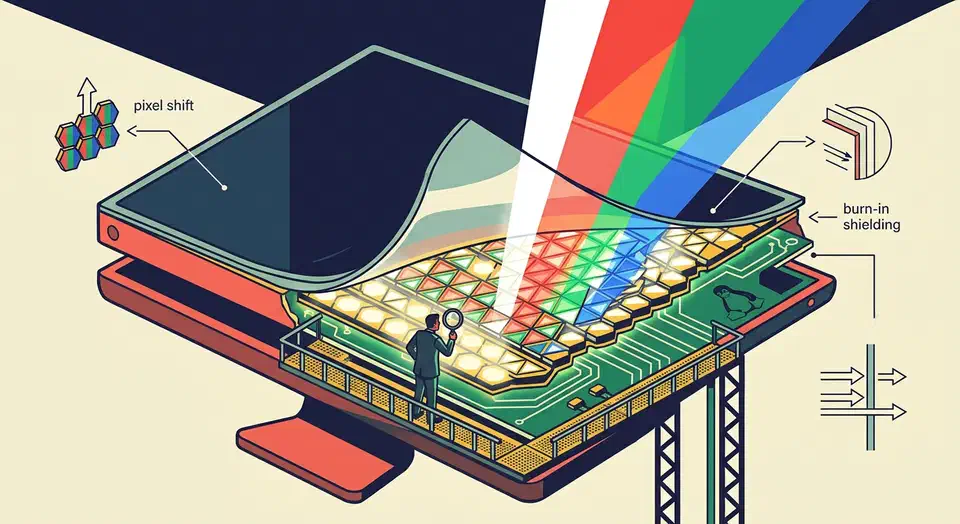
For coding in 2026, the LG UltraFine OLED 32GS95UE is the default pick: a 32-inch 4K WOLED panel at 140 PPI with five-year burn-in coverage and clean Linux support on Wayland under KDE Plasma 6.3 or later. WOLED beats QD-OLED on small monospace text, and 27-inch 1440p OLEDs should be avoided outright.
Key Takeaways
- The LG UltraFine OLED 32GS95UE is the default coder pick in 2026, with five-year burn-in coverage and clean Linux support.
- WOLED beats QD-OLED for small monospace text, and 140 PPI is the density where color fringing stops being visible.
- 27-inch 1440p OLEDs make code text look worse than a cheap IPS panel at the same price.
- KDE Plasma 6.3 on Wayland is the only mature Linux path for OLED HDR, brightness, and 10-bit color in early 2026.
- Use grayscale font antialiasing, dark themes, and auto-hidden system bars to keep burn-in risk near zero.
The Text Clarity Problem: WOLED vs QD-OLED Subpixel Layouts and Why They Matter for Code
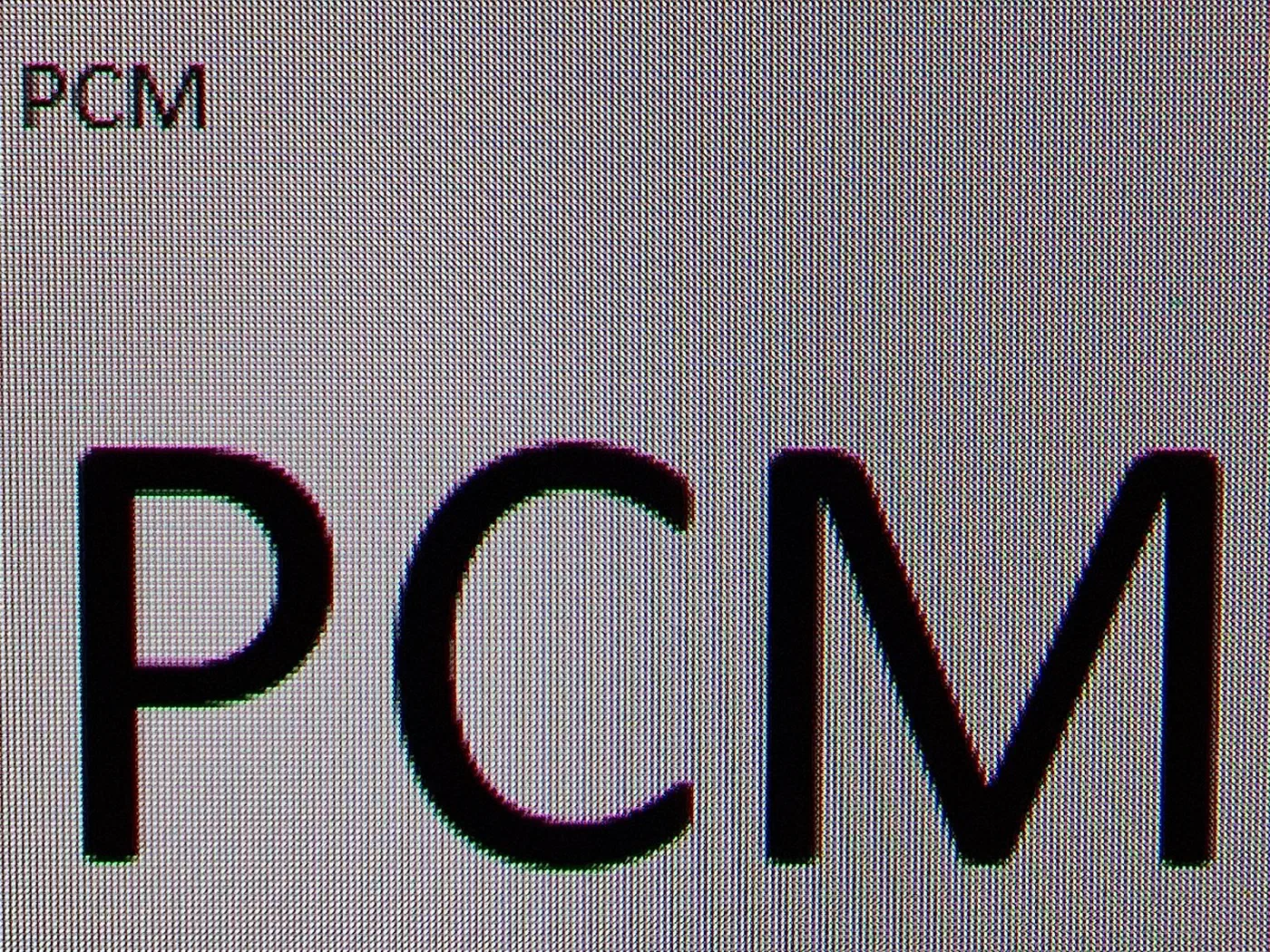
OLED panels do not use the standard horizontal RGB stripe that ClearType and freetype subpixel hinting were designed around. WOLED uses a WRGB quad (a white subpixel next to the three color subpixels), and QD-OLED uses a triangular RGB arrangement. Both produce visible color fringing on small black-on-white text unless you compensate with scaling, hinting tweaks, or raw pixel density. If your first few hours with a new OLED leave you thinking VS Code looks off, this is usually what your eyes are picking up.
On LG WOLED panels the white subpixel sits between the RGB triads, so vertical strokes in letters like l, i, and | pick up a faint cyan or magenta halo. The effect is worst at roughly 109 PPI (27" 1440p) and mostly invisible at 140 PPI (32" 4K). The RTINGS text clarity deep-dive has side-by-side photos that make the physics obvious. LG’s newer 27-inch 4K panel drops the white subpixel problem entirely with a true RGB stripe OLED layout built for text. Samsung’s QD-OLED triangular layout, used in the Alienware AW3225QF, the MSI MPG 321URX, the Samsung Odyssey G80SD, and the Asus PG32UCDP, produces red and green fringes on horizontal stroke edges, and those fringes are most visible in black-on-white terminals and light-theme IDEs.
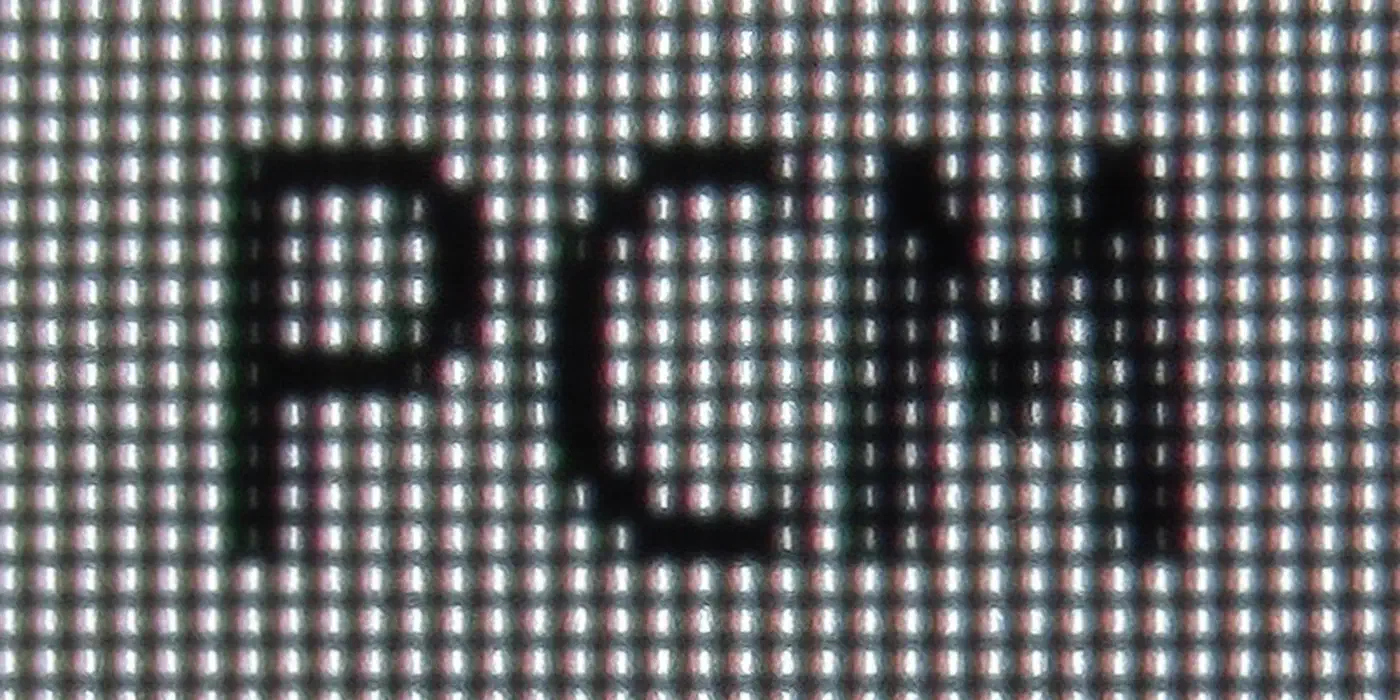
Pixel density is the single biggest factor - a 32" 4K panel at 140 PPI halves the perceived fringe width compared to a 27" 1440p panel at 109 PPI, regardless of panel technology. Font choice matters too. Based on 2026 tester reports, code-font severity ranks roughly as follows: JetBrains Mono is the most forgiving, Fira Code sits in the middle, and Cascadia Code is the least forgiving. Fonts with thicker strokes and more generous internal spacing mask fringing better.
ClearType on Windows and freetype subpixel rendering on Linux were both calibrated for RGB stripe. Both default to worse-than-grayscale on WOLED and QD-OLED unless reconfigured, which is covered in a later section. DCI-P3 coverage is roughly equivalent across the field at 98-99%, but Adobe RGB favors QD-OLED (97% vs WOLED’s ~88%) - relevant only if you also do photo work.
Burn-In in 2026: Pixel Shift, Logo Dimming, and Panel Refresh Cycles
Burn-in was the single biggest objection to OLED for productivity use through 2024. Four generations of mitigation tech plus multi-year warranties have mostly closed that gap for coders who use dark themes and hide taskbars, but the risk is not zero. Static IDE chrome, terminal prompts, and tmux status bars are exactly the kind of content that causes wear.
Every 2026 OLED runs pixel shift - the whole image slides 1-3 pixels on a slow cycle, invisible in practice but occasionally enough to nudge fixed-position overlays out of alignment. LG WOLED and Samsung QD-OLED both also perform logo dimming: after three to five minutes of unchanging bright regions, the panel locally dims them. That is why your Slack sidebar sometimes looks faded when you come back from lunch. Beyond that, panels run two tiers of compensation cycles. A short one runs every four hours of cumulative use, and a long refresh kicks in every 1500 hours. The long cycle takes about an hour and should be allowed to finish.
Warranty status has tightened up considerably. LG covers the 32GS95UE for five years. Dell covers burn-in on the U3225QE for three years. Asus covers its ROG Swift OLED line for three, Alienware covers the AW3225QF for three, and MSI covers the MPG 321URX for three. Dark themes cut luminance on the most static areas of a coding UI by 80% or more, so any light-theme IDE user is taking meaningfully more risk and should enable screen blanking at five minutes. Hide the Windows taskbar, the GNOME top bar, or the KDE panel with auto-hide - persistent bright horizontal bars are the single most common source of coder burn-in reports. RTINGS maintains an ongoing OLED longevity test that is worth checking every few months to see how real panels hold up under punishing static loads.
Top Picks by Use Case
No single OLED is right for every workflow. Pixel density, aspect ratio, panel tech, and price all push different models to the top of different shortlists. The table below covers the four configurations coders actually consider, with a short discussion after it.
| Use case | Monitor | Panel | PPI | Notable feature | Warranty |
|---|---|---|---|---|---|
| Best overall 32" 4K | LG 32GS95UE | WOLED | 140 | 4K240 + DP 2.1 UHBR20 | 5 yr |
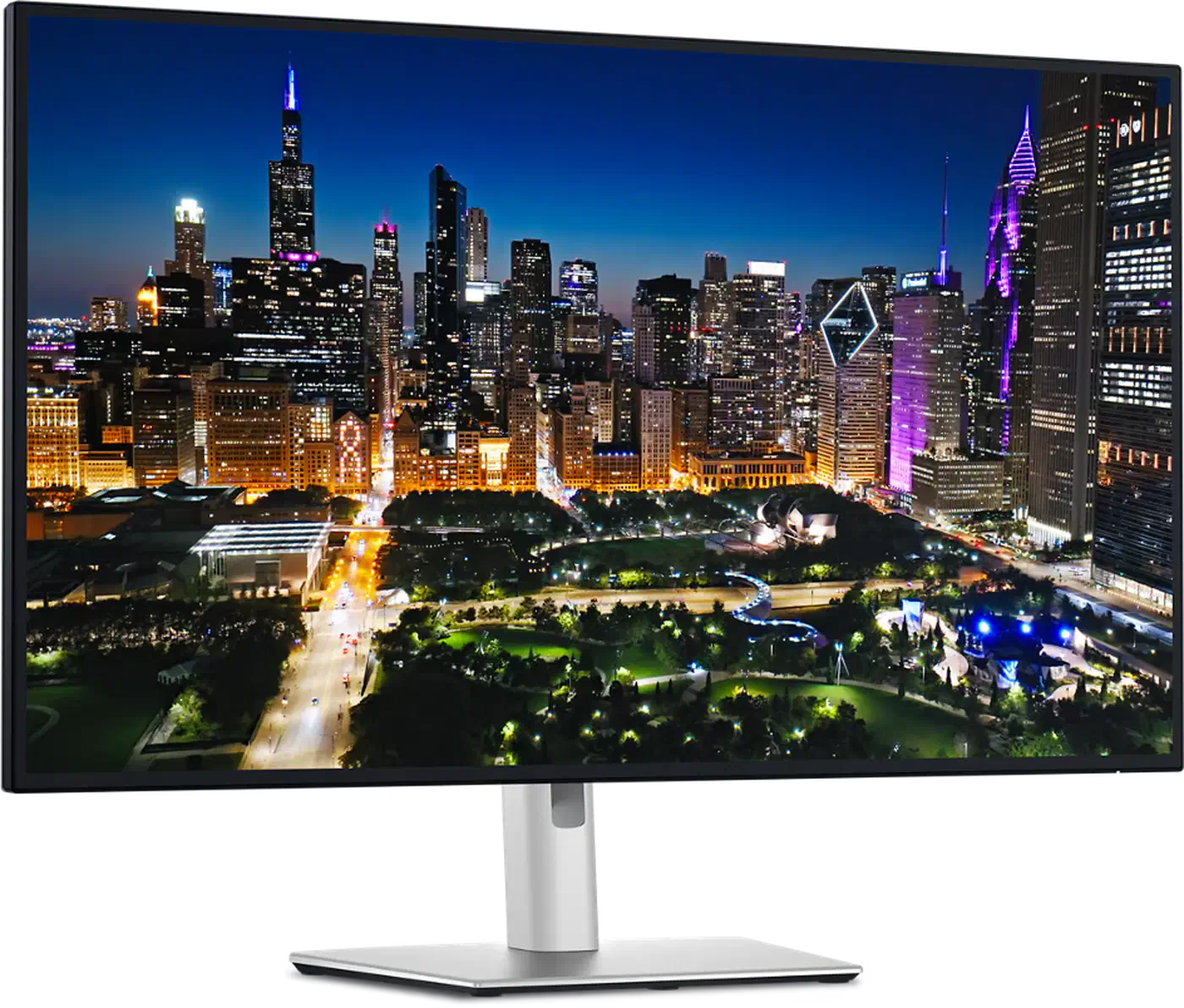
| 32" 4K QD-OLED alt | Dell U3225QE | QD-OLED | 140 | KVM + 140W USB-C PD | 3 yr |
| Enthusiast dual-mode | Asus PG32UCDP | QD-OLED | 140 | 4K240 / 1080p480 switch | 3 yr |
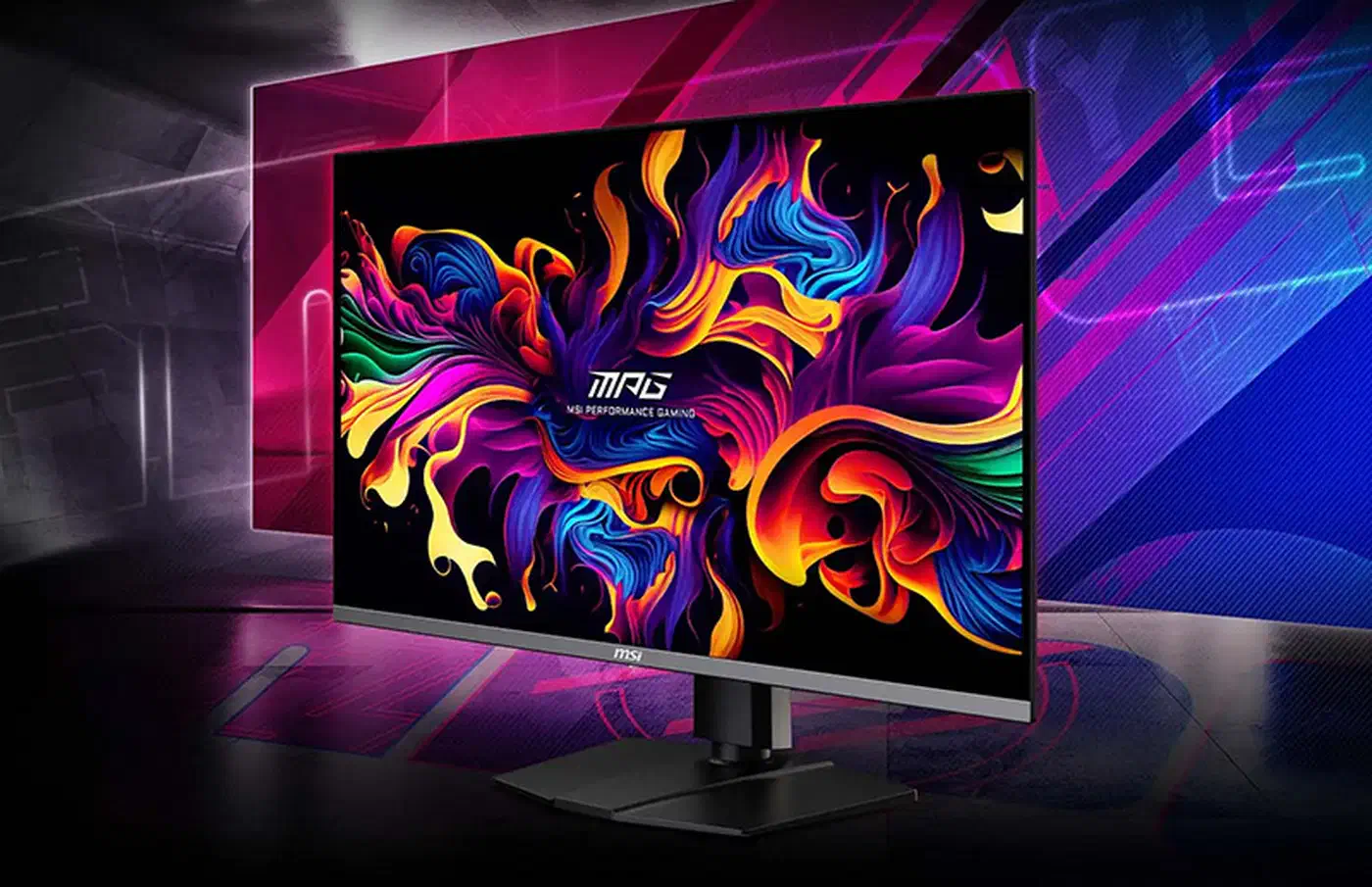
| Budget 32" 4K | MSI MPG 321URX | QD-OLED | 140 | Cheapest 140 PPI OLED | 3 yr |
| Ultrawide productivity | Alienware AW3423DWF | QD-OLED | 110 | 3440x1440 curved | 3 yr |
| 27" 1440p (avoid) | LG 27GS95QE-B | WOLED | 109 | Worst text clarity | 3 yr |
The LG 32GS95UE is the pick most coders should land on. It covers 98.5% of DCI-P3, runs native 4K at 240Hz, sits at about $1050 street in early 2026, and its 140 PPI effectively kills the WRGB fringing that plagues the 27" 1440p generation.
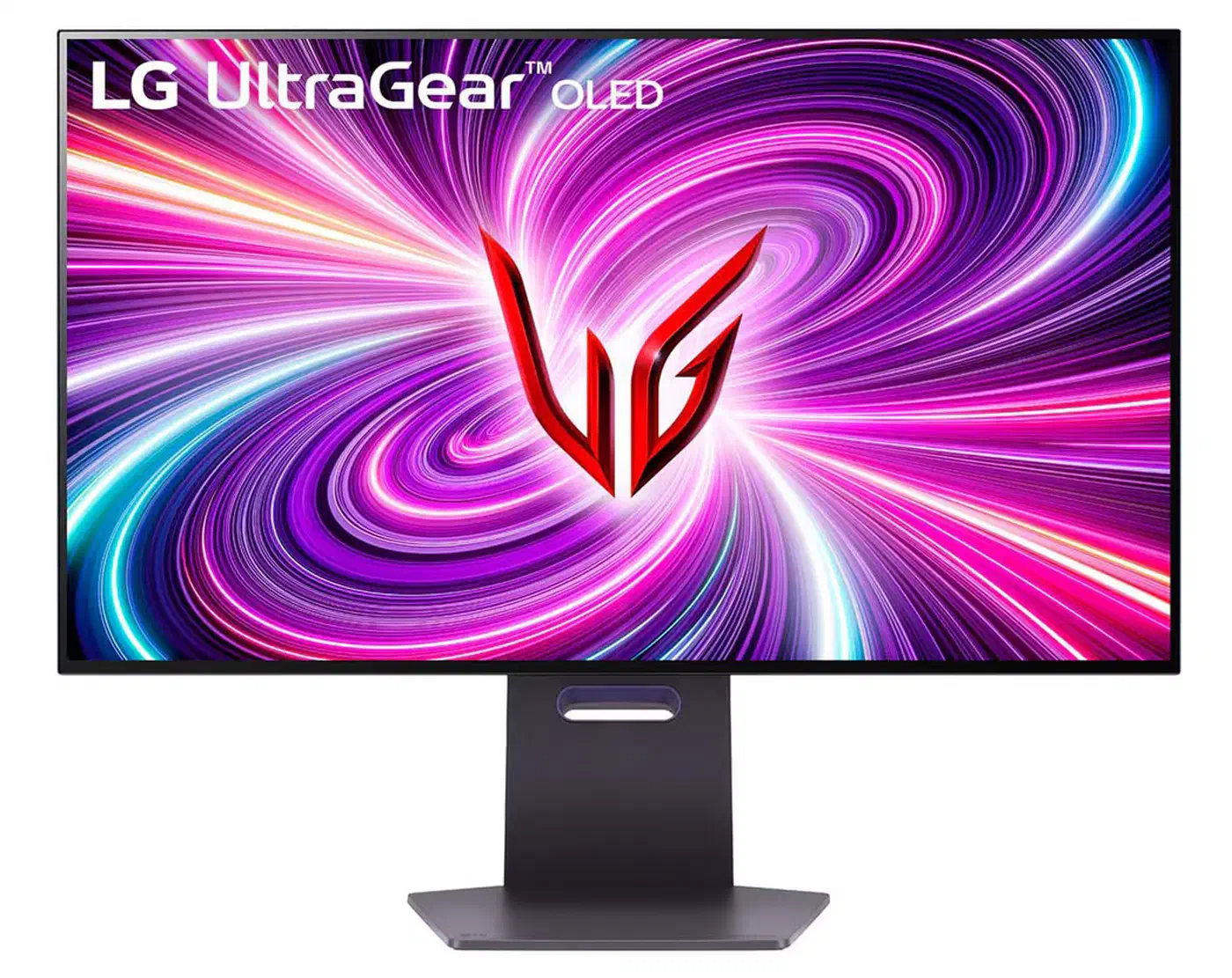
If you care more about desk ergonomics and cable management than raw refresh rate, the Dell U3225QE is the smarter buy. It has the best-in-class build, an integrated KVM, and 140W of USB-C power delivery that will charge most modern laptops from a single cable.
The Asus ROG Swift PG32UCDP is overkill for coding but a good choice if the same machine also does esports. The MSI MPG 321URX is the cheapest path to a 140 PPI OLED today and has text clarity on par with the Alienware AW3225QF at roughly $200 less. For split-screen and side-by-side editor layouts, the Alienware AW3423DWF 34" ultrawide still has a place in 2026, but only if you are willing to use fractional scaling and thicker fonts to compensate for its 110 PPI.
What to avoid: 27" 1440p QD-OLED panels like the Samsung Odyssey G60SD and its clones. The combination of the lowest useful density with the worst-for-text subpixel layout is a bad fit for anything that spends eight hours a day showing monospace code. A regular IPS panel at the same price will look sharper for less money.
Linux Support: Wayland HDR, DDC/CI, 10-bit Color, and KDE Plasma
Linux OLED support has moved faster in 2025 and 2026 than in the preceding decade combined, mostly on the back of KDE’s color management work and AMD’s RADV driver maturation. The picture is still uneven. HDR, DDC/CI brightness, and 10-bit color all work, yet each depends on a specific combination of compositor, driver, and desktop session.
KDE Plasma 6.3 was the first mainstream Linux desktop with genuinely usable Wayland HDR on OLED, covering tone mapping, a brightness slider, and per-app SDR-in-HDR compositing. The later 6.6 release tightened up the remaining rough edges, and the KDE Plasma release notes are the right place to check current status before you pick a distribution. GNOME 46’s HDR support shipped as experimental, and in early 2026 it is still rough on OLED - color management works but the brightness slider often desyncs from the panel. The Wayland color management protocol v1 was ratified in 2025, and Mesa 24.3+ paired with a 6.12 kernel are the baselines for 10-bit pipelines without hacks.
DDC/CI brightness control works over DisplayPort on the LG 32GS95UE and the Dell U3225QE using ddcutil once you load the i2c-dev module. Asus ROG Swift models are hit-or-miss and often need the amdgpu.dc_feature_mask kernel parameter as a workaround. HDMI 2.1 FRL on AMD hardware (Navi 3x and 4x) now supports 4K120 10-bit HDR on Linux as of kernel 6.11, which fixed a three-year-old regression that made HDR on that port a non-starter. NVIDIA users have had a rougher ride: the 560-series driver added Wayland HDR, 570 added VRR on OLED, and 580 added VK_EXT_hdr_metadata support and fixed the last-known 10-bit banding bug on KDE. The NVIDIA Developer Forums still show intermittent regressions after each release, so pin a working driver if you find one and hold.
Fractional scaling at 150% on a 32" 4K OLED lands where most people with comfortable-at-1080p vision want to be, and works correctly under a current Plasma release on Wayland. Xwayland apps may still blur, so prefer native Wayland builds of VS Code, your terminal, and your browser. For color, load the vendor ICC profile from the monitor support page via colord or KDE’s built-in color management - the factory calibration on LG and Dell OLEDs is good enough to skip a colorimeter for most coders.
Font Hinting and Scaling Tricks for OLED Subpixels
Because WOLED and QD-OLED both break the RGB-stripe assumption of traditional subpixel rendering, the fastest way to make your new OLED look right is to change your font stack and rendering settings rather than returning the monitor. A handful of documented tweaks recover most of the perceived sharpness gap with IPS panels.
Disable subpixel antialiasing globally. On Linux, set freetype to grayscale via ~/.config/fontconfig/fonts.conf. RGB-stripe-optimized hinting actively makes WOLED and QD-OLED look worse, and grayscale is the correct path on any non-stripe panel. The Arch Linux font configuration wiki has a copyable snippet. Enable full hinting (hintfull) on monospace fonts. Fonts designed with proper TrueType instructions - JetBrains Mono, Iosevka, and Cascadia Code - snap strokes to the pixel grid and dodge most fringing.
Switch to darker themes if you have not already. Black-on-white fringes are three to four times more visible than white-on-black because the human eye is more sensitive to color edges on bright backgrounds. Fractional scaling at 150% on a 4K 32" panel gives you effective 1440p real estate at 140 PPI rendering, which scales fringe width down to where it stops being perceptible for most viewers. On Windows for dual-boot users, run the ClearType tuner after disabling subpixel rendering in favor of grayscale, or use the PowerToys issue tracker’s recommended presets for WOLED and QD-OLED.
Bumping font weight one step (JetBrains Mono Medium instead of Regular) adds enough stroke mass that fringes are visually swamped. Check results with a 100% zoom screenshot of a dense code file under your editor’s default settings - that is the single best test for whether a given scaling config is actually working. The TFT Central text rendering article has reference crops worth comparing against. If the fringing still bothers you, a budget 4K IPS panel sidesteps the problem for a lot less money.
What To Actually Buy
OLED for coding in 2026 is a viable, even preferable choice for anyone who can live with the burn-in mitigation habits and who runs at 140 PPI or higher. The LG 32GS95UE is the default recommendation, the Dell U3225QE is the sensible productivity pick, and the MSI MPG 321URX is the value play. Skip 27" 1440p OLEDs outright and budget an hour to set up font rendering properly the first time. On Linux, pick a Wayland session under a current KDE Plasma release and check your driver status before you swipe the card. Do that, and the jump from IPS to OLED turns into the kind of upgrade you only notice when you sit back down at the old screen.
FAQ
Is OLED safe for eight or more hours of daily coding?
Does OLED cause more eye strain than IPS for long coding sessions?
NVIDIA or AMD for OLED on Linux in 2026?
Will my Mac drive a 4K 240Hz OLED at native refresh?