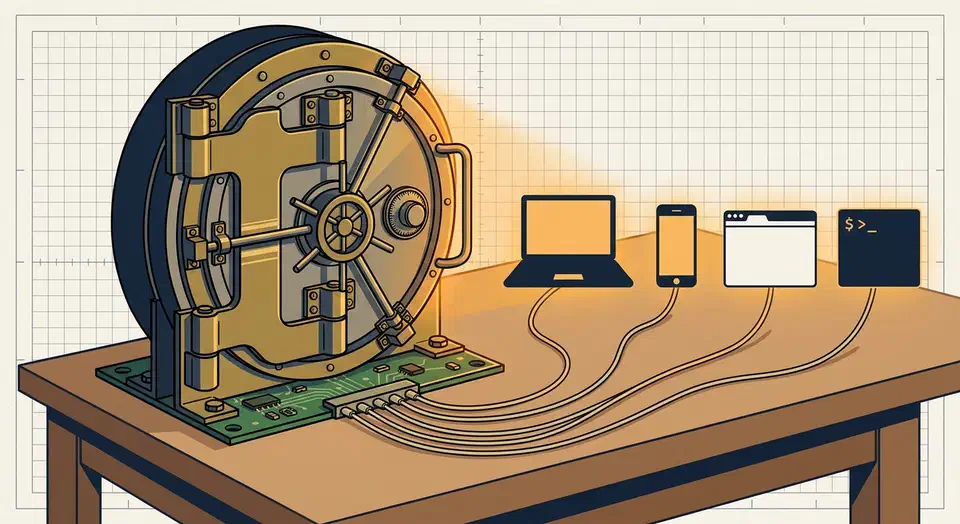
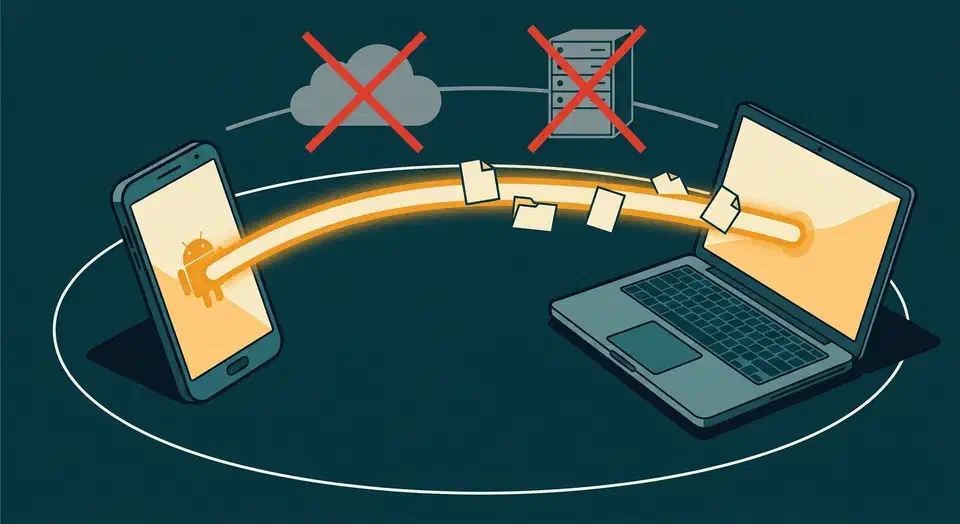
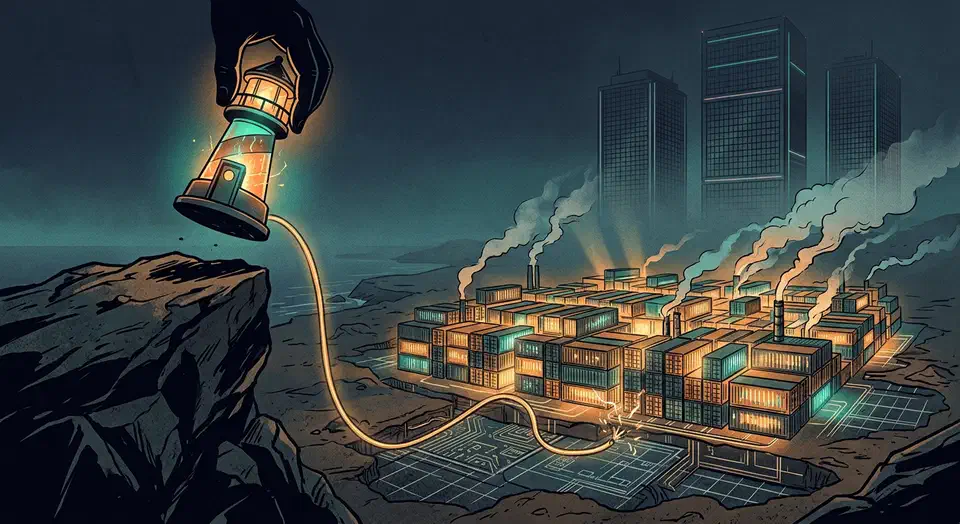
Screen sharing on Wayland fails because Wayland’s security model blocks apps from grabbing other windows or the full desktop. The fix has three layers. First, install the right XDG Desktop Portal backend for your compositor. Second, check that PipeWire is running as your media daemon. Third, set your browser or app to use the portal capture path, not the old X11 one. Once these align, screen sharing works in Zoom, Teams, Discord, and Google Meet on any major Wayland compositor .
Monitor Linux Servers: Prometheus and Grafana
Deploy Prometheus to scrape metrics from node_exporter on each Linux server. Then chart it all in Grafana with CPU, memory, disk, network, and systemd service health. The full stack (Prometheus 3.x, node_exporter 1.10, Grafana 11.6) can watch a 10-server homelab on one Raspberry Pi 4 or a small VM with 1GB RAM. The community Node Exporter Full dashboard (Grafana ID 1860) gives you production-grade views in under 30 minutes.
Thunderbolt 5 Explained: What It Means for Linux Users
Thunderbolt 5
doubles the pipe to 80 Gbps in both directions (120 Gbps with Bandwidth Boost for displays). It is USB4 v2 compliant and tunnels PCIe Gen 4 x4. For Linux users, that means real gains for eGPU rigs, multi-display docks, and fast NVMe drive bays. Kernel 6.10+ ships basic Thunderbolt 5 support through the thunderbolt driver. Full feature work depends on your distro, firmware, and hardware. The upgrade pays off only when you need more speed than Thunderbolt 4’s 40 Gbps can give.
Zig 1.0 Tutorial: Build a Systems Programming Project Without C
Zig is a modern systems language built to replace C. It keeps manual memory management and zero hidden control flow: no garbage collector, no runtime, and one statically-linked binary that runs anywhere. Install Zig from ziglang.org/download
, scaffold a project with zig init, and you’ll have a working CLI tool in about 50 lines using comptime, error unions, and first-class C interop. The killer feature: zig build-exe -target x86_64-linux-musl cross-compiles to any target from any host with zero toolchain setup.
Deploy Ceph with cephadm: 3-node, 12 OSD storage cluster
Yes, you can build a self-healing, redundant distributed storage cluster using Ceph
across three Linux nodes. It’s less painful than its reputation suggests, thanks to the modern cephadm tool. You get block storage (RBD) for VMs, a shared POSIX filesystem (CephFS) for many clients, and S3-compatible object storage if you want it. Your data survives the loss of any node, rebalances on its own when hardware changes, and scales from a homelab to petabyte production by adding more disks.
Best Budget 4K Monitors for Linux Development in 2026
The best budget 4K monitors for Linux development in 2026 are the Dell S2722QC (around $330, USB-C with 65W power delivery, clean out-of-box scaling), the LG 27UL500-W (around $250, wide color gamut IPS with HDR10), and the ASUS ProArt PA279CRV (around $420, factory-calibrated with 96W USB-C PD). All three report correct EDID on major distributions, handle Wayland fractional scaling at 150% or 175% without driver workarounds on kernel 6.x, and deliver the pixel density you need for sharp text at 27 inches.
Botmonster Tech