 Botmonster Tech
Personal AI Research Assistant: Local Semantic Search

You can build a personal AI research assistant that ingests PDFs, web bookmarks, and notes into a local ChromaDB vector store, then answers questions with cited sources using Ollama and a local LLM like Llama 4 Scout. The system uses sentence-transformers to embed your documents into a searchable vector index, retrieves relevant passages when you ask a question, and generates answers that include citations pointing back to the exact source document and page. The entire stack runs offline on consumer hardware with no cloud dependencies, keeping your research data private.
Once you have a few hundred documents indexed, the ability to ask natural language questions across your entire personal knowledge base and get cited answers saves real time during daily research work.
Why Build Your Own Instead of Using ChatGPT or Perplexity
Cloud AI assistants like ChatGPT and Perplexity are good at searching the public web, but they cannot search your personal PDF library, your Obsidian vault, or your saved bookmarks. The most valuable research context is almost always in your private collection, not on the open internet.
Even with 200K token context windows, you cannot paste your entire research library into a conversation. Vector search solves this by retrieving only the relevant passages from any size library. A 10,000-document collection is just as searchable as a 100-document one - the query time stays under a second.
Privacy is a hard requirement for many use cases. Academic research in progress, proprietary business documents, medical records, legal case files - these cannot be uploaded to cloud services. Local processing means zero data leakage. Your documents never leave your machine.
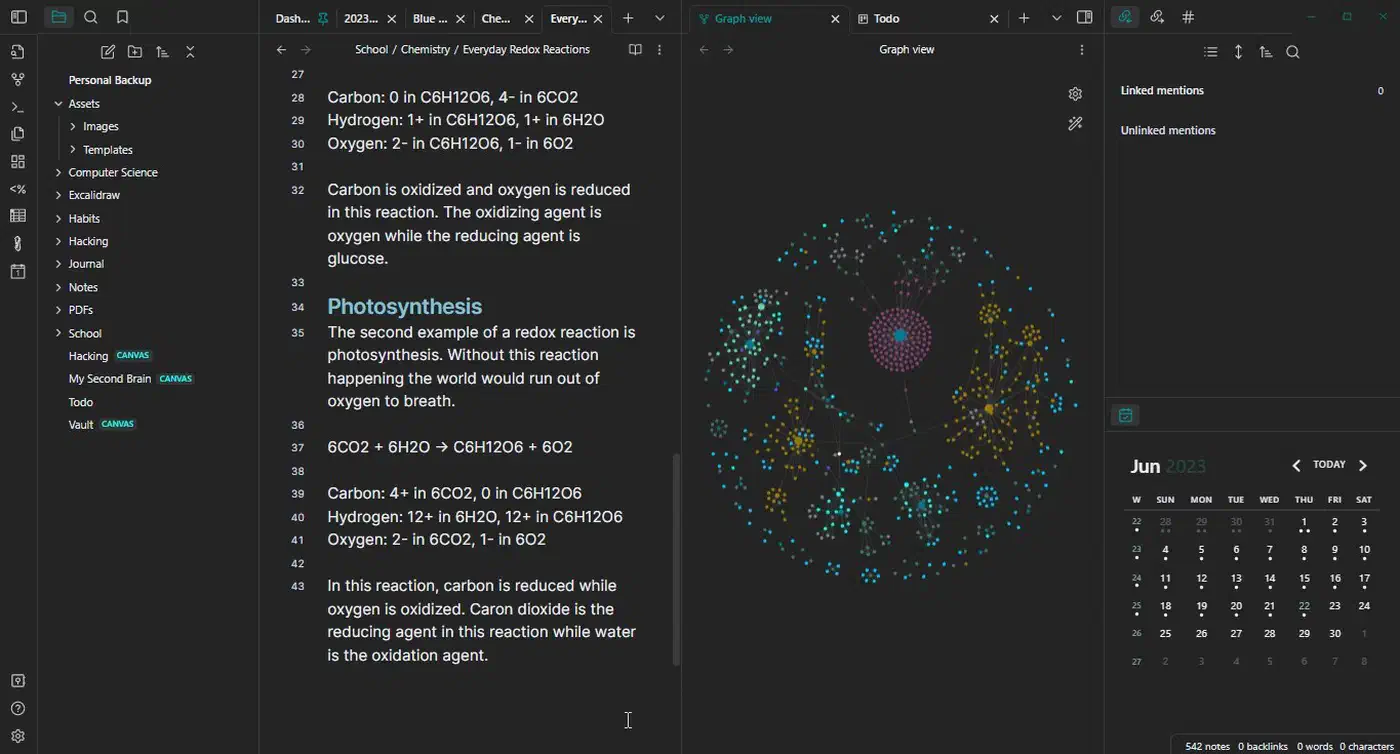
Session persistence matters too. Cloud assistants forget everything between conversations. Your local vector store is permanent and grows over time. Every document you add makes the system more useful. After six months of regular use, you have a searchable knowledge base that no cloud tool can replicate because it contains your specific collection of sources.
Cost is straightforward: querying your own knowledge base with a local LLM costs nothing per query. If you are making 50+ queries per day during active research, the savings over API-based solutions add up fast.
Finally, you control every parameter. The embedding model, chunk size, retrieval strategy, and generation model are all yours to tune. You can optimize for your specific domain - academic papers, technical documentation, legal briefs - rather than relying on a general-purpose system that works adequately for everyone but optimally for nobody.
System Architecture and Component Selection
The research assistant has four components: document ingestion, embedding and indexing, semantic search, and answer generation. Here is what each one needs and which tools work well for consumer hardware.
For document ingestion, PyMuPDF (v1.25+) extracts text from PDFs including multi-column layouts and footnotes. markdownify converts saved HTML pages to clean text. python-docx handles Word documents. Plain Markdown notes are read directly.
Documents need to be split into chunks the embedding model can process. Use RecursiveCharacterTextSplitter from LangChain
with 512-token chunks and 50-token overlap. This size balances retrieval precision against context completeness - smaller chunks are more precise but lose surrounding context, larger chunks preserve context but dilute the embedding.
The embedding model converts text chunks into vectors. Two good options:
| Model | Dimensions | Size | Speed (CPU) | Best For |
|---|---|---|---|---|
all-MiniLM-L6-v2 | 384 | ~80 MB | ~14K docs/sec | Fast setup, smaller collections |
nomic-embed-text-v2 | 768 | ~270 MB | ~5K docs/sec | Better quality, production use |
Start with all-MiniLM-L6-v2 from sentence-transformers to get running quickly. Switch to Nomic’s embedding model
later if retrieval quality needs improvement.
For the vector store, use ChromaDB v0.6+ with persistent storage. Initialize it with:
import chromadb
client = chromadb.PersistentClient(path="./research_db")
collection = client.get_or_create_collection("research")
ChromaDB supports metadata filtering, incremental updates, and scales to over a million documents on a single machine. The persistent client saves to disk automatically, so your index survives restarts. For a Qdrant-based alternative with BGE-M3 embeddings, see the guide on setting up a private local RAG knowledge base .
The generation model runs through Ollama. llama4-scout:17b at Q4_K_M quantization needs about 10 GB of VRAM and produces good answers with citations. If your GPU has less memory, mistral-nemo:12b works well too. Both support the system/user/assistant message format needed for RAG prompting.
The whole thing is orchestrated by a single Python script - no framework required. Use httpx for Ollama API calls, chromadb for vector operations, and Rich
for terminal formatting. It all fits in a few hundred lines of code.
Ingesting and Indexing Your Documents
Personal document collections are messy. PDFs have broken text extraction, web pages have boilerplate navigation, and notes exist in various formats. Getting the ingestion right, with proper metadata preservation, determines whether the system is actually useful or just annoying to work with.
PDF ingestion with PyMuPDF is straightforward:
import pymupdf

def ingest_pdf(filepath):
    doc = pymupdf.open(filepath)
    pages = []
    for i, page in enumerate(doc):
        text = page.get_text()
        if text.strip():
            pages.append({"text": text, "page": i + 1})
    return pages
PyMuPDF handles multi-column layouts and preserves reading order better than alternatives like pdfplumber. For scanned PDFs without embedded text, you would need OCR (Tesseract or EasyOCR), but that is a separate project.
Web bookmark ingestion strips boilerplate from saved HTML:
from markdownify import markdownify

def ingest_html(filepath, source_url=None):
    with open(filepath) as f:
        html = f.read()
    text = markdownify(html, strip=["script", "style", "nav", "footer"])
    return {"text": text, "source_url": source_url}
For live URLs, fetch with httpx.get(url) first, then convert. Always store the source URL as metadata so citations can link back to the original.
Markdown and Obsidian notes benefit from semantic chunking. Rather than splitting on arbitrary token boundaries, split on headings to create meaningful chunks:
import re

def split_markdown_by_headings(text):
    sections = re.split(r'\n(?=#{1,3}\s)', text)
    return [s.strip() for s in sections if s.strip()]
Preserve the heading hierarchy as metadata (section: "Literature Review > Methodology") so you know exactly where a retrieved chunk came from.
The metadata schema matters a lot for useful citations. Every chunk gets:
source_file- original filename or URLpage_number- for PDFssection_heading- for structured documentsdate_added- when the document was ingesteddocument_type- pdf, web, or notecontent_hash- SHA-256 for deduplication
Batch embedding and indexing processes documents efficiently:
from sentence_transformers import SentenceTransformer
import hashlib

model = SentenceTransformer("all-MiniLM-L6-v2")

def index_chunks(collection, chunks, metadatas):
    ids = [hashlib.sha256(c.encode()).hexdigest()[:16] for c in chunks]
    embeddings = model.encode(chunks, batch_size=100,
                              show_progress_bar=True).tolist()
    collection.add(
        documents=chunks,
        embeddings=embeddings,
        metadatas=metadatas,
        ids=ids
    )
Process in batches of 100 chunks. On a modern CPU, embedding 1,000 PDF pages takes roughly 2 minutes including extraction and chunking. The resulting vector store is about 50 MB for 10,000 chunks.
Incremental updates prevent re-processing unchanged documents. On re-ingestion, check the content_hash against existing entries. Skip unchanged documents, re-embed modified ones, and remove deleted sources. A simple SQLite table alongside ChromaDB tracks what has been ingested and when:
import sqlite3

def init_tracking_db():
    conn = sqlite3.connect("./research_db/tracking.db")
    conn.execute("""
        CREATE TABLE IF NOT EXISTS ingested (
            filepath TEXT PRIMARY KEY,
            content_hash TEXT,
            last_ingested TIMESTAMP DEFAULT CURRENT_TIMESTAMP
        )
    """)
    return conn
Querying - Semantic Search with Cited Answers
The query pipeline is the part you actually use day to day. You ask a natural language question and get a synthesized answer with citations pointing to specific documents and pages.
Retrieval embeds the query with the same model used for indexing, then searches ChromaDB:
def retrieve(collection, query, n_results=10):
    q_embedding = model.encode([query]).tolist()
    results = collection.query(
        query_embeddings=q_embedding,
        n_results=n_results,
        include=["documents", "metadatas", "distances"]
    )
    return results
Relevance filtering prevents the LLM from receiving irrelevant context. Discard results with cosine distance above 0.7 (where 0 is identical and 2 is opposite). Without this filter, low-quality matches can mislead the generation step:
def filter_results(results, max_distance=0.7):
    filtered = {"documents": [], "metadatas": []}
    for doc, meta, dist in zip(
        results["documents"][0],
        results["metadatas"][0],
        results["distances"][0]
    ):
        if dist <= max_distance:
            filtered["documents"].append(doc)
            filtered["metadatas"].append(meta)
    return filtered
Context assembly formats retrieved chunks so the LLM can cite them by number:
def format_context(filtered):
    passages = []
    for i, (doc, meta) in enumerate(
        zip(filtered["documents"], filtered["metadatas"]), 1
    ):
        source = meta.get("source_file", "unknown")
        page = meta.get("page_number", "")
        page_str = f", p.{page}" if page else ""
        passages.append(f"[{i}] (source: {source}{page_str}) \"{doc[:500]}\"")
    return "\n\n".join(passages)
The generation prompt instructs the LLM to use only the provided context and cite sources:
Answer the question using ONLY the provided context passages.
Cite your sources using [1], [2], etc.
If the context doesn't contain enough information, say so.

Context:
{passages}

Question: {query}
Answer:
Calling Ollama streams the response for an interactive feel:
import httpx

def generate_answer(query, context):
    system_prompt = f"""Answer the question using ONLY the provided context
passages. Cite your sources using [1], [2], etc. If the context doesn't
contain enough information, say so.

Context:
{context}"""

    response = httpx.post(
        "http://localhost:11434/api/chat",
        json={
            "model": "llama4-scout",
            "messages": [
                {"role": "system", "content": system_prompt},
                {"role": "user", "content": query}
            ],
            "stream": True
        },
        timeout=120
    )
    # Process streaming response
    for line in response.iter_lines():
        chunk = json.loads(line)
        if "message" in chunk:
            yield chunk["message"].get("content", "")
After generation, parse the [N] references from the answer and check that each referenced passage actually exists in the context. Flag any citations that reference passages outside the provided set - this catches hallucinated citations
, which local LLMs occasionally produce.
Follow-up queries work by maintaining conversation history. When a user asks “Tell me more about the methodology in source [3]”, the system can re-retrieve from the same source document with a refined query targeting that specific section.
Building the User Interface
There are three reasonable interface options depending on how you prefer to work.
The CLI mode is the simplest approach - a loop that reads queries, runs the pipeline, and prints formatted answers:
from rich.console import Console
from rich.markdown import Markdown

console = Console()

while True:
    query = input("\nQuery: ").strip()
    if not query:
        continue
    if query.startswith("/"):
        handle_command(query)
        continue

    results = retrieve(collection, query)
    filtered = filter_results(results)
    context = format_context(filtered)

    console.print("\n[bold]Answer:[/bold]")
    answer = ""
    for chunk in generate_answer(query, context):
        console.print(chunk, end="")
        answer += chunk
    console.print()
Rich handles colored output and markdown rendering, making citations and code blocks readable in the terminal.
A TUI built with Textual provides a richer terminal experience. A split-panel interface with query input at the bottom, streaming answer output in the main panel, and a sidebar showing retrieved sources with metadata takes about 100 lines of Textual code. For terminal-oriented users, this hits the right balance between simplicity and usability. The Textual and Rich framework guide covers components like reactive state and CSS-styled layouts that work well for this kind of query tool.
For a browser-based option, Gradio gets you a chat interface with minimal code:
import gradio as gr

def query_pipeline(message, history):
    results = retrieve(collection, message)
    filtered = filter_results(results)
    context = format_context(filtered)
    answer = "".join(generate_answer(message, context))
    return answer

gr.ChatInterface(fn=query_pipeline, title="Research Assistant").launch()
Gradio
creates a chat-style web interface at localhost:7860. You can add a file upload component for drag-and-drop document ingestion so users can add new sources without touching the command line.
Useful commands for the CLI and TUI modes: /ingest path/to/file.pdf to add new documents on the fly, /sources to list all indexed documents with their metadata, /stats to show vector store statistics (total chunks, document count, storage size), and /clear to reset conversation history.
One practical tip: lazy-load the embedding model and LLM on the first query rather than at startup. Display a “Loading models…” indicator during that initial load. After the first query, models stay in memory and subsequent queries respond in 1-3 seconds depending on your hardware and the number of retrieved passages.
Putting It All Together
The complete system requires these Python packages:
chromadb>=0.6.0
sentence-transformers>=3.0
pymupdf>=1.25.0
markdownify>=0.14
httpx>=0.27
rich>=13.0
Install Ollama separately and pull your generation model with ollama pull llama4-scout. The first run takes longest because it downloads the embedding model (~80 MB) and builds the initial index. After that, adding new documents is incremental and fast.
A practical workflow looks like this: save interesting PDFs and web pages to a designated folder, run the ingestion script periodically (or set up a file watcher with watchdog), and query whenever you need to find something across your collection. The system gets more valuable with every document you add. After a few months of regular use, it becomes a genuine research tool rather than a proof of concept.
The entire codebase fits in under 500 lines of Python. No frameworks, no complex deployment, no cloud accounts. Just a local vector store, a local LLM, and your documents.