 Botmonster Tech
Claude Code vs Cursor vs GitHub Copilot: which AI coding tool fits your workflow (2026)

Claude Code vs Cursor vs GitHub Copilot is no longer a contest between models, since all three can run Anthropic’s Claude. The harness decides. Claude Code is a terminal-first agent, Cursor an agent-first editor now owned by SpaceX, and Copilot a plugin for every IDE. In JetBrains’ 2026 survey, Claude Code’s work usage more than doubled to 39%.
Key Takeaways
- All three tools can run Claude, so the model no longer picks the winner.
- Claude Code became the most used AI coding tool at work in 2026.
- Copilot is still the cheapest way in at $10 a month.
- Cursor’s default fast model is now xAI’s Grok 4.7, after the SpaceX deal.
- Most developers pair two tools rather than pick one.
Three ways to build an AI coding tool
These tools aren’t swappable. Each one has a different way you talk to it. Knowing the design tells you which jobs a tool does well and where it struggles.
Claude Code is Anthropic’s agent. It started as a terminal CLI and now runs in VS Code, a desktop app, the browser, and on your phone, with a JetBrains plugin still in beta. It reads your codebase through agent search and works across dozens of files on its own. It defaults to Opus 5.5 on every paid plan, and every plan, Pro included, gets a 1M-token context window. It plugs into GitHub, GitLab, Slack and shell tools to run the whole loop: reading issues, writing code, running tests, committing, and opening PRs.
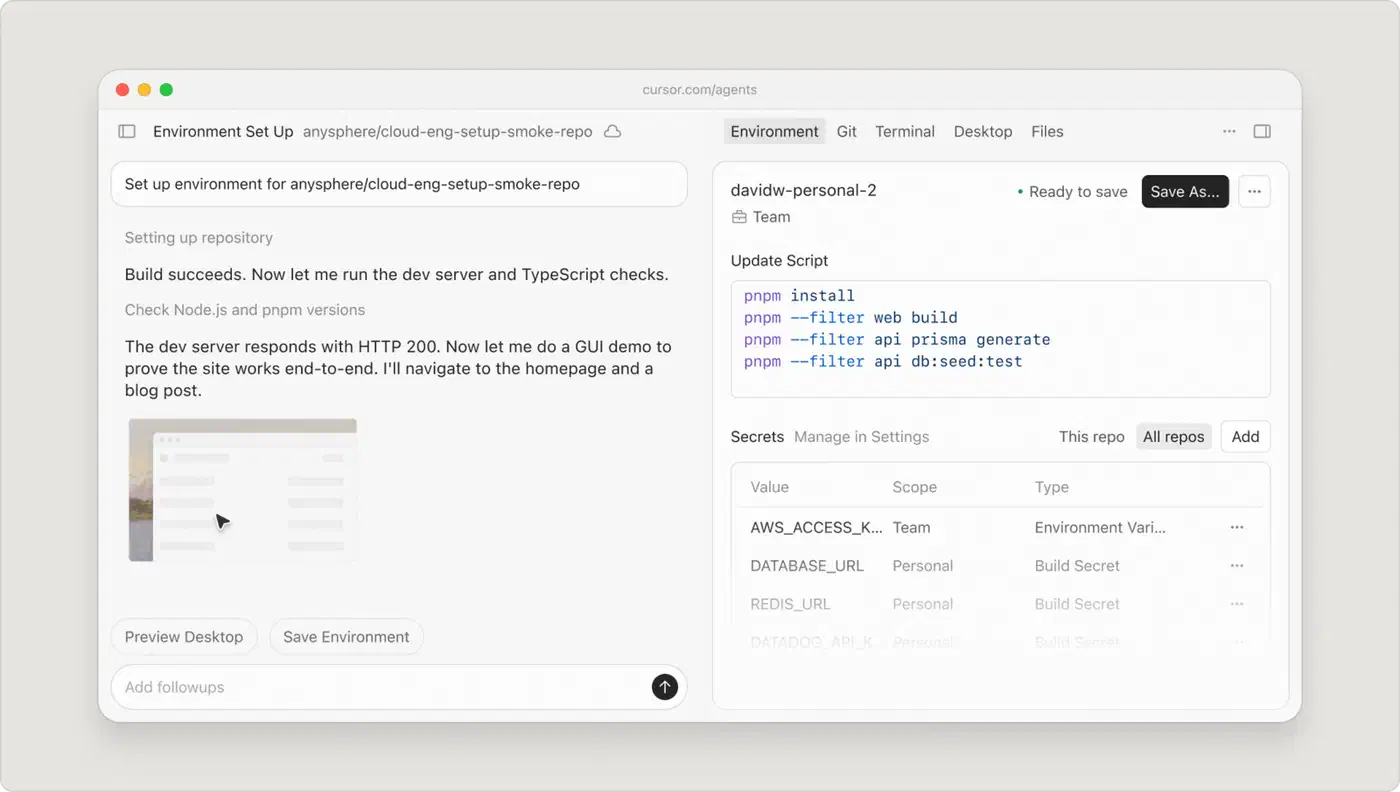
Cursor is a VS Code fork rebuilt around AI. Cursor 3.0 put agents at the center of the editor, running in parallel on your laptop, in worktrees, over SSH, or on cloud machines. Cursor is now part of SpaceX after a $60 billion all-stock deal. The ownership shows in the model menu: Grok 4.7 is the default fast model on Pro, next to Cursor’s own Composer 2.5.
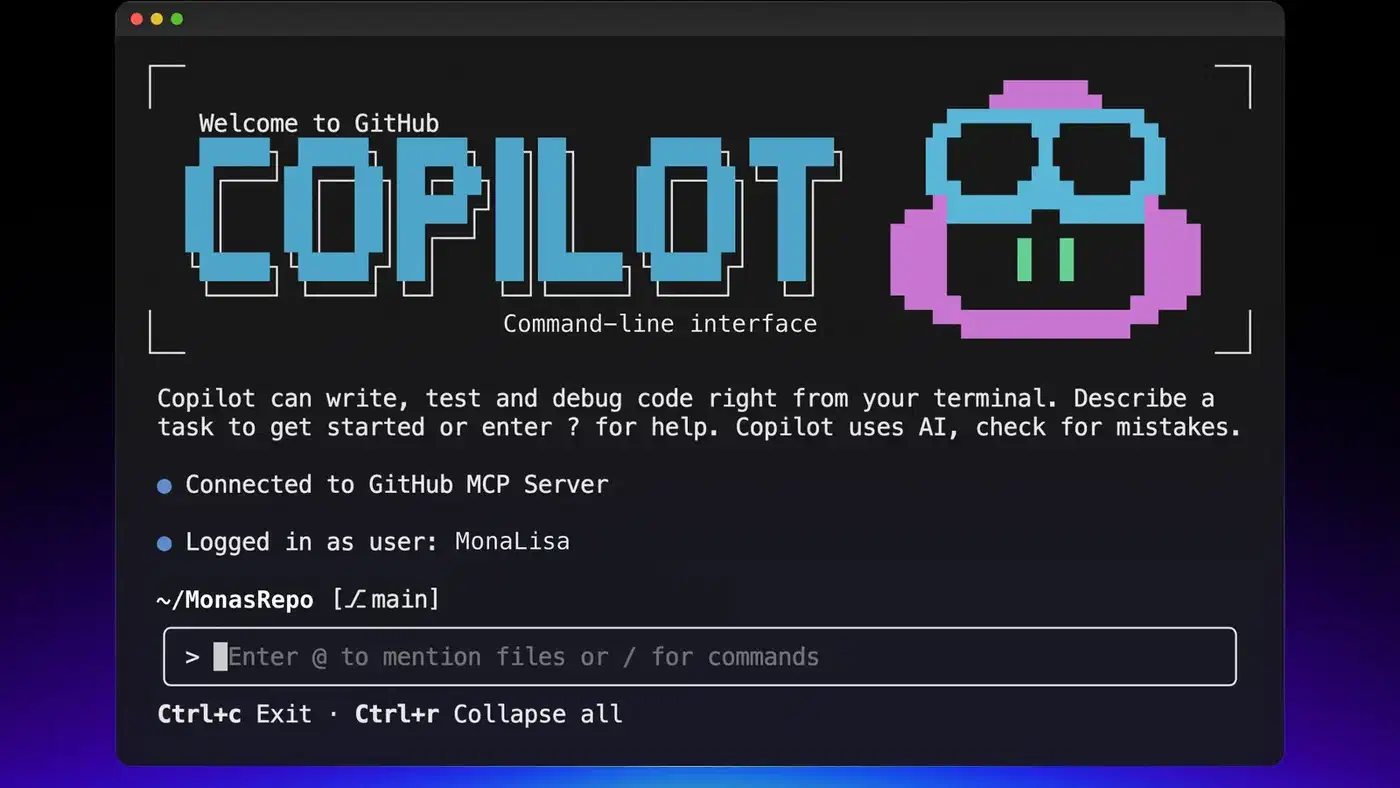
GitHub Copilot is a plugin that runs in VS Code, JetBrains, Visual Studio, Neovim and Xcode, plus a CLI and a desktop app in preview. Its model list is the widest of the three. It offers Opus 5.5, Fable 5.1, GPT-6 Sol, Gemini 3.8 Flash, Grok 4.7 and more on the supported models page. The Copilot cloud agent takes an issue and returns a pull request. Claude and Codex also run inside Copilot as third-party agents.
Picking one comes down to where you like to work: a terminal, a visual editor, or whatever IDE you already use.
Pricing: Claude Code vs Cursor vs Copilot
All three changed how they bill in 2026. Copilot swapped premium requests for token-based credits, Cursor split its usage into two pools, and Claude Code’s team seats got cheaper.
| Plan | Claude Code | Cursor | GitHub Copilot |
|---|---|---|---|
| Free | No (Claude Free excludes Claude Code) | Hobby, limited agent use | 2,000 completions, limited chat and agents |
| Entry | $20/mo Pro | $20/mo Pro | $10/mo Pro |
| Mid | $100/mo Max 5x | $60/mo Pro Plus | $39/mo Pro+ |
| Top individual | $200/mo Max 20x | $200/mo Ultra | $100/mo Max |
| Team | $25/seat Standard, $125/seat Premium | $40/user Standard, $120 Premium | $19/seat Business |
| Enterprise | $20/seat yearly plus usage | Custom | $39/seat |
| How usage is metered | Limits per 5-hour window and per week | Cursor Models pool plus Other Models pool | GitHub AI Credits per token |
Claude’s pricing page bundles Claude Code into every paid plan. Pro costs $20 a month, or $17 billed yearly. The two Max tiers give 5x or 20x the Pro allowance. Team Standard seats cost $25 a month, or $20 billed yearly, and Premium seats at $125 get five times the usage. Enterprise moved to a $20 seat fee plus metered usage, so heavy agent teams pay for what they burn.
Cursor’s pricing keeps Pro at $20, Pro Plus at $60 and Ultra at $200. Usage now draws from two pools: one for Cursor’s own models like Composer and Grok 4.7, and one for models from other labs, such as Claude and GPT. Teams pay $40 for a Standard seat or $120 for a Premium seat with five times the agent limits. Teams and Enterprise also pay a $0.25 per million token “Cursor Token Rate” on top.
Copilot moved to usage-based billing in June. Chat, agent mode and the cloud agent now spend GitHub AI Credits by the token, while completions stay free on paid plans. Pro at $10 includes $10 of credits, Pro+ at $39 includes $39, and a new Max plan at $100 includes $100. Each plan adds a “flex” bonus on top.
Copilot Pro is still the cheapest paid entry by half. At the top end, Claude Max 20x and Cursor Ultra both cost $200, while Copilot Max stops at $100.
Benchmarks: the model is shared, the harness is not
The old way to compare these tools was a SWE-bench Verified score per tool. That number is gone. OpenAI stopped reporting SWE-bench Verified after an audit found flawed tests in 59.4% of the problems it checked. Later, it withdrew its backing for SWE-bench Pro after finding about 30% of the public tasks broken. The ranking also shifts with the test: which benchmark you read can decide which model looks best.
Vendors now lean on Terminal-Bench 4.0 and CursorBench 4.0. Both score the model, not the tool around it:
| Model | Terminal-Bench 4.0 | CursorBench 4.0 |
|---|---|---|
| Claude Opus 5.5 | 66.4% | 57.8% |
| Claude Fable 5.1 | 55.8% | 51.8% |
| Grok 4.7 | 37.6% | 46.3% |
| GPT-5.6 Sol | 37.3% | 41.7% |
Anthropic reports both Opus 5.5 scores and Fable 5.1’s Terminal-Bench result on its Opus 5.5 launch page. The remaining numbers come from xAI’s Grok 4.7 table. Opus 5.5 also costs $4 in and $20 out per million tokens, less than half of Fable 5.1’s $10 and $50. Every number here is vendor-reported, and xAI’s own run puts Fable 5.1 at 57.9% on Terminal-Bench, two points above Anthropic’s figure.
The consequence for tool choice is plain. Copilot users can pick Opus 5.5 from the model menu, and Cursor bills it from the Other Models pool. Claude Code runs it by default. So the score gap between tools now comes from context handling, planning and tool use, not from which model sits underneath. Reddit’s early read on the new default is covered in how Opus 5.5 landed with developers: the praise is for a plain voice and generous usage limits more than for benchmark wins.
On speed, Cursor feels fastest in the editor because its default fast models are cheap and quick. Claude Code is slower to start on a big task because it maps the codebase first. However, that early read saves it from backtracking on multi-step jobs.
What developers actually use
JetBrains surveyed more than 15,000 professional developers for its AI coding agent adoption report, comparing a May to July wave against January:
| Tool | Used at work, January | Used at work, May to July |
|---|---|---|
| Claude Code | 18% | 39% |
| GitHub Copilot | 29% (a year earlier) | 21% |
| OpenAI Codex | 3% | 16% |
| Cursor | 18% | 12% |
| OpenCode | not reported | 7% |
| Google Antigravity | not reported | 6% |
Claude Code more than doubled in six months, and it reached 47% among US respondents. Cursor lost a third of its work share over the same period, even as more developers heard of it. The same report says 90% of developers use AI agents at least weekly, and 68% use them daily.
A smaller Stack Overflow pulse survey of about 1,100 developers points the same way from another angle. Copilot still led on past-year use at 41%, but Claude Code (62%) nearly matched it (63%) on the tools people want to use next. Cursor sat at 22% on both questions, so its users are staying but few new ones are queuing up.
Security, privacy, and compliance
Where your code goes decides a lot of corporate purchases. The three vendors now hold similar certifications, so the differences are in training defaults and legal cover.
| Feature | Claude Code | Cursor | GitHub Copilot |
|---|---|---|---|
| SOC 2 Type II | Yes | Yes | Yes |
| Other certifications | ISO 27001, ISO 42001, HIPAA with a BAA | AIUC-1 | ISO 27001 via GitHub |
| Training on your code | Opt-in choice on Pro and Max, off on Team, Enterprise and API | Off in privacy mode | On by default for Free, Pro and Pro+, off for Business and Enterprise |
| IP indemnity | No | No | Yes (Business and Enterprise) |
| Self-hosted execution | Self-hosted environments for cloud sessions (beta) | Self-hosted machines for cloud agents | Enterprise |
Anthropic lists SOC 2 Type II, ISO 27001:2022, ISO/IEC 42001 and a HIPAA-ready setup in its compliance article. Pro and Max accounts fall under Anthropic’s consumer terms, which ask each user whether their sessions may train future models. Team, Enterprise and API use are excluded.
Cursor holds SOC 2 Type II and added AIUC-1, a standard for AI agent security. Privacy mode keeps your code out of training, and teams can now run cloud agents on their own machines.
GitHub now uses Copilot interaction data for training on the Free, Pro and Pro+ plans unless you opt out in your Copilot settings. Business and Enterprise stay exempt. Copilot is also the only one of the three with IP indemnity: GitHub defends you if Copilot’s output draws a copyright claim. If your team has a strict security review, that clause often decides it.
MCP and extension ecosystems
The Model Context Protocol (MCP) is the standard way AI coding tools talk to outside services. Each tool’s take on plug-ins shows its design.
Claude Code has the deepest plug-in story: MCP servers, hooks, subagents, skills, plugins and CLAUDE.md config files. Because it started in the terminal, it composes like Unix tools. Routines run Claude Code in the cloud on a schedule, on a GitHub event, or from an API call, and subagents can now spawn their own subagents.
Cursor adds MCP servers through its settings and inherits the VS Code extension marketplace, which gives it thousands of plug-ins. Cursor 3.0 added its own plugin marketplace on top, and new review bots for rollouts and security came to Teams and Enterprise.
Copilot supports MCP in agent mode, and enterprise admins can allowlist which MCP servers the org may use. Its real extension story is GitHub itself: Actions, code scanning, PR review and org-wide policy. Claude Code and Codex also run inside Copilot through Agent HQ, so a team can use Anthropic’s agent without leaving GitHub’s billing.
Workflow fit: matching tools to how you work
Your daily habits, team shape and current toolchain decide more than benchmark scores do.
If you live in the terminal, Claude Code is the obvious pick. It runs the full loop, from reading the issue to opening the PR, without leaving your shell. It suits people who think in tasks rather than keystrokes, and changes that span many files. The desktop app and VS Code extension cover you when you want a GUI, and the extension also runs inside Cursor.
If you prefer a visual editor, Cursor is where you want to be. Its agent window, inline diffs and tab completions feel faster for hands-on editing than any CLI. Cloud agents take long jobs off your laptop while you keep typing. Our Cursor vs VS Code Copilot comparison looks at the editor side in more depth.
For enterprise teams deep in GitHub, Copilot has the least friction. It plugs into Issues, PRs, code review and Actions, and it already passed procurement at most large firms. The switch to AI Credits also makes spend easier to forecast per seat.
In practice, most developers mix tools. The common pairings:
- Cursor for daily editing and completions, Claude Code for large refactors and multi-file tasks
- Copilot in your IDE for completions, Claude Code in the terminal for the heavy lifting
- Claude Code as a third-party agent inside Copilot, so both run under one GitHub bill
Each tool has clear weak spots. Claude Code has no inline autocomplete, so editor-heavy developers still pair it with something else, and its JetBrains plugin is still in beta. Cursor locks you into a VS Code fork, though JetBrains users can reach its agent through the Agent Client Protocol. Copilot spreads across the most IDEs, but its agents trail on long, multi-step tasks, and every agent run now spends credits.
What changed in 2026
The market moved fast this year. Several releases shifted the field, and so did the first hard numbers on how fast enterprise codebases pick up complexity once these tools land.
Claude Code went through four default models in six months: Opus 4.7, Opus 4.8, Opus 5 and now Opus 5.5, with Sonnet 5 as the Pro default in between. Auto mode became the default permission mode on Pro, Max and Team, so the agent approves safe actions without prompting. Agent Teams, which run a lead agent with helpers, is still experimental and off by default. For parallel AI development, Anthropic’s newer answer is Projects, a beta that runs parallel cloud threads with shared memory.
Cursor 3.0 rebuilt the editor around agents. Since then Cursor has added Composer 2.5, an iPad app, cloud agents that start three times faster, self-hosted agent machines, and its own Projects beta for months-long tasks. Bugbot, its PR reviewer, moved to usage billing at about $1 to $1.50 a run, and Cursor says 80% of the bugs it flags are fixed by merge.
Copilot renamed its coding agent to the Copilot cloud agent, took the Copilot CLI to general availability, and previewed a desktop app for running agents. The biggest change was billing. Premium requests gave way to token credits, so a long agent run on Opus now costs more than a short one on a Flash model, and the bill shows it.
All three are converging on the same shape: a model menu, cloud agents that open PRs, and parallel sessions. Claude Code began as an agent and added surfaces. Cursor began as an editor and added cloud agents. Copilot began as autocomplete and added everything else.
The broader market
These three aren’t the only players. Windsurf no longer exists under that name: Cognition renamed it Devin Desktop through an automatic update. Google Antigravity reached 2.0 with a desktop app, CLI and SDK, and its CLI replaced Gemini CLI for paying Google AI users. OpenAI’s Codex runs GPT-6 Sol and Luna, and its work usage in the JetBrains survey grew from 3% to 16%. JetBrains Junie left beta and became the agent inside JetBrains Air.
The market hasn’t settled on one winner. Developers mix focused tools by task, and the tools keep copying each other’s best features within weeks. For most working developers, the answer is Claude Code for the hard tasks plus whichever editor tool they already like.