 Botmonster Tech
Sub-$20 Zigbee sensors that stay on the Home Assistant mesh

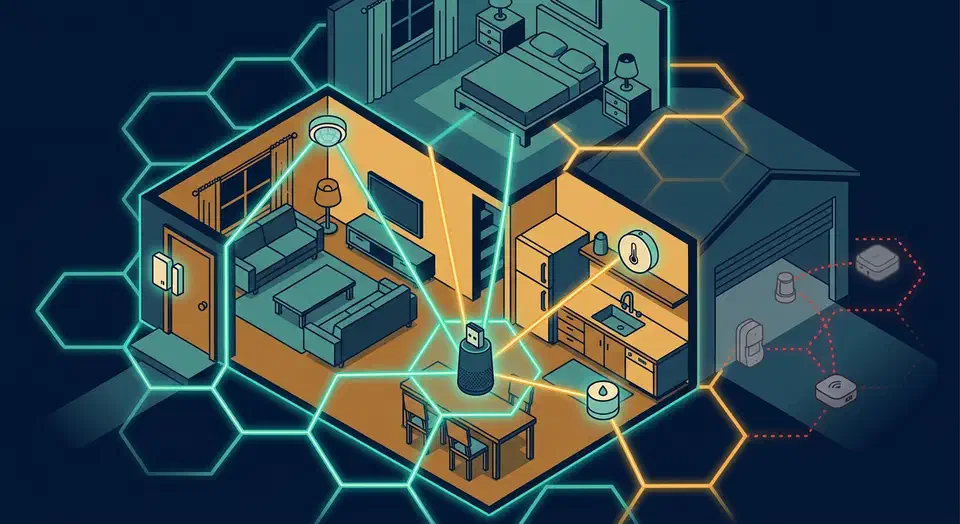
For Home Assistant in 2026, the best sub-$20 Zigbee sensors are Sonoff’s SNZB line and Third Reality. Both pair cleanly with Zigbee2MQTT and ZHA, need no vendor hub, and stay on the mesh. Older Aqara and Xiaomi units cost less but drop off through cheap routers and lock settings you cannot change.
Key Takeaways
- Sonoff SNZB sensors pair with Zigbee2MQTT and ZHA, no Sonoff hub needed.
- Older Aqara and Xiaomi sensors often fall off the mesh through cheap routers.
- The Aqara RTCGQ11LM motion sensor locks re-trigger at 60 seconds you cannot lower.
- Coin-cell Sonoff sensors last 3 to 5 years; AAA sensors closer to one year.
- The cheapest sticker price is rarely cheapest once you count battery swaps.
What are the best Zigbee sensors under $20 for Home Assistant?
Here is the curated shortlist by sensor type, with rough street prices and the battery each one uses. Every pick below pairs to Zigbee2MQTT or ZHA directly, so you do not need the maker’s own bridge.
- Door/window contact: the Sonoff SNZB-04P (about $13-15, CR2477, tamper switch, 5-year rated), whose pairing steps live in the Sonoff docs . For the absolute floor price, the Tuya TS0203 runs about $7-8 on a CR2032.
- Motion/PIR: the Sonoff SNZB-03P (about $11-13, CR2477, roughly 5-second re-trigger) beats the cheaper but limited Aqara RTCGQ11LM.
- Temperature and humidity: the Sonoff SNZB-02P (about $10-12, CR2477, Swiss SHT sensor). The Third Reality 3RTHS24BZ (about $15-18, AAA) adds a readable on-device LCD screen.
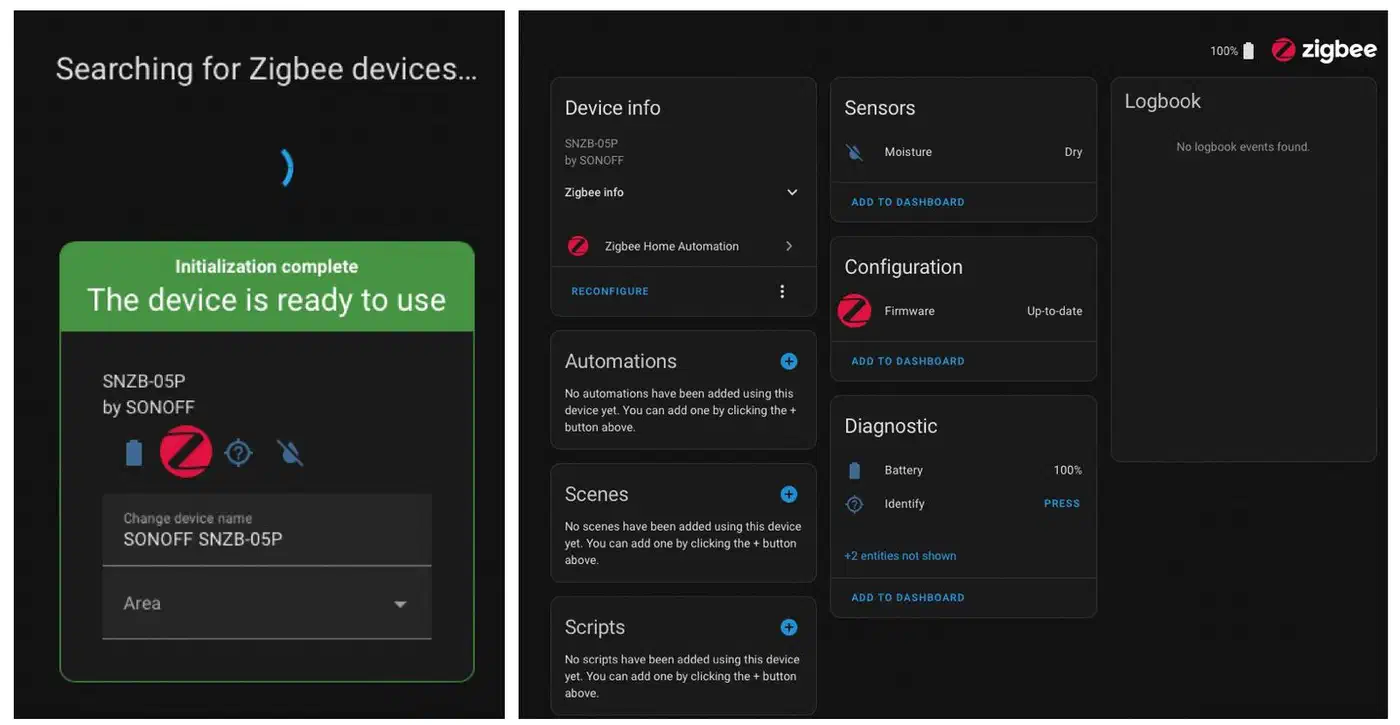
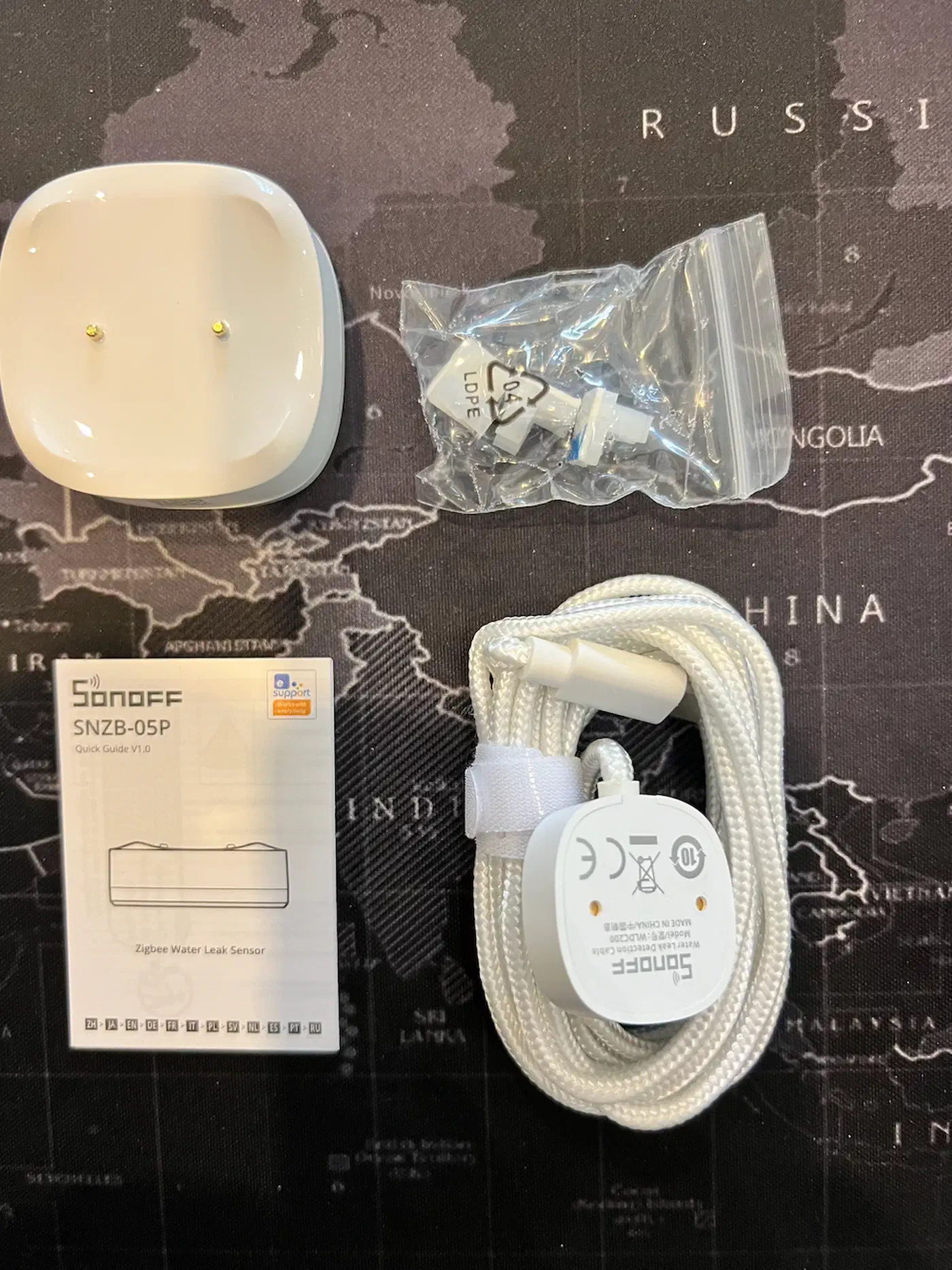
- Water/leak: the Sonoff SNZB-05P (about $10-16, vendor-rated 5 years) detects films as thin as 0.5mm and works on metal without false triggers. It only alerts, though; to close the valve as well you need an ESPHome build behind it.
- Vibration: the Third Reality 3RVS01031Z (about $18-20, 2x AAA, roughly 1-year battery, 110dB onboard alarm) handles mailbox, washer, and door-knock automations.
- mmWave presence: realistically nothing stays under $20 here. The Sonoff SNZB-06P 5.8GHz radar sits near $25 MSRP and only dips toward $15 on AliExpress, so treat it as a stretch pick. It is USB-C powered and acts as a router. If the budget is the sticking point, Wi-Fi sensing on a cheap ESP32 reaches presence detection for single digits, at the cost of a lot more setup.
Want the whole bargain category in one place? The SmartHomeScene cheapest-sensor roundup tracks where the floor prices land. If you are still weighing radios, the Zigbee vs Z-Wave reception thread weighs Matter and Thread too.
Pick spec matrix
| Sensor | Type | Price | Battery | Z2M | ZHA | Hub needed? |
|---|---|---|---|---|---|---|
| Sonoff SNZB-04P | Contact | $13-15 | CR2477 | Yes | Yes | Any Zigbee 3.0 |
| Tuya TS0203 | Contact | $7-8 | CR2032 | Yes | Yes | None |
| Sonoff SNZB-03P | Motion | $11-13 | CR2477 | Yes | Yes | Any Zigbee 3.0 |
| Aqara RTCGQ11LM | Motion | $13-17 | CR2450 | Yes | Yes | Any Zigbee 3.0 |
| Sonoff SNZB-02P | Temp/humidity | $10-12 | CR2477 | Yes | Yes | Any Zigbee 3.0 |
| Third Reality 3RTHS24BZ | Temp/humidity | $15-18 | AAA | Yes | Yes | Any Zigbee 3.0 |
| Sonoff SNZB-05P | Leak | $10-16 | CR2477 | Yes | Yes | Any Zigbee 3.0 |
| Third Reality 3RVS01031Z | Vibration | $18-20 | 2x AAA | Yes | Yes | Any Zigbee 3.0 |
| Sonoff SNZB-06P (stretch) | mmWave | ~$25 | USB-C | Yes | Yes | Any Zigbee 3.0 |
One quick note for first-time buyers. You also need a coordinator stick. The Sonoff ZBDongle-E, the Home Assistant Connect ZBT-1 (the old SkyConnect), and the newer Connect ZBT-2 all pair these sensors without trouble. Any of them works; pick on price and antenna placement.
Which budget Zigbee sensors actually stay on the mesh?
This is the part most cheap-sensor roundups skip. Specs read almost identical across reviews, but pairing reliability and Zigbee mesh stability do not. The buying decision really comes down to which sensor still reports six months later, not which one shaved off two dollars.
On my own Home Assistant box, I run Zigbee2MQTT with a ZBT-1 coordinator. The Sonoff SNZB door, motion, temperature, and leak sensors paired on the first try. None of them has fallen off the mesh since. The one older Aqara temperature sensor I kept is the only device that throws “unavailable” notices. It only settled down after I pinned it next to a Sonoff plug acting as a router.
That experience is not bad luck. The root cause is documented. Xiaomi and Aqara devices do not fully follow the Zigbee spec. So they disconnect when routed through certain routers. The Zigbee2MQTT WSDCGQ11LM device page names a blocklist. It includes Centralite, GE, Iris, Ledvance, Legrand, OSRAM/Sylvania, SmartThings, and Securifi plugs.
Real reports back this up. In Zigbee2MQTT issue #17070 , users describe the WSDCGQ11LM dropping weekly and even building Home Assistant automations just to alert them when the sensor vanishes. When a $7 device needs a babysitter automation, the savings shrink fast.
A few workarounds genuinely help when you already own stubborn Xiaomi units:
- Pair the sensor right next to a known-good router, such as an IKEA TRADFRI repeater or a Sonoff plug.
- Keep mains-powered routers from the same vendor family as the sensor.
- Avoid the named blocklist routers entirely when you build out the mesh.
For a deeper fix on channel choice, router placement, and dropped devices in general, see the companion guide on how to fix Zigbee drops with routers, channels, and placement. If you pair these sensors with switches, Zigbee binding lets a switch drive a light directly even when the hub is down.
The hidden vendor-hub trap
Aqara markets many sensors as “Requires Aqara Hub (not 3rd-Party)” right on the retail listing. The Aqara contact sensor Amazon listing is a clear example. The underlying Zigbee device still pairs to Zigbee2MQTT or ZHA directly. Some advanced features and OTA firmware updates only appear through the vendor hub or app, though.
Sonoff SNZB and Third Reality list “Zigbee hub required” too, but they mean something different. They mean any Zigbee 3.0 coordinator, including the stick already plugged into your Home Assistant machine. So the wording looks the same and the lock-in is not.
Sonoff sensors do ask for a little more tinkering on firmware updates than the polished Aqara app flow. In exchange, they do not silently leave the mesh. The Home Assistant community thread comparing Sonoff and Third Reality lands on the same trade-off.
Reliability and 2-year cost of ownership
| Sensor | Real battery life | Pairing | Drops off mesh? | 2-yr cost | Best for |
|---|---|---|---|---|---|
| Sonoff SNZB-04P | 4-5 yr | First try | No | ~$14 | Doors, windows |
| Sonoff SNZB-03P | 3+ yr | First try | No | ~$12 | Fast lighting |
| Sonoff SNZB-02P | 3-4 yr | First try | No | ~$11 | Room climate |
| Sonoff SNZB-05P | ~5 yr | First try | No | ~$13 | Leak alerts |
| Third Reality 3RTHS24BZ | ~1 yr | First try | No | ~$20 | On-device readout |
| Third Reality 3RVS01031Z | ~1 yr | First try | No | ~$24 | Vibration alarms |
| Aqara RTCGQ11LM | 2+ yr | Fussy | Through bad routers | ~$15 + time | Aqara mesh only |
| Tuya TS0203 | ~1 yr | First try | No | ~$10 | Floor-price doors |
Why 2-year total cost of ownership beats the sticker price
A $7 sensor that eats a $2 coin cell every nine months and forces a re-pair is not cheaper than a $13 sensor that runs five years untouched. So the smart frame is total cost over time, not the number on the listing. Buy once, not twice.
Battery chemistry drives most of the math. The CR2477 in the Sonoff SNZB-02P, 03P, and 04P is a large coin cell rated for 3 to 5 years. The CR2032 and CR1632 cells in Tuya and older Aqara units are smaller and turn over faster. The 2x AAA setup in the Third Reality vibration sensor runs on roughly a one-year cadence.
A simple formula keeps you honest. Take the sensor price. Add the battery price times the swaps you expect over 24 months. Then add the soft cost of re-pairing anything that drops. A sensor that needs a re-pair is “free” hardware that still costs you an evening.
By that math, the Sonoff SNZB-05P leak sensor is the standout value. It runs about $10-16 with a 5-year vendor rating, which means basically zero maintenance across a two-year window. The CNX Software SNZB-05P review confirms the detection and reporting behavior holds up in real testing.
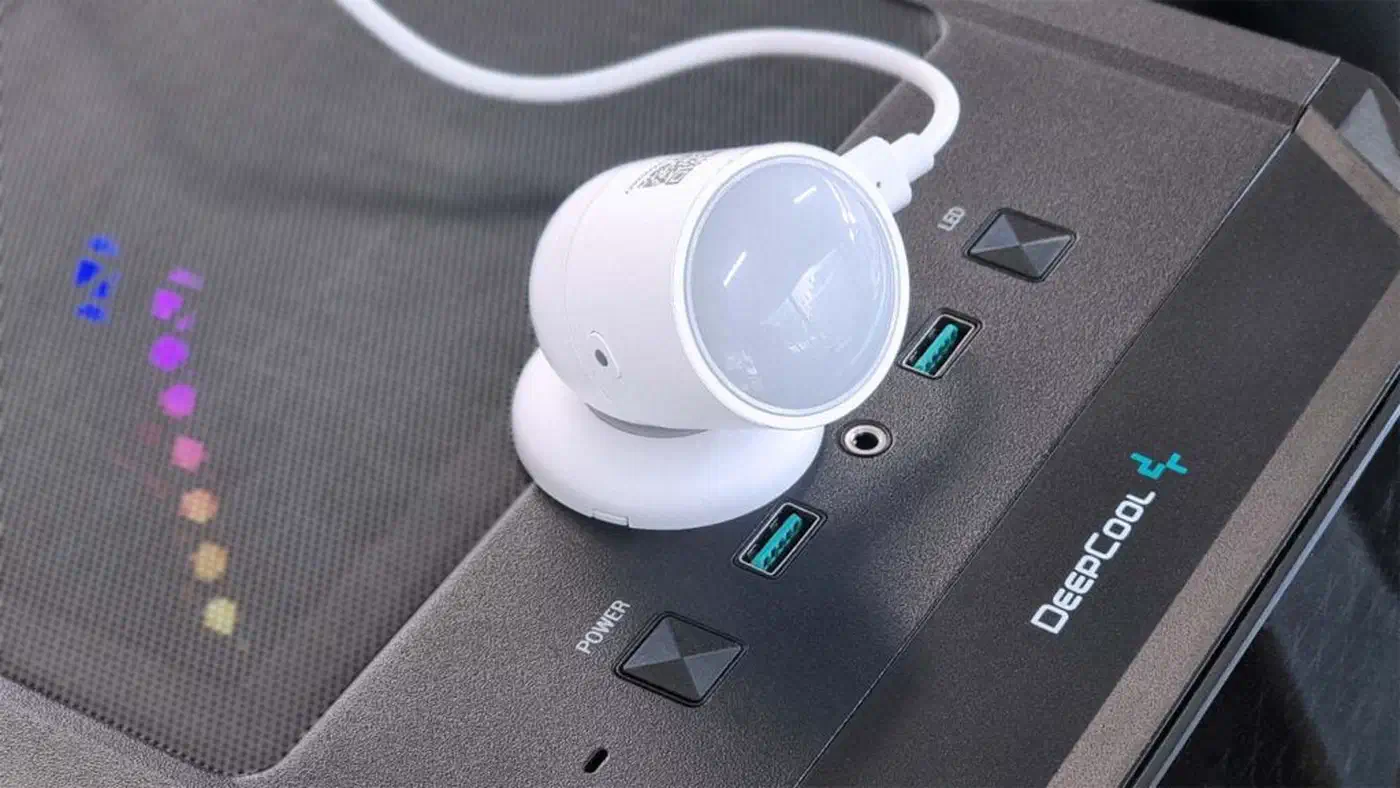
Responsiveness also shapes which sensor fits which job. Contact and leak sensors fire near-instantly. The SNZB-03P re-triggers in about 5 seconds. The SNZB-06P radar holds presence well but tops out around 4 meters of range. So do not buy it for a large open room, as the SmartHomeScene SNZB-06P teardown shows.
One trap deserves a direct callout. The Aqara RTCGQ11LM is cheap and reliable on battery, but its motion blind time is hardcoded at 60 seconds. You cannot lower it in Zigbee2MQTT, per Zigbee2MQTT issue #2324 , which makes it useless for fast lighting automations. If you need quick re-triggering, pay more for the Aqara P1, which exposes a configurable 2-second window.
How To Pair a Budget Zigbee Sensor in Home Assistant
Put your coordinator in pairing mode
In Zigbee2MQTT, open the web UI and click “Permit join (All)”. In ZHA, go to Settings, Devices & Services, the Zigbee integration, then “Add device”.
Position the sensor near a router first
For Xiaomi and Aqara units especially, pair within a meter of the coordinator or a known-good mains-powered router so the device picks a stable parent.
Trigger the sensor’s pairing reset
Hold the reset button, or pop the battery tab, until the LED blinks rapidly. Sonoff and Third Reality units flash to confirm they are in pairing mode.
Wait for the device to be interviewed
Watch the Zigbee2MQTT log or the ZHA progress dialog until the model is identified and exposes entities. A failed interview means re-trigger the reset closer to the coordinator.
Rename and assign an area
Give the device a clear name and assign it to a Home Assistant area, so your automations and dashboard stay readable later.
Confirm live reporting
Open the door, wave at the motion sensor, or breathe on the temperature sensor. Verify the state changes in Home Assistant within the expected window.
Check link quality and battery
Confirm link quality (LQI) sits comfortably above 20, and that battery percentage reports. Low LQI predicts future mesh drops.
Add a device-unavailable automation
Optional but smart for Xiaomi units: alert yourself if the sensor stops reporting for a set number of hours, so a silent drop never goes unnoticed.