 Botmonster Tech
Best local LLM runtimes in 2026: speed vs setup tradeoff

The best local LLM runtime in 2026 depends on what runs under the hood. Ollama, LM Studio, and Jan are all just llama.cpp rebranded with a friendlier interface, so you pay a measurable abstraction tax for the convenience. By default llama.cpp and Ollama leave 30 to 50% of VRAM stranded by inefficient KV cache allocation, while vLLM’s PagedAttention keeps that overhead under 4%.
Key Takeaways
- Ollama, LM Studio, and Jan are all just llama.cpp rebranded with a friendlier interface.
- vLLM is the only one built for many users at once, beating Ollama 16 to 20x under load.
- Ollama and LM Studio are the easiest way to get a model running today.
- llama.cpp loses 30 to 50% of VRAM to KV cache fragmentation by default; vLLM’s PagedAttention keeps it under 4%.
- On a Mac, the MLX engine runs about 3x faster than the llama.cpp Metal path.
What are the best local LLM runtimes in 2026?
Five runtimes lead the field this year: Ollama, LM Studio, llama.cpp, vLLM, and Jan. They split into two real categories. Only two are genuine inference engines (llama.cpp and vLLM). The other three, Ollama, LM Studio, and Jan, are just llama.cpp rebranded behind a friendlier interface.
Ollama is the lowest-friction option. It gives you a CLI plus a REST API, and most agent frameworks target it by default, including Cursor, Continue, Aider, and OpenWebUI. LM Studio is the GUI-first desktop app. It ships a model browser and an OpenAI-compatible server on localhost:1234.
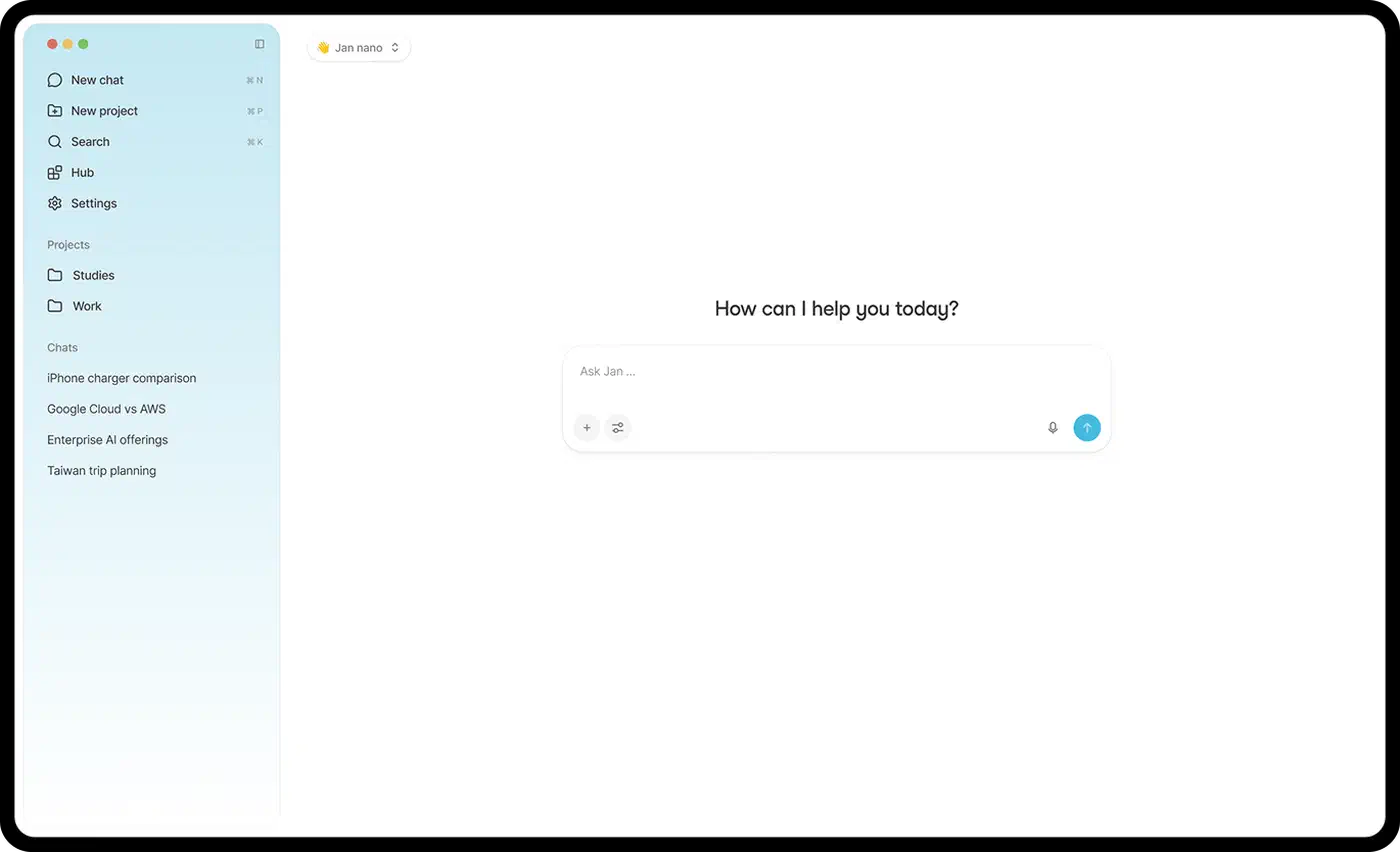
Jan is the open-source GUI alternative under an AGPL-3.0 license, built on llama.cpp, with an OpenAI-compatible server on demand. llama.cpp itself is the C/C++ reference engine that the three frontends embed. vLLM is the outlier: a Python server-class engine built for GPU serving, not local-first tinkering.
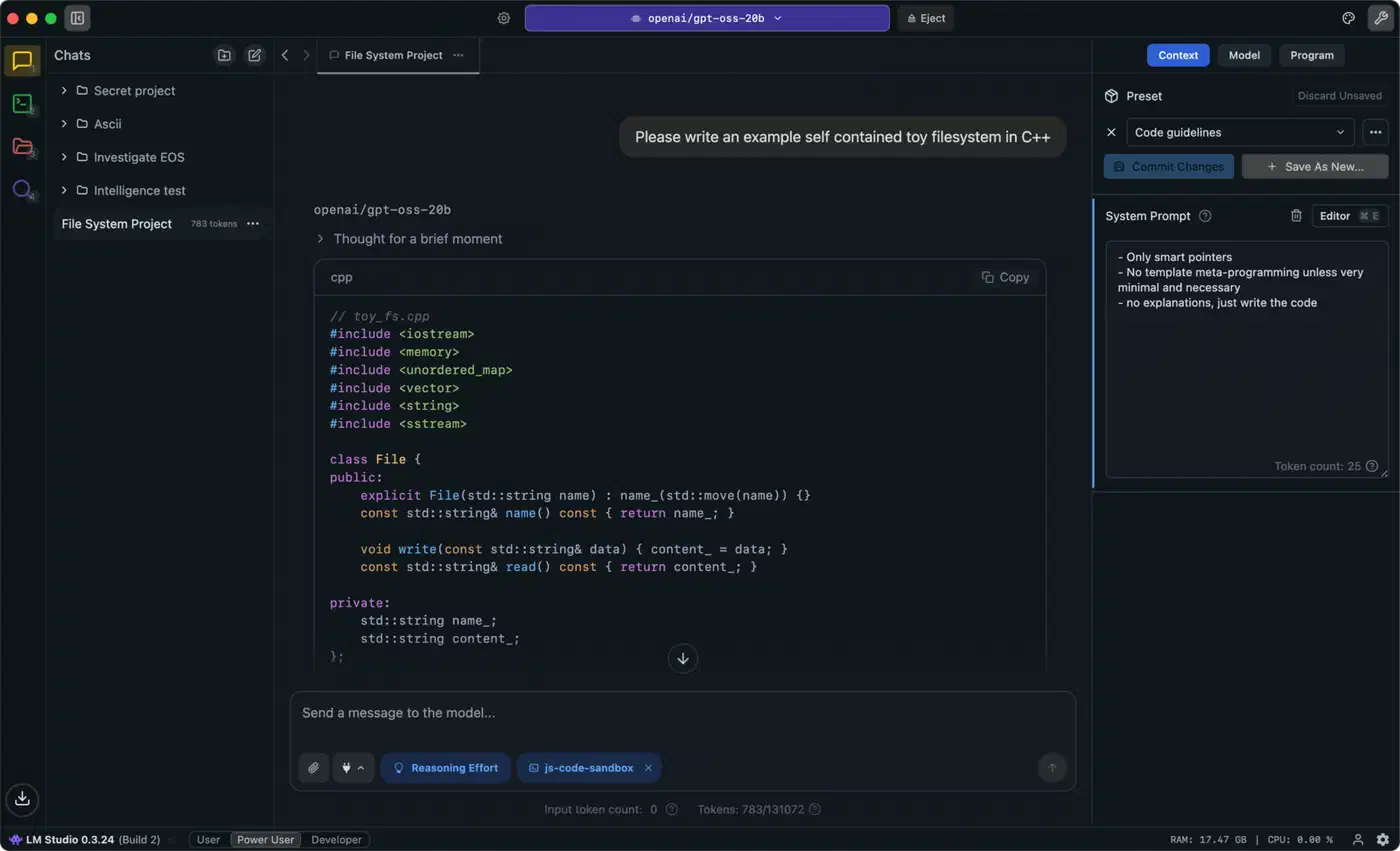
Here is the feature matrix at a glance.
| Runtime | Engine or frontend | Interface | Formats | Hardware | API server | Best for |
|---|---|---|---|---|---|---|
| Ollama | Frontend over llama.cpp/MLX | CLI + REST | GGUF, MLX | NVIDIA/AMD/Apple/CPU | OpenAI-compatible at :11434 | Low-friction dev |
| LM Studio | Frontend over llama.cpp/MLX | GUI + lms CLI + headless | GGUF, MLX | NVIDIA/AMD/Apple/Vulkan iGPU | OpenAI-compatible at :1234 | GUI desktop on Mac/Windows |
| llama.cpp | Engine | Binary + server | GGUF | CPU/CUDA/ROCm/Vulkan/Metal | Server example, manual | Embedding, odd hardware |
| vLLM | Engine | Python server | safetensors, AWQ, GPTQ, FP8, NVFP4, GGUF (experimental) | NVIDIA/AMD, Linux | OpenAI-compatible endpoint | High-concurrency serving |
| Jan | Frontend over llama.cpp | GUI | GGUF | NVIDIA/Apple/CPU | OpenAI-compatible server | Open-source desktop GUI |
Engine vs Frontend: What Is Actually Running Under the Hood
Classify each runtime as an engine or a frontend, and the speed and setup differences start to make sense. The Codersera 2026 runtime comparison puts it plainly.
llama.cpp is the actual inference engine behind Ollama, LM Studio, Jan, OpenWebUI, GPT4All.
So llama.cpp is the C/C++ reference implementation. Ollama is a Go process that wraps it on x86 and non-Apple hardware, or routes to MLX on Apple Silicon since Ollama 0.19 shipped in March 2026. LM Studio is a desktop GUI over the same llama.cpp and MLX engines. It adds a model browser and a server, not its own kernels.
Jan runs llama.cpp by default and can also drive ONNX and TensorRT-LLM. Jan v0.8.0, released 2026-05-22, added a unified llama.cpp router process that loads and unloads models on demand. vLLM is the odd one out. It is a ground-up GPU serving engine with its own PagedAttention and continuous batching, not a wrapper.
The practical effect is simple. Run the same GGUF model on the same GPU, and the three frontends mostly inherit llama.cpp’s speed. The gaps come from defaults, batching layers, and overhead, not from a different engine.
The Abstraction Tax: What Convenience Costs in Tokens and VRAM
Hold the model, quant, and GPU constant, then measure what each convenience layer costs you. The trade flips from worth-it to wasteful depending on one variable: how many users you serve.
The VRAM tax is real even for one user, but the cache itself is not the problem. The KV cache is what makes generation fast: it stores past attention so the model never recomputes it. The waste is in how the memory is managed. By default, llama.cpp and Ollama fragment and over-allocate that KV cache memory, stranding 30 to 50% of VRAM, per the Codersera comparison. vLLM’s PagedAttention pages the same cache in tightly and cuts that overhead to under 4%. On a tight VRAM budget, that gap decides whether a model fits at all. No runtime beats sheer size, though. The model nobody can run, Kimi K3 at 2.8T parameters, sits beyond any consumer rig no matter the engine.
The single-user speed tax, however, is tiny. Frontends over llama.cpp sit within a few percent of bare llama.cpp because they call the same kernels. For one person at a desktop, the convenience is nearly free.
The concurrency tax is the opposite story. Under concurrent load, vLLM delivers about 2.3x higher throughput than Ollama, and that gap widens to 16 to 20x under heavy load. The concrete numbers are stark.
| Metric (8 concurrent users) | vLLM | Ollama |
|---|---|---|
| Throughput | ~793 tok/s | ~41 tok/s |
| P99 latency | 80 ms | 673 ms |
Ollama defaults to one request at a time, which explains the collapse under load. LM Studio 0.4.0, shipped in January 2026, added continuous batching through llama.cpp’s parallel-slot feature, and 0.4.2 extended it to MLX. Still, neither desktop frontend was built for server-scale traffic.
There is also an engine tax on Apple Silicon. On M-series chips, the MLX path runs about 3x faster than llama.cpp’s Metal path, per the Codersera May 2026 update. Ollama 0.19 and later, plus LM Studio, now route to MLX to claw that speed back.
Here is the abstraction tax in one table.
| Runtime | Underlying engine | Setup effort | Single-user overhead | VRAM overhead | Concurrency |
|---|---|---|---|---|---|
| Ollama | llama.cpp/MLX | One-line install, lowest | Negligible | 30-50% KV fragmentation | 1 request by default |
| LM Studio | llama.cpp/MLX | Install GUI, very low | Negligible | Inherits llama.cpp | Batching since 0.4.0 |
| llama.cpp | None (it is the engine) | Compile or prebuilt, medium | Baseline (0%) | 30-50% KV fragmentation | Limited without batching |
| vLLM | Own engine | Python/CUDA, highest | N/A, separate engine | Under 4% with PagedAttention | Many users |
| Jan | llama.cpp | Install GUI, low | Negligible | Inherits llama.cpp | Router mode, single-user |
The upshot: the abstraction tax is near-zero for single-user desktop work and brutal for multi-user serving. That one fact decides engine versus frontend more than any feature checkbox.
Setup Effort and Hardware Fit Across the Five
Install reality varies wildly, from a one-line script to a from-source compile. Matching a runtime to the box you own saves the most pain, so here is the per-runtime breakdown.
- Ollama: one-line install, zero-config model pulls, runs on macOS, Linux, and Windows, on CPU or GPU, with around 150 curated models in its library.
- LM Studio: download the desktop app and browse models with hardware fit hints. Vulkan offload covers integrated GPUs, and a headless daemon serves models on a server.
- Jan: install the GUI, AGPL-3.0 licensed, with GGUF models from Hugging Face. Version 0.8.0 added “Fits / May be slow / Won’t fit” hardware labels.
- llama.cpp: compile from source or grab prebuilts. Build b9196, dated 2026-05-18, ships Windows binaries for CUDA 13.1, Vulkan, HIP, and SYCL. It runs anywhere a C compiler runs.
- vLLM: a Python install, Linux-primary, targeting NVIDIA and AMD cards like the A100, H100, and MI300. Windows runs through WSL2, Mac through an experimental Metal build, and production usually means containers (v0.21.0, 2026-05-15).
The hardware decision tree is short. For NVIDIA serving, pick vLLM. On Apple Silicon, pick Ollama or LM Studio with MLX routing, or raw MLX for top speed. For an AMD or Intel integrated GPU on Windows, LM Studio over Vulkan is the cleanest path. For a Raspberry Pi or a pre-2020 box, go straight to llama.cpp.
I run a Linux homelab and have spent real time inside this stack. The abstraction tax is easy to feel firsthand. Ollama’s one-line install had a model answering within minutes, and for solo work it never got in the way. Tuning vLLM batching on my own GPU, by contrast, ate the better part of a day: CUDA versions, memory-utilization flags, and the right max-sequence settings all had to line up.
I only reached past Ollama to raw llama.cpp flags when I needed something the wrapper hid, like fine control over KV cache offload at long context. For everyday single-user runs, that was rare. The convenience layer earned its keep until the moment I needed many users served at once, and then it fell apart fast.
Licenses are worth a glance before you commit. Ollama and llama.cpp are MIT, vLLM is Apache 2.0, and Jan is AGPL-3.0. LM Studio is free but closed-source, per the BIZON inference engine guide.
What Changed in 2026: Speculative Decoding and Shared GUIs
Two shifts in 2026 are worth knowing before you choose. First, speculative decoding through Multi-Token Prediction (MTP) landed across the board, and it changes the speed picture. The target model predicts several tokens at once, so you no longer need a separate draft model.
The support matured at different rates, though. llama.cpp merged MTP for models like Qwen 3.6 but is not production-stable yet, with occasional crashes on long-running serves. LM Studio 0.4.14 promoted MTP to stable, and vLLM v0.21.0 made speculative decoding respect reasoning budgets. For a 24/7 service, vLLM remains the safer bet.
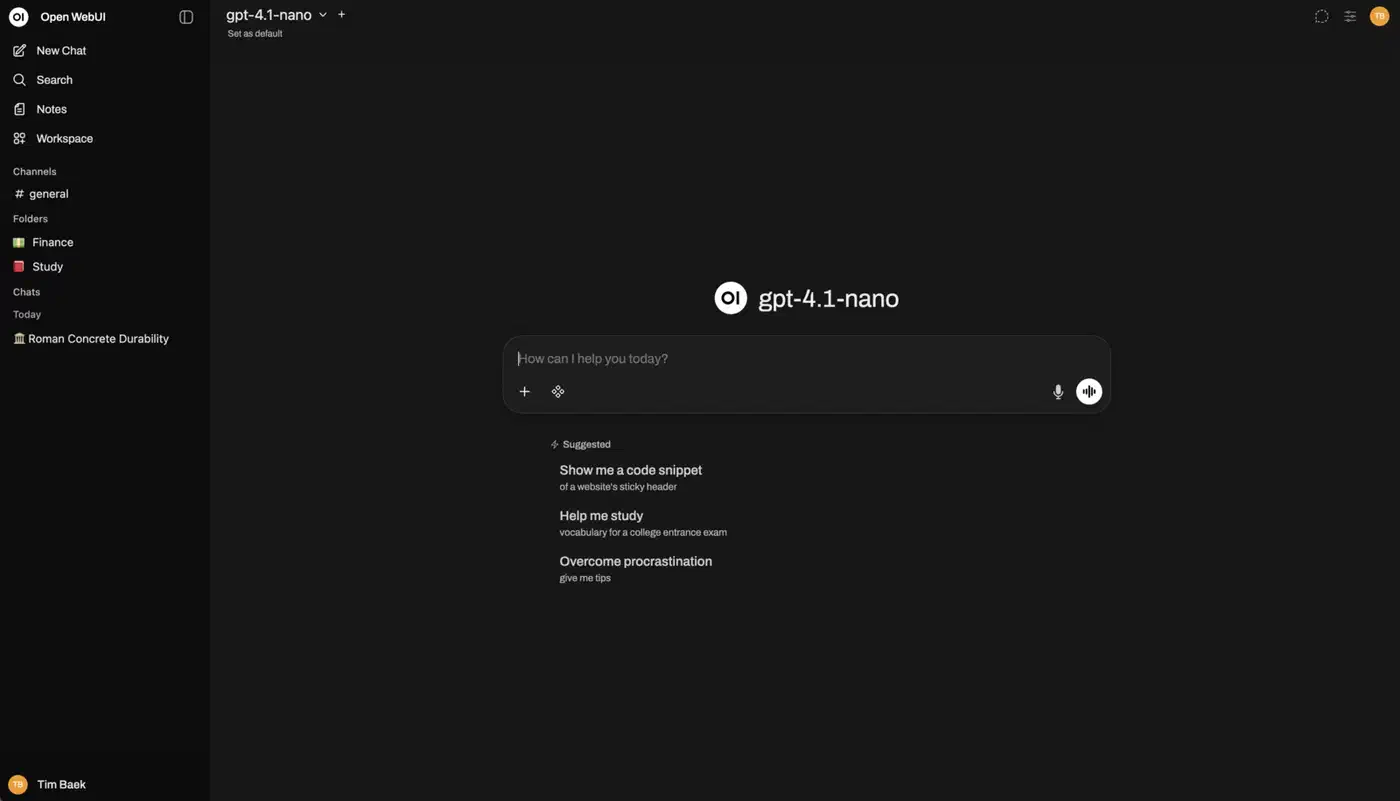
Second, OpenWebUI is worth knowing as a shared GUI layer for the CLI engines. It talks to any OpenAI-compatible API, so it sits in front of llama.cpp, LM Studio, or Ollama equally. Ollama gets first-class auto-detection, while llama.cpp connects through the generic OpenAI-compatible endpoint. If you like the terminal engines but want a web chat, OpenWebUI bridges that gap.
Verdict: Which Local LLM Runtime Should You Use?
Each runtime has a clear sweet spot, so leave with a decision rather than a spec dump. The runtime is only half the choice: pair it with an open model you own and the whole stack stays on your hardware.
Ollama is the best default for solo developers and prototyping. Pick it unless you need a GUI or heavy concurrency. LM Studio wins for GUI-first users on Mac or Windows who want a model browser and never want to touch a terminal.
Jan is the choice when you want LM Studio’s polish but insist on fully open-source code and a plugin architecture. llama.cpp is best for embedding into an app, running odd hardware, or squeezing every last flag. It is the engine everyone else hides.
vLLM becomes effectively mandatory once you serve many concurrent users with latency targets on NVIDIA or AMD. The table below sums up the call.
| Runtime | Pick it if | Skip it if |
|---|---|---|
| Ollama | You want fastest setup and agent-framework support | You need a GUI or multi-user serving |
| LM Studio | You want a desktop GUI and model browser | You need open-source code or server-scale concurrency |
| llama.cpp | You embed it or run odd hardware | You want zero-config convenience |
| vLLM | You serve many users on server GPUs | You are a single desktop user |
| Jan | You want an open-source GUI with MCP | You need server-class throughput |
The genealogy answers the question for you. If you are one person at a desktop, a frontend over llama.cpp costs almost nothing and saves real time. The moment you serve a crowd, the convenience layer breaks down, and vLLM is the only runtime here built for that load.