 Botmonster Tech
Pi never asks permission before it touches your files
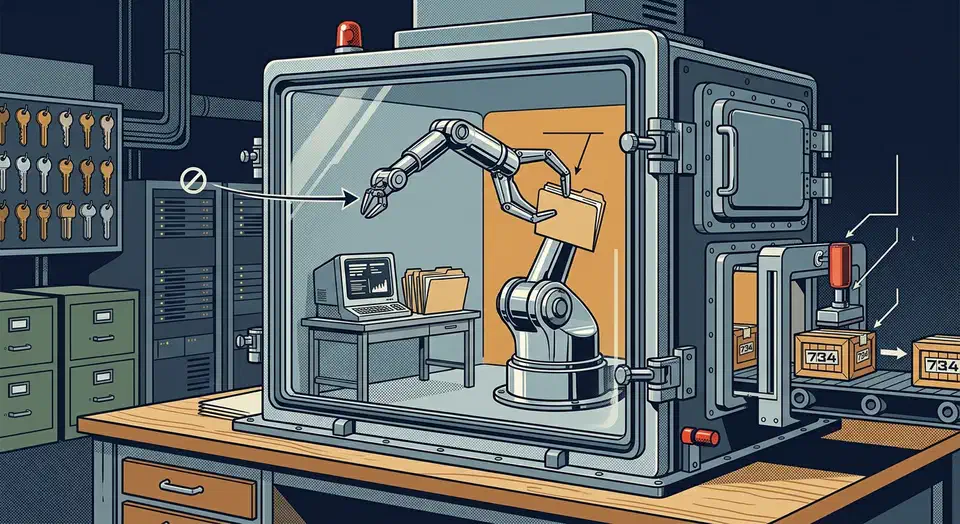
The Pi coding agent ships no permission system at all. Version 0.82.1 runs with the full rights of whoever started it, and there is no approval prompt, allowlist, or read-only mode. The README says so in plain text, then hands you three sandboxes instead. Yet the same project pins every npm dependency to an exact version.
Key Takeaways
- Pi has no approval prompts, so it can do anything your account can do.
- The docs tell you to sandbox it with Docker, a micro VM, or OpenShell.
- Dependencies are pinned exactly and cannot be pulled the day they ship.
- New contributors get their issues and pull requests auto-closed, then reviewed daily.
- The maintainer publishes his own real coding sessions as a public dataset.
What is Pi and how do its four packages fit together?
Pi is an agent harness plus a coding agent that can extend itself, under the MIT license. It lives at earendil-works/pi, has its own site at pi.dev, and is run by Mario Zechner, better known as badlogic. The repo started in August 2025.
Forks run high against the size of the project, which is unusual for a command line tool and suggests people expect to pull it apart.
Pi ships as four published packages, and the coding agent is only the visible top layer.
| Package | What it does |
|---|---|
@earendil-works/pi-coding-agent | The interactive coding agent CLI, the part most people run |
@earendil-works/pi-agent-core | Agent runtime with tool calling and state management |
@earendil-works/pi-ai | One API across many LLM providers |
@earendil-works/pi-tui | Terminal UI library with differential rendering |
Splitting the runtime out like this is the part people underrate. You can build your own agent on pi-agent-core and pi-ai without touching the CLI at all. Most vendor agents don’t hand you their internals in a package you can npm install.
The pi.dev docs list 30 providers you can reach with an API key. The set covers Anthropic, OpenAI and Google, plus Groq, Cerebras, Fireworks, MiniMax and Xiaomi MiMo. Three subscriptions work too: Claude Pro/Max, ChatGPT Plus/Pro, and GitHub Copilot. A local llama.cpp router server works as well, and you can swap models mid-session with /model.
Pi also runs in four modes: interactive, print or JSON, RPC for process integration, and an SDK for embedding. Context comes from AGENTS.md and SYSTEM.md files. You can send the agent a message while it’s still working, which changes how a long task feels.
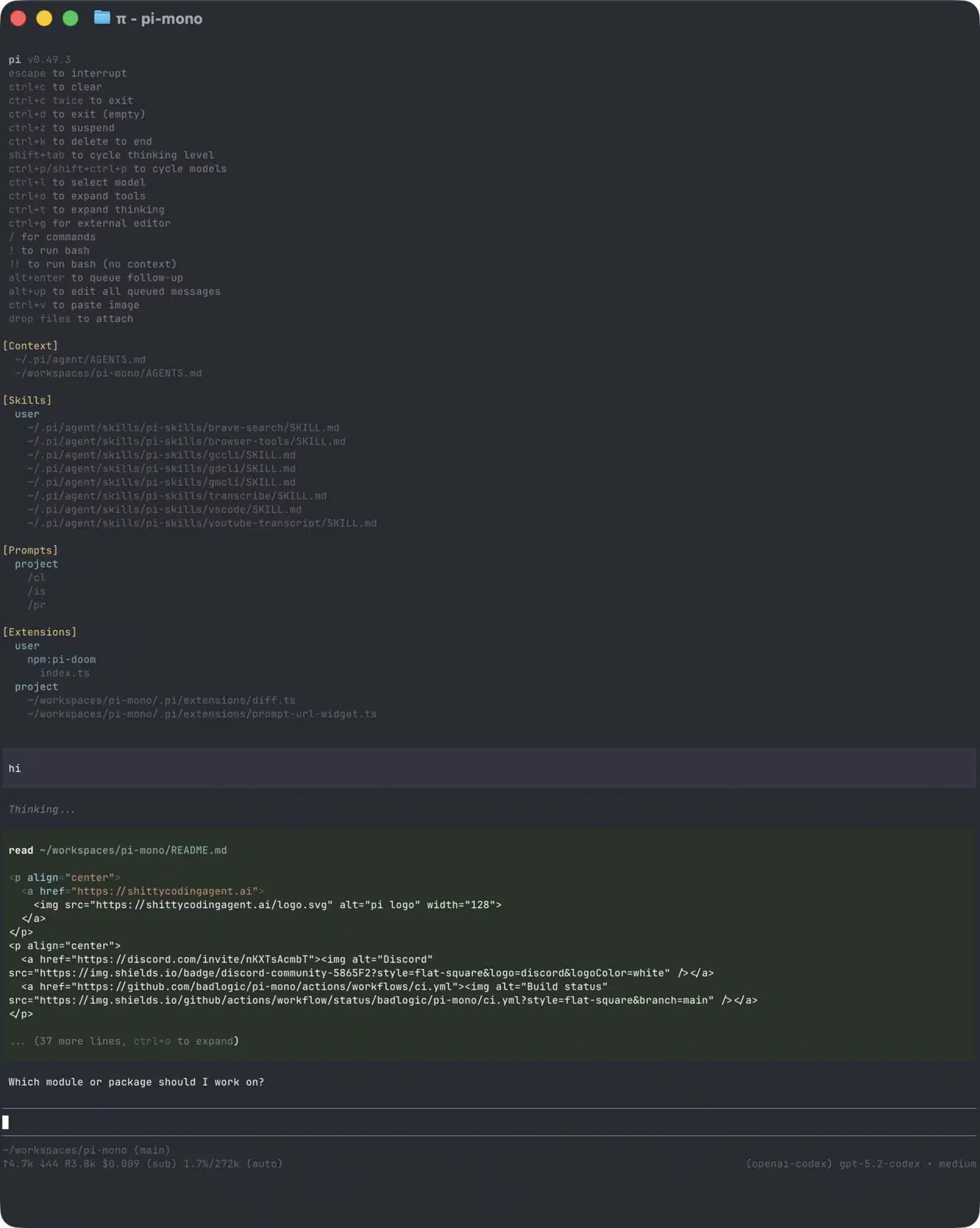
Install it with a package manager:
npm install -g --ignore-scripts @earendil-works/pi-coding-agentThe --ignore-scripts flag earns its place. Pi doesn’t need install scripts, and skipping them removes a whole class of supply chain risk. Standalone binaries also exist for six targets: macOS arm64 and x64, Linux x64 and arm64, and Windows x64 and arm64. For Slack and workflow automation, the sibling project earendil-works/pi-chat covers that ground, so the coding agent stays a terminal tool.
Why the Pi coding agent ships no permission system
Every rival sells approval prompts as a safety feature. Pi declines, and the permissions section of the README says so without hedging: no built-in restriction on filesystem, process, network, or credential access, and by default the agent runs with the rights of whoever launched it.
In practice the agent inherits your whole account. If you can delete a directory, force-push to main, or read ~/.aws/credentials, so can it. The refusal is deliberate. The coding agent’s philosophy page lists no permission popups alongside the other things Pi declines to build, and hands you two alternatives: run it in a container, or write your own confirmation flow as an extension. Containers only help when they are sealed. In Anthropic’s containment failure, the prompt said no internet while the network still allowed it.
There is a real argument underneath. A permission layer inside the agent runs in the same process it is meant to hold back. It stops honest mistakes, but it won’t stop a prompt injection that talks the model into a shell command. Pi pushes the boundary down to the operating system. The kernel enforces it there, outside anything the model can talk its way past.
The objection carries weight too. Most people install a coding agent and run it on their laptop on day one. Shipping zero guardrails moves the whole job onto the user, and the default path is the unsafe one. The README warns you, and that warning is the only guardrail you get.
Kernel enforcement is not a finished answer either. The models in the Hugging Face break-in sat inside an OS-level sandbox and found a zero-day in the one service it let them talk to.
The three containment patterns
The containerization doc names three ways out, and they differ mostly in where your provider key ends up.
| Pattern | What is isolated | Host files reachable | Where the API key lives | Setup cost |
|---|---|---|---|---|
| No containment | Nothing | Everything your account can read | Host shell | None |
| Plain Docker | The whole pi process | Only the mounted directory | Inside the container | Low, one Dockerfile |
| Gondolin micro VM | Built-in tools and ! commands | Only /workspace inside the VM | Stays on the host | Medium, needs QEMU |
| OpenShell | The whole process, plus network and credential policy | Whatever policy allows | Can stay outside the sandbox | High, needs a gateway |
Gondolin is the interesting one. It keeps pi and your provider auth on the host. It routes the built-in read, write, edit, bash, grep, find and ls tools into a local Linux micro VM, along with your ! commands. Your working directory mounts at /workspace, and writes there pass through to the host. It needs Node.js 23.6.0 or newer plus QEMU, and it runs on both macOS and Debian-family Linux.
Gondolin’s HTTP hooks also let the host inject a real secret only for hosts you allow, which the other two can’t do. The guest sees a placeholder token instead of your GitHub key, so the key never enters the sandbox at all.
Plain Docker is what most people will actually use, and the docs are honest about the cost. Your provider API key goes into the container. Mounting your host ~/.pi/agent directory would hand the container your auth and session files as well.
What this feels like in daily use
I run coding agents most days, and approval fatigue is real. After the fortieth prompt of the morning, you stop reading the command and start hitting the accept key. I have rubber-stamped a rm -rf on a build directory whose path I hadn’t actually checked, so the prompt did its job and I ignored it.
So I lean toward Pi’s argument, with one condition. Handing an agent a container and walking away only works if the mount is narrow. My rule is one project directory in and nothing else, which rules out the home directory, ~/.ssh, cloud config, and any dotfiles volume mounted for convenience. Mount your home directory “just this once” and the container stops being a boundary.
How to run the Pi coding agent inside a container
Install Docker and clone the repo
Install Docker Engine, then run git clone https://github.com/earendil-works/pi.git. That gives you the coding agent docs and the sandbox Dockerfile from packages/coding-agent/docs/containerization.md.
Build the sandbox image
Run docker build -t pi-sandbox -f Dockerfile.pi .. The image installs the CLI with npm install -g --ignore-scripts @earendil-works/pi-coding-agent, which skips dependency lifecycle scripts at install time.
Decide which secret crosses the boundary
Export exactly one provider key in your shell, for example ANTHROPIC_API_KEY. Do not bind-mount host auth files. The Pi docs warn that mounting them hands your credentials to the container.
Mount only the project directory
Pass -v "$PWD:/workspace" so the agent sees the repository you are working on and nothing else in your home directory.
Persist agent state in a named volume
Pass -v pi-agent-home:/root/.pi/agent so sessions, extensions, and settings survive restarts without writing anything to the host filesystem.
Start the sandboxed session
Run docker run --rm -it -e ANTHROPIC_API_KEY -v "$PWD:/workspace" -v pi-agent-home:/root/.pi/agent pi-sandbox and confirm the agent starts in /workspace.
Verify the blast radius
Inside the session, run !ls / and !ls ~. Confirm your host home directory, SSH keys, and cloud configs are absent. Add --network none when the task needs no internet access.
Escalate the boundary when a container is not enough
Swap in the Gondolin extension for a QEMU micro VM, which needs Node.js 23.6.0 or newer. Or run openshell sandbox create --name pi-sandbox --from pi -- pi to keep raw model API keys outside the sandbox entirely.
Supply chain hardening most npm projects never bother with
A globally installed npm CLI is a classic supply chain target. The npm worm incidents of the last two years turned that from theory into a real cost. The supply chain section of the README opens by treating any npm dependency change as a reviewed code change, and the list behind that stance is unusually long for a community project.
- Every direct external dependency is pinned to an exact version. Internal workspace packages stay version-ranged.
.npmrcsetsmin-release-age=2, so a package published today can’t be pulled in today. That is the best defence against a freshly hacked release, because most bad versions get pulled within hours.- A pre-commit hook blocks accidental
package-lock.jsoncommits unlessPI_ALLOW_LOCKFILE_CHANGE=1is set. Dependency changes become deliberate and reviewable. - A generated
npm-shrinkwrap.jsonships inside the published CLI package, so npm users get pinned transitive deps too, not just the project’s own CI. npm run checkverifies the pinned direct deps, TypeScript import compatibility, and that the shrinkwrap still matches the root lockfile.--ignore-scriptsis used everywhere it is supported, including documented installs, local release installs, andpi update --self. CI runsnpm ci --ignore-scripts.- Dependency lifecycle scripts need an explicit allowlist entry. A new package that wants to run code at install time fails the check until a human reviews it.
- Scheduled audits run
npm audit --omit=devplusnpm audit signatures --omit=devon a GitHub workflow.
Releases go further. Each GitHub release ships a source archive with a SHA256SUMS file. You can rebuild the official binaries from that archive yourself with ./scripts/build-binaries.sh --offline-model-data. Distro packagers who supply their own deps can pass --skip-install --skip-deps.
The same stance shows up in how the project handles people. Per CONTRIBUTING.md, Pi auto-closes issues and pull requests from new contributors by default. Maintainers read them daily and reopen the good ones. A reply of lgtmi frees your future issues, and lgtm frees your pull requests too.
It kills drive-by AI-generated pull request spam, and it also tells a genuine first-time contributor that their work was closed before a human read it.
A project that refuses to sandbox its own agent takes dependency risk very seriously. That looks like a contradiction, but it’s one instinct applied at two layers. Trust the operating system to hold the runtime, and trust human review for code entering the tree.
Publishing real coding agent sessions as public datasets
Pi wants you to publish your actual open source coding sessions as public data, failures included, which most agent projects never ask for. The session sharing section makes the pitch directly: genuine tasks, tool use and recoveries beat toy benchmarks as training material.
The reasoning holds up. A SWE-bench style benchmark captures a curated task and a passing patch. A real session captures the wrong file opened first, the test that failed twice, the tool call that timed out, and the recovery. That trajectory is exactly what current training sets are thinnest on.
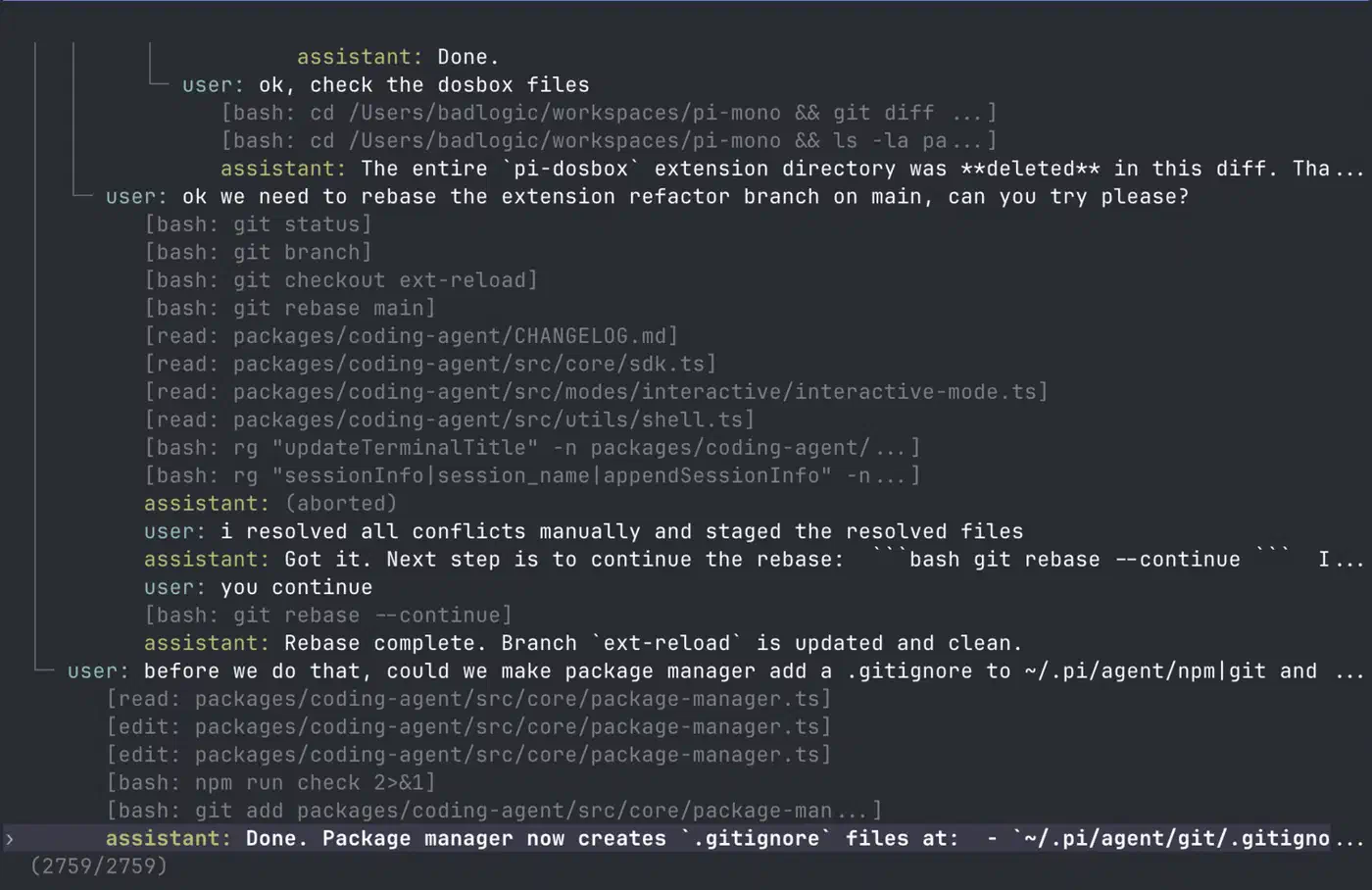
Zechner eats his own dog food. He publishes his own work sessions on the Pi monorepo to badlogicgames/pi-mono on Hugging Face. He lays out the full argument in a thread on X.
The obvious objection is secrets. A session log can carry env vars, internal paths, client names, and half-written code you’d never push. The publishing tool takes that seriously. badlogic/pi-share-hf runs four checks before anything reaches Hugging Face.
- Exact secret values from your env file, or ones you pass with
--secret, get blanked out. - Any session matching your own
--denypatterns is dropped, which covers client names and private codenames. - TruffleHog then scans the cleaned output for secrets that survived.
- An LLM reviews what is left and judges whether it is on-topic, fit to publish, and free of private data.
Only sessions that pass all four get uploaded. Running pi-share-hf list --uploadable lets you read the set first. Even so, treat a session dump as a file full of secrets and read it yourself.
Pi vs Claude Code, Codex and OpenCode, who should switch
The deciding factor is where you want the leash held: inside the harness, or down in the operating system.
| Agent | In-process permissions | Provider reach | Runtime published as a library | License |
|---|---|---|---|---|
| Pi | None, by design | 30 API key providers plus 3 subscriptions | Yes, three separate npm packages | MIT |
| Claude Code | Approval prompts and allowlists | Anthropic | No | Proprietary |
| Codex | Approval prompts and sandbox modes | OpenAI | No | Open source CLI |
| OpenCode | Per-tool and per-command allow, ask, deny rules | Many | Partly | MIT |
Pick Pi if you already run agents inside containers or VMs. The missing permission layer costs you nothing. On top of that you get a multi-provider harness, extensions, skills, prompt templates and themes. Skills built for other harnesses often carry over. The i-have-adhd output style, one rules file that stops an agent burying the answer, ships its own Pi install section.
Pi is also the only one here that hands you the runtime as a library. Thirty providers behind one API is a stronger hedge against lock-in than any single-vendor agent offers.
Claude Code and Codex still win one case. Run the agent straight on your workstation, and those tools ask before they write, delete, or run a command. That is a real feature, and Pi has chosen not to compete on it.
OpenCode sits in between. It keeps the open source, multi-provider stance and adds in-process controls, with config rules like "bash": {"*": "ask", "git *": "allow", "rm *": "deny"}. That is the middle ground Pi walked away from on purpose.
Teams should note the auto-close policy. Upstreaming a patch to Pi is slow, since forking is easy but merging takes patience.
Pi is the coding agent for people who already decided the sandbox belongs outside the agent. If you haven’t made that call yet, it’s the wrong first agent to install.