Practical guides on Linux, AI, self-hosting, and developer tools

How to Use systemd-analyze to Fix Slow Boot Times

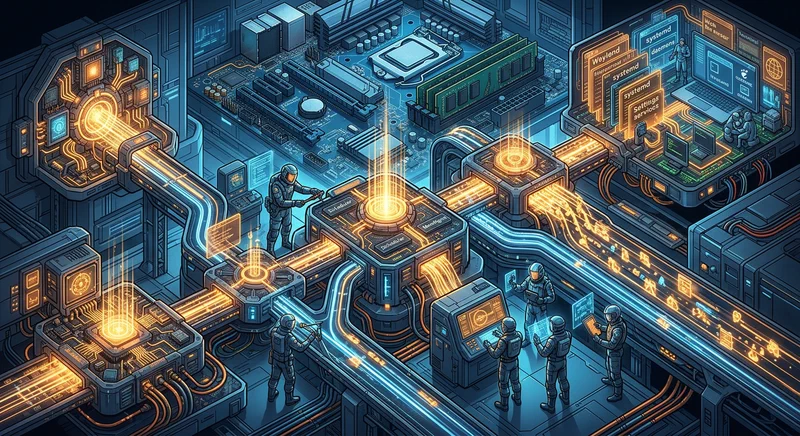
Slow Linux boots are rarely caused by one dramatic failure. Most of the time, they come from a handful of small delays that stack up: firmware taking longer than expected, an oversized initramfs, a wait-online unit blocking the session, or hardware drivers initializing long before you need them. The good news is that modern Linux gives you first-class tooling to diagnose this precisely, and systemd-analyze is still the best starting point.
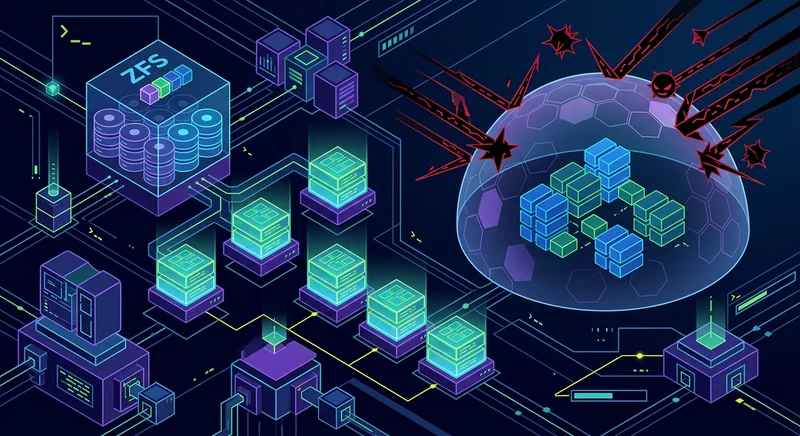

ZFS Snapshots Guide: Protect Your Data from Ransomware

Ransomware has changed from a “big enterprise” problem into a routine risk for freelancers, homelab users, and small teams. In 2026, attacks are faster, quieter, and often start with ordinary credentials stolen from a browser, password vault export, or exposed SSH key. If you run Linux storage and your only protection is “we have backups somewhere,” your recovery window may still be too wide.

ZFS snapshots give you a practical way to reduce that window. A snapshot is an instant, read-only checkpoint of a dataset at a specific point in time. Because ZFS is copy-on-write (CoW), snapshots are cheap to create, fast to list, and reliable to recover from, as long as you design retention and permissions correctly. This guide covers the full strategy: prerequisites, installation, immutable snapshot controls, automation with sanoid and syncoid , recovery steps during an active incident, performance impact, and compliance considerations.

How to Run Llama 4.0 on Consumer GPUs (2026)

You can run Llama 4.0 on consumer hardware by using 4-bit GGUF quantization and high-performance inference engines like llama.cpp or Ollama . This approach allows a mid-range RTX 50-series card - such as the RTX 5070 Ti with 16GB of VRAM - to maintain smooth, real-time token generation while keeping your data entirely local. The key insight is that quantization compresses model weights without catastrophic quality loss, and modern inference engines exploit your GPU’s full bandwidth to make that compressed model run fast. This guide walks you through everything: understanding the architecture changes in Llama 4.0, choosing the right hardware tier, picking your quantization format, installing the tools, and squeezing out maximum performance with practical optimizations.

Is a RISC-V Laptop Ready for Linux Daily Use in 2026?

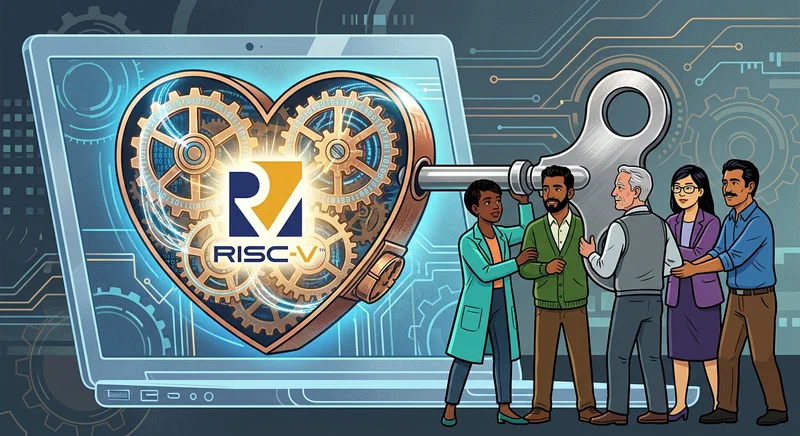
RISC-V laptops are making rapid progress, but they are currently best suited for developers and enthusiasts rather than mainstream daily use in 2026. The hardware is capable of terminal work, web browsing, and compilation. The bottleneck is software: many applications that x86 and ARM users take for granted - Zoom, VS Code pre-built binaries, most commercial software - don’t have native RISC-V builds yet. Whether this matters depends entirely on what you need the laptop to do.

Debian vs. Arch 2026: Choosing the Best Daily Driver

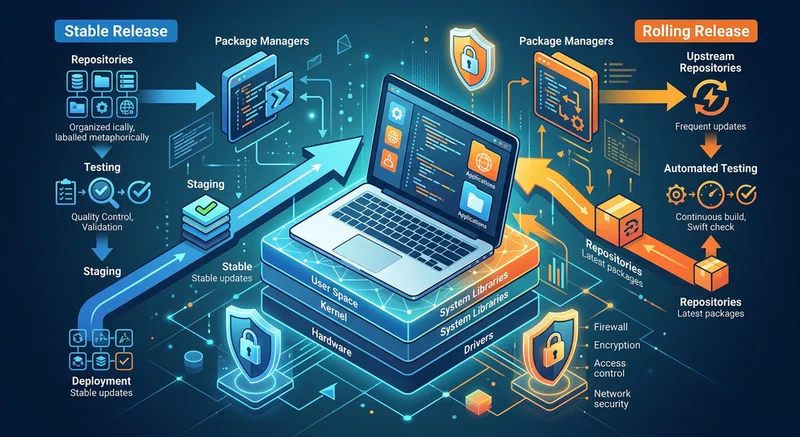
Choosing between Debian and Arch in 2026 is less about which distro is universally better and more about which failure mode you can tolerate every week. Debian fails slowly and predictably. Arch fails quickly and transparently. Both can be excellent daily drivers, both can be miserable if you mismatch the system to your habits, and both now sit in a Linux ecosystem where Flatpak , containers, and user-level tool managers reduce the impact of distro packaging decisions.

The Best Portable Monitors for a CLI Workflow (2026)

The best portable monitors for developers feature high-DPI 1440p resolutions and single-cable USB-C connectivity for power and video. In 2026, lightweight OLED models are preferred for their superior contrast and readability when working in a terminal-focused environment - though they come with burn-in caveats worth understanding before you buy.

What a CLI Developer Actually Needs from a Portable Monitor

Consumer portable monitor reviews optimize for the wrong things. Refresh rate comparisons, HDR brightness specs, and color gamut coverage are relevant for gaming and video editing. For eight hours of staring at a terminal prompt, the calculus is completely different.