 Botmonster Tech
Turso is a distributed SQLite service built on libSQL , an MIT-licensed fork of SQLite. It adds embedded replicas: local SQLite files that sync from a primary database in the cloud. Reads happen at local-disk speed, under 200 nanoseconds in benchmarks. Writes go to one primary region. You get sub-millisecond reads and read-your-writes consistency for less than a managed Postgres bill. You install the client SDK, point it at a Turso URL and a local file path, and your app reads from a replica that stays in sync on its own.
Embedded
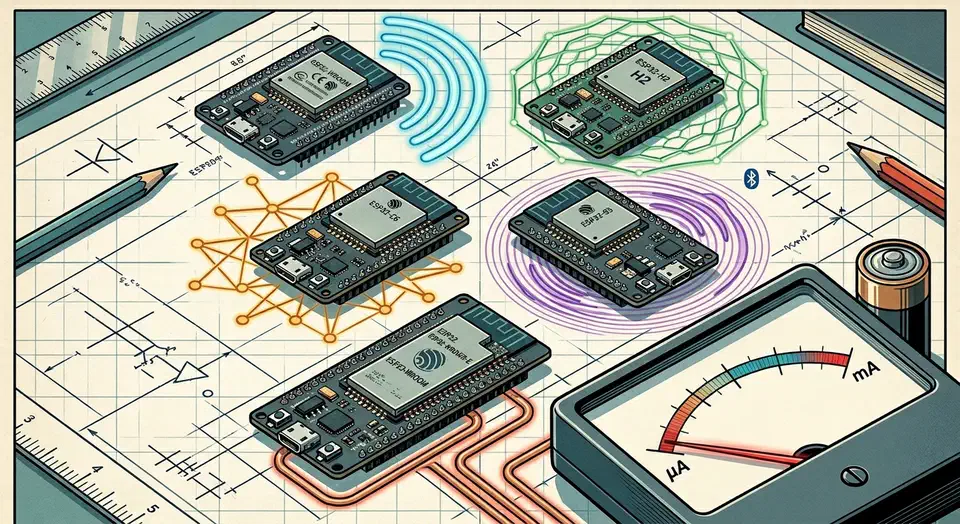
ESP32 Boards for ESPHome: Radio-First Picks, Deep-Sleep Tested
The best ESP32 board for ESPHome in 2026 is the one whose radio matches the job, then the one whose deep-sleep current matches your power source. Pick the ESP32-C6 for Matter-over-Thread, the ESP32-H2 for battery Zigbee, and the classic ESP32 or S3 for mains BLE proxies. Bare modules sip 7-10 microamps asleep, but stock dev boards waste 5-15 mA.
Key Takeaways
- Match the chip to the radio first: C6 for Thread, H2 for Zigbee, S3 for BLE proxies.
- Bare ESP32 modules sip 7-10 microamps asleep; stock dev boards waste 5-15 mA.
- The C6 is the only ESP32 with Wi-Fi 6 plus a Thread radio, great for Matter.
- The H2 has no Wi-Fi, so it lives or dies on a Zigbee or Thread mesh.
- All five chips work in ESPHome, but C6 and H2 need the ESP-IDF framework.
What is the best ESP32 board for ESPHome in 2026?
There is no single winner, because the right board depends on the radio your project needs. So start from the radio, then filter by power source, then by GPIO and flash headroom. That order saves you from buying a powerful chip that lacks the one radio your sensor actually requires.
Build a Zigbee End Device With ESPHome and the Nordic nRF52
As of ESPHome
2026.1.0, you can flash a Nordic nRF52840 board from a plain ESPHome YAML file and have it join Zigbee2MQTT
or Home Assistant ZHA
as a native Zigbee end device, with no custom C firmware, no Nordic Connect SDK project, and no coordinator reflashing involved. Pick a Seeed XIAO nRF52840, a Nordic nRF52840-DK, or an Adafruit Feather nRF52840 Sense, drop an nrf52: block and a zigbee: component into your config, add a binary sensor, sensor, or switch, and run esphome run sensor.yaml. The device pairs like any other battery-powered Zigbee sensor, sleeps between reports, and receives firmware updates over Zigbee itself through the new OTA path. ESPHome 2026.2 adds time sync and a number entity type on top, so end devices can timestamp their own readings and expose adjustable thresholds.
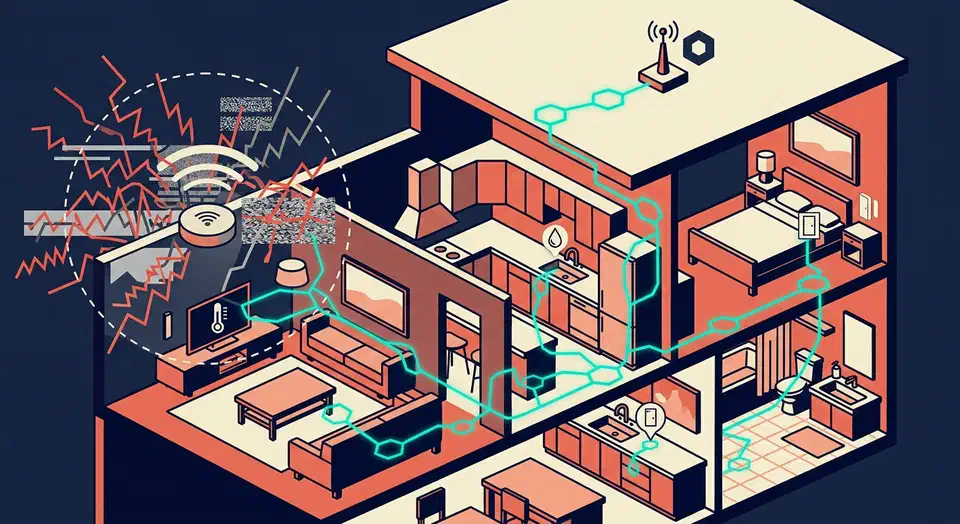
Build a Thread Device With ESPHome and the ESP32-H2
Thread is a low-power, IPv6-based mesh protocol for smart home devices. Since ESPHome
2025.6.0, you can flash Thread-native firmware onto any ESP32-H2 or ESP32-C6 board. No Zigbee2MQTT, no WiFi congestion. Grab an ESP32-H2-DevKitM-1, write a short ESPHome config with the esp-idf framework and the openthread component, then join it to a Thread border router
like Home Assistant Yellow or a HomePod mini. Your sensors show up over IPv6 with sub-second latency and battery life measured in months.

Is the StarFive VisionFive 2 the Best RISC-V SBC for Developers?
For most developers wanting hands-on RISC-V in 2026, the StarFive VisionFive 2 at $65 for the 8GB model is the most practical entry point. It runs Debian 13 (Trixie) on the JH7110 quad-core SiFive U74 at 1.5GHz, ships with an Imagination BXE-4-32 GPU that now has mainline Mesa Vulkan drivers, supports Docker and NVMe via kernel 6.6+ LTS, and delivers roughly 60-70% of a Raspberry Pi 4’s single-threaded speed. That gap is smaller than you might expect when the goal is learning RISC-V toolchain internals. The ecosystem here has matured enough that you spend time writing code, not fighting drivers.
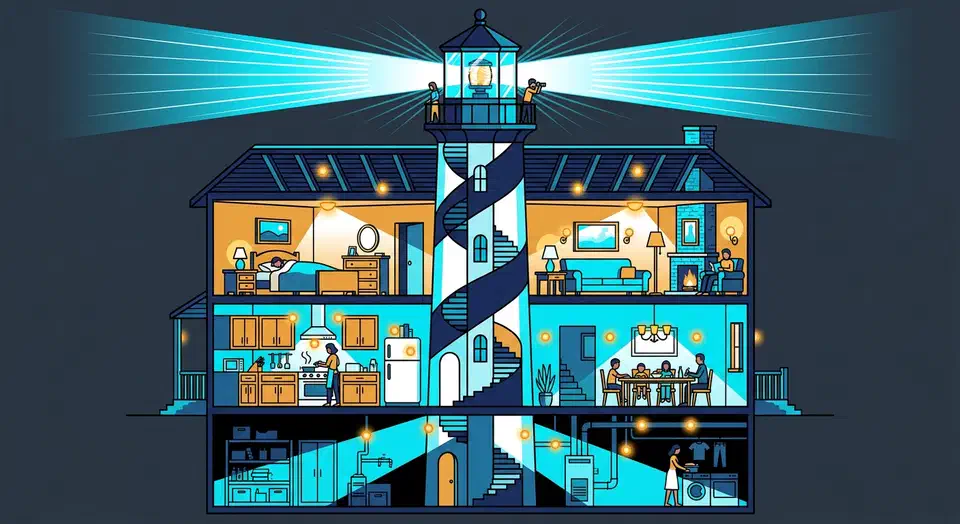
Bluetooth Proxies Under $20: Room Detection with ESP32-C3
Drop a few ESP32 boards ($3-8 each) flashed with ESPHome ’s Bluetooth Proxy firmware into rooms where BLE devices drop out. Home Assistant then routes Bluetooth traffic through the nearest proxy on its own. Each proxy adds about 10-15 meters of BLE coverage through interior walls, needs only a USB power cable, and works with HA’s native Bluetooth setup. The BLE devices themselves need no config changes. They have no idea they’re talking through a relay.