 Botmonster Tech
v2rayN says update now because its updater was unsafe

The v2rayN security update in release 7.24.4 fixes a flaw in the app’s built-in downloader. Older builds could be tricked by a network attacker into fetching a malicious file. The cause was a third-party download library that treated expired and self-signed certificates as valid. No CVE was assigned.
Key Takeaways
- v2rayN 7.24.4 fixes a downloader flaw the project calls an urgent security issue.
- Older builds could be tricked into downloading a malicious file over a hostile network.
- The bug came from a download library that accepted broken certificates as valid.
- Check the signed release file yourself before you install it.
- The tool you install for privacy is itself a target, so keep it current.
What the v2rayN security update actually fixes
The project shipped 7.24.4 under a banner calling it an urgent security update, with a plea to upgrade at once. Older builds carried a built-in downloader that could be hit by a man-in-the-middle attack and made to fetch a bad file. That banner first showed up on 7.23.3 and has run on every GitHub release since.
The downloader pulls down proxy core binaries and application updates. Swap one of those files and the attacker runs code as you.
Pulling that off needs a spot on the network path. For a large share of this tool’s users, a hostile network is the everyday condition they installed the client to handle.
The project published release notes and a linked discussion instead of a formal advisory, so no public database lists the versions at risk.
The desktop build also moves to Avalonia 12 and picks up Happy Eyeballs support. The fake-IP range is now configurable, and the tunnel settings gain IPv4 and IPv6 options.
The flaw came from a download library v2rayN trusted
The fix landed in pull request 9703, titled “Add Root Cert Store.” Its report points at bezzad/Downloader, the .NET library v2rayN used to fetch files. That library bent the TLS rules in two places inside one check.
One branch waves through expired certificates:
if (status.Status == X509ChainStatusFlags.NotTimeValid)
{
    // If the error is for certificate expiration then it can be continued
    return true;
}
A second branch accepts any self-signed certificate whose subject matches its issuer. Between them, the two branches leave a downloader that says “TLS” and checks almost nothing. Anyone on the path could hand over a homemade certificate and be believed.
The patch goes further than tightening that callback. It bundles the Mozilla and Chrome root certificate stores and checks v2rayN’s own downloads against them. Consequently, a bad certificate already planted in the system trust store no longer helps an attacker either. That’s a wider fix than the bug strictly needed, and for software of this kind it’s the right call.
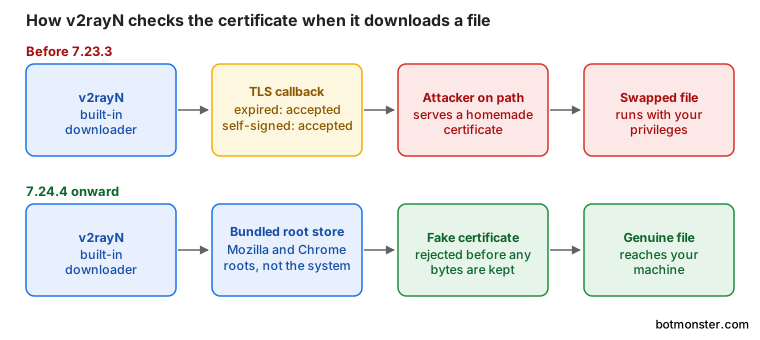
An auto-updater is a remote code execution feature you’ve chosen to keep, so it deserves the scrutiny you’d give one.
What v2rayN is, for readers meeting it here
v2rayN is a desktop client with a windowed interface for Windows, Linux, and macOS. It’s written in C# and shipped under GPL-3.0.
The client manages other people’s proxy engines. It sets up and runs external cores, mainly Xray and sing-box, plus a few others. That layering is why the bug reaches so far: fetching and updating those cores is the client’s job, and that fetch path held the weak code.
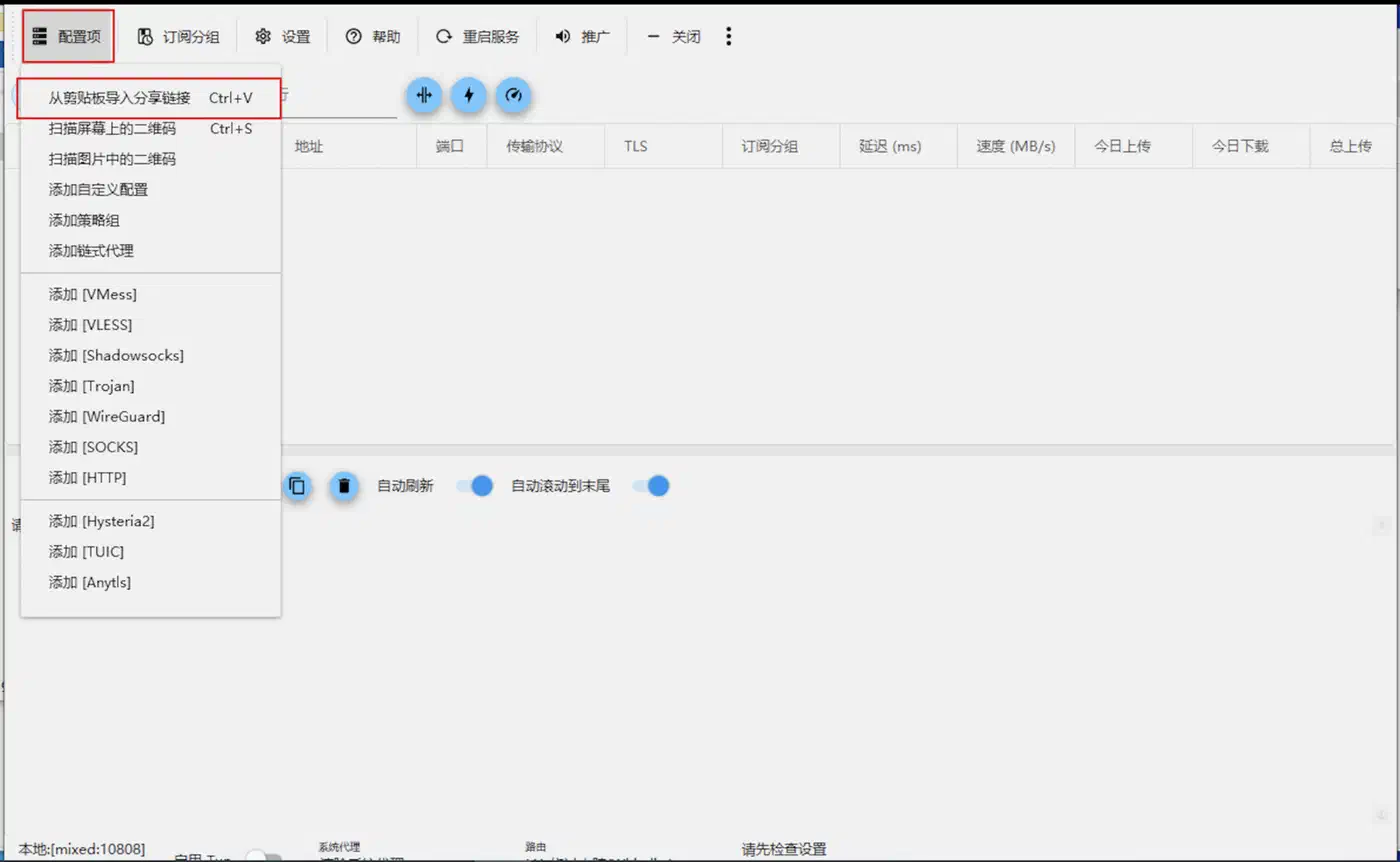
The build list is unusually wide for a project this size. It even covers Linux on riscv64 and loong64:
| Platform | x64 | x86 | arm64 | riscv64 | loong64 |
|---|---|---|---|---|---|
| Windows | yes | yes | yes | no | no |
| Linux | yes | no | yes | yes | yes |
| macOS | yes | no | yes | no | no |
The mobile counterpart is a separate project, v2rayNG, and this release is not about it.
Why the allowInsecure option disappeared
Every release since the fix links a project discussion about dropping allowInsecure, the setting that skipped TLS certificate checks. That call was not v2rayN’s to make. Xray-core cut the flag in v26.2.6 and swapped in certificate pinning through pinnedPeerCertSha256.
Configs that still carry the old flag stop the core from starting, with this error:
The feature "allowInsecure" has been removed and migrated to "pinnedPeerCertSha256".
Please update your config(s) according to release note and documentation.
The breakage hits Hysteria and Hysteria2 nodes, any node with allowInsecure in its TLS block, and subscription imports whose links carry insecure=1. v2rayN 7.22.5 brought the old behaviour back as a stopgap, then Xray shut it off for good.
| Your fix | What it does | Right for |
|---|---|---|
| Turn the skip off | Normal certificate validation returns | Servers with a real certificate |
pinnedPeerCertSha256 | Matches one exact certificate fingerprint | Self-signed certificates |
| Freeze on an old build | Nothing, and you keep the downloader bug | Nobody |
Pinning ignores the system trust chain entirely. You read the server certificate’s SHA-256 fingerprint and paste it into the node. For TCP-based protocols such as VLESS, VMess, and Trojan, openssl s_client reads that fingerprint for you. It can’t help with Hysteria, which runs over QUIC on UDP. For those nodes, ask whoever runs the server for the certificate file.
How to update v2rayN safely and verify the download
Check your current version
Open the application and read the version number. Anything below 7.23.3 predates the downloader fix. The project asks everyone to move to 7.24.4.
Download from the releases page directly
Go to the project’s GitHub releases page in a browser. Don’t let the old, unpatched updater fetch the new build for you. The component you’re replacing is the one you’d be trusting to do it.
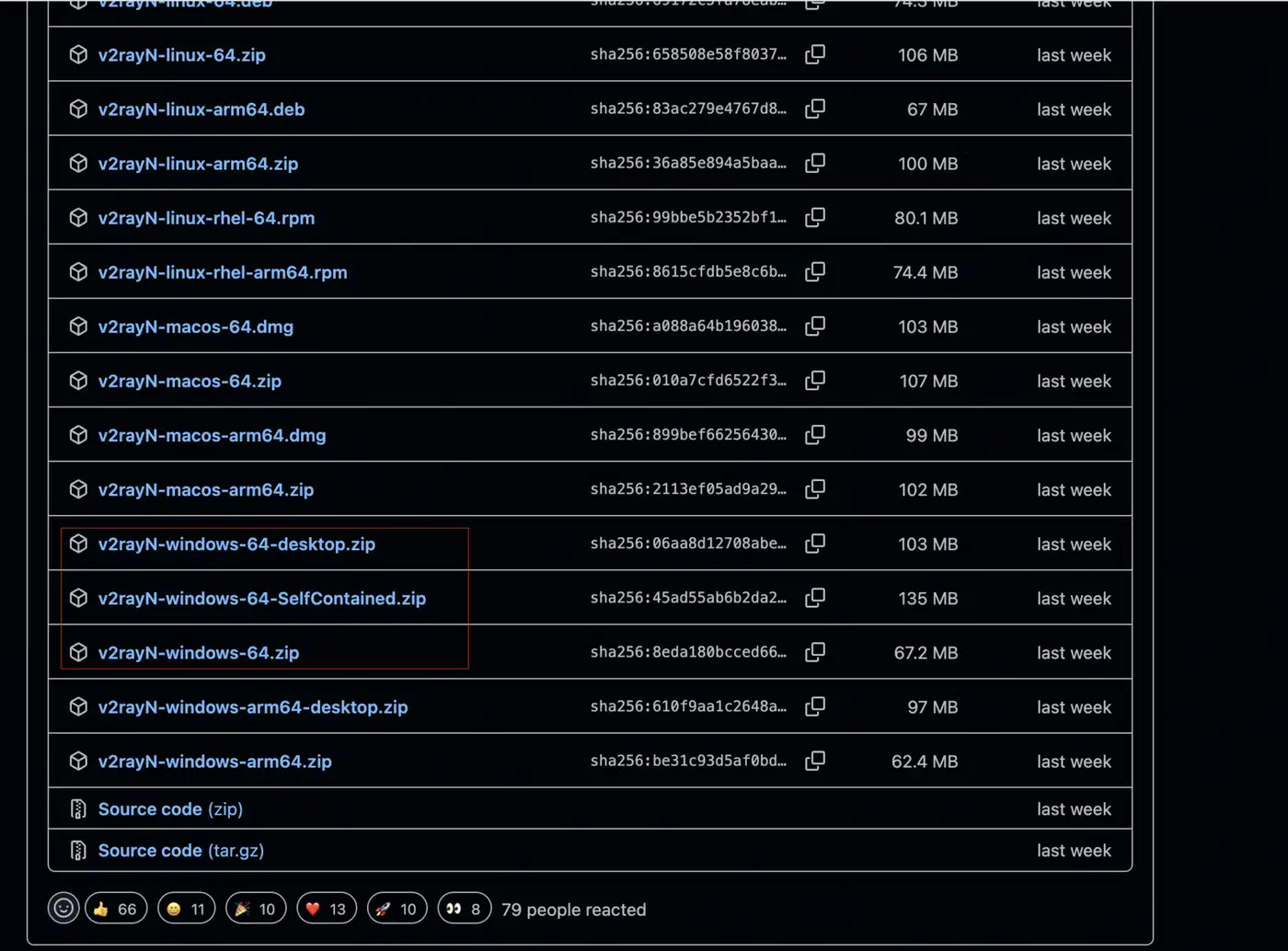
Pick the right file for your platform
Match the architecture table above. Linux ships in both .deb and .rpm flavours, macOS as .dmg or .zip.
Verify the GPG signature
Every release file ships with a matching .sig file, and the release carries a public key too. Check the signature against the fingerprint in the project README before you run anything.
Install the update
Replace the old build. Keep your configuration if you like.
Replace anything the old updater fetched
An old build may have pulled core binaries or subscription content over the weak path. Fetch those again from source.
Review your certificate settings
The allowInsecure flag is gone. If you leaned on it, fix the broken certificate or pin the fingerprint. Don’t hunt for a stand-in flag that turns checking back off.
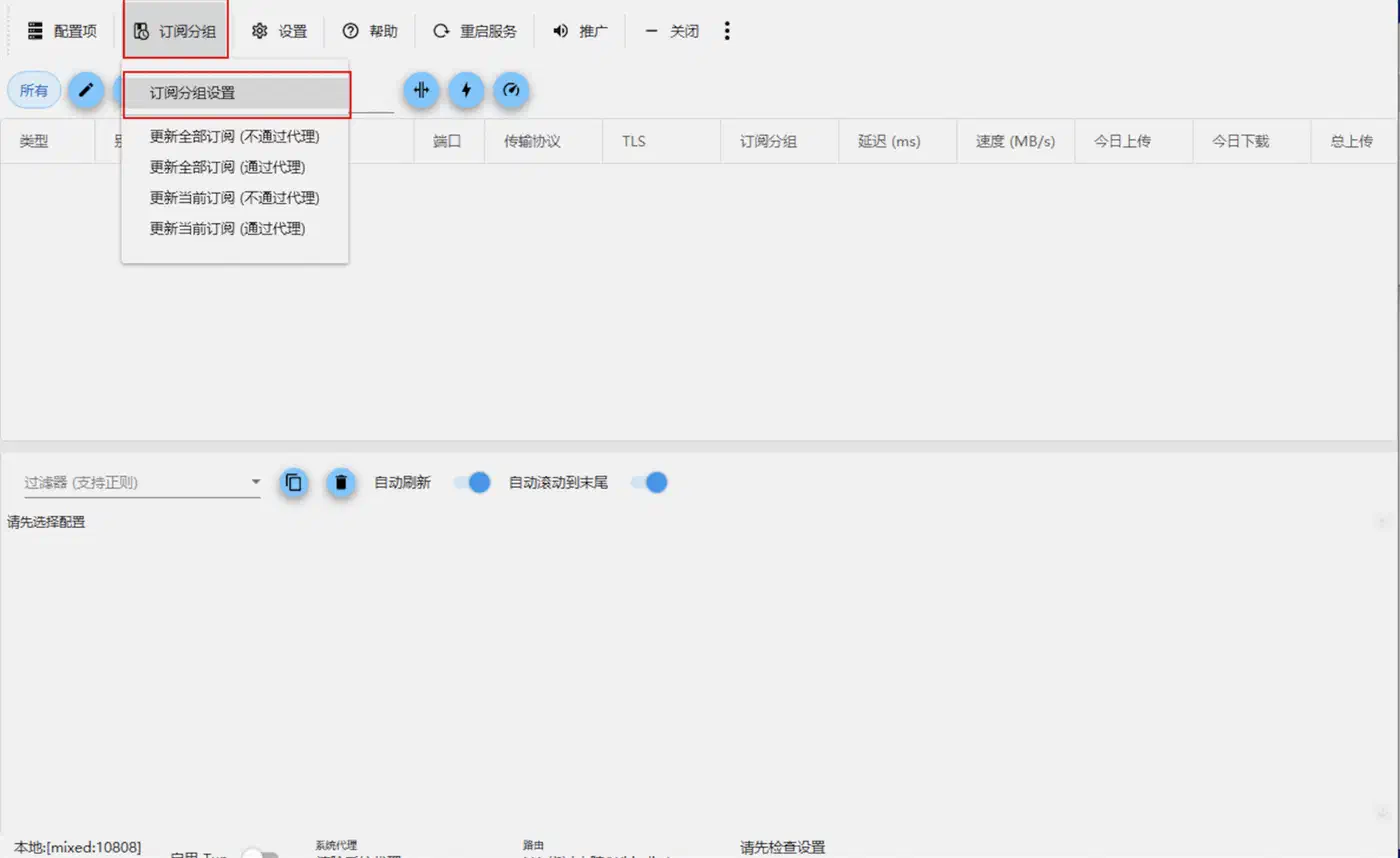
Re-check your subscriptions
Subscription URLs are the other place a middleman can inject configuration. Confirm each one uses HTTPS and comes from a source you really trust.
What to check on your own setup
Run through this list on every machine, including the one you barely touch:
- Confirm the client version is 7.24.4 or later everywhere.
- Re-download any core binary an old client fetched for you.
- Check subscription URLs for plain HTTP and replace any you find.
- Delete any config that skipped certificate checks.
- Make signature checking a routine step on every download.
- Follow the release feed. The in-app prompt is part of the piece that failed.
The repository is busy: releases land often and only a couple of dozen issues sit open, so patched builds arrive fast. The update path itself was the weak link here, which is why the checking belongs in your hands.