 Botmonster Tech
Instatic wants to replace Webflow at version 0.0.14

This post is open for corrections. Highlight any line of text to challenge it or ask for a clearer explanation and leave a comment.
The Instatic self-hosted visual CMS packs a canvas editor, content engine, media, auth, forms, plugins, and a publisher into one Bun server. It aims squarely at Webflow, Framer, and WordPress. The version number is 0.0.14, and the project says so before you do. The architecture underneath is what decides whether it’s worth an early bet.
Key Takeaways
- One server holds the editor, the content, the media, and the publisher.
- Published pages are plain HTML and CSS with no editor code left behind.
- Plugin code runs in a sandbox with no network unless you grant it.
- Any table you invent becomes a content source your pages can loop over.
- The project says out loud that it is pre-1.0 and things will move.
What the Instatic self-hosted visual CMS puts in one process
A modern website is usually four vendors in a trench coat. You rent a headless content system, a framework, a host, a form service, an analytics tool, and an image delivery network. Each one sends its own bill and has its own bad night.
Instatic folds that list into one Bun server. The canvas editor, the content engine, media, auth, forms, plugins, and the publisher all run in the same process. The database is SQLite or Postgres, picked by a connection string.
The content model is one store instead of several. Pages, posts, components, custom collections, and any structured table you invent live in data_tables and data_rows. No pages table sits off to one side with its own special rules.
Any table you create becomes a content source a loop can render. Build a table of staff profiles, drop a loop on the about page, and the page fills itself.
Custom post types come with a real editorial workflow. Entries move through draft, scheduled, and published, and the published copy keeps version history. The form service is built in too, so submissions land in your own tables where you can query and export them.
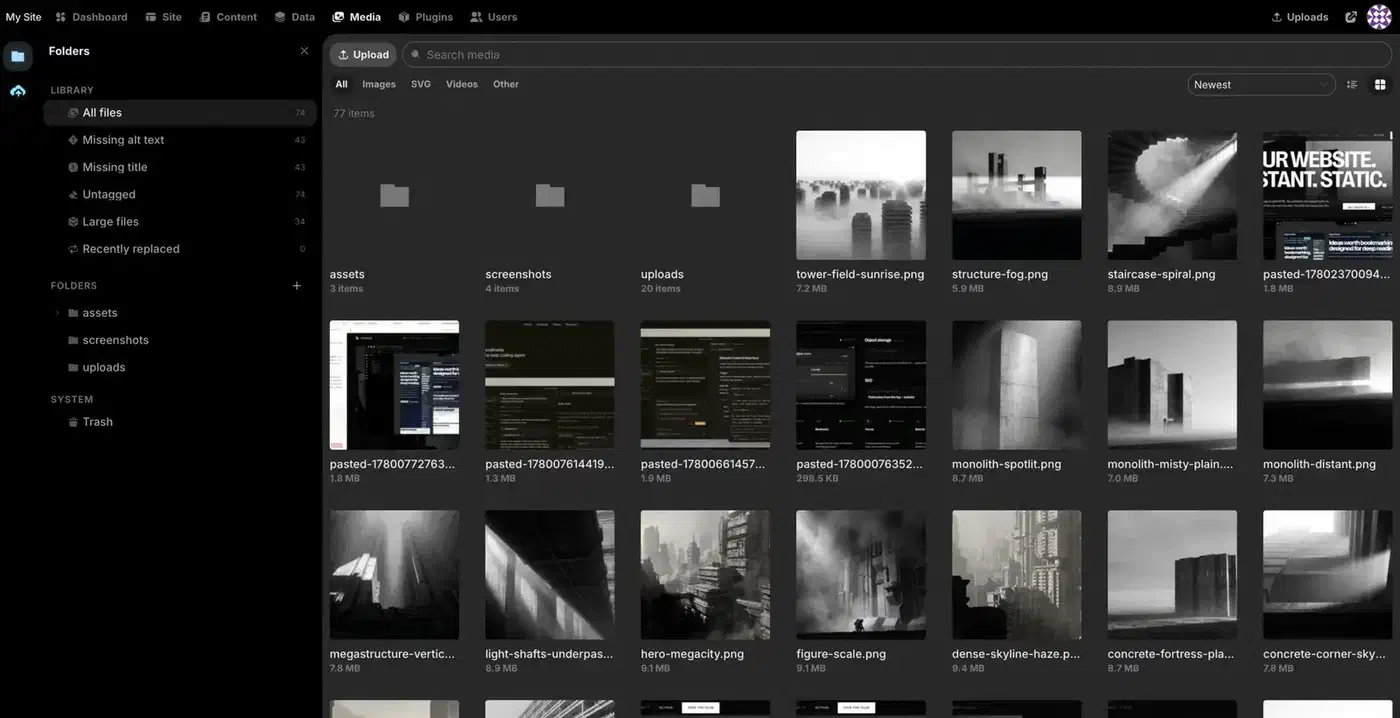
Access control is more serious than most projects this young bother with. Roles are built from 38 named capabilities, and sessions are token-based. Two-factor login uses TOTP, with the secrets encrypted at rest. Repeated failed logins trigger lockout with backoff, and risky actions prompt you to confirm again.
There is also a built-in AI agent that edits the canvas directly. A 35-tool site scope builds pages and a 15-tool content scope edits entries. You bring your own key for Claude, OpenAI, OpenRouter, or a local Ollama model, so the bill stays yours.
| Tool | Where it runs | Form submissions | Published output | Licence |
|---|---|---|---|---|
| Instatic | Your server, one Bun process | Your own database tables | Semantic HTML and compact CSS | MIT |
| Webflow | Webflow’s cloud | Webflow, capped by plan | Webflow markup plus a JS runtime | Proprietary |
| Framer | Framer’s cloud | Framer, capped by plan | React runtime in the page | Proprietary |
| WordPress | Your server or a managed host | A plugin, usually paid | Theme markup plus plugin scripts | GPL |
The team behind it built Motion.page and Core Framework, both tools for the WordPress world. Instatic is MIT licensed and written in TypeScript. It reached v0.0.14 on 28 July 2026.
Why the published output is the actual product
Every visual builder promises clean output. Most deliver div soup carrying builder attributes and a framework runtime. Instatic claims semantic HTML and compact CSS with none of the editor’s machinery left in the page.
The mechanism has three layers. Static pages are baked to disk when you publish and swapped in atomically, so a visitor just gets a file. Routes that really change hit a versioned in-memory cache, and publishing bumps the version so stale entries miss. Only the per-visitor parts are found on the fly and lazy-loaded.
The runtime for those dynamic parts weighs about 1.1 kB, a rounding error next to any framework bundle.
The design token engine is built in. Core Framework ships as a core system, so you set one brand colour and the shade scale builds itself. Type and spacing scales are fluid and math-based. A utility-class generator writes locked classes into one small framework.css.
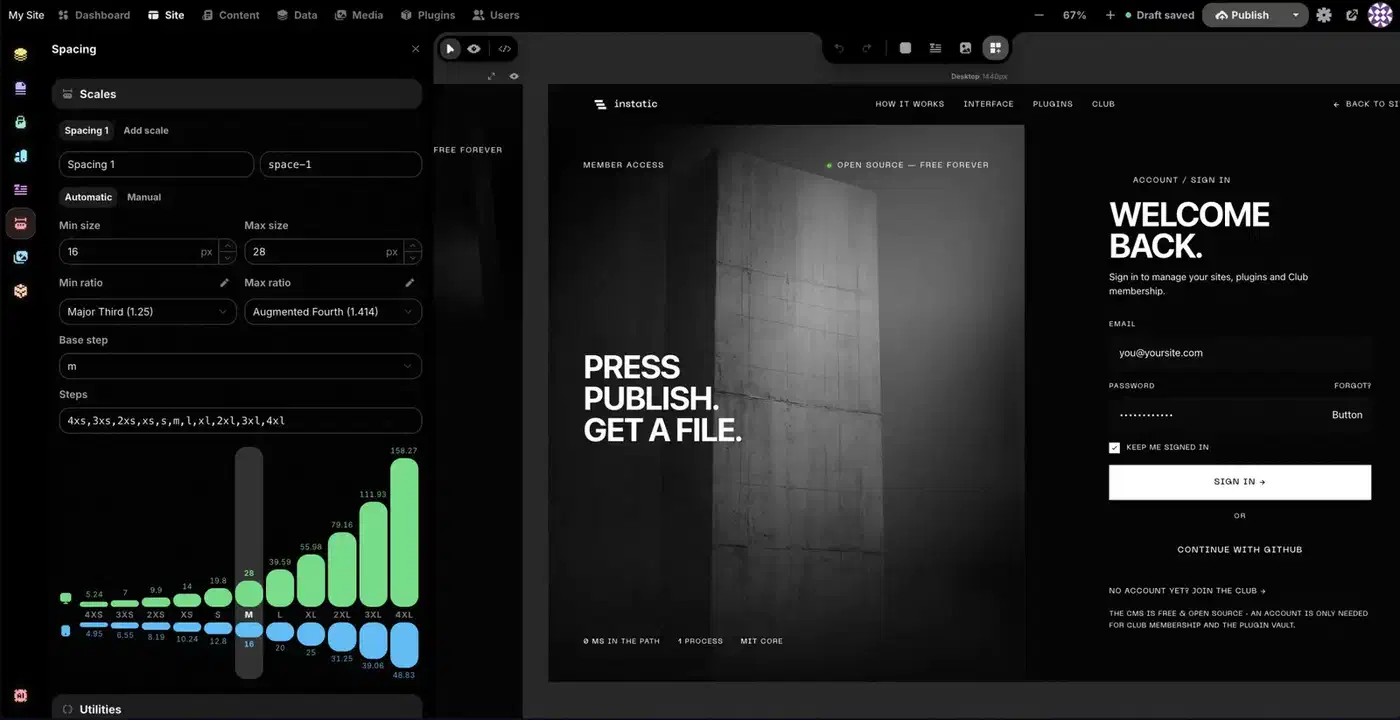
A deduplicated utility stylesheet ships the styles the page actually uses, instead of shipping a whole design system and hoping the browser copes.
Portability follows from the output. Plain HTML and CSS means you can read it, host it anywhere, or take it and leave, which is the opposite of the usual builder lock-in. It’s also the same end product Hugo, Astro, and the rest of the generator crowd hand you. The difference is who builds the page: a text editor and a build command, or a canvas. If you already build with Hugo, a warm image cache in CI keeps those builds fast.
You can check this yourself in about two minutes. Build one page, publish it, and open view-source, and the markup is either readable or it isn’t.
The plugin sandbox is the unusual part
Plugin systems are where a CMS goes to die, security-wise. Instatic made a different choice, laid out in the plugin system docs. A plugin is a zip package with a manifest. Its server entrypoint runs in a per-plugin Bun worker, and that worker hosts a QuickJS engine compiled to WebAssembly. The sandbox has its own globals, no FFI, and no syscalls.
By default it denies the filesystem, environment variables, and the network entirely. Outbound fetch needs the network.outbound permission plus an allowlist of hosts, granted one host at a time. The usual model instead runs plugin code with the same privileges as the application, so one compromised dependency owns the whole site.
Each VM gets 64 MB of heap and 1 MB of stack, enforced by the host. Plugin code that runs past a 5 second wall-clock deadline gets interrupted, so a while (true) {} in a route handler cannot wedge the worker. A worker that hangs anyway hits a 30 second host timeout and gets torn down.
Forbidden imports are checked three times: when you build the plugin, when you lint it, and again when the server unpacks the uploaded zip.
The project owns up to one real hole. Editor extensions and app-style admin pages are not sandboxed. They load into the admin window with the operator’s session, and they need the editor.code permission, which the docs label dangerous. The install dialog throws its own warning.
The SDK still gives a plugin plenty of surface. It can add HTTP routes, admin pages, storage, scheduled jobs, loop data sources, canvas modules, media adapters, frontend assets, and lifecycle hooks. A plugin that exposes an external system as a loop source lets your pages render data the content system never stores.
One more signal for anyone reading the codebase: architectural rules live in src/__tests__/architecture/ as real tests. When the structure that keeps the output clean starts to drift, a test run catches it.
Run Instatic locally and publish your first page
Install Bun
Instatic needs Bun and nothing else, so it helps to know how Bun compares with Deno and Node.js before you commit. The default development setup runs on SQLite, so there are no extra services to stand up first.
Clone and install
Run git clone https://github.com/corebunch/instatic.git, then cd instatic, then bun install.
Start the development server
Run bun run dev and open http://localhost:5173. The first visit walks you through creating the site and the owner account.
Set up your design tokens first
Define one brand colour and let the built-in framework generate the shade scale. Then set the type and spacing scales. Doing this before you build any pages means a token change later updates every page that uses it.
Build a page on the canvas
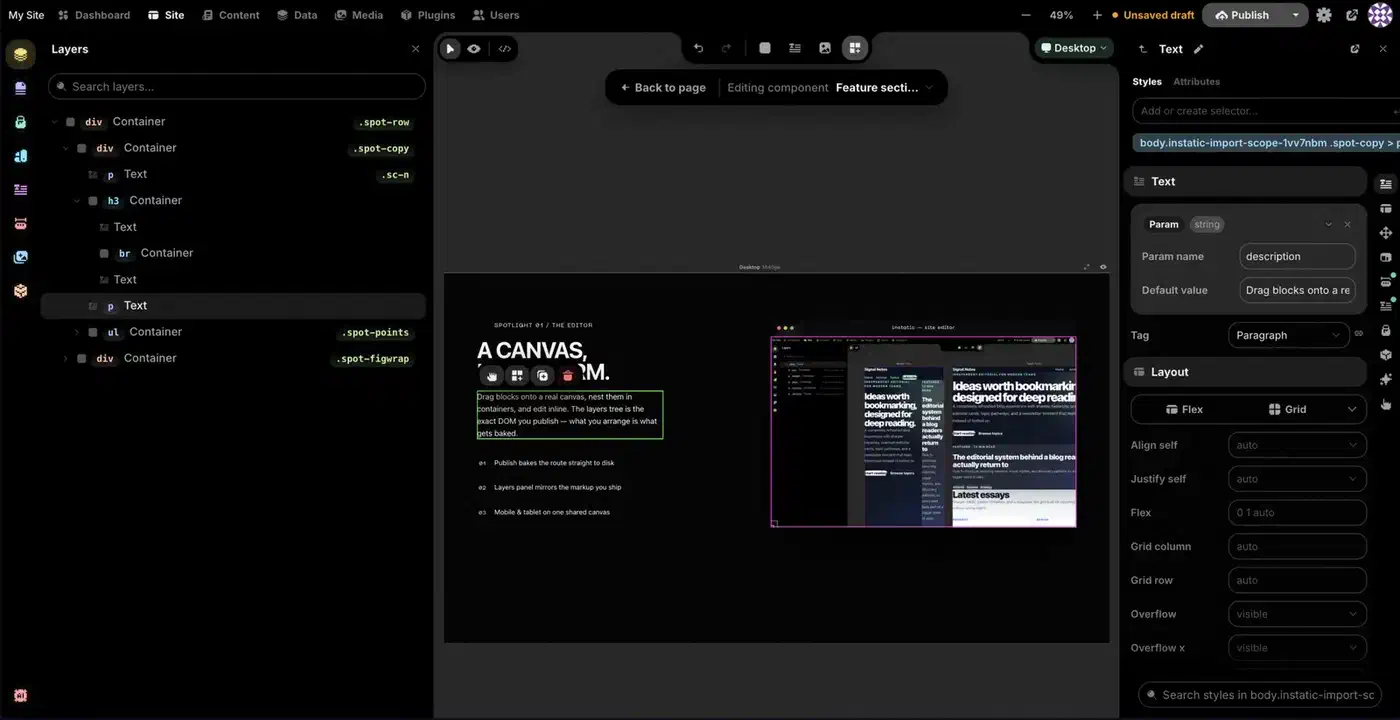
Drag modules onto the canvas and nest them however you like. Put several breakpoint frames side by side so a desktop change and its mobile reaction are visible in one view.
Make one reusable component
Turn a section into a Visual Component with typed parameters and named slots, then place two instances of it. Editing the component once should update both.
Publish and read the source
Publish the page, then open view-source on the result. You should see semantic HTML and compact CSS, with no editor attributes and no framework runtime.
Run it the way it ships
Run bun run start to build the admin and serve it from the Bun server at http://localhost:3001/admin. That is much closer to a real deployment than the development server.
Should you build a site on version 0.0.14?
Everything shipped so far is the starting line. APIs and workflows can still shift before 1.0, and the README says that if this makes you nervous you should wait.
Build on it now if it’s your own site and you can redeploy from a backup. Being early has to be part of the appeal. Wait if it’s a client site, or a business depends on it, or a breaking change would land on someone who never chose this.
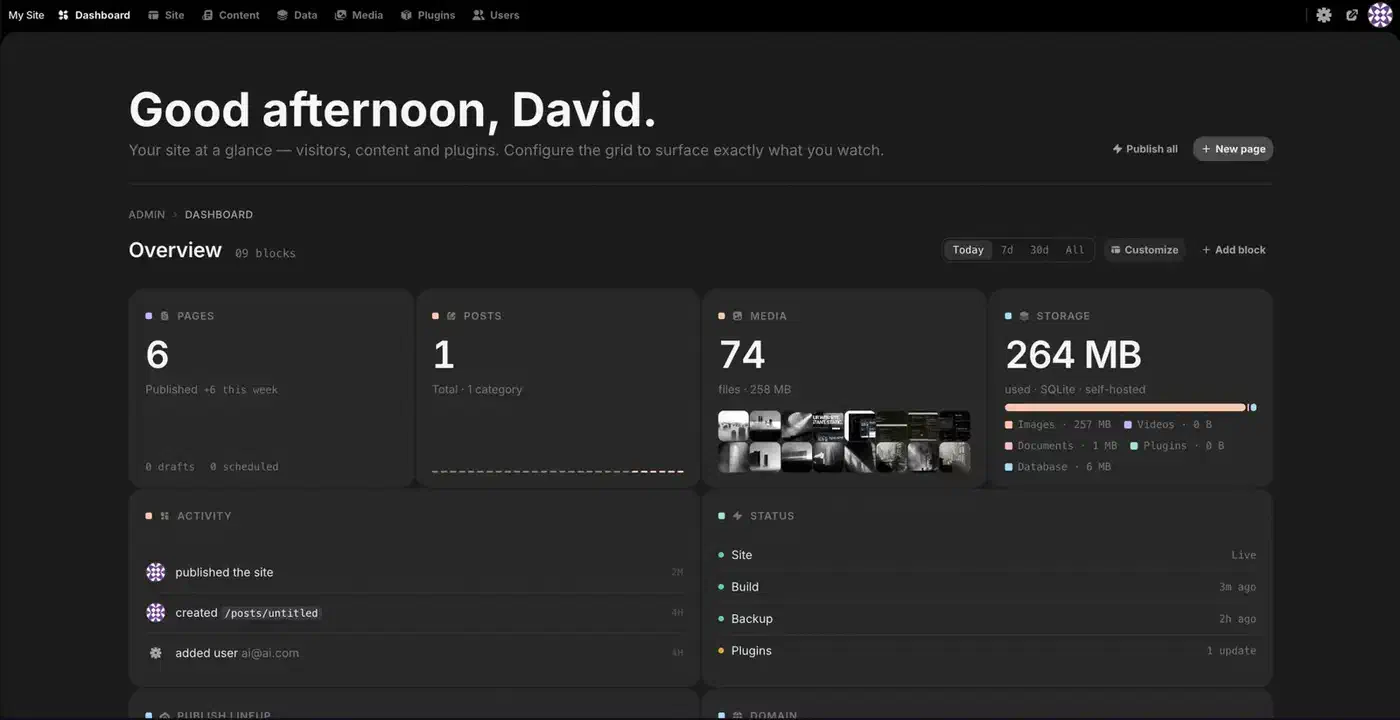
The roadmap names what is missing: first-party analytics, a bigger module and plugin ecosystem, and a sharper AI agent. Today the analytics are operational only. You get dashboard status, an append-only audit log, and your own form data, but no visitor numbers.
The docs carry no WordPress migration path, and Super Import reads a static site of HTML, CSS, images, and fonts, so it has no use for a database export. Nobody has published page weight or load time for a real Instatic page against the same page built elsewhere either.
Deployment is further along than the version number suggests. One-click Railway templates cover SQLite and Postgres. There are guides for Render and for Docker or a VPS, with Caddy handling TLS. It all ships as one image at ghcr.io/corebunch/instatic:latest. To update, you redeploy that image, with the database and uploads on attached storage.
Backups are one sentence, which is the correct number of sentences for backups. Dump the database, copy the uploads folder to an off-site bucket, and you have the whole site.
This is the most architecturally interesting new content system to appear in a while, and 0.0.14 is an honest version number. Try it on something you own.