 Botmonster Tech
Best AI image tools 2026
This post is open for corrections. Highlight any line of text to challenge it or ask for a clearer explanation and leave a comment.
The best AI image tools 2026 has to offer split by what file you have to hand over at the end. Nano Banana handles everyday images with readable text. Ideogram nails typography, and Recraft is the only one that exports real vector files. Most free tiers still fail at the download.
Key Takeaways
- Pick an image tool by the file you need at the end.
- Recraft is the only one exporting true vector art, so logos go there.
- Text inside images works now, but only in the tools built for it.
- Most free tiers watermark the download or keep the commercial rights.
- Editing an image by chatting beats generating a new one from scratch.
What makes an AI image tool worth using?
Every image generator looks brilliant in a demo, so the demo tells you nothing. The bar I use is the finish-line test: a free tier passes only when it hands you a file you can publish. That means a usable resolution, no watermark burned into the corner, and commercial rights in writing.
The choice comes down to text rendering inside the picture, the file formats you can export, and who owns the result. Ownership runs deeper than images, as the map of who owns and who rents a search index shows.
Ownership is the one buried deepest. Several tools let you generate as much as you like on the free plan, then grant rights only once you pay. The image you already made for a client ends up in your downloads folder, finished and legally unusable.
A raster image is a grid of pixels, so it blurs when you enlarge it. A vector is a set of shapes and paths, so it stays sharp at any size. Logos and icons need vectors, and so does anything headed for print.
This post covers hosted tools you open in a browser. Models you run on your own graphics card are a different trade, judged on VRAM and setup time. I covered those in local image models in 2026. Moving pictures are a separate market again, where clip and avatar generators hand out credits instead of minutes.
Best AI image generators built into a chatbot
For most people the right tool is the one already sitting in the chatbot they open every day. The round trip between describing a change and seeing it takes seconds. That speed beats a slightly better model you have to switch tabs for.
Nano Banana in Gemini
Nano Banana, Google’s image model inside Gemini, is the strongest at text. Signs, labels, packaging, menus, and non-English scripts come out readable instead of letter-shaped noise. The free plan gives you roughly 20 images a day in the app, and Google lists the allowance on its AI plans page.
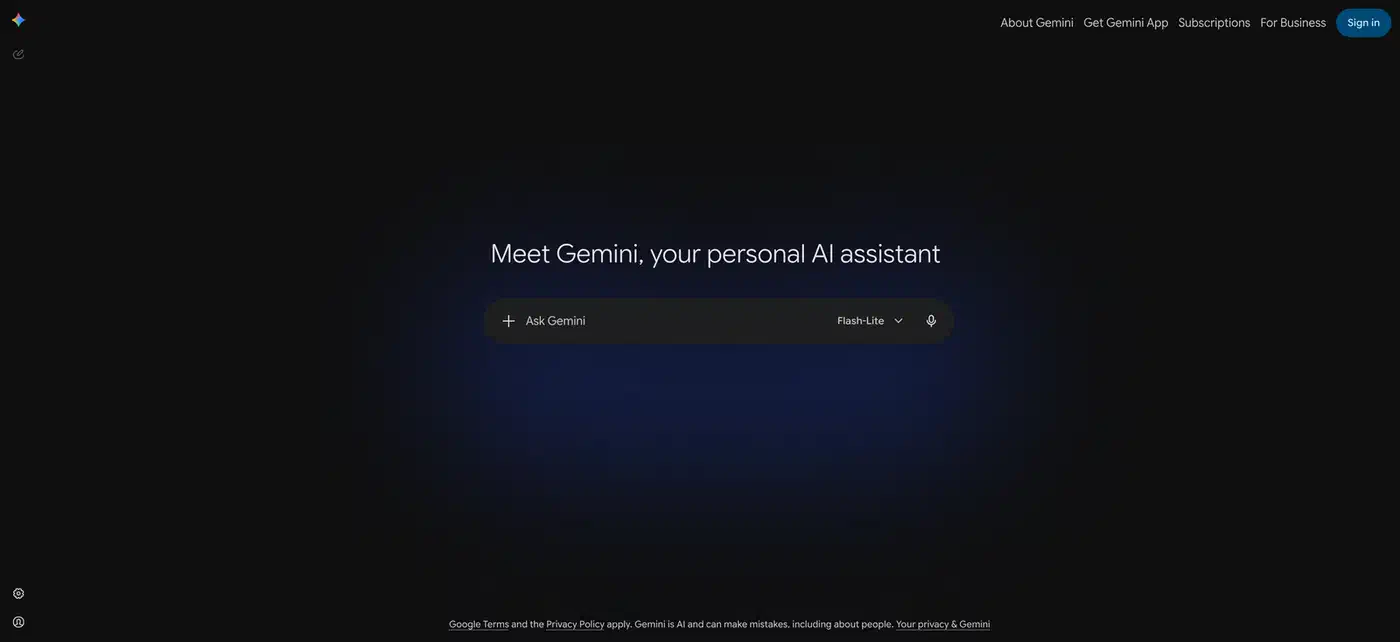
However, free Gemini images carry a visible sparkle in the bottom-right corner. It’s small, but it stays put until you reach the top paid tier, and no prompt removes it from a client mockup.
ChatGPT
ChatGPT’s image model is the better conversational editor. You keep one image and change one thing at a time: make the jacket red, move the logo left, drop the background out.
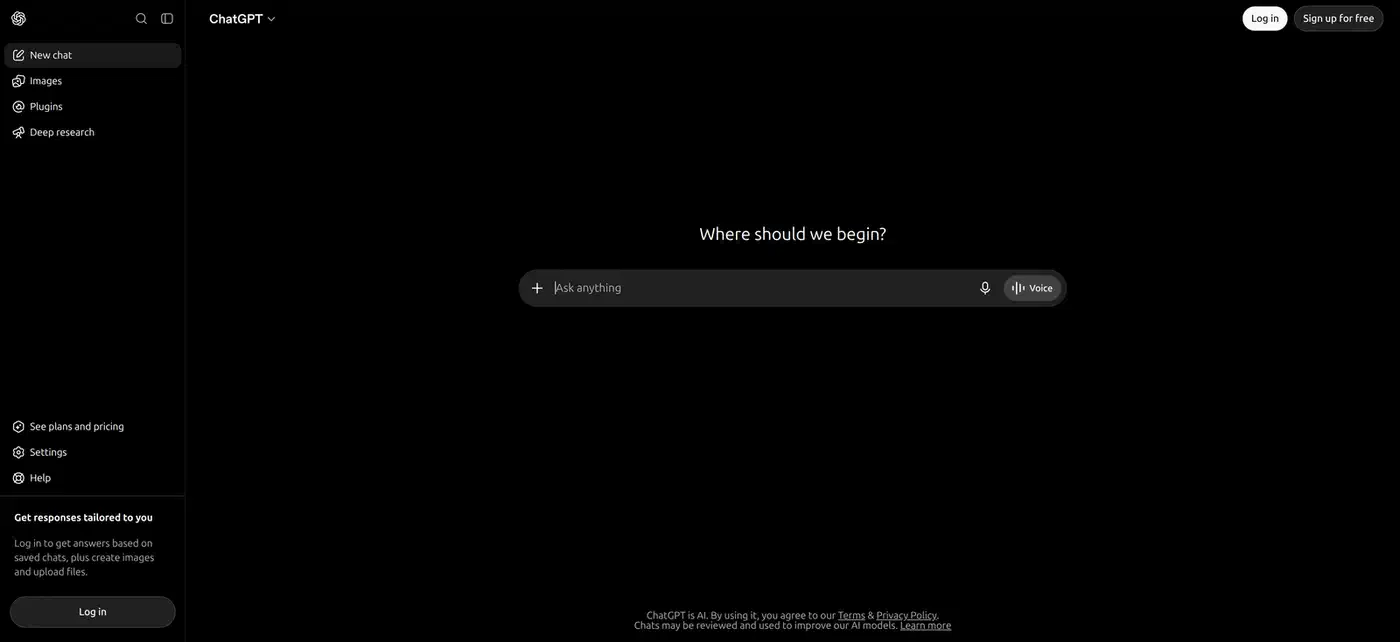
Your first image is no better than anyone else’s, but your fifth is the one you wanted, after four sentences of back and forth. Free accounts get about two or three generations in a rolling 24-hour window, per OpenAI’s plan comparison, so the loop runs out fast.
Both chatbots fall down on fine typographic control, exact brand colors, and anything that has to line up on a grid.
Best AI image tools for logos, icons, and vector art
Recraft
Recraft is the only mainstream generator that outputs real SVG. You get shapes and paths you can open in a vector editor, recolor, and resize forever. Every other tool on this list hands you a picture of a logo. Vector export sits on the free plan too, alongside about 30 daily credits.
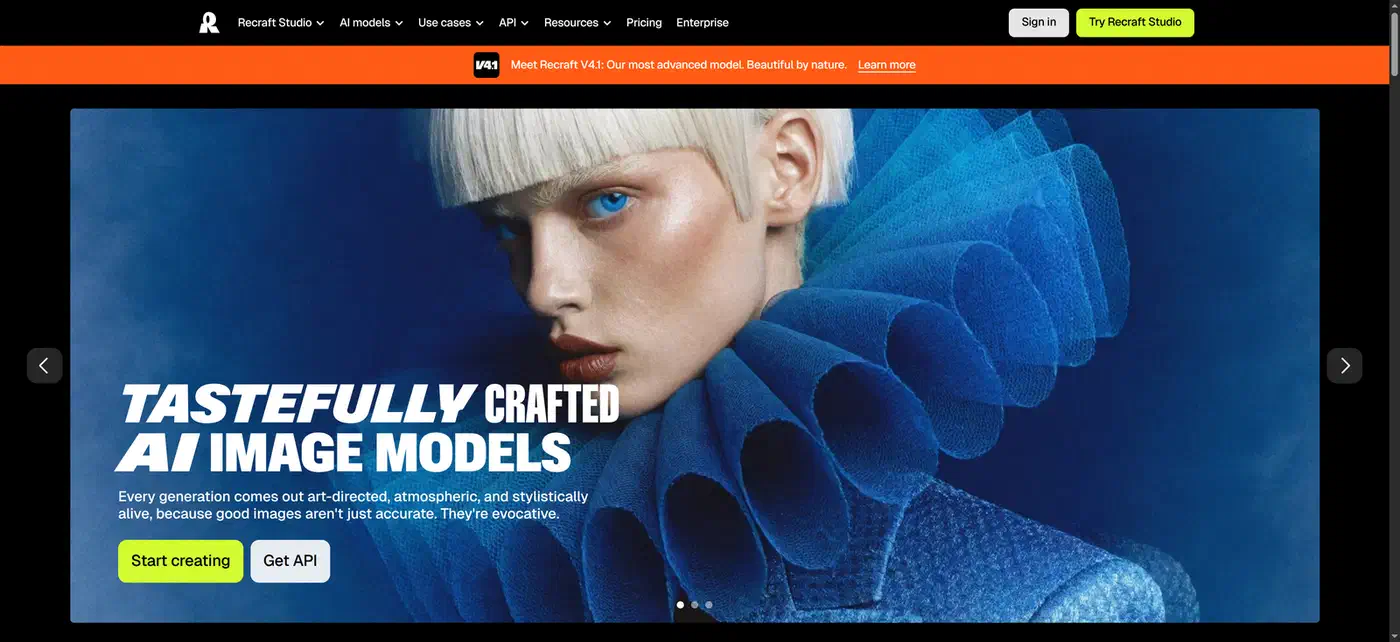
The license is the catch. Recraft’s own commercial rights page says free-plan images remain the property of Recraft. They sit publicly in the community gallery, and they aren’t licensed for commercial use. Only a paid plan gives you a file you can invoice against.
Ideogram
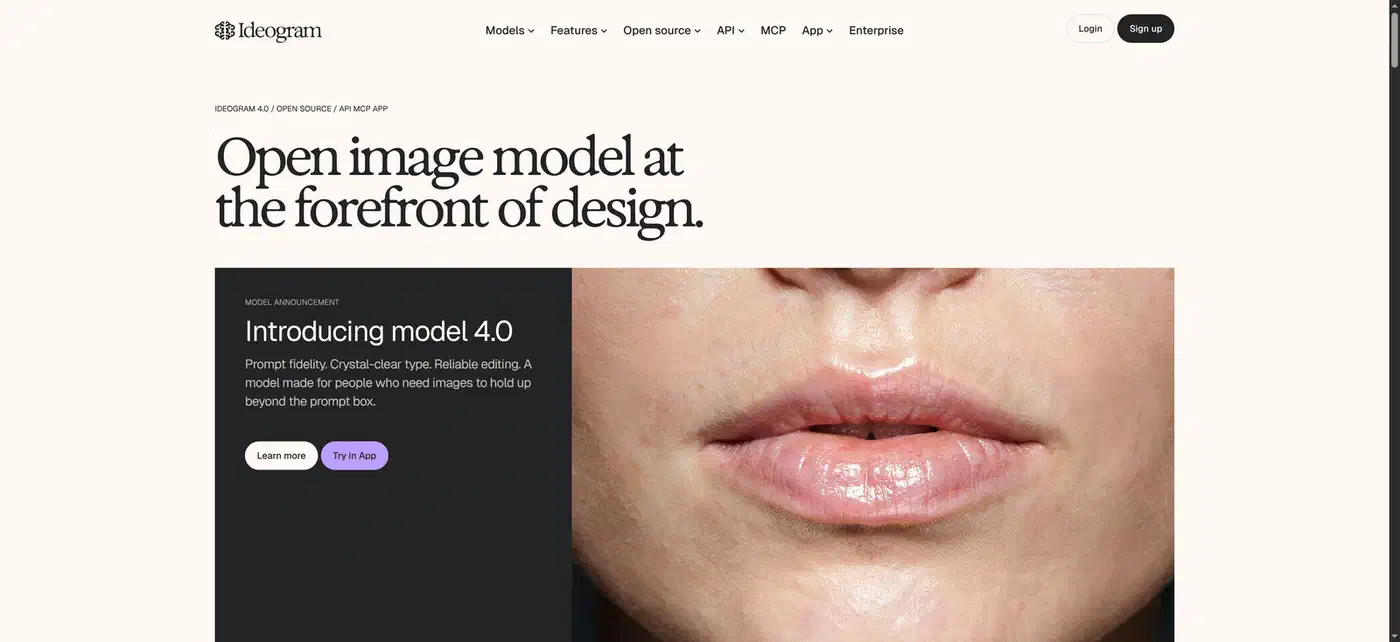
Ideogram is the typography specialist. When the image is mostly words (a poster, a sticker, a book cover) it gets the letters right more often than the general tools do. The free plan runs on slow credits, around ten a day. Its pricing page is the only reliable place to check what you get.
Leonardo.Ai
Leonardo is about control. Sketch-to-image and image guidance let you fix the composition before the model fills it in, which turns generation from rolling dice into directing. Its free plan hands out 150 tokens a day, roughly ten to fifteen images on its own models.
Turning a generated picture into a vector
Everything except Recraft needs a conversion step: generate a clean raster, then trace it into paths. I keep a browser-based tracer at image2svg that runs entirely inside the page, so no image is uploaded anywhere.
What traces cleanly is narrower than you’d guess. An image with flat fills, hard edges, four or five colors and one solid background comes back as a couple of dozen paths a designer can actually edit. Photoreal output, soft shadows, gradients, and the faint grain most models add produce thousands of slivers that weigh more than the PNG did.
The preparation step that changes the result most is cutting the color count. Posterize down to a handful of flat tones and knock the background to one solid color. In my own runs, that one step took the same icon from an unusable mesh of shapes down to a couple of dozen editable paths.
Better still, do it in the prompt. Ask for a flat vector icon: solid colors, no gradient, no shadow, plain white background. That gets you most of the way before the tracer ever sees the file.
Watermarks, resolution, and who owns the image
A visible watermark, a capped download, or commercial rights held back until you pay will each turn a finished image back into a demo.
| Tool | Best at | Files out | Free tier | Watermark | Download size | Rights on free |
|---|---|---|---|---|---|---|
| Nano Banana | text in pictures | PNG | ~20 a day | visible sparkle | 1024 px | yours to use |
| ChatGPT | chat editing | PNG | 2 to 3 a day | none | 1024 px | yours to use |
| Recraft | logos, icons | SVG, PNG, JPEG | ~30 credits a day | yes | vector, any size | none, Recraft owns it |
| Ideogram | posters, text art | PNG | ~10 slow credits a day | none | 1024 px, upscale is paid | limited, output is public |
| Leonardo | composition control | PNG | 150 tokens a day | none | 1024 px, upscale costs tokens | licensed, output is public |
Separately, most of these now write an invisible marker into the file. Google’s SynthID hides a signal in the pixels that survives cropping and compression. OpenAI adopted both SynthID and C2PA content credentials for images from ChatGPT and its API. Nothing breaks because of it, but search engines and social platforms can read the marker and label the picture as AI-generated.
The practical rule for anything client-facing: read the rights page before you generate. The version you fall in love with is always the one you made on the free tier, ten minutes before you thought to check.
Upscaling is the obvious workaround, and it hits a wall fast. Enlarging adds pixels, it doesn’t add detail, and text is where that shows first. Letters that looked crisp at 1024 px come back soft and slightly wrong once you stretch them to poster size.
Which AI image tool should you pick?
One line per job:
- A picture for a post or a slide: Nano Banana inside Gemini, unless the sparkle bothers you.
- A logo or icon you can resize forever: Recraft, on a paid plan.
- An image that is mostly text: Ideogram.
- A composition you need to steer: Leonardo.
- A change to an image you already have: ChatGPT’s image model.
The free stack for most everyday work is Gemini for the picture, ChatGPT for the edits, and a local tracer for anything that has to scale. The one job it can’t do is client work with clean rights on a vector file, and no free tier closes that gap.
Volume pushes you off hosted tools entirely, because daily caps of two or twenty make batch work impossible. So do images you’re not allowed to upload, like unreleased product art or anything under NDA. Both point at your own graphics card, and running FLUX locally is the shortest route there.