 Botmonster Tech
Best AI video tools 2026
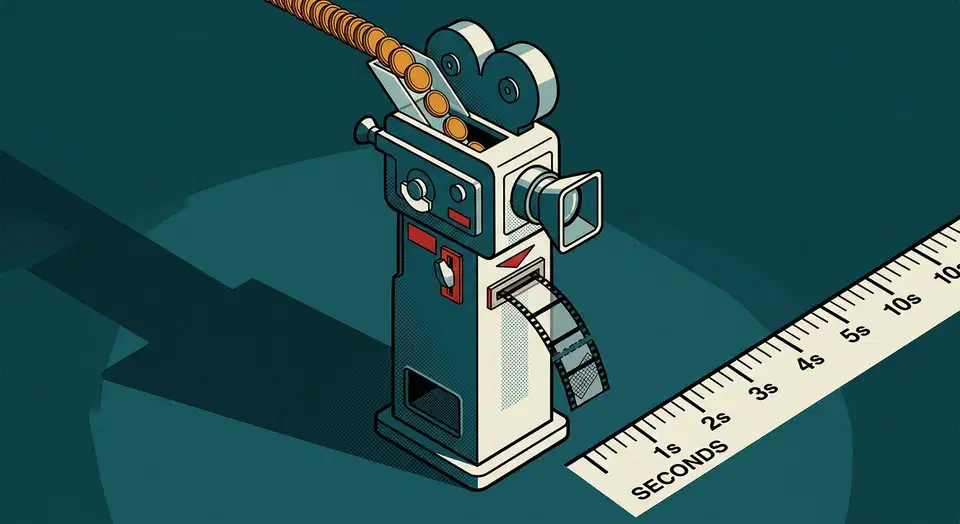
The best AI video tools 2026 offers are sold in credits, and a credit buys far less than the demo reels suggest. Runway’s free allowance works out to about ten seconds of footage in total. This roundup applies one bar to each tool: a clip long enough to use, at a resolution you would publish, with no watermark.
Key Takeaways
- AI video still arrives about five seconds at a time.
- Free tiers sell credits, so work out the seconds before you sign up.
- Avatar tools are the only ones that finish a whole video.
- Wan is open weights, so a decent graphics card makes it unlimited.
- Almost every free video tier stamps a watermark on the download.
What makes an AI video tool worth using?
Judge every free tier by the finish-line test. A tool passes when the clip it hands you is publishable as it stands, with no watermark burned into the frame. Free text and image tools clear that bar routinely, and free video tools almost never do.
The trouble starts with credits. Vendors price video in credits, a unit with no fixed length. A credit buys wildly different amounts of footage depending on the model, the resolution, and whether the clip has sound. So convert to seconds before you compare anything. Runway’s pricing page charges 60 credits for five seconds on its top model, and hands the free plan 125 credits once. That is two generations, or about ten seconds of footage before the account runs dry.
Clip length is the other constraint nobody puts in the marketing. Generated clips run about five to eight seconds each, across every tool here. A one-minute video is really a stitching job. You’ll need roughly ten clips and a normal video editor to get there.
These tools split by three jobs. Some generate footage that never existed. Others put a talking person on screen from a script, or animate a still image you already have. Picking the wrong category is the most common way people waste credits.
Short b-roll, product motion, and talking heads are genuinely good now. Continuity across shots is still weak, so the same character rarely survives two clips unchanged. Hands doing precise things still fall apart. Plan around those gaps and AI video is useful.
| Tool | Free tier | Usable output | Max clip | Watermark |
|---|---|---|---|---|
| Runway | 125 credits, one time | About 10 seconds, ever | 5 s | Yes |
| Veo in Gemini | Small shared monthly pool | A couple of clips a day | 8 s | Yes |
| Invideo | 10 minutes of generation a week | 4 exports at 720p | Full edit | Yes |
| Synthesia | 10 minutes a month | 10 minutes of presenter video | Full video | Logo |
| HeyGen | 3 videos a month | About 3 minutes | 1 min | Yes |
| Pika | 80 credits a month | About 40 seconds at 480p | 5 s | Yes |
| Kling | 66 credits a day | About 30 seconds a day | 5 s | Yes |
| Wan | Runs on your own machine | Unlimited | 5 s | No |
Every hosted free tier stamps the download, so only the model you run yourself passes the finish-line test.
Best AI video tools for making clips in 2026
Runway
Runway is the reference point for people who want to direct a shot rather than roll the dice on a prompt. It gives you a motion brush, camera moves, and the kind of controls a video editor expects to find. Its free credits arrive once and never refill, so treat that plan as a demo.
Veo in Gemini
Veo sits inside Gemini, so you generate a clip in the same window where you already write. Output tops out around eight seconds, which is fine for a slide, a social post, or a background loop. Google’s Gemini plans page keeps the stronger video models for paid subscribers. The free path gives you a short daily allowance and a visible watermark.
Invideo
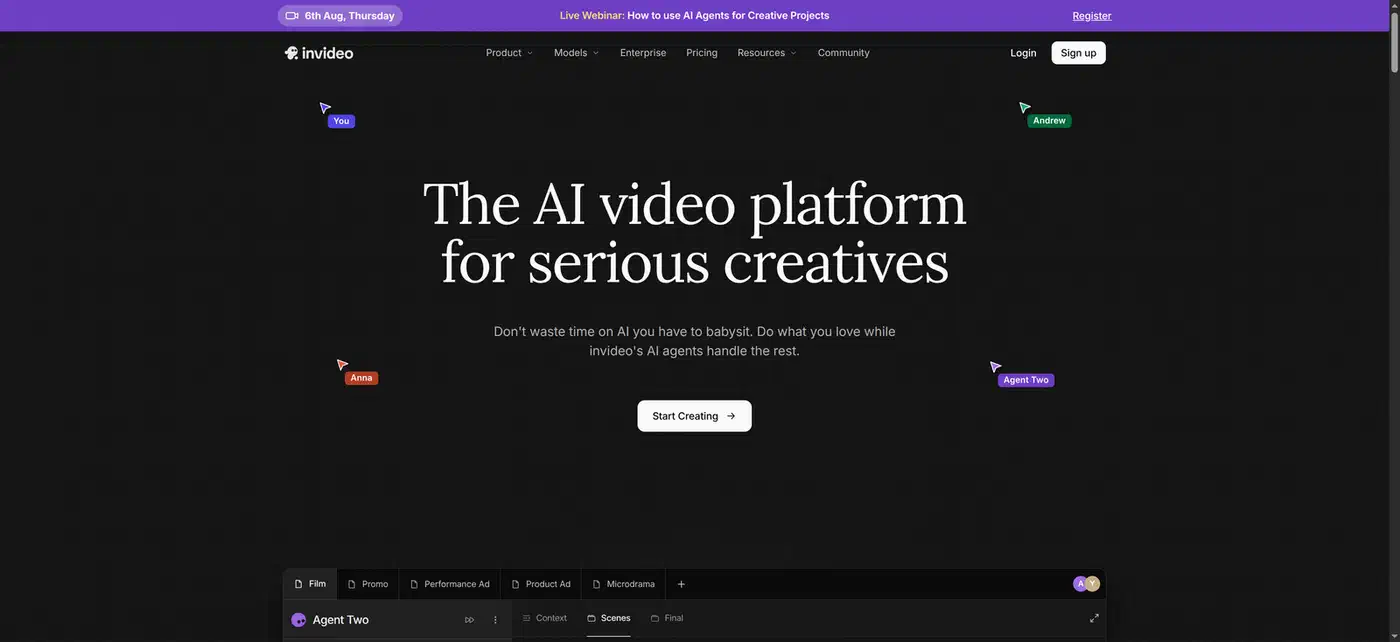
Invideo does a different job entirely, so don’t go to it for single clips. You describe the video you want. It assembles a full edit from stock and generated footage, script and voiceover included, and you change it by talking to it. The Invideo pricing page puts the free tier at ten minutes of generation a week, with a handful of watermarked 720p exports.
Every product page implies a one-shot process that doesn’t exist yet. Whatever tool you pick, you generate several short clips, cut them together in a normal editor, then add music and voiceover separately.
Best AI avatar and talking-head video tools
Synthesia
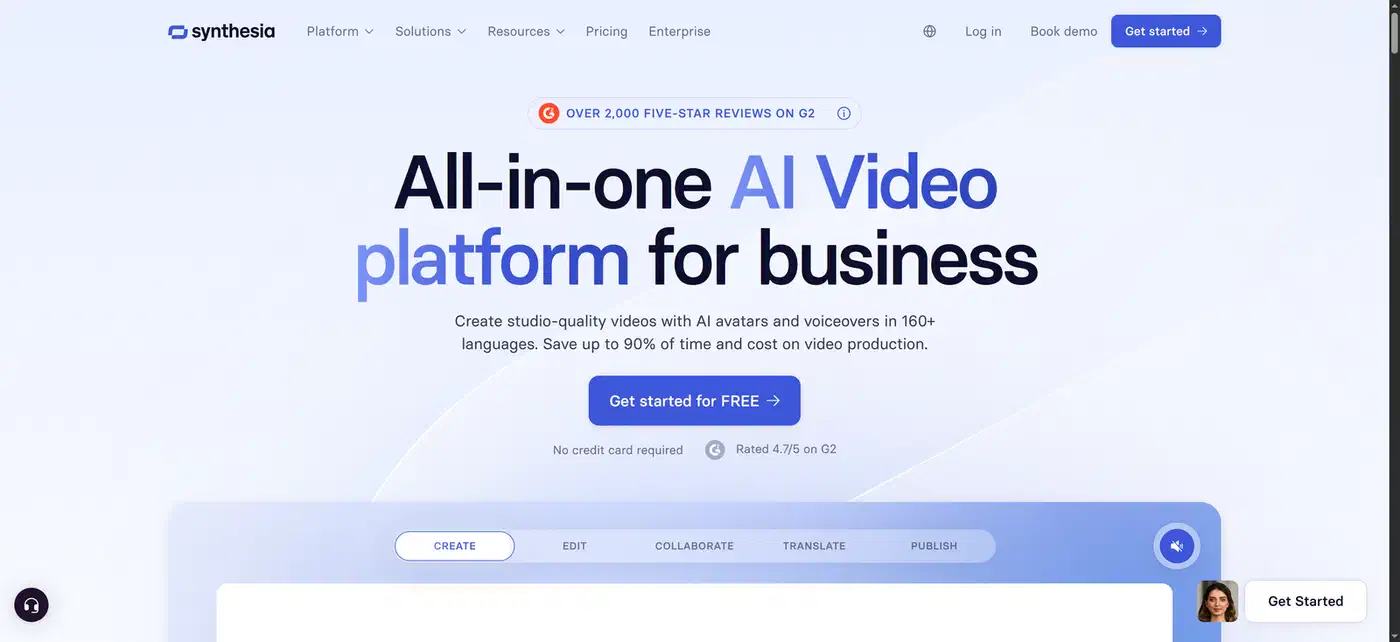
Synthesia is aimed at structured corporate video. You paste a script, pick a presenter, and get a finished video with screen recordings and slides alongside the talking head. The Synthesia pricing page lists a free tier of ten minutes of video a month, with nine stock avatars and over 160 languages and voices. Their logo stays on the output.
HeyGen
HeyGen is the stronger pick when the video is one person talking straight to camera. Lip sync holds up better on close shots, and the translation feature keeps the presenter’s mouth in step with the new language. The HeyGen pricing page caps the free plan at three watermarked videos a month, one minute each. Translation covers more than 30 languages.

Avatar tools are the only category here that finishes a whole video. The input is a script and the output is a complete piece of footage, so nothing has to be stitched. That is why training material and localized explainers are the one place AI video reliably replaces a shoot.
The uncanny problem is real, and the edit fixes it better than any setting. Write shorter sentences and leave natural pauses where a human would breathe. Cut away to a slide every twenty seconds or so. A synthetic presenter that talks straight through with no break reads as fake almost immediately.
Consent is the part people skip. Cloning a real person’s face or voice needs that person’s permission, and audiences should be told when the presenter on screen is synthetic. Both vendors ask for consent footage before they will build a custom avatar, but neither one discloses anything to your audience for you. That disclosure is exactly what the AI Act’s transparency duties put on you, not the tool.
Best AI tools for motion, effects, and open weights
Pika
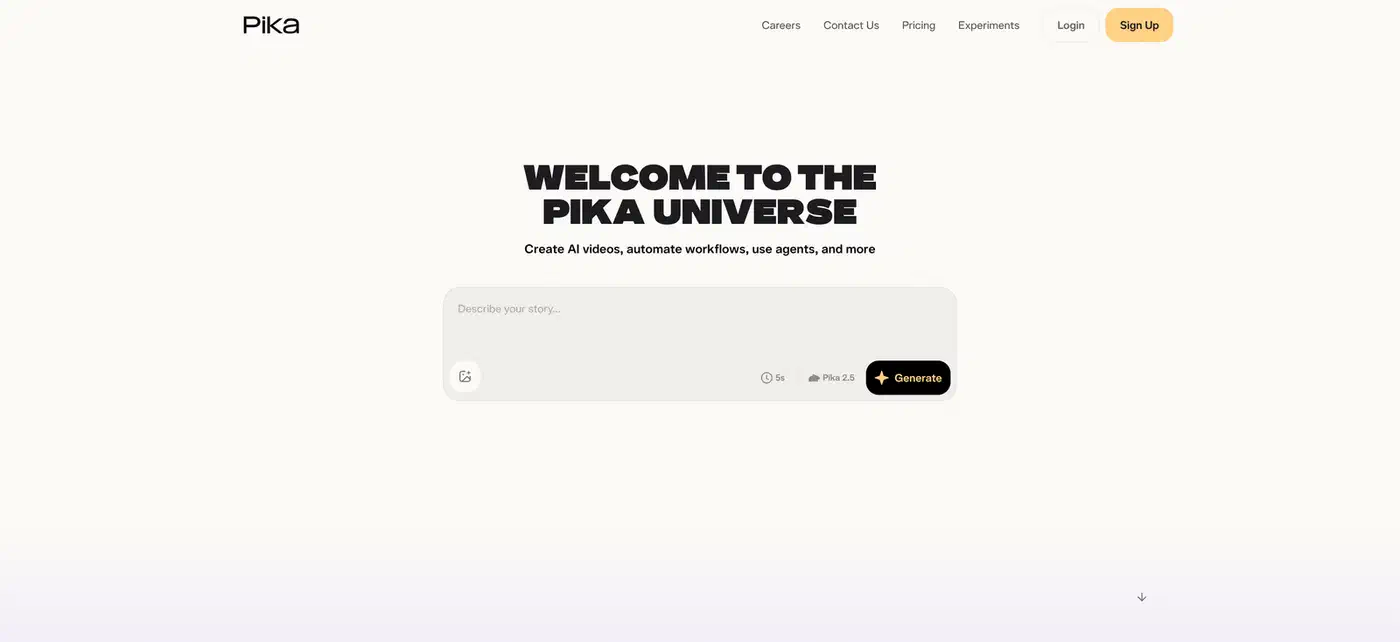
Pika sells a narrow trick and sells it well. Its preset transformations squash, melt, inflate, and explode whatever you feed them. That is the single most reused effect on short-form social video. The Pika pricing page gives the free plan 80 credits a month, and the cheapest generation costs ten. You get roughly eight five-second clips, capped at 480p.
Kling
Reach for Kling when a human body has to move through the shot. It holds a figure together across a whole clip better than the general-purpose tools do, and body consistency is the hardest problem in generated video. The Kling membership page refreshes 66 free credits every day. That buys about six standard clips, or roughly thirty seconds of 720p footage. Free output is watermarked and not licensed for commercial use.

Wan
Wan is the exception here. Alibaba published the weights on GitHub under the Apache 2.0 licence, which does permit commercial use. Run it on your own machine and you get unmetered output with a clean frame, and nothing you make leaves your computer. The cost moves from a subscription to VRAM and patience.
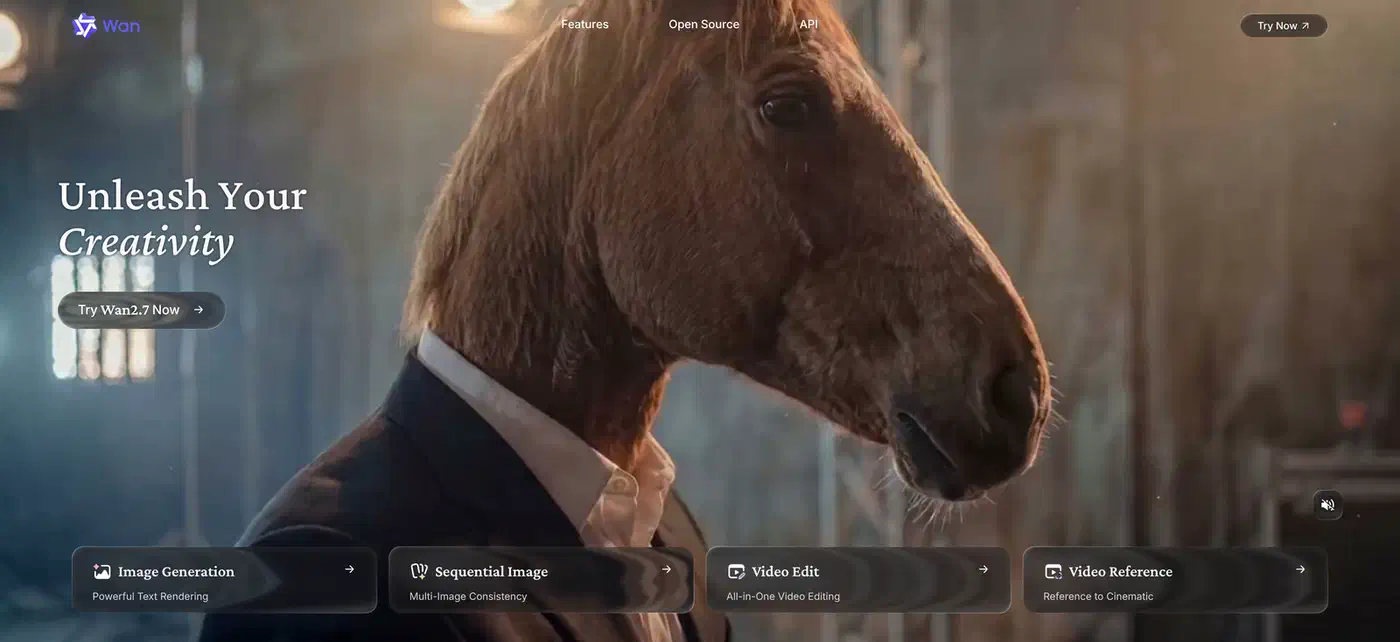
The smallest Wan model needs around 24GB of VRAM, which means an RTX 4090 or better. On that card a five-second 720p clip takes just under nine minutes. A one-minute finished video is therefore an afternoon of rendering. The same tooling and VRAM rules apply as in my guide to running FLUX 2 locally.
Which AI video tool should you pick?
Pick by the job you have. Kling suits a few seconds of b-roll in a blog post, because the daily refill means you can retry tomorrow. Invideo handles a full explainer built from a script. For a person on screen, HeyGen wins with a single presenter and Synthesia wins once slides are involved. Pika animates a still image, which you can make in one of the free AI image tools. Wan gives you unlimited watermark-free output at home.
The zero-cost path to a publishable video is short. Collect Kling’s daily credits over a few days until you have ten or twelve clips. Cut them together in a free editor and record or generate the audio separately. The watermark is the one part you can’t dodge, because no free hosted tier will let you remove it.
One finished minute needs about ten generated clips, so two or three videos a month already exceeds every free allowance here except Kling’s. At that volume the cheapest real plan, around $8 to $18 a month, costs less than the hours you spend rationing credits.