 Botmonster Tech
Best AI text tools 2026
This post is open for corrections. Highlight any line of text to challenge it or ask for a clearer explanation and leave a comment.
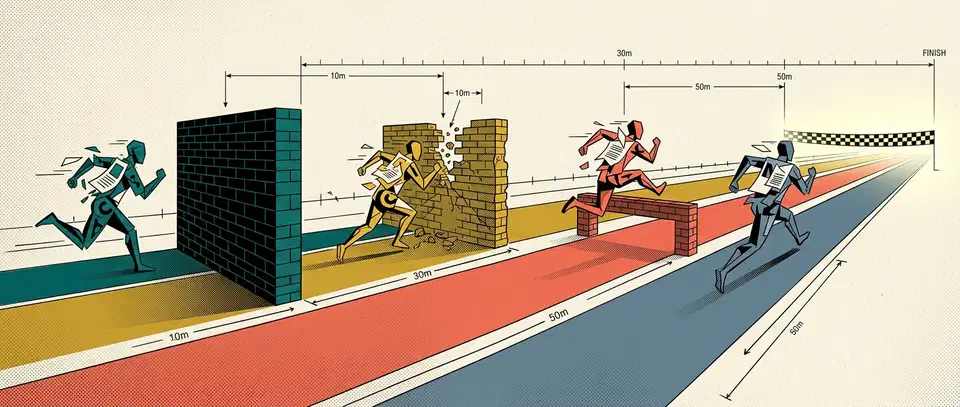
The best AI text tools 2026 offers split across four jobs: drafting, summarizing, grammar, and translation. No single tool wins all four. I judge each free tier by the finish-line test: it must carry one real job from blank page to an exportable, unwatermarked result. Most stop short of that.
Key Takeaways
- No single AI text tool wins all four jobs, so pick per job.
- A free tier only counts if it finishes a job and lets you export.
- Perplexity is the summarizer to use when you need clickable sources.
- DeepL still reads more naturally than a chatbot for translation.
- Grammar checkers are the one category where free is genuinely enough.
What makes an AI text tool worth using?
The finish-line test is a harder bar than “has a free plan.” Plenty of tools give you the work and then charge for the file.
Free tiers fail that test in three ways. A message cap lands mid-task and freezes you halfway through a draft. A watermark or an export lock sits on the finished file. Or the quality drops without warning, because the tool swaps in a weaker model once you cross a threshold it never showed you.
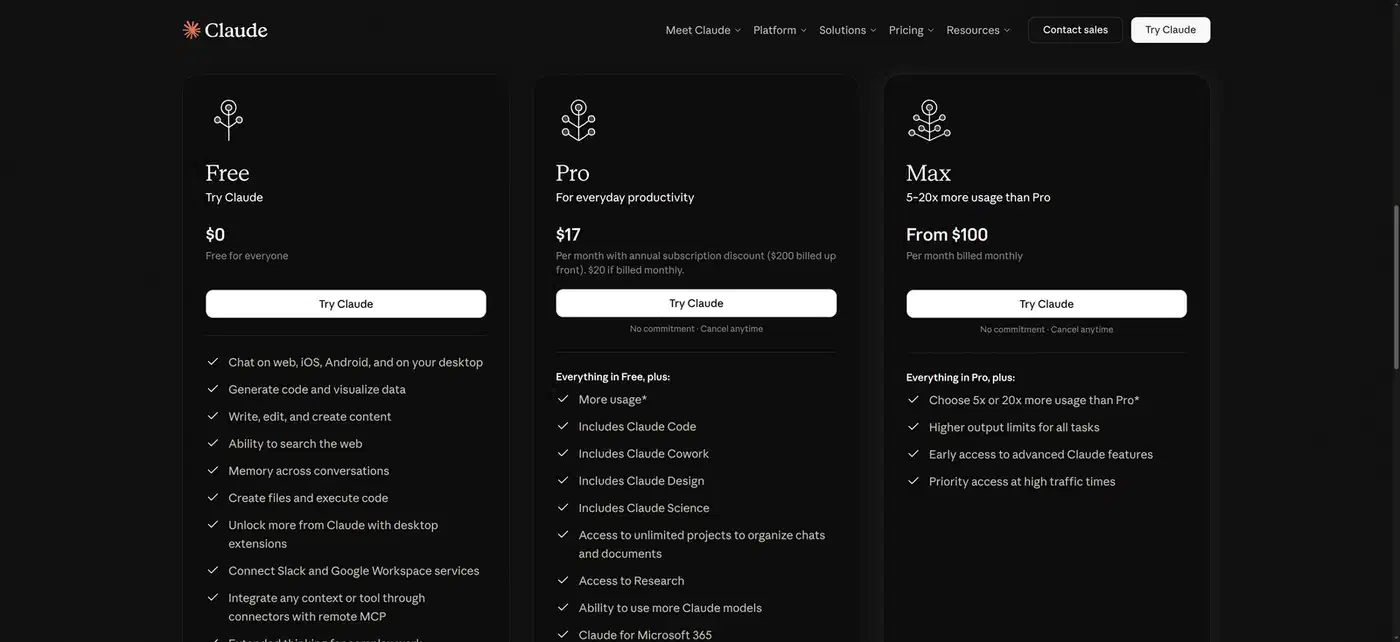
The word “unlimited” deserves suspicion too. Most caps run on a rolling window instead of resetting at midnight, so a heavy afternoon eats into your evening. Anthropic’s own pricing page describes free usage in five-hour session windows. Reporting on that change notes that capacity refills gradually as older messages age out.
Citation is the other thing to check. An uncited summary still has to be read against the source document, which is the work you were trying to skip. Footnotes turn a guess into something you can falsify in one click.
Check whether your text trains the model before you paste anything in. Free tiers are usually where vendors leave training switched on by default. The opt-out hides on a settings page you have to go looking for. Commercial rights vary the same way. Text output usually comes with permission to use it commercially, while images and video from the same account often carry restrictions.
The best AI text tools 2026 has, at a glance
These numbers move. Read them as the shape of each offer and check the live page before you commit.
| Tool | Best job | Free tier | Limit |
|---|---|---|---|
| ChatGPT | Drafting from a messy brief | About 10 messages per 5 hours on the strong model | Silently drops to a lighter model |
| Claude | Long, voice-sensitive prose | Rolling 5-hour session window | Cap varies with message length |
| Gemini | Drafting inside Google Docs | Monthly AI credit pool | Credits are shared with image and video |
| Grok | Writing about the last hour | Roughly 10 prompts per 2 hours | Thin outside its own platform |
| Perplexity | Summarizing with sources | Unlimited basic search, about 5 deep searches a day | Deep answers are the rationed ones |
| Humata | Long PDFs | 60 pages a month | Two reports use the whole budget |
| NotebookLM | Your own document set | 100 notebooks, 50 sources each | Refuses to answer outside your uploads |
| Grammarly | Tone and word cutting | 100 AI prompts a month | The rewrites are the paid part |
| LanguageTool | Multilingual checking | 2,000 characters per check | Long drafts go in chunks |
| Harper | Offline checking | No cap, runs on your machine | No cloud features at all |
| QuillBot | Rephrasing one paragraph | 125 words per rewrite | Paragraph-sized by design |
| DeepL | Prose that must read naturally | Monthly character budget, a few files | Formality switch is paid |
| Google Translate | Reach and camera translation | Unlimited | No register control |
| Lara Translate | Knowing why a word was chosen | Around 5,000 characters a day | Daily reset, not monthly |
| Doclingo | Layout-heavy PDFs | Small files, no login | Big documents need an account |
Three rows finish a job with nothing held back: Google Translate, Harper, and NotebookLM. Everything else stops you somewhere.
Best AI writing tools for drafting
Drafting is the job most people came for, and the four big chatbots sit close enough together that the choice comes down to temperament. Pick the one whose habits annoy you least.
ChatGPT
ChatGPT is the default all-rounder. It’s the strongest at turning a messy brief into a structured first draft. Its surface for file uploads and connected apps is the widest of the four. Past the free message cap the draft keeps coming, but the quality drops and nothing on screen says so.
Claude
Claude is the one to reach for on long prose where voice is doing real work. It also holds multi-step instructions that other tools drop halfway through. Ask for eight specific changes and you get eight.
Gemini
Gemini earns its place by where it lives. If you work in Google Docs and Gmail, the draft appears in the document instead of in a chat window you copy out of. Free usage runs on a shared credit pool, so a few image generations eat the credits you wanted for writing. If you draft long documents, pick the fast tier: Gemini 3.5 Flash puts out text about four times quicker.
Grok
Grok trades polish for freshness. It reads its own platform as it writes, on a thin free allowance. That makes it the only one of the four that can draft about an event an hour old. For anything outside the news cycle, the other three write better sentences.
Most writers land on a two-tool workflow. Draft in one, paste into a second, and ask it to argue against the draft. Two free tiers cost nothing, and they catch different problems. The tool that wrote the paragraph is the worst judge of it.
Best AI tools for summarizing documents and web pages
Citation is what makes a summary usable. A summary you can’t trace back to a source paragraph is worse than no summary at all, because you will trust it anyway.
Perplexity
Perplexity is the default here. It answers from live search results and footnotes each claim, so a wrong summary falls apart the moment you click through. The mode you actually want, deep research, is the rationed one.
Humata
Humata handles long PDFs by pointing at the paragraph it drew from. That is the difference between checking a hundred-page report in ten minutes and rereading it. The free page budget stretches to one important document a month.
NotebookLM
NotebookLM is the pick when the source set is fixed and yours. It refuses to answer outside the documents you upload, which removes the most common summarizing failure. Nothing leaks in from the open web, so a gap in your sources shows up as a gap in the answer.
The general chatbots summarize fine for a page you already trust. They get risky on a document you’re about to make a decision on. Handed two claims that contradict each other, they average the difference and say nothing. Test any summarizer on a document where one claim contradicts another, and see whether the summary names the conflict. Most do not.
Best AI grammar checkers
Grammar is the one category where the free tier is genuinely enough. It’s also the only one with a serious offline option, which changes the privacy question entirely.
Grammarly
Grammarly is the industry default and the best of them at tone and at cutting words. Its weakness is structural: the useful rewrites sit behind the subscription. You get told a sentence is weak, then asked to pay for the fix.
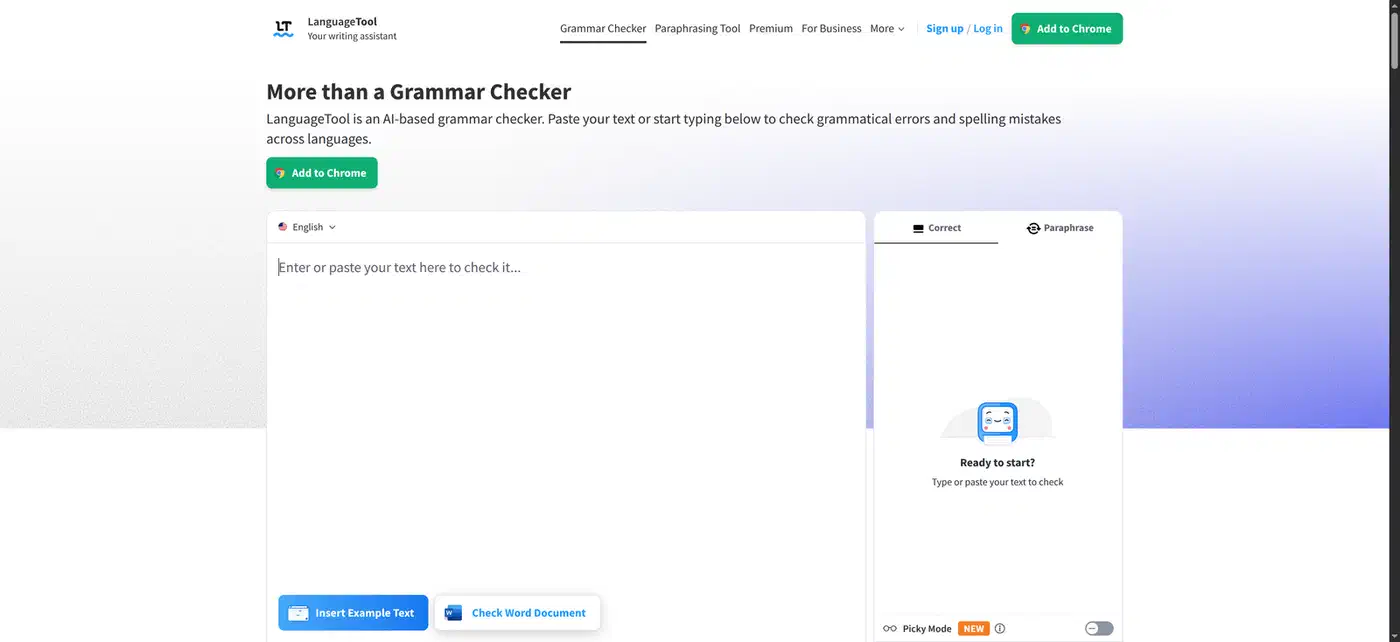
LanguageTool
LanguageTool is the multilingual pick, covering more than 30 languages against Grammarly’s narrower set. Its free limit is tighter than it first looks: 2,000 characters per check, against 150,000 on the paid plan. A 1,500-word post goes through in five or six pieces, which slows you down without stopping you.
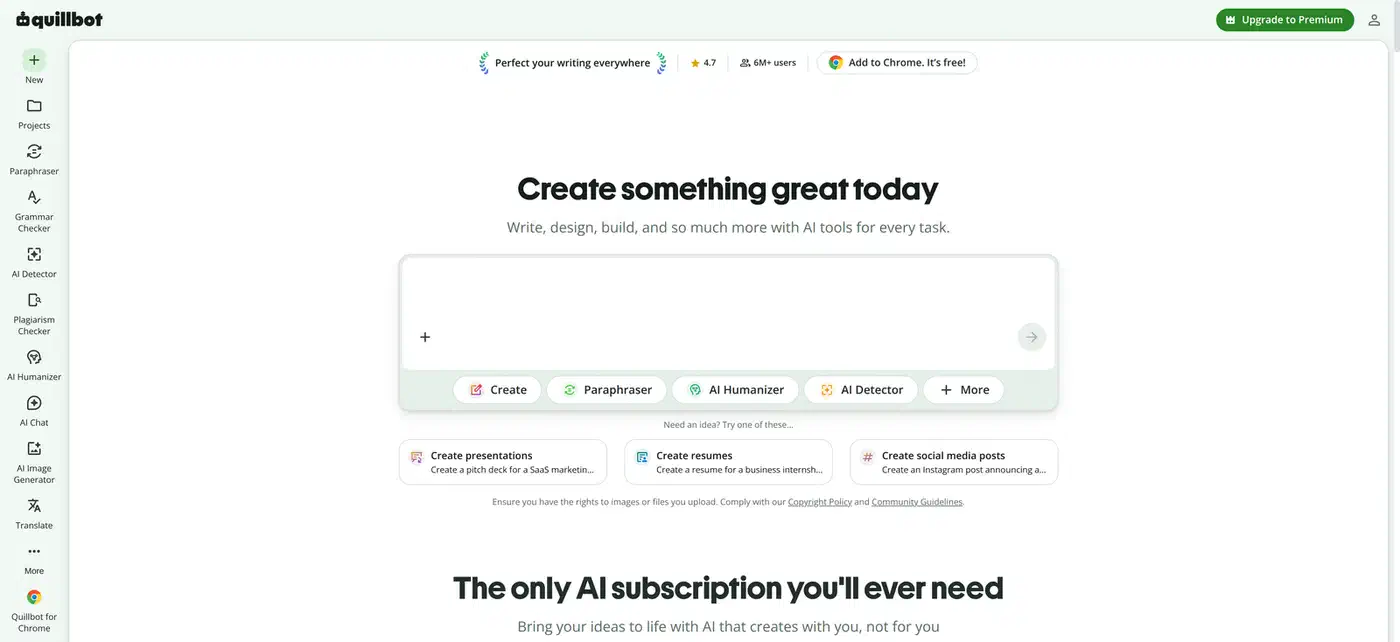
QuillBot
QuillBot’s job is rephrasing. Use it on the one paragraph that won’t come out right, and leave the rest of the draft alone. Its free rewrite is paragraph-sized, which fits that job exactly and no larger one.
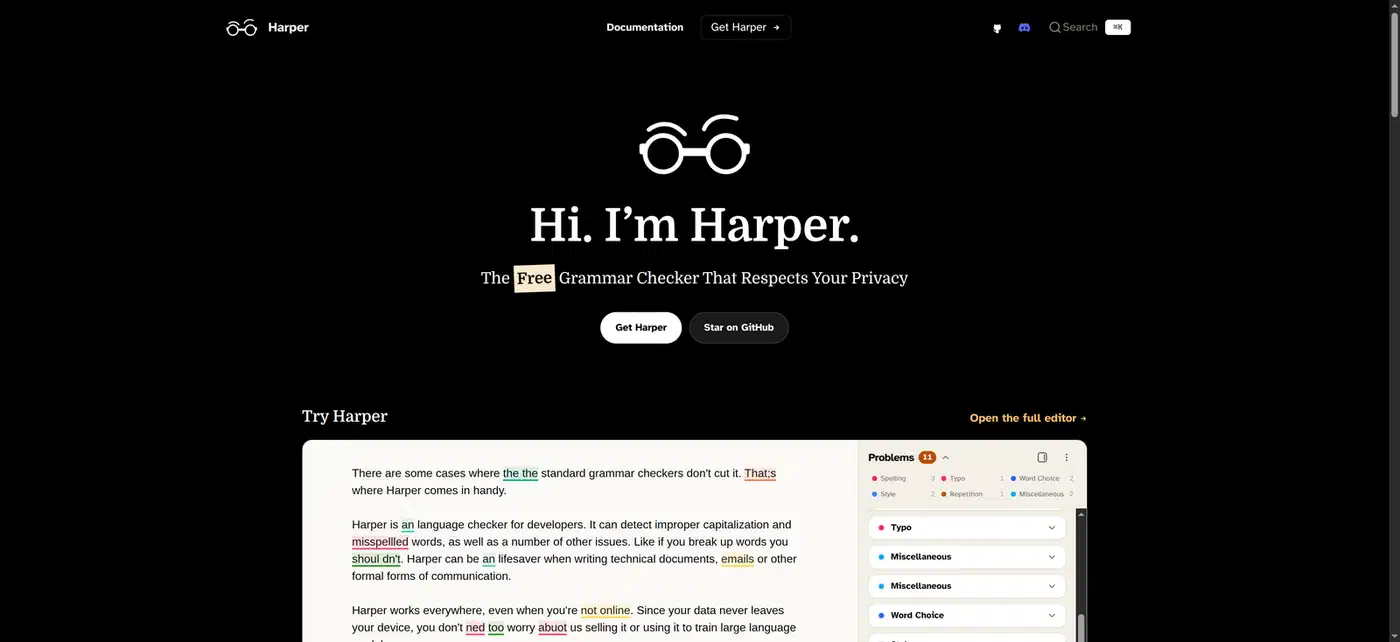
Harper
Harper is the offline option. It runs locally, so the text never leaves the machine, and it lints a document in milliseconds. There is no cap, because there is no server.
Three of them run against my own drafts. Harper catches the mechanical things as I type. LanguageTool takes a second pass over anything with a technical term in it. Grammarly comes out maybe once a month, when a paragraph feels bloated and I can’t see why. The suggestion I ignore every single time is the one telling me to split a long sentence that is long on purpose.
The risk runs in that direction. Set a checker to its most aggressive mode and it will sand off every trace of voice, one reasonable-looking fix at a time. Accept spelling and agreement changes automatically, then read every style suggestion by hand and reject most of them.
Best AI translation tools
Translation is the one job here where a specialist still clearly beats the general chatbots. The right specialist depends on whether your input is a sentence, a document, or a photograph.
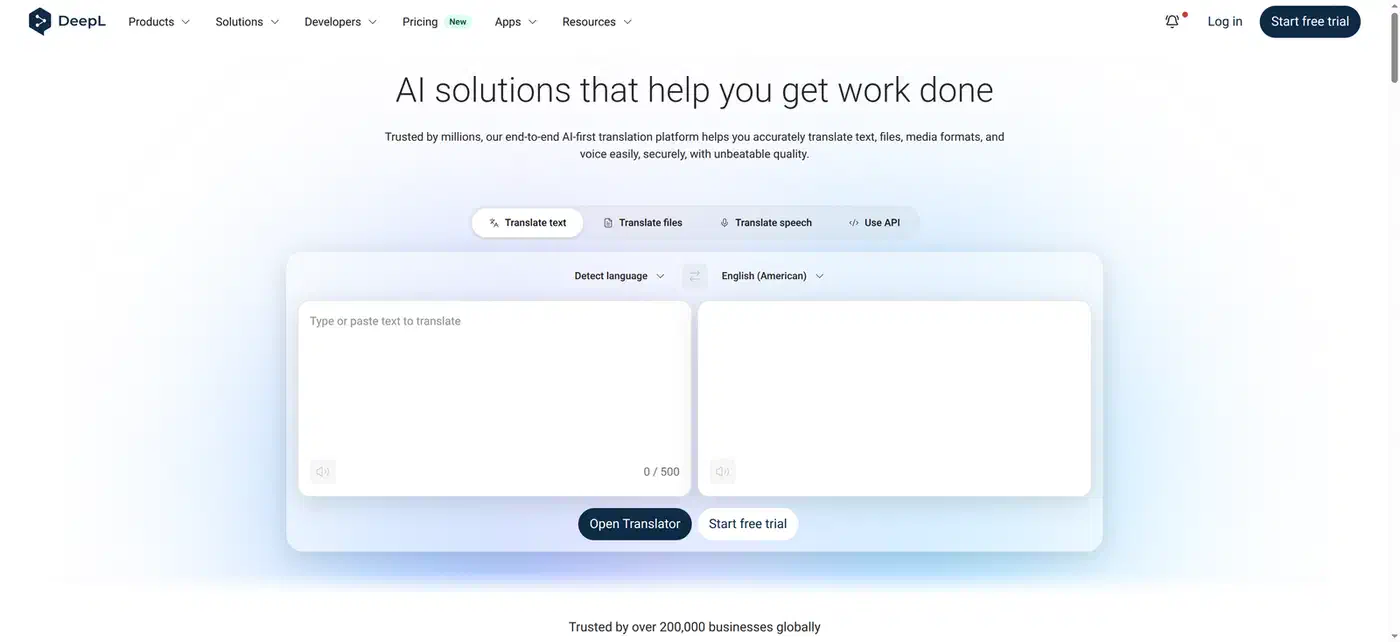
DeepL
DeepL handles prose that has to read like a person wrote it. It preserves formatting, and it treats formal versus informal register as a switch you set yourself. The DeepL Pro plans put that switch and the larger document allowance behind the subscription.
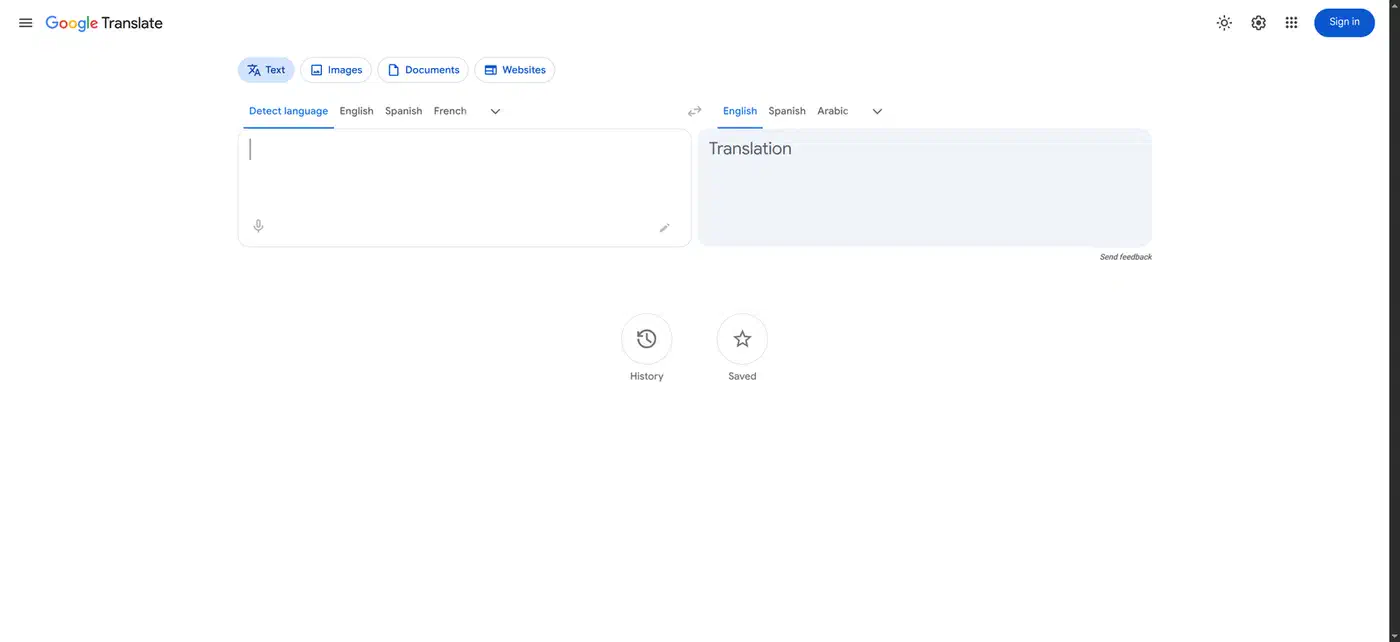
Google Translate
Google Translate wins on reach and on the camera. Coverage runs to well over 200 languages after its largest expansion to date. It also translates signs and menus through a phone lens, which no specialist tool matches. Nothing is capped and nothing is watermarked, so it passes the finish-line test outright.
Lara Translate
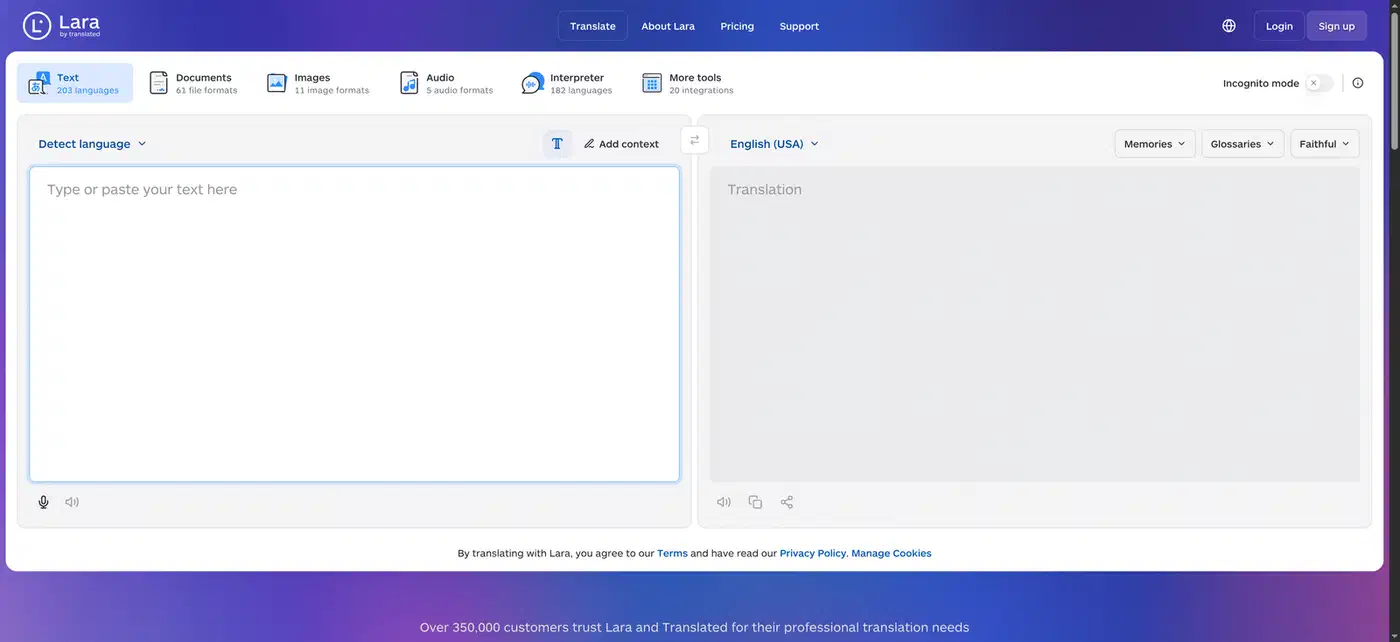
Lara Translate is for when you need to know why. It offers distinct translation styles and explains the reasoning behind a word choice. That is what you want on a contract, where one wrong word costs money.
Doclingo
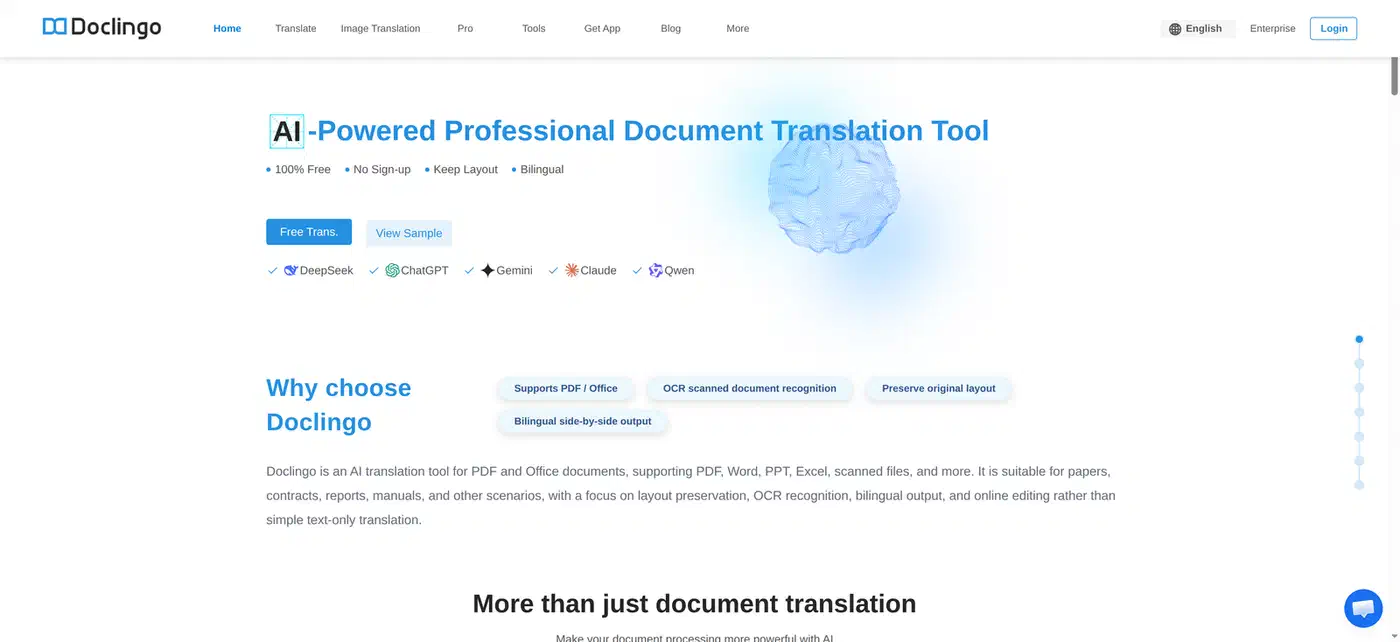
Doclingo exists for layout-heavy PDFs. Double-column academic papers come out with the columns intact, which is precisely where every general tool produces scrambled text.
The general chatbots still own one translation job. When a term is industry-specific, or the tone has to match an existing document, they win. Paste your glossary and a voice sample into ChatGPT, Claude, or Gemini, because a dedicated engine gets the words right and the tone wrong.
Which AI text tool should you pick?
One tool per job, no hedging. Draft in Claude if voice is the point and ChatGPT if structure is. Summarize in Perplexity when the sources are on the web and NotebookLM when they are yours. Check grammar in Harper, offline and uncapped. Translate in DeepL, unless you need a camera or a rare language, in which case Google Translate.
The two-tool free stack that covers most people is one general chatbot plus one specialist. For web writing, pair a chatbot with Perplexity. Anyone working across languages wants a chatbot plus DeepL. Long published pieces call for a chatbot plus Harper.
Pay at the specific moment a free tier stops finishing the job:
- Drafting: you hit the message cap more than twice a week.
- Summarizing: your second long PDF lands in the same month.
- Grammar: chunking a draft into 2,000-character pieces costs more time than the subscription.
- Translation: the first document you send to someone who is paying you.
The same test applies to the neighboring jobs. I ran it on the best AI coding agents, where cost per finished task decides it. On local image models, the wall is VRAM instead of a paywall.