 Botmonster Tech
Gemini CLI: Google's free AI coding agent with 1,000 requests per day

Gemini CLI is Google’s open-source terminal AI agent. It offers a free tier with 1,000 requests per day and a 1M token context window. While its code quality trails Claude Code, it provides zero-cost access for developers. Cheap output has a cost of its own: enterprise codebases degrade almost five times faster after AI adoption. It’s now the most-starred AI coding CLI on GitHub. Update: Google discontinued the free, Pro, and Ultra tiers on June 18, 2026 and moved users to a closed-source Antigravity CLI successor, though the old CLI can still be kept running.
Key Takeaways
- Get 1,000 free AI requests every day using just a personal Google account.
- Ingest entire codebases at once with the massive 1M token context window.
- Use the fast Gemini 3 Flash model for routine coding tasks and refactoring.
- Extend the agent with custom skills for your specific project needs.
- Connect to Google Cloud services using official MCP server integrations.
The Free Tier That Drove 97K GitHub Stars
Gemini CLI has about 97K GitHub stars. This exceeds Codex CLI’s 73K and beats Claude Code. The reason’s simple: Gemini CLI is the only major terminal agent with a real free tier.
Here is the competitive pricing landscape:
| Tool | Free Tier | Paid Starting Price | Model |
|---|---|---|---|
| Gemini CLI | 1,000 req/day, 60 req/min | Google Cloud billing for higher limits | Gemini 3 Flash (default) |
| Claude Code | None | $20/month (Pro) or API tokens | Claude Opus 4.x |
| Codex CLI | $5-$50 credits (30 days) | $20-$200/month or API tokens | GPT-5.4 |
| Aider | None (bring your own key) | Pay-per-token only | Model-agnostic |
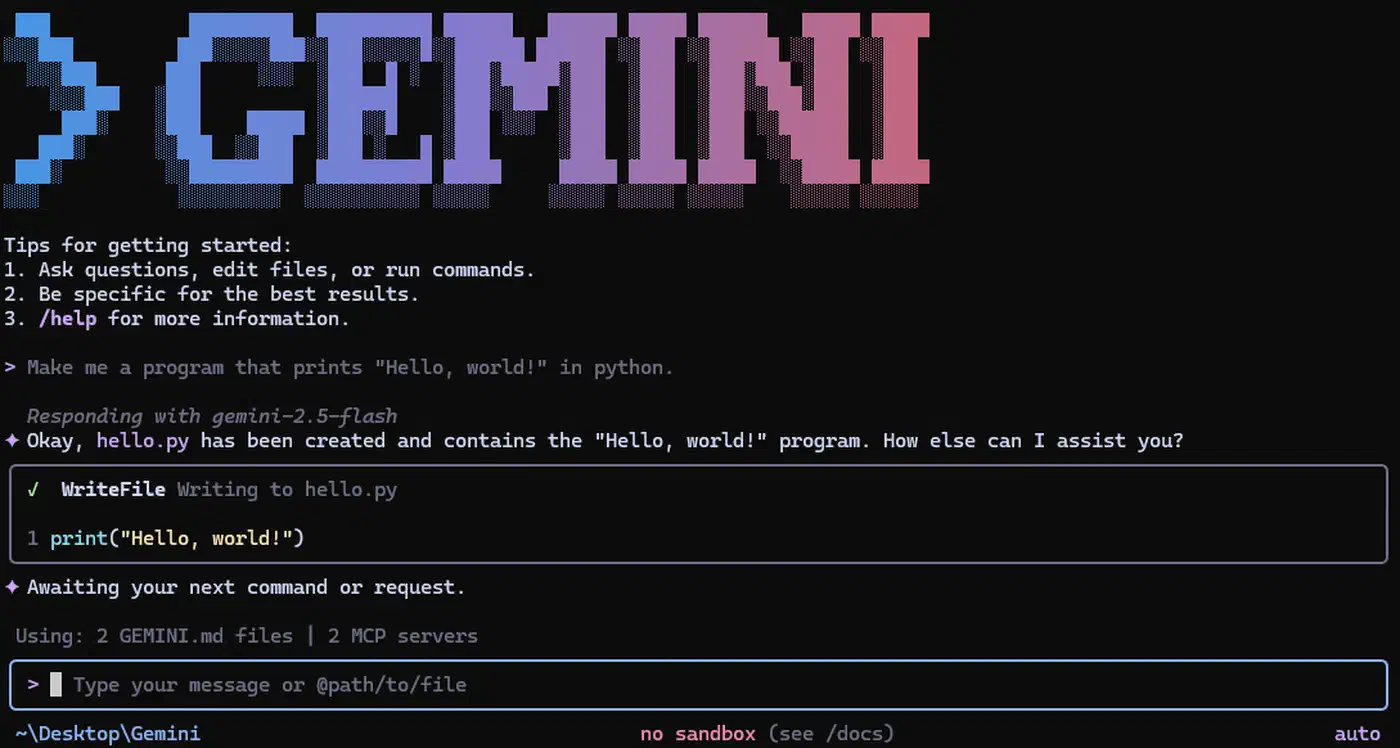
Installation is one command: npm install -g @google/gemini-cli. Three release channels are available: preview, stable, and nightly. Weekly stable releases come out every Tuesday at 20:00 UTC.
Authentication works through Google account OAuth or a Gemini API key. Both give the same free tier limits. For heavier use, Google Cloud billing integration unlocks higher rate limits. You also get more Gemini models like Gemini 3 Pro.
The 1,000 request limit has a catch. A single prompt isn’t always one request. Gemini CLI uses many models internally. It might use Flash to check a task before a larger model responds. A multi-step task can use dozens of requests from one prompt. In practice, 1,000 daily requests means about 100-125 multi-turn coding chats. This covers a full workday for most people. When you hit the limit, you get a “Rate Limit Exceeded” error. There’s no queue. It’s a hard stop until the daily counter resets. The fix is switching to pay-as-you-go via Vertex AI.
Architecture, Models, and the 1M Token Context Window
Gemini CLI is written in TypeScript. It’s organized in a monorepo with over 100,000 lines of code. This is different from Codex CLI’s Rust binary or Claude Code’s closed code. The Node.js base means you need a runtime installed. This adds a dependency that Codex CLI avoids. But the TypeScript stack makes it easy for web developers to contribute.
The default model is Gemini 3 Flash. Google says it beats the old Gemini 2.5 Pro and runs 3x faster. Tests show a surprising fact: Flash actually scores higher than Gemini 3 Pro on code tasks. On SWE-bench Verified, Flash gets 78% while Pro gets 76.2%. Flash is built for agent tasks. These need many steps and real-time feedback. Coding is this kind of task. Flash’s ability to change its thinking depth makes it better for coding. The newer Gemini 3.5 Flash pushed that further, with a leading Terminal-Bench 2.1 score on real agent tasks.
On the free tier, Gemini CLI already routes some steps to Gemini 3 Pro as part of its automatic model mix. Benchmarks suggest Pro mainly helps with long analysis, not writing code. Guaranteed Pro access and manual model selection come with a paid plan, so treat that upgrade as a deliberate choice.
The 1M token context window is the largest default among CLI agents. In practice, Gemini CLI can read entire codebases in one session. Google shows it handling PRs with 1,000 comments. It finds the important parts within the large context. Claude Code’s window is smaller. Codex CLI can do 1M tokens but it’s not the default.
Tools include Google Search for live info, file work, and shell commands. The Google Search part is important. No other CLI agent has native access to live web search without an extra server.
Code Quality: The Honest Numbers
The free tier isn’t as good if you look at code quality. Tests and user reports put Gemini 3 Flash at about 50-60% accuracy on complex tasks. Claude Code with Opus 4.x scores about 95% accuracy. Codex CLI lands in the 60-70% range.
What does 50-60% mean? For simple tasks like refactoring or docs, Gemini CLI works well. It follows instructions and gives correct code on the first try. The trouble starts with complex logic or multi-file changes. Reasoning about design trade-offs is also hard for it.
The cost of fixing errors offsets the price. If Gemini CLI takes three prompts to get it right and Claude Code needs one, you’re spending more time. For a solo developer on a budget, that’s fine. For a team billing hours, the “free” tool gets expensive.
Many developers use a mixed path. Use Gemini CLI for routine work like file moves or tests. Switch to Claude Code or Codex CLI for complex design and security code.
GEMINI.md, Agent Skills, and the Extensibility Model
Gemini CLI has three ways to extend it: Gemini.md files, agent skills, and MCP server integration.
GEMINI.md files work like Claude Code’s CLAUDE.md. Put one in your project root to change Gemini’s behavior. You can set coding rules, testing needs, and deployment steps. The agent reads it at the start and uses it in every chat. Our analysis of context files shows what makes them useful.
Agent Skills, introduced in early 2026, are a way to package instructions and scripts into a new feature. At the start, Gemini CLI looks for skills. It adds their names to the system prompt. When Gemini finds a task that matches a skill, it loads the full rules.
Skills live in .gemini/skills/ for your project or ~/.gemini/skills/ for all your work. Creating a skill is easy with the skill-creator tool. Google has a tutorial on how to build them.
The skills system is like Claude Code’s skills but with a twist. Skills load on demand. This means you can have many skills without filling up the context window.
MCP support provides full Model Context Protocol integration. Gemini CLI uses a loop to complete multi-step work. Google has official MCP support for Google Cloud. This means Gemini CLI can work with GCP tools and Cloud Build. If you want to add your own tools, building a custom MCP server is the best way.
Other features include a browser agent for web pages and a memory manager. The v0.36.0 release added Git worktree support for parallel sessions.
Strengths, Weaknesses, and the Google Cloud Connection
Where Gemini CLI wins:
- No cost to start real work.
- 1M token context window by default.
- Google Search for live web info.
- Native Google Cloud tools and GCP setup.
- The largest open-source community with weekly updates.
- Agent skills that load when needed.
Where it falls short:
- Code quality is much lower than Claude Code.
- No OS-level sandboxing: you have to trust the shell limits.
- Needs Node.js installed to run.
- The 1,000 request limit can catch you off guard.
Gemini CLI works with any code. You can use it as a free agent with no Google Cloud ties. But its best parts are tied to Google’s setup. This includes Vertex AI and Cloud Build. Teams on GCP get the most value. Teams on AWS or Azure can still use it, but they miss those tools.
The tool’s open source and the license is free. You can switch to another agent any time. But the value’s best when your code is on Google’s cloud.
Who Should Use Gemini CLI
Gemini CLI fits solo developers and students on a budget. It’s great for teams that need a free agent. Google Cloud teams get more value from the GCP tools. Developers with large codebases benefit from the 1M token window.
It’s not for teams that need perfect code on the first try. Claude Code is better there. It’s also not for teams that need strict OS-level safety. Codex CLI is better for that. DataCamp’s comparison of Gemini CLI vs. Claude Code covers these points.
A normal workday uses about 8-10 chats. 1,000 daily requests gives you plenty of room. Power users with many agents or batch work will hit the limit. They should plan for paid use.
Many developers use two tools in 2026. Gemini CLI handles routine work where the free tier is great. Claude Code or Codex CLI handles complex design and security. The two tools work well together. The zero cost of Gemini CLI makes it a good addition to your setup. Our review of Aider covers how it stacks up as a pair programmer.
Frequently Asked Questions
What are the Gemini CLI free tier limits?
When you sign in with a personal Google account, Gemini CLI runs on the Gemini Code Assist free tier for individuals. Google’s Gemini CLI quota and pricing documentation sets this at 1,000 model requests per user per day. The official Gemini CLI README caps the rate at 60 requests per minute. One prompt can spend several requests, since the agent calls models internally for multi-step work. In practice that means roughly 100 to 125 coding chats a day. No credit card is required to start.
Is the Gemini CLI free tier a trial or is it permanent?
It is permanent. Google’s quota and pricing documentation lists the 1,000 requests per day as standing “free usage” with no expiry date: the counter simply resets each day. The only time-boxed free option is Vertex AI Express mode, a separate sign-in method that gives 90 days before billing is needed. Logging in with a Google account has no such clock. You are asked for billing only if you choose to upgrade for higher limits.
Which Gemini models does the free tier use?
With a personal Google account, Gemini CLI draws on the full Gemini 3 family. The quota and pricing documentation states that “model requests will be made across the Gemini model family as determined by Gemini CLI.” In practice the agent mixes Gemini 3 Flash and Gemini 3 Pro automatically. The Gemini Code Assist quotas page confirms the 1,000 daily requests are aggregated across every model family. The separate Gemini API key free tier is narrower: 250 requests per day on the Flash model only.