 Botmonster Tech
Aider: the open-source AI pair programmer that works with any LLM

Aider is the open-source AI pair programming tool that shipped before Claude Code, Codex CLI, and Gemini CLI. It is still the only major AI coding assistant that lets you pick whichever language model you want. Claude, GPT-5, Gemini, DeepSeek, Grok, a local model through Ollama: Aider connects to all of them. The project sits at 42K GitHub stars, 5.7 million pip installs, and 15 billion tokens per week. The tool itself costs nothing. You only pay for API tokens at provider rates, which runs $30 to $60 per month for most developers.
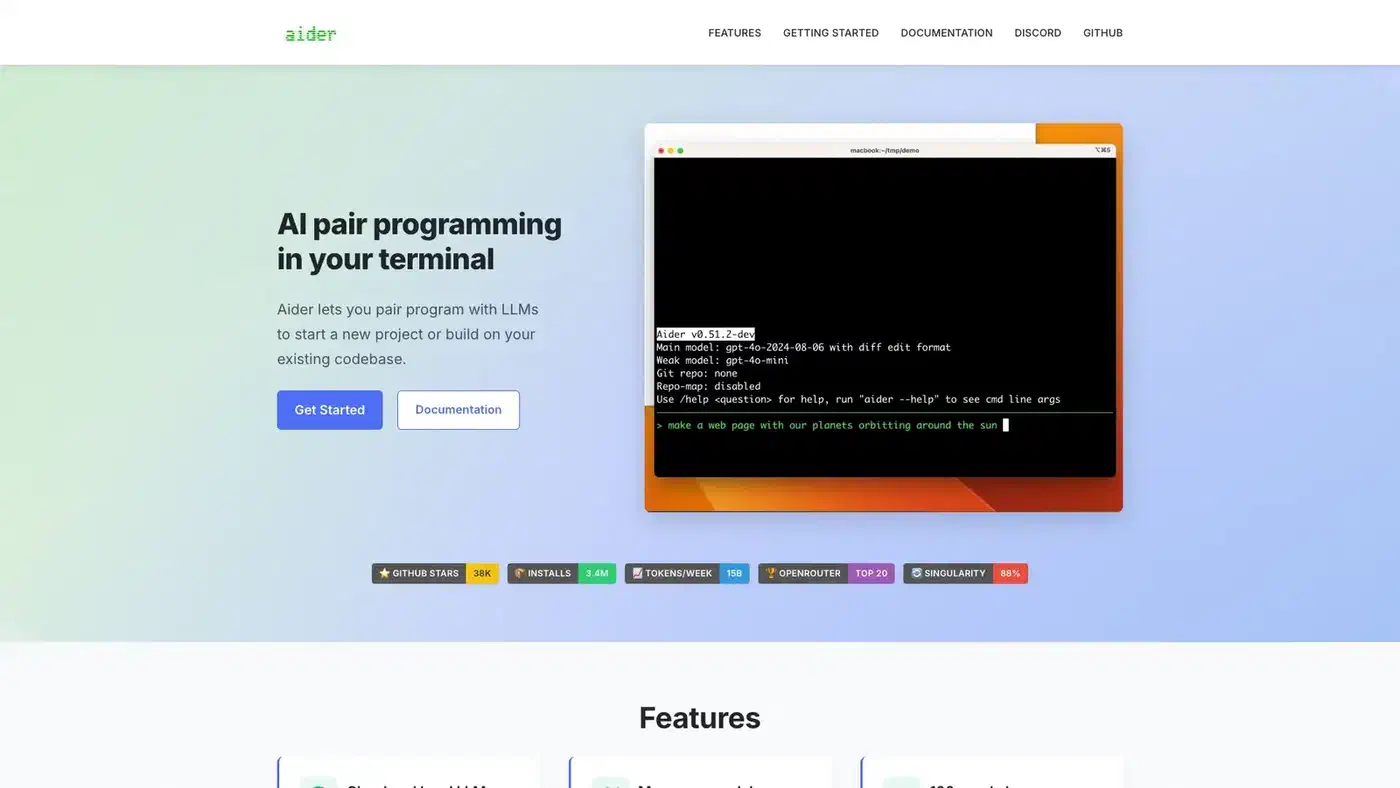
A few technical choices set Aider apart from the growing field of AI coding agents. They add up to a workflow that feels noticeably different. Other tools dump raw file contents into an LLM’s context window. Aider instead builds a structured map of your codebase using tree-sitter syntax trees. It supports several tuned edit formats and picks the best one for your model on its own. Every AI change gets committed to git with a clear message, so you can audit and undo edits with plain git tools. For commits you write yourself, a local Ollama hook can draft the message in the same conventional format.
Tree-Sitter Repository Maps
The core idea behind Aider is its repository map system. When you launch Aider in a project, it uses tree-sitter to parse your source code into syntax trees. It then builds a compact view of the whole codebase. That view shows classes, functions, methods, and how they link across files. This map goes into every prompt sent to the LLM.

This approach beats brute-force context loading by a wide margin. Tools that stuff whole files into the context window burn tokens fast and hit limits on larger projects. Aider’s repository map keeps the structure intact: which function calls which, what classes inherit from what, how modules relate. It does this with a fraction of the token budget. The LLM grasps your project’s shape without reading every line of every file.
Tree-sitter grammars cover over 100 programming languages. Python, JavaScript, TypeScript, Rust, Go, Ruby, C++, PHP, Java, HTML, CSS, and dozens more all get repository mapping for free. After each LLM edit, Aider runs tree-sitter linting to catch syntax errors before they reach your git history. If the model writes broken code, Aider spots it and asks for a fix on its own.
The map updates on the fly as you add or drop files from the chat, or as the LLM makes changes. So the model’s view of your project stays current with no manual work. The upshot: Aider uses fewer tokens per coding task than tools that lean on raw context size. That means lower API costs.
Edit Formats and Architect Mode
Aider does not take a one-size-fits-all path to code generation. It supports several edit formats, each tuned for different models and tasks:
- whole - The LLM returns the full updated file. Simple and reliable, but it costs tokens. Best for small files or models that struggle with partial edits.
- diff - The LLM returns search/replace blocks. Token-light for targeted changes to specific functions or sections.
- udiff - A simple unified diff format where only changed parts come back. Aider’s benchmarks showed this format made GPT-4 Turbo “3x less lazy” by cutting the model’s habit of skipping code.
- editor-diff and editor-whole - Special formats built for the editor model in Architect Mode.
Aider picks the best edit format from benchmark data for each model. You don’t need to set this by hand, though you can override it if you have a preference.
Architect Mode is where Aider’s benchmark scores get interesting. It splits the coding task between two models. An “architect” model proposes a high-level plan, and an “editor” model turns that plan into concrete file edits. You might pair Claude Opus as the architect with DeepSeek as the editor. You get costly, high-quality reasoning for the planning step and cheap, fast work for the editing step. This split produced Aider’s top SWE-bench score: 85 out of 100 real GitHub issues from projects like Django, scikit-learn, and matplotlib solved correctly.

The cost math of Architect Mode works in your favor. The architect model does the hard thinking on a tough problem, using maybe a few thousand tokens of costly API time. The editor model then handles the file edits. It uses more tokens, but each one costs far less. You get top-tier reasoning quality at a blended rate well below what the expensive model alone would cost.
In side-by-side benchmarks, Aider finishes coding tasks in about 257 seconds using around 126K tokens on average. Claude Code takes about 745 seconds and 397K tokens for a similar task. That is over 3x more tokens for just a 2.8 point accuracy gain. For developers watching their API bills, that gap is real money.
| Metric | Aider | Claude Code | Codex CLI |
|---|---|---|---|
| Approach | Open-source, model-agnostic | Proprietary, Claude-only | OpenAI models |
| Avg tokens per task | ~126K | ~397K | Varies |
| Avg completion time | ~257s | ~745s | Varies |
| SWE-bench (best) | 85% (Architect Mode) | 80.9% (Claude Opus 4.5) | 77.3% (Terminal-Bench) |
| Monthly cost | $30-60 (API tokens only) | $20-200 (subscription) | $20-200 (subscription + API) |
| Model flexibility | Any LLM | Claude only | OpenAI only |
Every LLM, Every Provider, Every Budget
The model-agnostic design is Aider’s standout feature in a market where every other major tool locks you into one vendor. Here is what that looks like in practice:
Cloud models - Claude 3.7 Sonnet and the Opus 4.x series from Anthropic, the GPT-5 family from OpenAI (added in v0.86.0), Gemini Flash and Pro from Google, DeepSeek R1 and Chat V3, Grok-4 from xAI, and anything you can reach through OpenRouter.
Local models - Run DeepSeek, CodeLlama, Mistral, or any Ollama-compatible model on your own hardware for full privacy and zero API costs. Aider tunes its edit format and prompting for local models, which tend to be more limited than cloud models. Several of those local picks now come from Chinese open-weight models like DeepSeek and Kimi.
Easy onboarding - The default setup now offers deepseek/deepseek-r1:free for zero-cost trials and anthropic/claude-sonnet-4 for paid use through OpenRouter. New users can start coding right away with no digging through provider docs for API keys.
Mid-session model switching - The /model command lets you swap models without leaving the chat. Use a cheap model for routine refactoring, switch to a reasoning-heavy model for a hard algorithm, then switch back. Your chat context and repository map carry over.
Provider redundancy - If Anthropic’s API goes down, switch to an OpenAI or DeepSeek model and keep working. No single provider failure stops your session. Developers on single-vendor tools like Claude Code or Codex CLI cannot easily get this.
The v0.86.0 release also added Grok-4 via xAI and several community model configs, including Moonshot’s Kimi K2 through OpenRouter. The project tracks model releases closely. It usually adds support within days of a new model going live. To route all these providers through a single OpenAI-compatible endpoint, tools like LiteLLM Proxy add load balancing, fallback chains, and spend tracking on top of Aider’s own model switching.
Git-Native Architecture and Voice Coding
Aider treats git as a first-class citizen. Every design choice flows from one rule: git is the source of truth for your code.
Every AI change gets committed for you with a clear commit message. So you can use plain git tools to manage AI edits. git log shows what the LLM changed and when. git diff HEAD~1 shows exactly what the last edit touched. git revert HEAD undoes a bad AI change cleanly. You never lose work to a broken AI edit, since the prior state is always one git revert away.
In practice, this makes a real difference. With tools that lack tight git support, a bad AI edit that corrupts your files forces you to undo the changes by hand or hope your editor’s undo history runs deep enough. With Aider, the safety net is git itself, and every developer already knows how to use it.
Voice coding lets you speak requests to Aider instead of typing them. Describe a new feature, ask for a test case, or report a bug out loud, and Aider turns your speech into code changes. It helps with hands-free work, accessibility, and fast prototyping when you know what you want faster than you can type it.
Watch mode ties Aider to your IDE with no plugin. Aider watches file changes, so you can add comments in VS Code, Vim, Emacs, JetBrains, or any other editor. Aider picks up the request and makes the changes. No vendor extension required.
Linting and testing run on their own after every edit. Paired with the tree-sitter parsing, this builds a feedback loop. The model writes code, Aider checks it for syntax errors and test failures, and if it finds problems, it sends the errors back to the model for a fix. All of this happens before the commit.
Image and web page context - You can feed screenshots, mockups, and web pages straight into the chat. Describe what should change about a UI, and Aider turns that into code.
One more number says a lot: 88% of the new code in Aider’s latest release was written by Aider itself. The tool largely builds its own development, which acts as a steady real-world test of what it can do.
What Aider Leaves Out - and Why
Aider deliberately omits several features that competing tools offer:
No sandboxing. Unlike Codex CLI’s OS-level Seatbelt/Landlock/seccomp isolation, Aider runs with your user’s full permissions. There is no sandbox mode, no restricted execution, no network blocking. You review the LLM’s output the way you review any code before committing it. That review step is more important than it looks. Research into AI-generated code vulnerabilities found security flaws in a large share of AI-assisted apps.
No MCP support. Aider does not implement Model Context Protocol for hooking into external tool servers. Its extension model is simpler: set up the model, point it at your repo, and use git for the rest.
No CI/CD integration. There is no codex exec equivalent or GitHub Action. Aider is an interactive developer tool, not a CI pipeline part.
No built-in web search. The LLM works with its training data and whatever context you give it: files, images, and web pages you add by hand. It does not search the internet mid-session.
These gaps are on purpose. Aider targets developers who already run CI pipelines, security policies, and toolchains. It fits into your current workflow without asking you to replace anything. The “just an AI pair programmer” stance skips the weight of becoming a platform.
The trade-off is real. Teams that need automated PR review, OS-level sandboxing for compliance, or MCP tool support will want Claude Code or Codex CLI. Aider serves developers who want the best accuracy-to-cost ratio and the most model flexibility without extra infrastructure.
Getting Started
Installation is two commands:
python -m pip install aider-install
aider-install
Then point it at your project with the model of your choice:
cd /your/project
aider --model sonnet --api-key anthropic=YOUR_KEY
Or use DeepSeek for a lower-cost option:
aider --model deepseek --api-key deepseek=YOUR_KEYOr run entirely local with Ollama:
aider --model ollama/deepseek-coder-v2The project lives at github.com/Aider-AI/aider, with full docs at aider.chat. For developers tired of vendor lock-in or subscription fatigue, Aider stays the most flexible and cost-effective pick in the AI coding assistant space. Whether a local model actually beats the subscription depends on your volume, and the cost math is closer than it looks.