 Botmonster Tech
Small HD camera (1080p/720p) light indicators
This guide covers the light patterns and controls for generic Chinese mini cameras like the SQ11, SQ8, and SQ12. These pocket recorders use one LED that changes color to signal status. For a full surveillance setup instead, explore local AI security camera solutions.
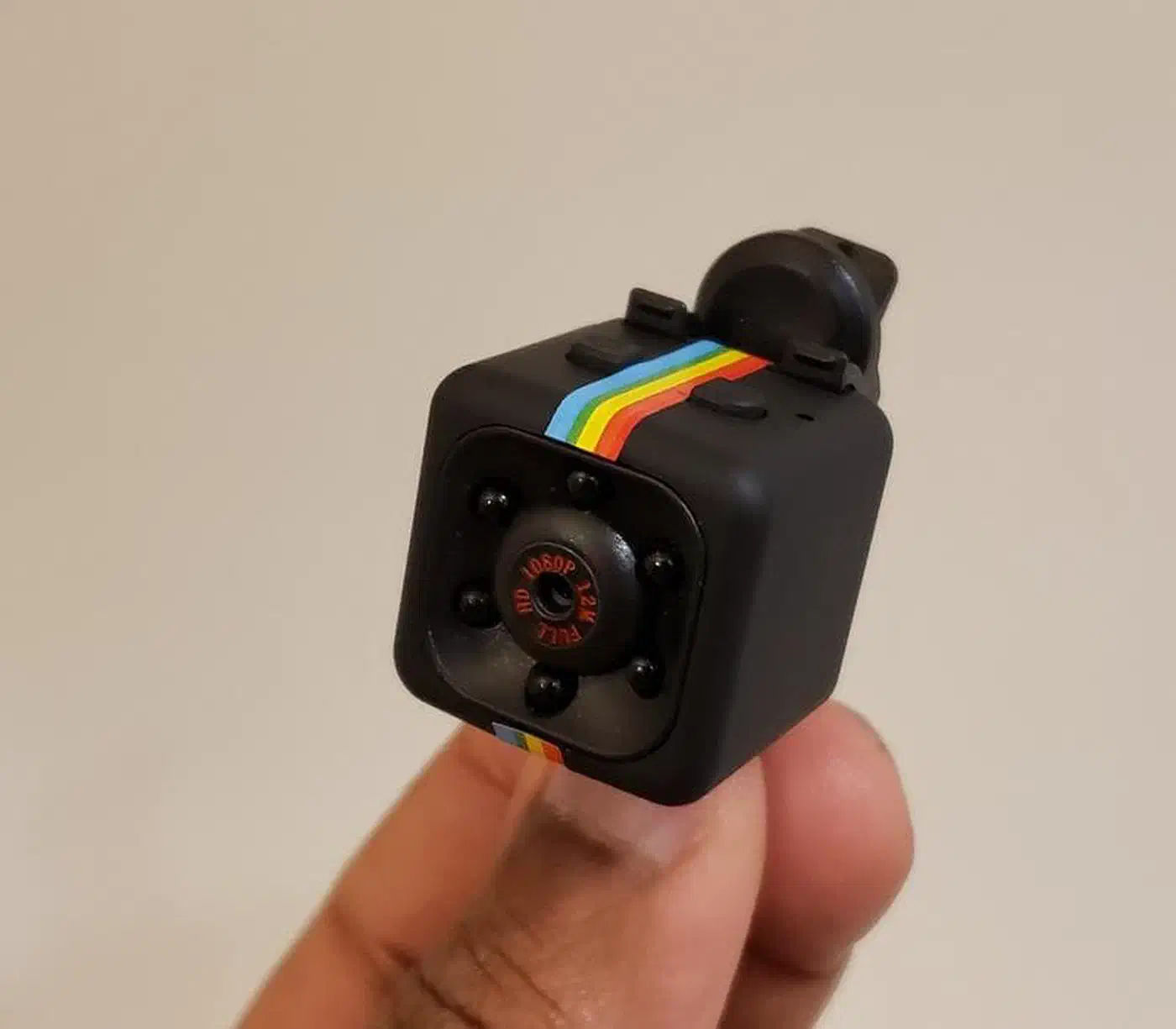
Mode Indicators
In Standby Mode, the solid light shows the current video quality:
- Green Light: 1080p Full HD Standby.
- Blue Light: 720p HD Standby.
What Three Red Flashes Mean
When the red light blinks 3 times, it usually means one of these four things:
- Recording Started (Normal):
- From standby (solid Green or Blue), press the Power/Rec button once.
- The red light will flash 3 times and then turn off.
- Meaning: The camera is actively recording video.
- SD Card Error:
- The red light flashes 3 times, but the camera doesn’t start recording or it shuts down.
- Meaning: No SD card is in the slot, the card is full, or it isn’t formatted to FAT32.
- Low Battery:
- The light flashes red 3 times and the device powers off completely.
- Night Vision Toggle:
- On some models, hold the power button for 2 seconds while in standby or recording. The 3 red flashes then signal that Infrared (Night Vision) has switched on or off.
Basic Operation
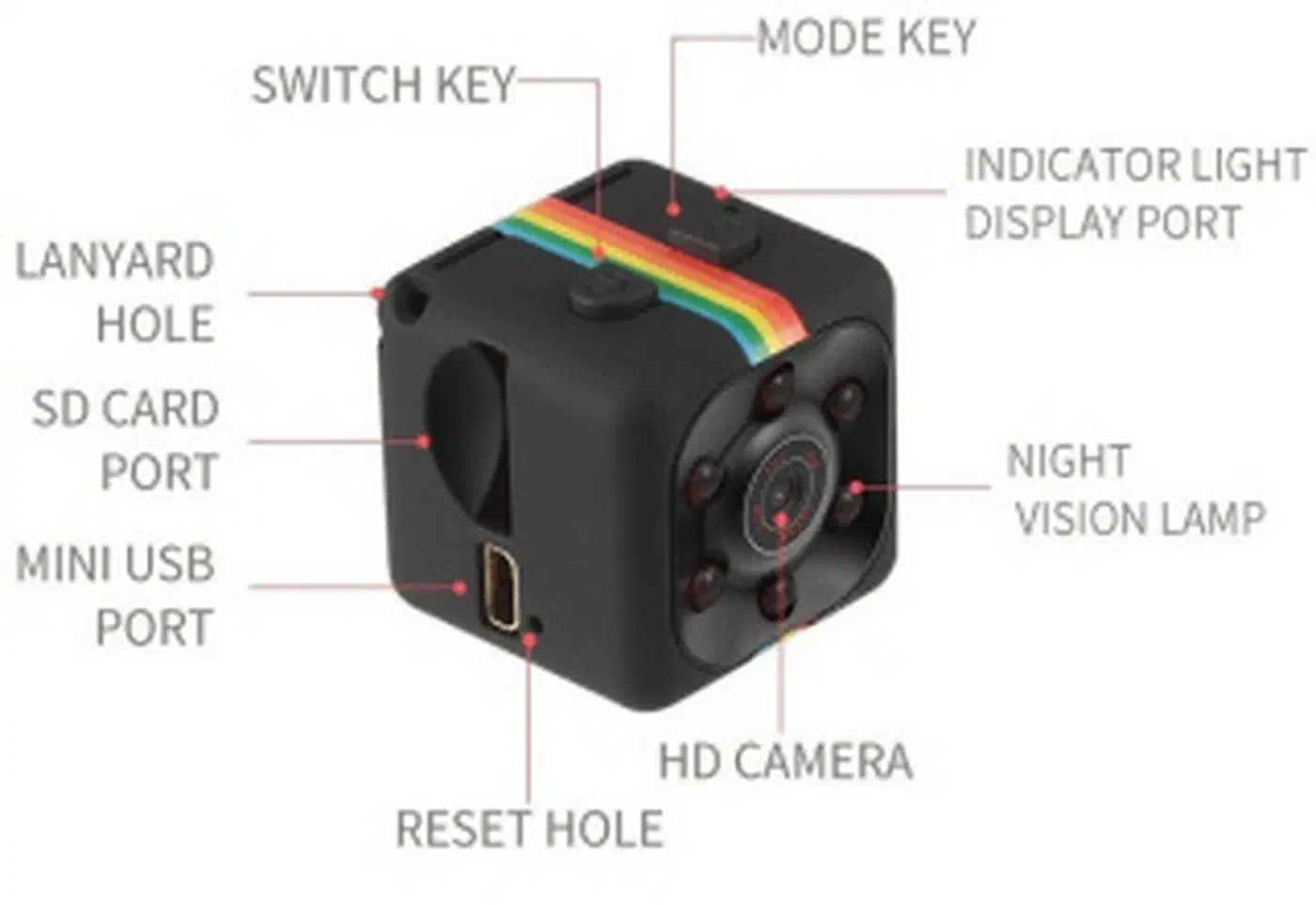
- Power On: Hold the Power button for 2-3 seconds (defaults to Blue/720p).
- Switch Mode: Press the Mode button once to cycle between Blue (720p) and Green (1080p).
- Start Recording: Press Power once (3 red flashes, light goes out).
- Stop Recording: Press Power once (solid light returns).
- Reset: Push a pin into the “Reset” hole if the camera locks up or stops responding.
Other niche USB devices also lean on quirky Linux driver support. For one such case, see the USB fingerprint reader setup guides for your distribution.