Practical guides on Linux, AI, self-hosting, and developer tools

Build a Low-Cost Air Quality Sensor with ESPHome

A DIY air quality monitor built around an ESP32 and a modern particle sensor is one of the highest-value home automation projects you can complete in a single afternoon. Connect a PMS5003 or the newer Sensirion SEN66 to an ESP32, flash ESPHome , and within minutes Home Assistant discovers the device over your local network — no cloud account, no monthly fee, no privacy concerns.

Why Monitor Air Quality at Home?

Most people think of air pollution as an outdoor problem. The reality is that indoor air quality is frequently worse. Cooking on a gas stove, burning candles, running a laser printer, using cleaning sprays, or simply having new furniture off-gassing formaldehyde can push indoor particle and chemical concentrations well above outdoor levels for hours at a time.

Build Interactive Charts in Hugo without JavaScript

Can you build interactive charts in Hugo without any JavaScript? Yes — by using Hugo shortcodes that transform CSV or JSON data into styled SVG graphics at build time. This “Zero-JS” approach produces charts that render instantly, work in every browser environment including RSS readers and print, and score significantly better on Core Web Vitals than anything built with Chart.js or D3.js .

The Problem with Client-Side Charting Libraries

Chart.js is excellent software. So is D3.js. But both carry a tax that static blog authors rarely think about until they run their first Lighthouse audit.

How to Optimize Hugo Build Times and Asset Performance

Hugo is one of the fastest static site generators ever built — but that reputation only holds when the project is configured correctly. A fresh Hugo site compiles in milliseconds. A production site with three hundred posts, embedded SCSS pipelines, and hundreds of hero images can balloon past thirty seconds per build if image caching, asset pipelines, and CI configuration are not deliberately tuned.

This guide covers every layer of Hugo performance: the parallel rendering engine introduced in recent versions, the image processing pipeline, CSS and JavaScript asset bundling with fingerprinting, WebAssembly modules for heavy client-side work, and CI/CD caching strategies that make GitHub Actions and Cloudflare Pages builds as fast as local development. Before touching any settings, run time hugo in the repository root to capture a baseline. Every optimization should be measured against that number.

Reverse Engineer USB Devices with Wireshark and Python

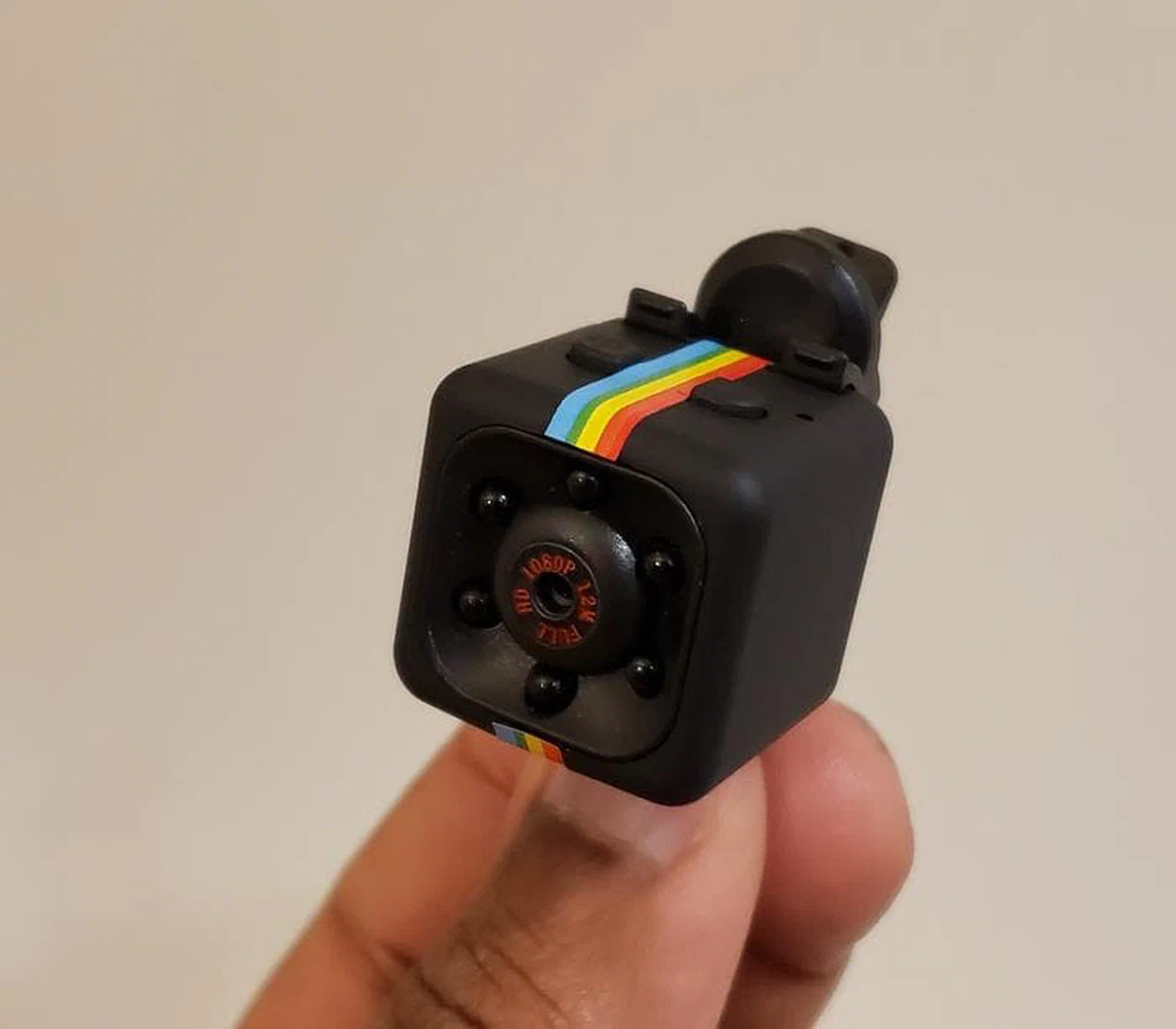
Reverse engineering an unknown USB device means figuring out the protocol it uses to communicate — the sequence of bytes that makes it do things. The good news is that most USB devices aren’t encrypting their traffic. Everything they send and receive travels in plain sight through the USB bus, and Linux gives you the tools to watch it. Once you understand the protocol, a Python script using pyusb can control the device directly, bypassing any vendor software entirely.

How to Fine-Tune Stable Diffusion XL 2.0 with LoRA

Fine-tuning Stable Diffusion XL 2.0 is most efficiently achieved using Low-Rank Adaptation (LoRA) — a lightweight adapter technique that injects your custom style or subject concept into the model without modifying the base weights. Instead of retraining the full model (which requires enormous compute and produces a 6+ GB file that overwrites the model’s general capabilities), a LoRA trains a small side-network that sits alongside the frozen base. The resulting file is typically 50–300 MB and can be loaded, unloaded, and stacked at inference time. With the right tooling, you can train a quality LoRA on a mid-range RTX 50-series GPU with 12 GB of VRAM in an afternoon.

Setup a Private WireGuard VPN for Secure Remote Access

A private WireGuard VPN is the most practical way to reach your home lab, self-hosted apps, and development machines from anywhere without exposing services directly to the internet. Instead of opening many inbound ports, you publish one UDP endpoint and move trusted traffic through an encrypted tunnel. In 2026, that still gives you the best balance of speed, security, and operational simplicity.

This guide builds a production-ready setup from scratch on Ubuntu or Debian , then hardens it for real-world conditions: dynamic home IPs, IPv6, mobile clients behind carrier NAT, and restrictive networks that try to block VPN traffic. You will also see a GUI path (wg-easy ) for teams that prefer visual peer management over manual config files.

Setup a Private Local RAG Knowledge Base

Creating a private Retrieval-Augmented Generation (RAG) system requires a local vector database like Qdrant paired with a strong embedding model like BGE-M3 . Together with a locally-served LLM via Ollama , this configuration lets you index hundreds of documents and answer questions about them with AI — without a single byte of your data leaving your machine.

Why RAG? The Problem With Pure LLM Memory

Large language models are impressive but fundamentally limited as knowledge stores. They are trained on a frozen snapshot of data and have no awareness of anything that happened after their training cutoff, let alone your personal files, internal documents, or private notes. When you ask a model about your own data, it has no choice but to confabulate — and it does so confidently, which is the dangerous part. Even the most capable open-weight models like Llama 4.0 will invent plausible-sounding but entirely wrong answers when asked about content they have never seen.

Track Your Home's Energy Usage with Home Assistant

The average American household spends around $1,500 per year on electricity — and most of that money disappears without any clear understanding of where it goes. Your utility company’s smart meter might tell you how many kilowatt-hours you consumed yesterday, but it will not tell you that your aging gaming console is quietly draining 30W while it sits “off,” or that your electric water heater runs at the exact same time each morning when grid prices are at their daily peak. Home Assistant changes that equation entirely. By pairing the right monitoring hardware with the built-in Energy Dashboard, you can achieve per-device, per-circuit visibility that genuinely transforms how you consume electricity.