 Botmonster Tech
Drop @view-transition { navigation: auto; } into your stylesheet. Modern browsers will then cross-fade between same-origin page loads on their own. No SPA router, no fetch() interception, no JS framework needed. Add view-transition-name to shared elements like hero images, headings, or nav bars, and the browser morphs them between separate HTML documents. This works today in Chrome 126+, Edge 126+, and Safari 18.2+. Firefox support lands through the Interop 2026
push.
Hugo

Cross-Document View Transitions: Animate Between Full Page Navigations Without JavaScript

Web Font Subsetting: Cut Payload by 90% with Variable Fonts
By subsetting a variable font with pyftsubset to include only the Unicode ranges and OpenType features your site actually needs, and serving it as a WOFF2 file with the CSS unicode-range descriptor, you can reduce web font payload by 70-85%. A typical setup drops a 300 KB variable font to under 40 KB while keeping full weight and italic axis support for every glyph you actually use. This post walks through the entire process from font selection to CI integration.
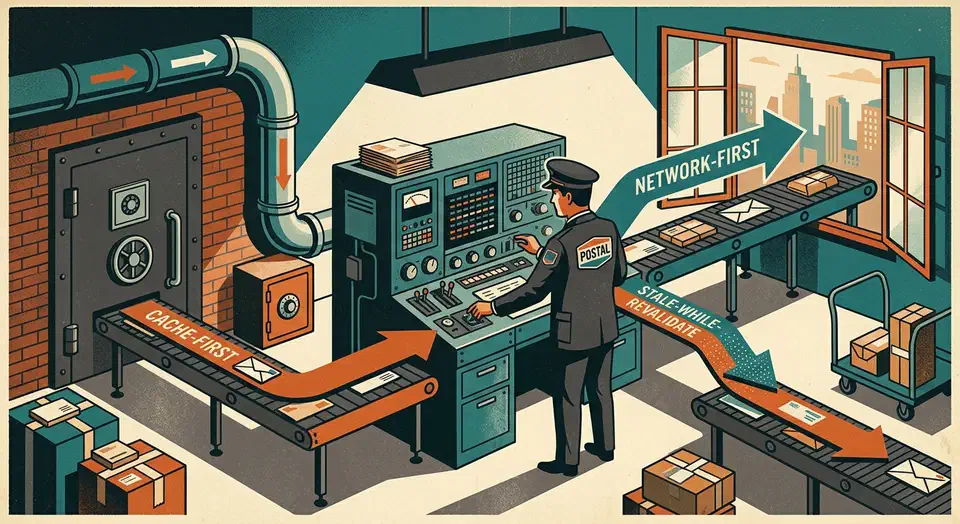
Service Worker Caching: Network-First, Cache-First, SWR
Service workers give you a programmable network proxy right inside the browser. They sit between your page and the server, intercept every fetch request, and let you decide whether to serve a response from cache or from the network. For static sites - where every page is a pre-built file and every asset has a predictable URL - this is a natural fit. A well-configured service worker makes your static site load in single-digit milliseconds on repeat visits, work fully offline, and pass every Lighthouse PWA audit. The entire implementation fits in a single JavaScript file under 100 lines.

Generating SVG Graphics with AI
For precise technical diagrams, prompt an LLM to output SVG or Mermaid.js syntax instead of pixel-based images. This creates lightweight, resolution-independent graphics that search engines can read. Vector formats offer performance and clarity that raster images simply can’t match.
Why SVG? The Case Against Raster Images for Technical Diagrams
Most bloggers use screenshots or PNG exports for diagrams. This habit seems easy but carries hidden costs. A PNG flowchart often weighs 100 KB to 400 KB. In contrast, the same SVG diagram usually stays between 5 KB and 20 KB. This huge difference improves Core Web Vitals metrics like Largest Contentful Paint. Better performance helps your search rankings.
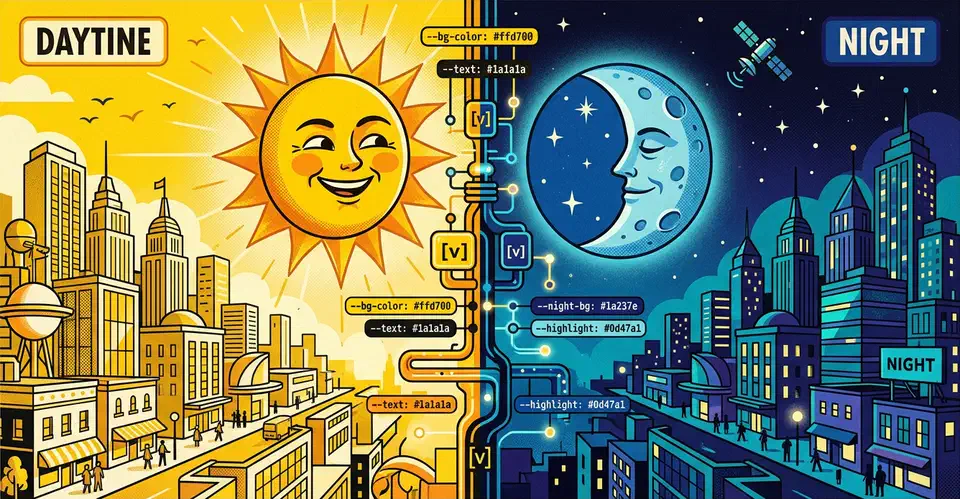
Implement Dark Mode in Vanilla CSS (Zero JavaScript)
You can build a solid dark mode using only the prefers-color-scheme media query and CSS Custom Properties
(variables). This CSS-first approach gives users a flash-free theme switch. It also keeps your site’s code clean, light, and free of JavaScript.
Why Avoid JavaScript for Dark Mode
Most dark mode tutorials reach for JavaScript to toggle a class on <body>. It feels like the obvious fix. You add a button, read a preference from localStorage, and apply a class. It works well enough in demos. But in production, on real hardware and real networks, this approach breaks in ways worth knowing about before you commit to it.
Self-Host Blog Comments with Remark42 (Privacy-First)
Most blogs reach for Disqus on day one. It takes about five minutes to set up. What you don’t see at sign-up is the deal you’re making. Disqus is free because it monetizes your readers. Every person who loads your comment section gets tracked, profiled, and served ads. They never agreed to it. That’s just the business model behind the embed script you pasted into your template.
Remark42 changes the equation. It is a self-hosted, open-source comment engine built in Go. It ships as a single Docker image. It collects only the data needed to run a comment section, and nothing more. This guide walks through the whole setup. You’ll deploy Remark42 behind Nginx with HTTPS, wire it into a Hugo site, set up moderation, and keep your data safe with automated backups.