 Botmonster Tech
The Best Mini PCs for a Home Lab in 2026: N150 vs. N305 vs. Ryzen AI

If you are building a home lab in 2026, the most consequential decision you will make is what hardware to run it on. Rack servers are loud, power-hungry, and overkill for most people. A Raspberry Pi cluster is fun but constrained. The sweet spot - and has been for the last couple of years - is the mini PC.
The market has matured. You now have three distinct tiers worth considering: Intel N150 machines for single-purpose appliances, Intel N305 machines for general-purpose home labs, and AMD Ryzen AI class mini PCs for heavy virtualization or local AI inference. Each tier makes sense for a different type of user, and the wrong pick will either leave you frustrated with underpowered hardware or paying for capabilities you will never use.
Short answer: if you want a general-purpose home lab server for Proxmox, Docker, Jellyfin, and a handful of self-hosted services, buy an Intel N305 mini PC with 32 GB RAM. It will handle everything you throw at it for $250-300 all-in, idle at under 10W, and sit quietly on a shelf. Only reach for the Ryzen AI tier if you need 64+ GB RAM for heavy virtualization or want to run local LLMs on integrated GPU.
Why Mini PCs Make Sense for Home Labs in 2026
The case is simple: they offer a better watt-to-performance ratio than any tower or rack server at the same price, they are silent or near-silent, and they fit anywhere.
Take power consumption. A typical Intel N305 mini PC idles at 6-8W and peaks at around 25W under full load. A comparable used Dell OptiPlex SFF idles at 30-45W even with nothing running. At $0.15/kWh running 24/7, that gap costs you an extra $30-60 per year - which adds up over the 3-5 years you will likely run this hardware. A lot of home lab people buy used enterprise gear thinking they are saving money, then spend more on electricity over two years than the hardware originally cost.
Physical footprint matters too. Mini PCs with VESA mounts attach directly to the back of a monitor or sit in a stack on a shelf. Most are smaller than a hardcover book. If you do not have a dedicated server room or rack - and most people doing home labs do not - this matters considerably.
At the N100/N150 tier, many models are fanless. They run 24/7 in a living room, bedroom, or home office without anyone noticing. Once you have run a fanless server for a year, going back to anything with a spinning fan feels like a regression.
Networking is another area where 2026 mini PCs have caught up to real server hardware. Most lab-focused models now ship with dual 2.5GbE NICs using the Intel i226-V controller. This makes them good candidates for OPNsense or pfSense router builds without needing add-in cards. Two physical NICs at 2.5Gbps is more than enough for most home networks, and the Intel controller has solid driver support across BSD and Linux.
Newer models have also added USB-C with Power Delivery. You can power the entire mini PC from a laptop charger or a shared USB-C power strip, which simplifies cable management when stacking multiple units.
The used and refurbished market for N100/N305 mini PCs from 2024-2025 is also worth noting. Units that originally sold for $150-200 barebones are available for under $100 and still receive firmware updates. If budget is the primary constraint, buying last generation at a discount is a reasonable strategy.
Intel N150: The Ultra-Budget Single-Purpose Appliance
The Intel N150 is the successor to the popular N100. It is a 4 E-core chip clocked to 3.6 GHz boost, with a 6W base TDP and 25W max. It supports up to 16 GB DDR5-4800 on a single channel and includes integrated Intel UHD Graphics.
The N150 is not a lab workhorse. It is a dedicated appliance chip - the kind of processor you want running one thing, running it reliably, at low power, indefinitely.
It works well as a router or firewall. An N150 mini PC with dual Intel i226-V 2.5GbE NICs running OPNsense handles gigabit routing, IDS/IPS, VPN termination, and firewall rules at 6-8W idle. Pi-hole or AdGuard Home on dedicated N150 hardware is overkill in the best way - the chip has so much headroom for DNS filtering that it will never be your bottleneck. Running Home Assistant OS on a dedicated N150 box with a Zigbee or Z-Wave USB stick is a step up from a Raspberry Pi in terms of reliability and I/O. Paired with USB 3.2 drive enclosures or a single M.2 SSD, it handles small NAS duties without complaint.
Popular N150 models in 2026:
- Beelink Mini S13 (~$110 barebones)
- MinisForum UN150 (~$129 with 8GB/256GB)
- ASUS NUC 14 Essential (~$149)
Where it falls short: Proxmox runs on N150 hardware - 3-5 LXC containers is fine. But push it toward VM workloads and the single-channel DDR5 memory controller becomes a bottleneck fast. Memory-intensive services like databases, Nextcloud with heavy sync, or anything doing real I/O will expose this limitation quickly. If you are planning to run more than a handful of containers or any meaningful VMs, the N305 is a better starting point.
Storage expansion is also constrained. Most N150 mini PCs have one M.2 slot (2242 or 2280) and sometimes a second M.2 or SATA port. If you need more than 2 TB of onboard storage, plan for external expansion or a separate NAS device.
One thing to watch when buying N150 hardware: some consumer-facing models ship with a single Realtek NIC. If you are planning a router build, specifically look for dual Intel i226-V NICs. The Realtek controller has had historical driver issues on FreeBSD (used by pfSense) and is less reliable for router use.
Intel N305: The Home Lab Sweet Spot
The Intel N305 is a different class of chip entirely. Eight E-cores at 3.8 GHz boost, 15W base TDP, Intel UHD Graphics, and support for up to 32 GB DDR5-4800 in dual channel on boards that wire it correctly. The step from N150 to N305 is not an incremental upgrade - it is the difference between a dedicated appliance and a capable general-purpose server.
With 32 GB RAM and a decent NVMe drive, a single N305 mini PC runs a real home lab stack without resource pressure:
- Proxmox VE with 8-12 LXC containers
- 2-3 VMs running at the same time (Home Assistant OS , Ubuntu Server, a Windows 11 test VM)
- Docker with Jellyfin, Nextcloud, Gitea, Vaultwarden, Traefik, Prometheus, and Grafana all running simultaneously
That is a full home lab setup, on a box that fits in your palm and draws less power than a desk lamp.
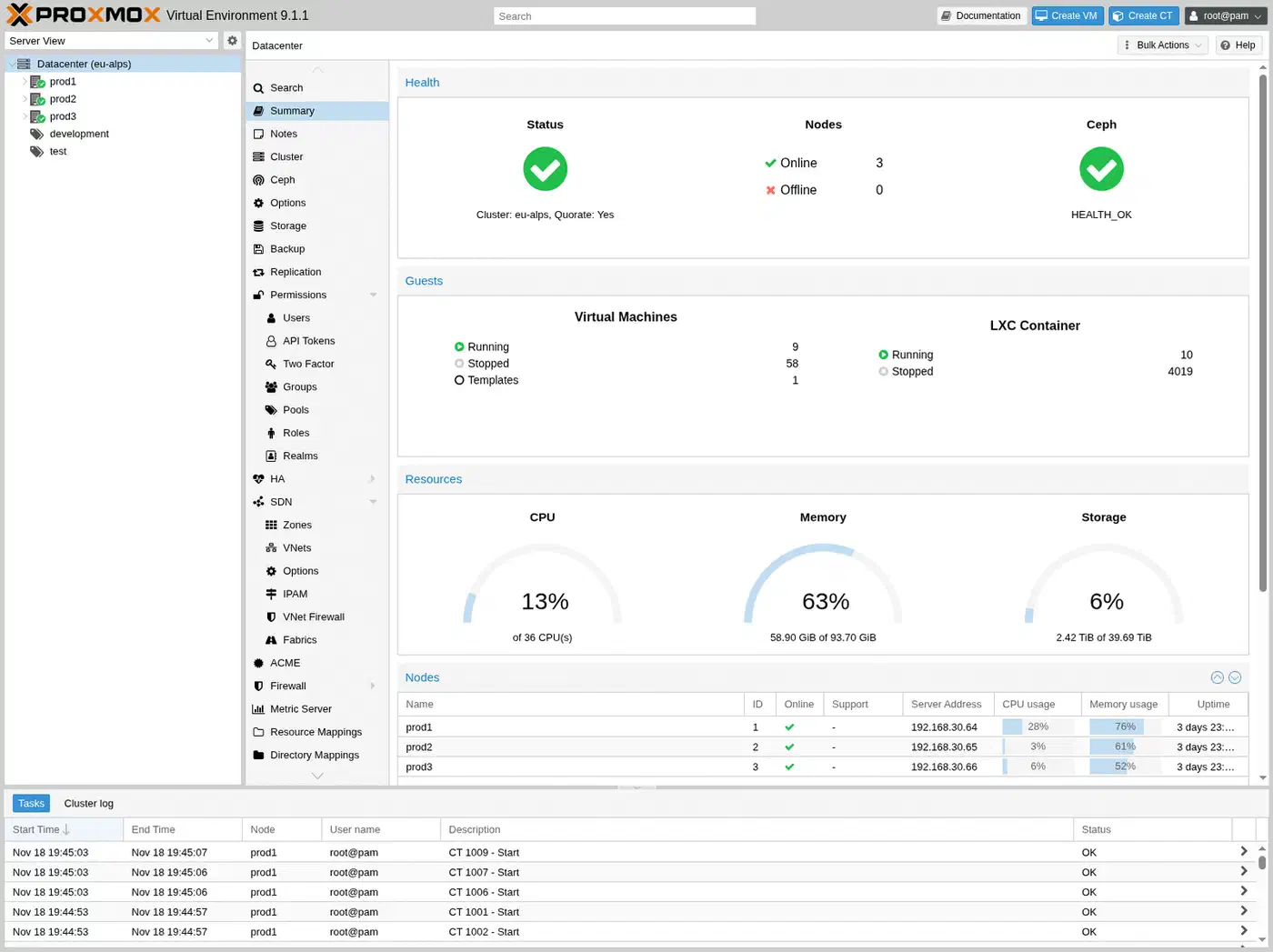
Intel QuickSync on the N305 supports hardware transcoding for AV1, HEVC, and H.264. In practice this means Jellyfin
can transcode 2-3 simultaneous 4K streams without putting meaningful load on the CPU cores. Enable hardware transcoding in Jellyfin, pass through the /dev/dri device to your Docker container or LXC, and you are done.
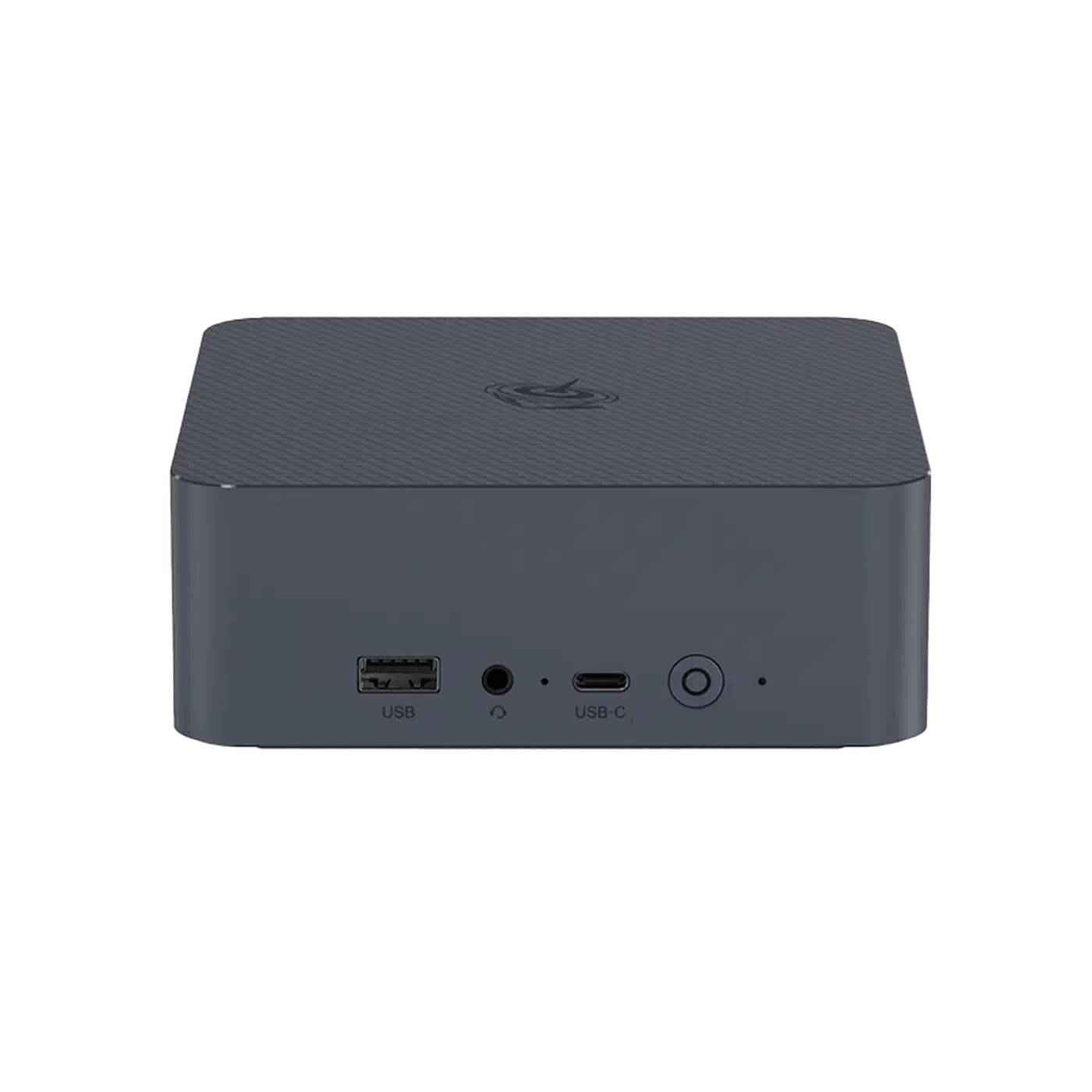
Popular N305 models:
- Beelink EQ13 (~$169 barebones) - clean build quality, reliable BIOS, good community support
- MinisForum UM350 (~$199 with 16GB/512GB) - solid out-of-the-box configuration
- Topton N305 dual-NIC barebone boards (~$130) - budget DIY option with dual 2.5GbE built in
The N305 idles at 6-10W and sits at 20-28W under moderate load. Running 24/7, expect to pay $8-12 per year in electricity at typical US rates. This is genuinely cheaper than almost any other multi-core server option.
For most people building a first real home lab in 2026, the recommended build is a Beelink EQ13 barebones plus 32 GB DDR5 SODIMM and a 1 TB NVMe drive. All-in cost is $250-300 depending on RAM and SSD pricing. This configuration runs comfortably for years without hitting meaningful limits.
If you need dual NICs for a router or segmented network setup, verify that your specific model has two Intel i226-V controllers before buying. Some N305 mini PCs cut corners with a single port or a Realtek secondary NIC.
AMD Ryzen AI Mini PCs: When You Need Serious Horsepower
The AMD Ryzen AI 9 HX 370 and HX 375 (Strix Point) bring a workstation-class performance tier to the mini PC form factor. Twelve cores (4 performance + 8 efficiency) at up to 5.1 GHz boost, 28W base TDP with 54W max, an RDNA 3.5 integrated GPU with 16 compute units (the Radeon 890M), and support for up to 96 GB DDR5-5600 in some configurations.
These chips make sense for two specific use cases.
The first is local LLM inference. The Radeon 890M supports ROCm for GPU-accelerated inference. Using llama.cpp with the Vulkan or ROCm backend on a 7B quantized model (Q4_K_M), you get roughly 8-12 tokens per second. That is not RTX 4090 territory, but it is fast enough for interactive use, and the big advantage is unified memory - with 64-96 GB RAM, the GPU has access to all of it. You can load larger models than any consumer GPU with 24 GB VRAM would allow.
The NPU (XDNA 2) adds 50 TOPS of AI acceleration via ONNX Runtime. Linux NPU driver support is still maturing as of early 2026 - the AMD XDNA driver was merged in kernel 6.13 - but expect this to become more usable through 2026 as tooling catches up.
The second use case is heavy virtualization. Twelve cores and 64 GB RAM lets you run a proper multi-VM lab without resource contention: a 3-node k3s cluster on one physical machine, a Windows Server lab, multiple isolated Linux VMs for testing, all running at the same time.
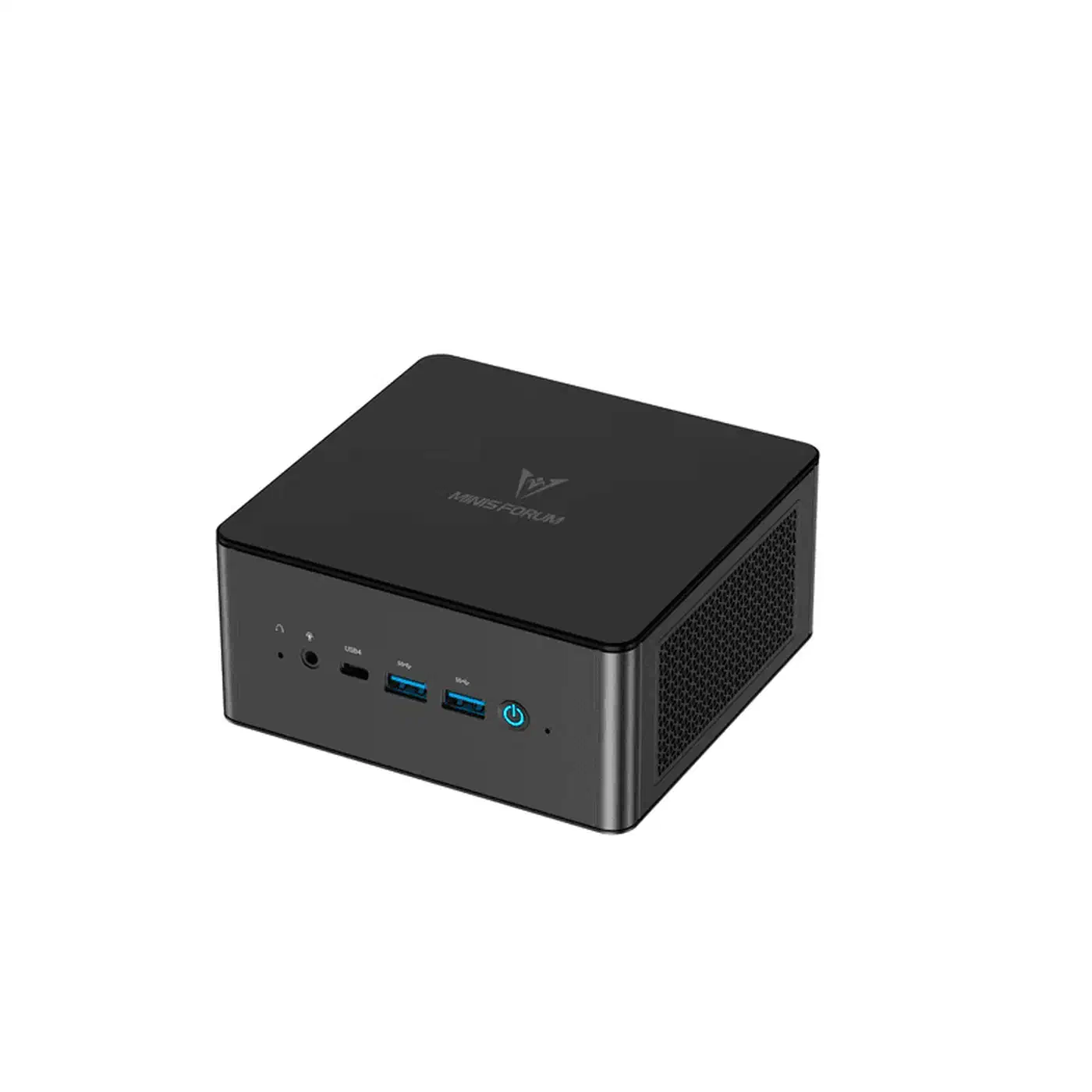
Popular Ryzen AI mini PC models:
- MinisForum UM890 Pro (~$549 with 32GB/1TB)
- Beelink SER9 (~$499 barebones)
- Framework Desktop Edition (~$599 barebones, modular and repairable)
On power: idle at 12-18W, sustained all-core load at 45-65W. That is higher than the N-series, but well below a desktop Ryzen build. The efficiency argument still holds compared to anything with a discrete GPU or full desktop processor.
If your main reason for wanting a Ryzen AI machine is local LLM inference but you already have an N305 host, consider pairing it with a used RTX 3060 12GB in an external GPU enclosure. A used RTX 3060 12GB runs around $180-220, and an eGPU enclosure (Oculink or Thunderbolt) adds another $80-150. You end up with dedicated VRAM, better inference speed, and the flexibility to upgrade the GPU separately later. Not every mini PC supports eGPU, but the option is worth knowing about.
Choosing the Right Mini PC for Your Workload
This table maps common home lab workloads to the hardware that fits:
| Workload | Recommended Chip | RAM | Storage | Estimated Cost |
|---|---|---|---|---|
| Router/firewall (OPNsense, pfSense) | N150, dual 2.5GbE | 8 GB | 128 GB SSD | $120-150 |
| Lightweight self-hosting (Pi-hole, Home Assistant, Vaultwarden) | N150 or N305 | 16 GB | 256-512 GB | $150-200 |
| General home lab (Proxmox, Docker, Jellyfin, Nextcloud) | N305 | 32 GB | 1 TB NVMe | $250-300 |
| Heavy virtualization or Kubernetes lab | Ryzen AI 9 HX 370 | 64 GB | 2 TB NVMe | $600-750 |
| Local AI inference server | Ryzen AI 9 HX 375 | 96 GB | 2 TB NVMe | $800-900 |
| Multi-node cluster | 3x N305 | 32 GB each | 1 TB each | $500-600 total |
The multi-node cluster option is worth expanding on. Buying three N305 units and connecting them via a 2.5GbE switch gives you a proper high-availability cluster running k3s or Proxmox cluster mode. Each node stays independently useful, you get real failover, and the total hardware cost is still less than a single mid-range Ryzen AI machine. For learning distributed systems and Kubernetes in a realistic environment, this is one of the most educational setups available at this price point.
For the AI inference use case: if you are on the fence between a Ryzen AI machine and adding a GPU to an existing N305 host, the Ryzen AI approach is simpler to manage (no external enclosure, single machine to maintain) but the eGPU approach gives you more flexibility if your inference needs grow. Both work.
Storage and Expansion
Storage expansion does not get enough attention in mini PC home lab guides. The onboard M.2 slot fills up fast once you start running Nextcloud with photos, a Jellyfin media library, or database-backed services with meaningful data.
Most N150 and N305 mini PCs have two storage slots - typically one M.2 2280 for the primary NVMe and either a second M.2 or a SATA port. That gives you roughly 4 TB onboard capacity at current SSD prices. Beyond that, you are looking at USB-attached storage.
USB 3.2 Gen 2 (10 Gbps) is fast enough for most NAS-style workloads. An external drive enclosure with 2-4 bays connected via USB gives you meaningful capacity at low cost. For dedicated NAS builds at scale , pairing a separate TrueNAS machine with your mini PC home lab server is a common pattern that works well.
BIOS Settings Worth Checking
When you first set up any mini PC for home lab use, there are a few BIOS settings worth verifying before you get deep into configuration:
- Virtualization extensions (VT-x / AMD-V): almost always enabled by default, but confirm before installing Proxmox.
- Wake-on-LAN: useful for power management, often disabled by default on consumer mini PCs.
- Fan curve: fan-cooled models often run fans louder than necessary at low temps. Most modern mini PC BIOSes let you configure custom curves to prioritize quiet operation at idle.
- Auto power-on after power loss: essential for anything you want to come back up automatically after an outage.
- IOMMU: required for GPU passthrough in Proxmox. Enable this before you need it.
Which One to Buy
For most people building a home lab in 2026, the Intel N305 is the right answer. It handles the full range of typical home lab workloads without compromise - multiple VMs, a stack of Docker containers, hardware media transcoding, and enough RAM for everything to run without swapping. The Beelink EQ13 or a comparable N305 barebones unit with 32 GB RAM and 1 TB NVMe covers the vast majority of use cases for $250-300 all-in.
The N150 earns its place as a dedicated appliance host, particularly for router builds where it is genuinely the right tool for the job. Buy one to run OPNsense and it will run reliably for years at near-zero power cost.
The Ryzen AI tier is for specific, high-demand use cases. If you need 64+ GB RAM for serious virtualization, or you want to run local LLMs without an eGPU, the extra money is justified. For everyone else, the N305 covers everything.