 Botmonster Tech
Komodo vs Portainer vs Dockge for your 2026 homelab

Komodo vs Portainer is the first choice most homelabs face once plain docker compose stops being enough, and Dockge is the light third option. Pick Komodo for Git-driven deploys across many Docker servers from one screen. Pick Portainer if you run Kubernetes, which the other two do not support. Pick Dockge to manage one quiet host. Komodo v2 added Docker Swarm in March 2026, which removes the reason many people held off.
Key Takeaways
- Komodo wins on Git-driven deploys across many Docker servers from one screen.
- Portainer leads on Kubernetes, but its free edition is frozen on 2.x.
- Dockge is the lightest pick, though it has not shipped a release since March 2025.
- Swarm support landed in v2, so Kubernetes is the only orchestration gap left.
- Lock down the Periphery agent before you expose it on a VPS.
Where each tool stands in October 2026
Most comparisons still describe the 2024 versions, so this table gives the current state, with a source on every row.
| Tool | Latest state | What changed | License and price |
|---|---|---|---|
| Komodo | v2.3.3 , September 2026 | v2.0.0 added Swarm, key-pair agent auth and outbound agents | GPL-3.0, free |
| Portainer | CE is on 2.x | 3.0 ships no Community Edition | CE is zlib; 3 nodes free , paid plans from $1,045 a year |
| Dockge | 1.5.0 , March 2025 | Agents for other hosts since 1.4.0 , console off by default since 1.5.0 | MIT, free |
| Dockhand | Active | Free edition with OIDC, paid editions per host | BSL 1.1 , $499 or $1,499 per host per year |
| Arcane | Active | Agents, Git deploys, Swarm stacks | BSD-3-Clause , free |
Komodo does manage Docker Swarm now, and Dockge can reach more than one host. Older articles and Google’s AI Overview still get both wrong.
All five are open source or source-available, so you can read the code before you install anything. The difference is what happens to the free edition later. A tool with a paid tier has to decide which features the free version loses. A tool with no paid tier has nothing to hold back. That split decides how much of the table above will still be true in two years.
What are Komodo and Portainer?
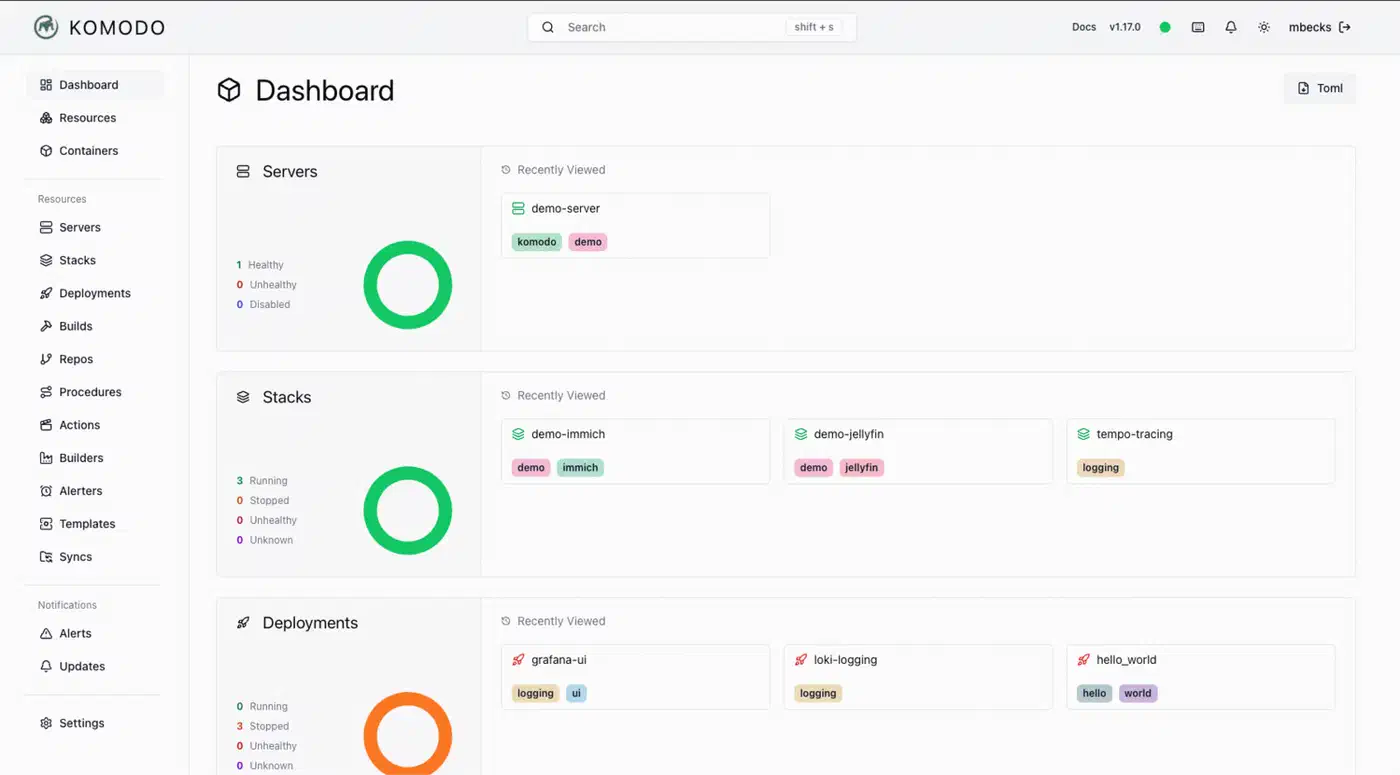
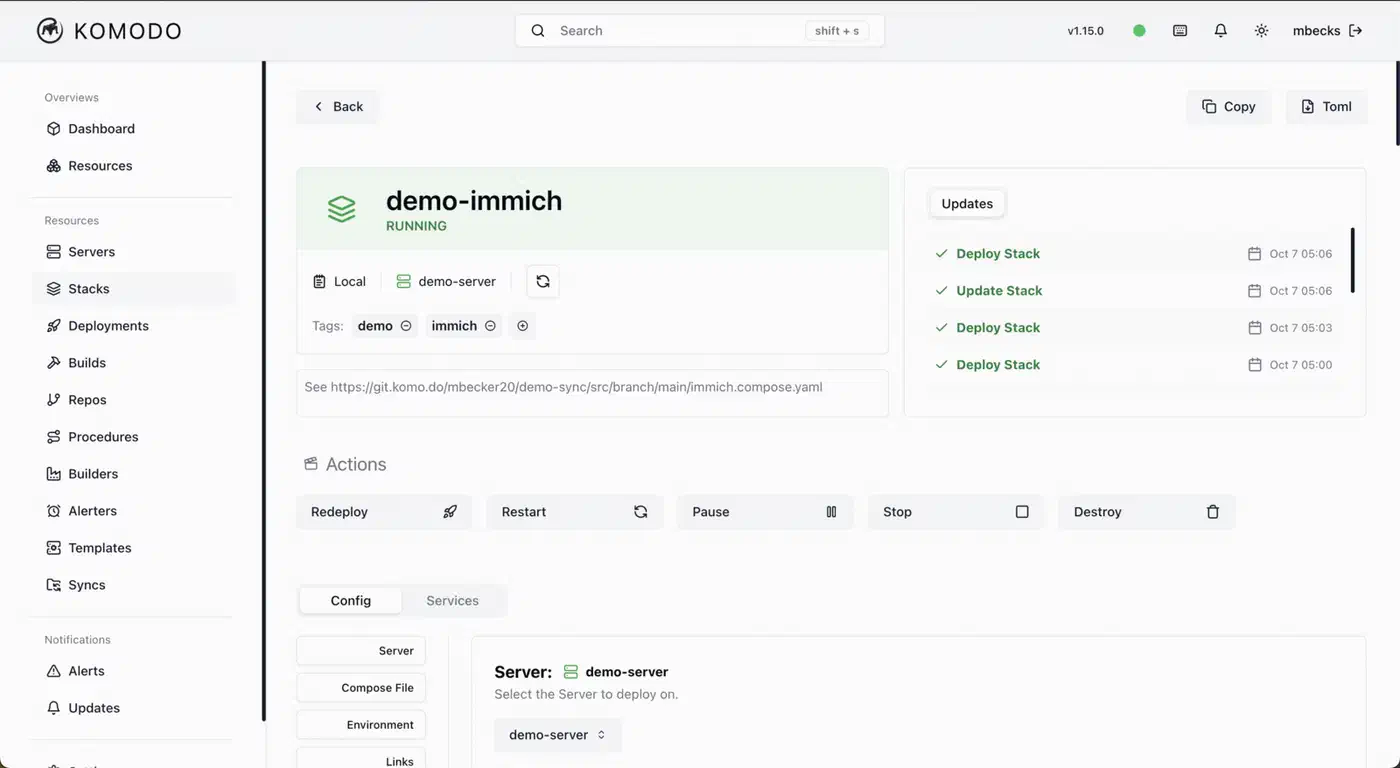
Komodo is a free, open source Docker management tool from moghtech that builds and deploys Docker stacks across many servers. It is not ActiveState’s code editor of the same name. A central Core server holds state and serves the web UI. A small Periphery agent on each server runs the deploys. You get one view of every machine instead of logging in to each server one at a time.
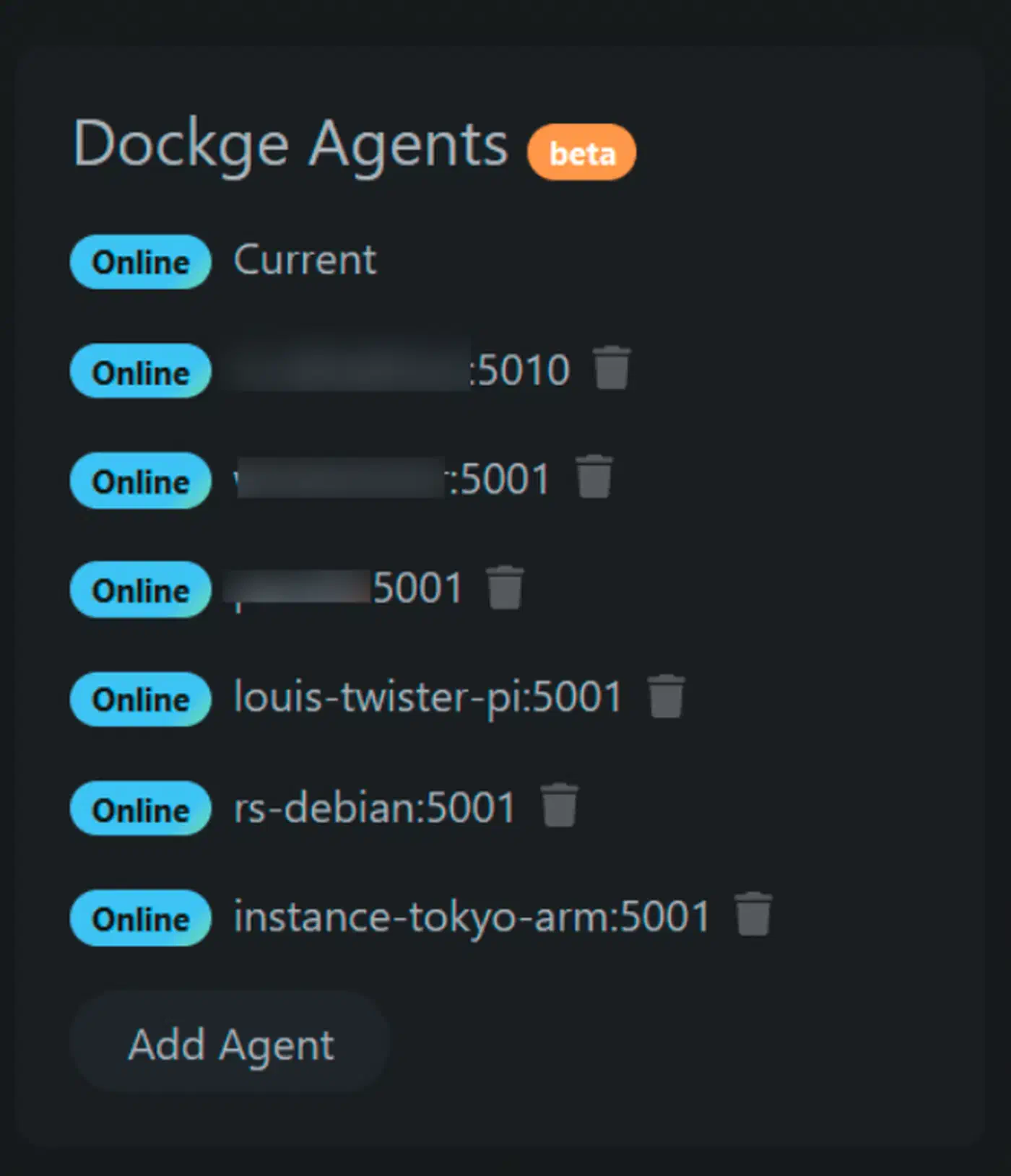
Portainer is the older, platform-first manager. It puts one web UI over Docker, Swarm and Kubernetes, with a free Community Edition and a paid Business Edition. Each host or cluster you connect shows up as an environment. From there you can manage containers, images, volumes and networks without touching the command line.
Dockge
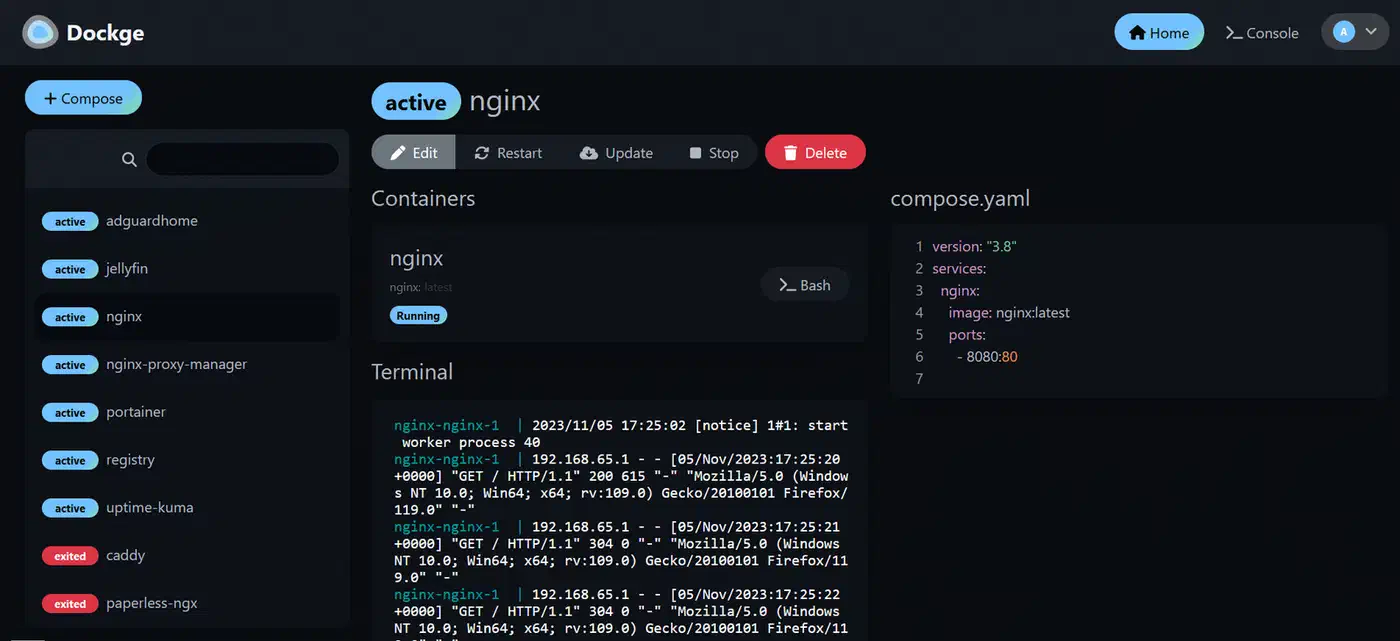
is the small one. It is a lightweight stack manager that keeps each stack as plain files under /opt/stacks, so docker compose can still run them without it. The install is a single container, and the UI shows live logs as a stack comes up.
Migrated to Komodo a year ago from Portainer and never looked back. Amazing project!
Komodo vs Portainer vs Dockge: which should a homelab pick?
Each tool fits a different homelab. Komodo is pipeline-first, Portainer is platform-first, and Dockge is a plain file editor. The deciding question is whether you want Git-driven automation, Kubernetes support, or the simplest single-host workflow.
| Feature | Komodo | Portainer | Dockge |
|---|---|---|---|
| License | GPL-3.0, no paid tier | CE is zlib, paid Business tiers | MIT |
| Architecture | Core plus Periphery agents | Server plus agents | Node.js app in one container |
| Multi-server view | Yes, aggregated | Yes, per environment | Yes, agents since 1.4.0 |
| Git deploys | Yes, with webhooks | Limited in CE | No, files on disk |
| Swarm | Yes, since v2.0.0 | Yes | No |
| Kubernetes | No | Yes | No |
| Single containers | Yes, Deployment resource | Yes | No, stacks only |
| RBAC and SSO | Yes, OIDC, GitHub, Google | Business Edition | No |
| Database | MongoDB or FerretDB | Built in | None |
| Best for | Git fleet deploys | Kubernetes, teams | One quiet host |
Komodo builds Docker images from Git, redeploys on a webhook, and declares every resource as TOML through Resource Sync. That turns your servers into config you can review in a pull request. Since v2.3.0 you can also deploy one service without the rest of its stack. The Medium comparison of Git-to-deploy workflows calls the split “pipeline-first vs platform-first.”
The webhook loop needs a repo to point at. A self-hosted Gitea instance is the common pick, and a Gitea Actions pipeline can build the images. If your stacks are still on GitHub, migtea can pull a whole account over to Gitea first.
Git sync (auto-update compose via webhook), web GUI with SSO, flexible stack management (local files / git / GUI), completely free and self-hosted
Why is Portainer not recommended?
For a new Docker homelab, the reason is licensing, and the software itself is fine. Version 3.0 ships without a Community Edition , so free users stay on a 2.x line that gets fixes but no new features. The free way onto 3.x is the 3 Nodes Free program. The Home & Student plan costs $155 a year for up to 15 nodes, for non-commercial use only. Paid business plans start at $1,045 a year, and one license covers Docker, Swarm and Kubernetes environments alike.
Why Portainer is still a great choice
It is still the stronger tool for Kubernetes. It also handles day-2 work like volumes, networks and registries better than the newer tools. Its RBAC has years of production use behind it. Virtualization Howto puts it bluntly: “Portainer is still the best tool between the two for production workloads.” If CE 2.x already runs your homelab well, staying put is fine for now.
Is there anything better than Portainer or Dockge?
For a Docker-only homelab, Komodo and Arcane are the two free tools that still ship regular releases. Dockge is fine for one host, but nothing new has landed since March 2025. If you only want to watch containers and restart them, a lighter dashboard may beat all three.
Komodo vs Dockhand vs Arcane for homelabs
Dockhand and Arcane are the two newer tools people weigh against Komodo most often. This table covers only that pairing. Our Portainer 3.0 post, linked above, compares all four exits in more depth.
| Feature | Komodo | Arcane | Dockhand |
|---|---|---|---|
| License | GPL-3.0 | BSD-3-Clause | BSL 1.1, Apache 2.0 four years after each release |
| Paid tier | None | None, sponsors only | $499 or $1,499 per host per year |
| Multi-host | Periphery agents | Agents | Hawser agent |
| Swarm | Yes | Yes | No, still an open request |
| Git deploys | Yes, plus image builds | Yes | Yes |
| Best for | Many servers, GitOps | A clean dashboard on a few hosts | Polish and built-in scanning |
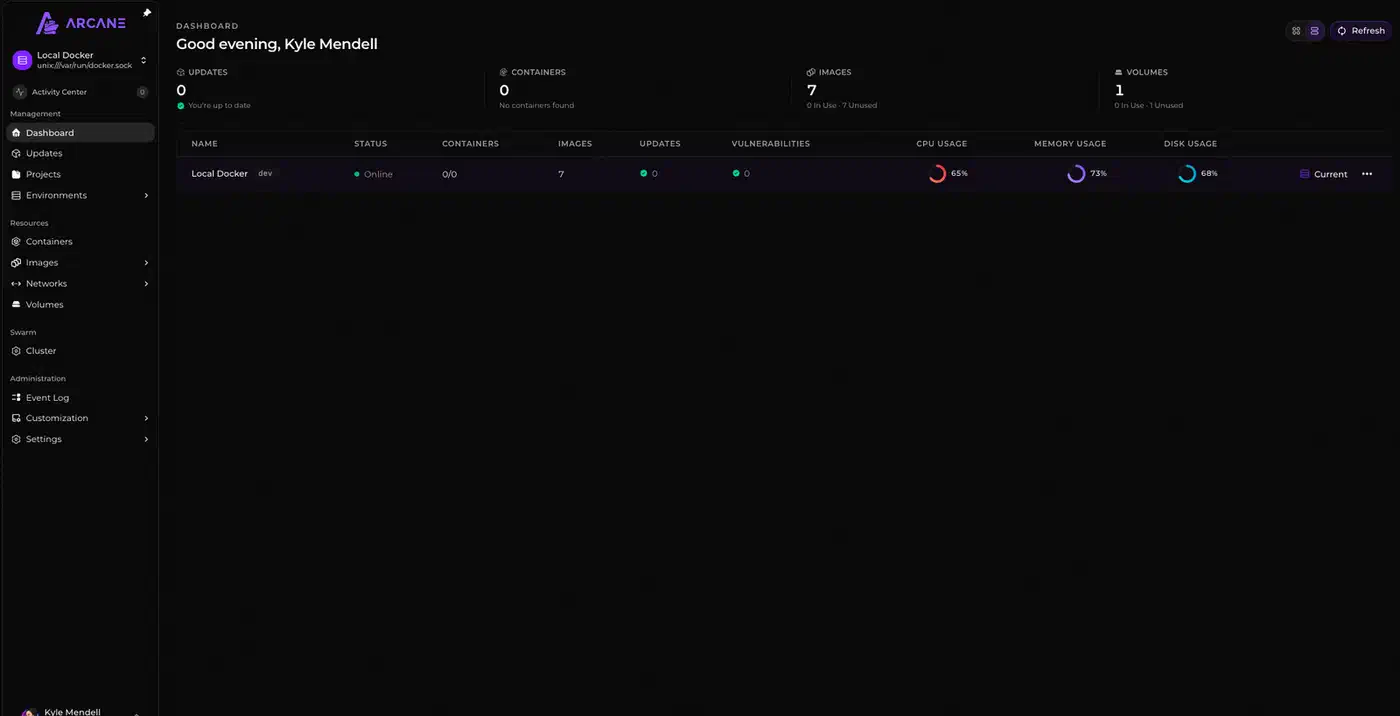
Dockhand has the most polish and includes OIDC in its free edition. It installs with one docker run command and uses SQLite, so there is no database to set up. However, it sells the same kind of paid edition Portainer does.
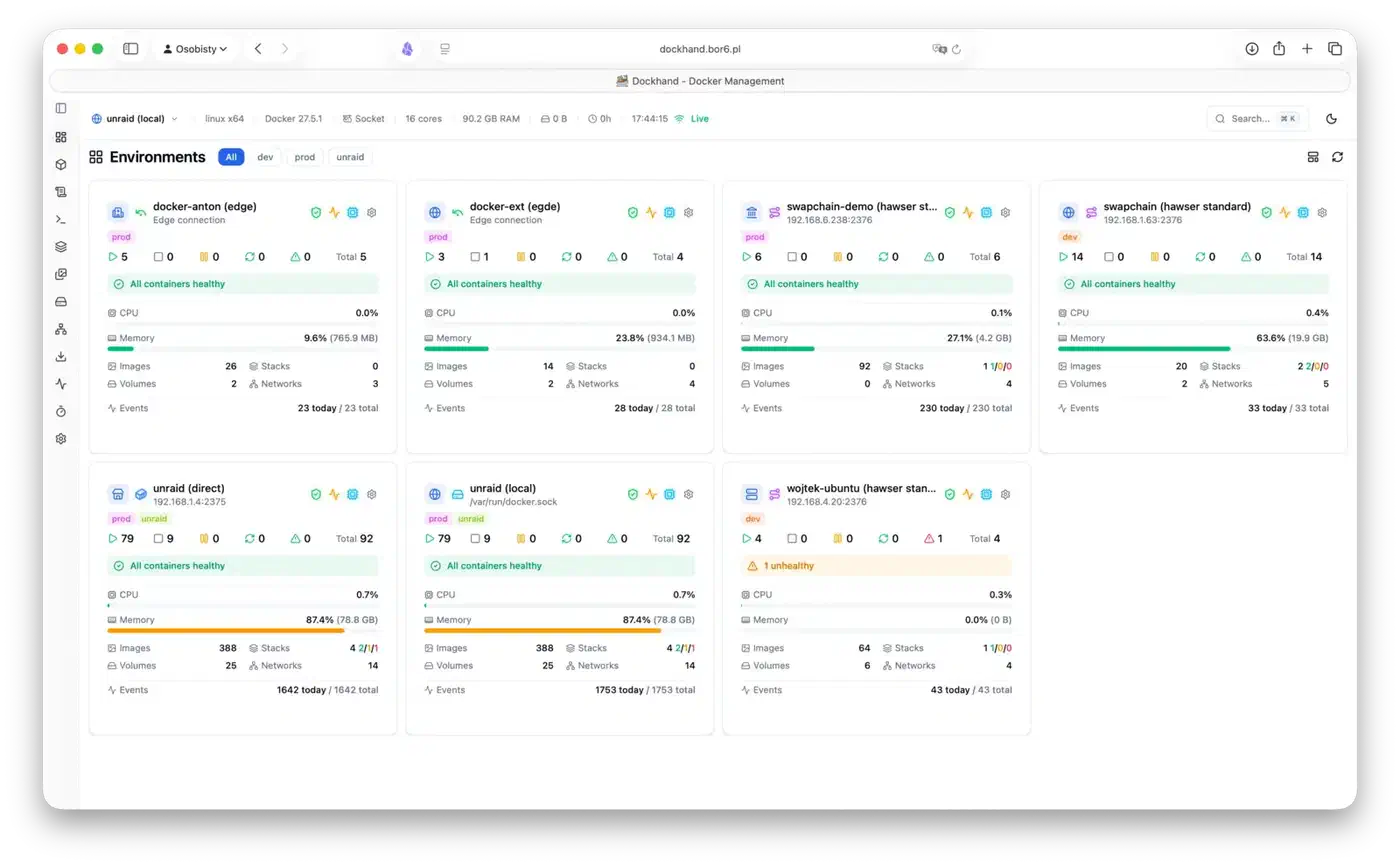
Arcane is a lighter container management dashboard with no paid tier at all. It runs on a Go backend and suits one to a few hosts. Komodo is the only one of the three that builds images and runs multi-step procedures. Pick it when deploying is the job, not just watching containers.
How to migrate from Portainer to Komodo
The project’s maintainer, mbecker20, laid out the method in GitHub discussion #161 : “deploy Komodo alongside Portainer, and move over incrementally.” You don’t need to stop your stacks, and the containers keep running while you move them.
Step 1: install Komodo Core next to Portainer
Install Core with the official compose and env files from the setup docs . Choose MongoDB, or FerretDB on Postgres if your CPU can’t run current MongoDB. Then install a Periphery agent on each Docker server you want to manage, either as a container or as a systemd service. The web UI comes up on port 9120.
Step 2: list your compose project names
On each host, run docker compose ls. Stacks created in the old UI show up there as normal compose projects, with the project name in the first column. Note each name and the folder that holds its compose file.
Step 3: create a matching stack
Create a stack with the same name as the project, or set its project_name field to match. Komodo then picks up the running containers instead of starting a second copy. Give it the compose file in the UI, in Files on Server mode, or from a Git repo. Keep host paths the same so volumes and bind mounts still line up. Move each stack’s environment variables into its config, and put secrets in Komodo’s variables instead of plain text.
Step 4: bulk import with Resource Sync
For many stacks, write them into one TOML file and apply it with Resource Sync . The maintainer confirmed one file can hold as many stacks as you like:
[[stack]]
name = "immich"

[stack.config]
server = "nas"
files_on_host = true
run_directory = "/opt/stacks/immich"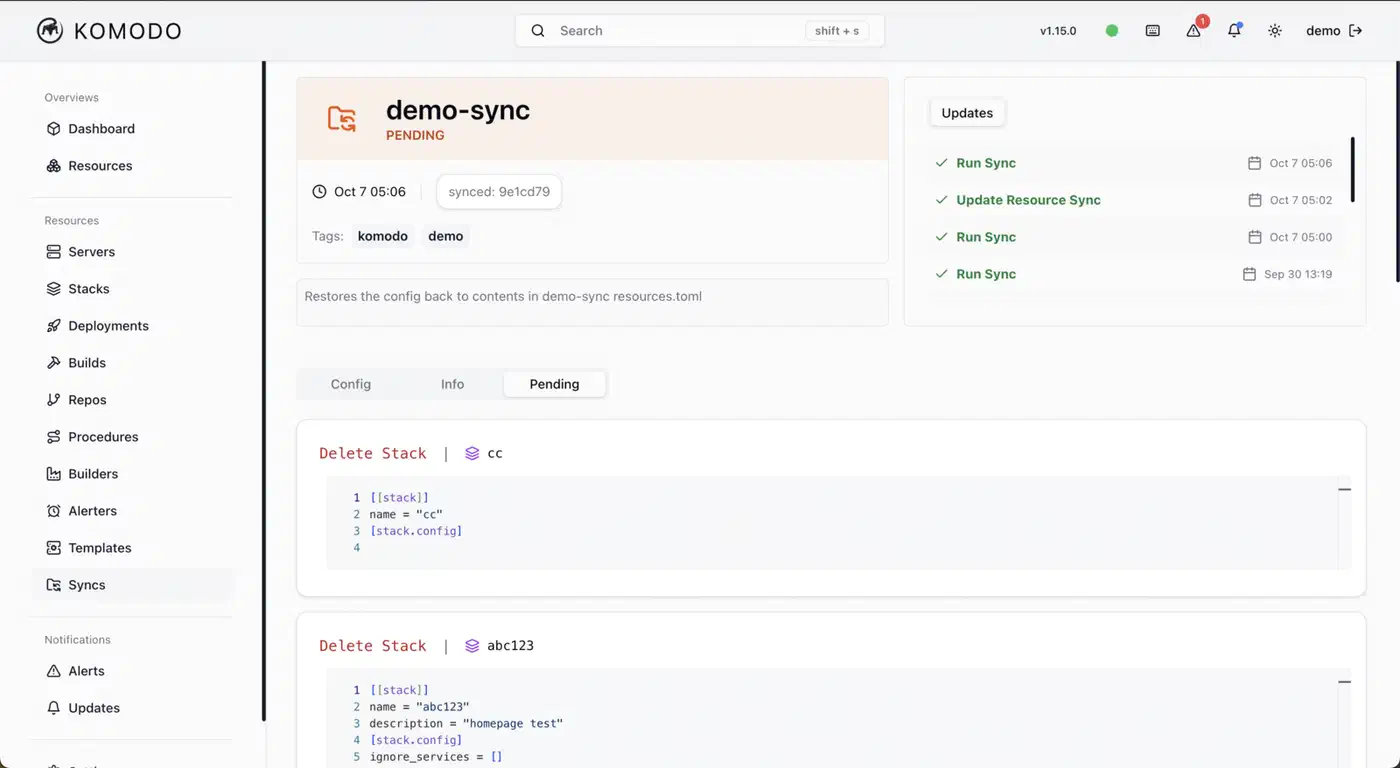
Step 5: retire the old manager last
Redeploy one stack from Komodo, check that it comes up, then move to the next. Once every stack has moved, stop the Portainer server container. Keep its data volume for a week in case you need to roll back. FoxxMD’s migration guide covers the Git conversion in more detail.
How to lock down the Periphery agent
On a VPS, a default Komodo install is not safe out of the box. The Periphery agent listens on port 8120. The example Periphery config warns that with no keys or passkeys set, inbound connections are not authenticated.
- Use v2 key-pair auth. Komodo v2 replaced passkeys with keys that it generates and rotates itself. Set
core_public_keyson each agent, or switch to outbound mode so agents dial Core and port 8120 stays closed. - Firewall port 8120 to the Core IP, and set
allowed_ipsas a second fence. - Set
disable_terminals = trueon servers that don’t need shell access. - Keep MongoDB off public ports, and put the UI on port 9120 behind a reverse proxy.
- Encrypt your backups. Core backs up its database on a schedule, but the files are plain gzip archives.
The images you deploy need the same care, so run a container hardening checklist over them before anything faces the internet.
Where Komodo falls short in 2026
For years, Docker Swarm was the main reason people held off:
holding off for swarm support
Komodo v2.0.0 closed that gap with a Swarm resource for nodes, services, stacks, configs and secrets. Kubernetes is the one orchestration layer it still skips, so a K8s shop needs Portainer.
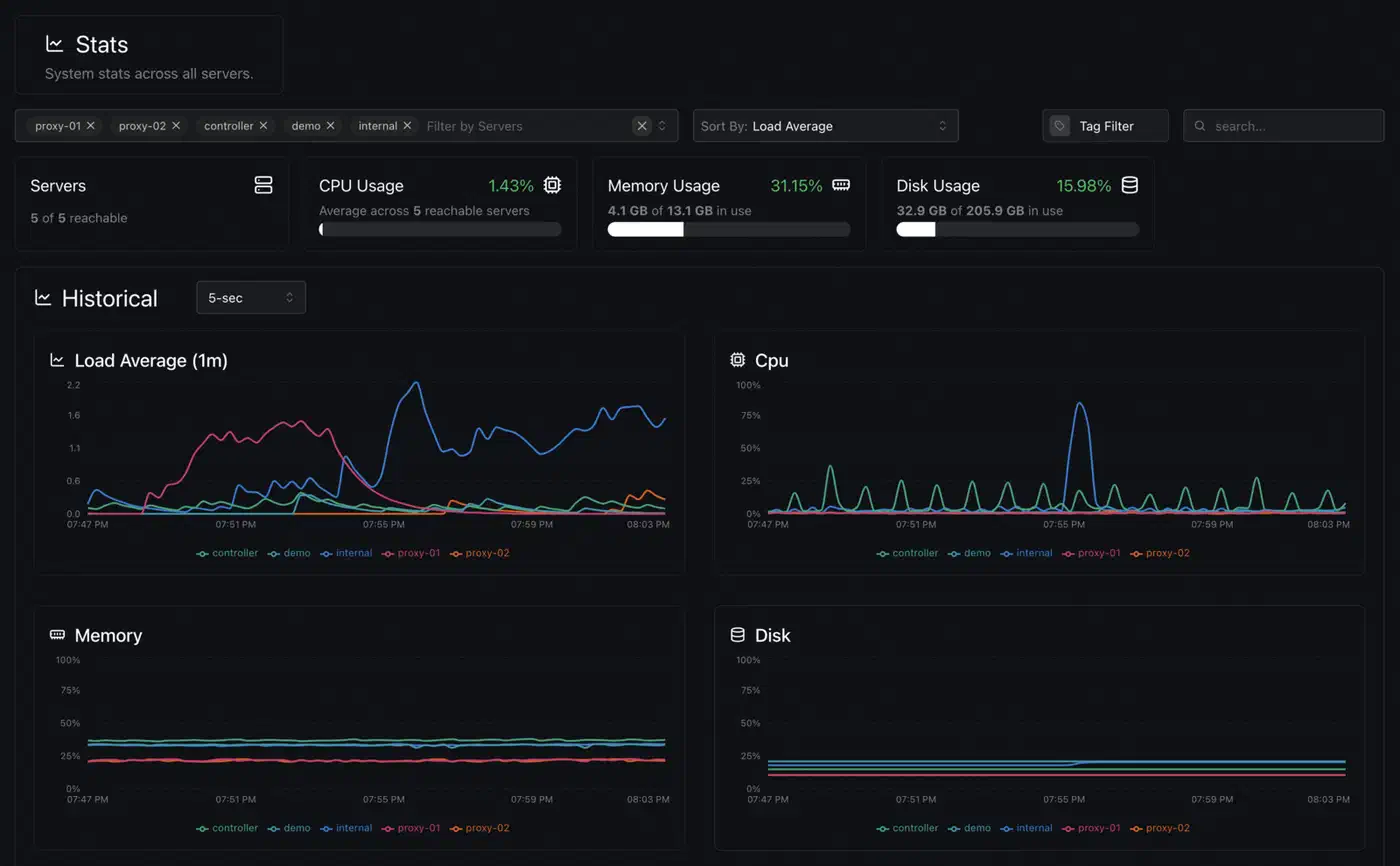
The database is the next cost. Core needs MongoDB or FerretDB, an extra service that Dockge and Portainer don’t ask for. If you already run Postgres, FerretDB lets you reuse it, and our guide to self-hosted databases covers that trade-off.
The TOML learning curve is real too, especially for people coming from Portainer, so budget a few hours for it. Newcomers also expect to search a registry and pull images from the GUI. None of these tools work that way. You point them at a compose file or a Git repo instead.
Some homelabs need none of these tools. The top answer in the Does it make sense to move from Portainer to Komodo? thread, from u/golbaf (50 votes), was to go back to the CLI and try lazydocker . Dozzle covers per-container logs for any setup. And if you want a deploy agent with even more reach, one newer platform hands over the whole Docker socket .