 Botmonster Tech
AppDaemon 4.5 state machines: beyond YAML automations

AppDaemon 4.5.14 is a Python runtime that runs next to Home Assistant. It lets you write rules as full Python classes. You get state machines, scheduling, outside API calls, and logic that YAML can’t handle. Install it as a Home Assistant add-on, drop a Python file in the apps folder, define a class that inherits from hass.Hass, and use callbacks like listen_state() and run_daily() to drive multi-step flows, saved values, and live data. Polling an outside API on a timer is a good fit, which is how package tracking lands in Home Assistant.
When YAML Automations Fall Short
Home Assistant’s built-in YAML automations and visual editor cover most smart home logic just fine. But some patterns get painful, or stop working, once you go beyond simple trigger-action pairs.
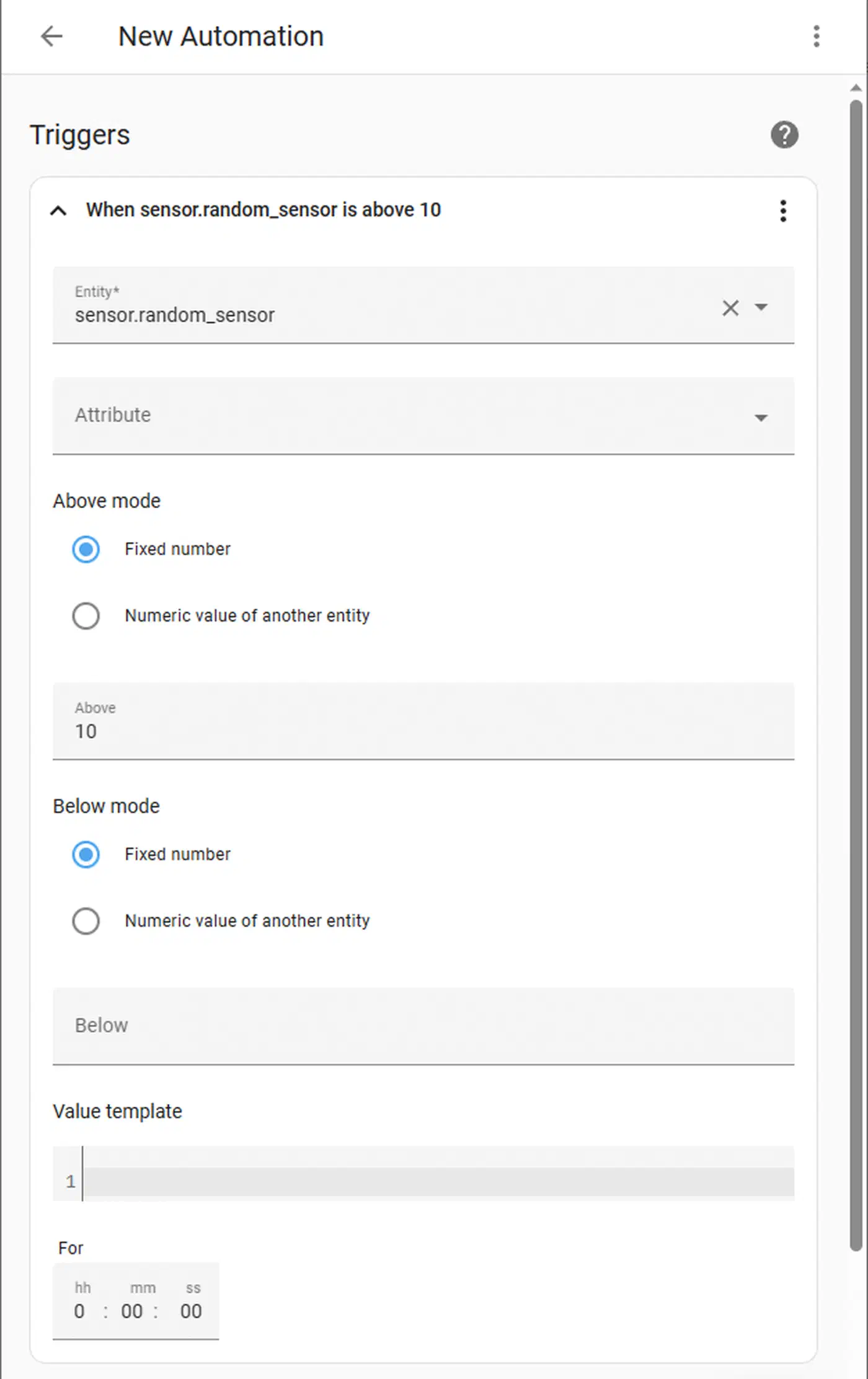
State machines are the classic example. Picture tracking a washing machine cycle that moves through fill, wash, rinse, spin, and done, based on power meter readings. You have to keep state between runs, but YAML can’t hold state between triggers. You end up juggling input_select helpers and several rules that reference each other.
Nested logic hits a wall fast too. When you need if/elif/else with five or more checks, math, or string parsing, YAML templates turn into an unreadable mess. Python’s native control flow is far cleaner.
External API calls get awkward in YAML. Pulling data from REST APIs (weather, power rates, stock tickers) and feeding it into rules needs rest sensors and convoluted templates. By contrast, Python’s requests or aiohttp handles the same job in a line or two.
Rate limits and debouncing need hand-built input_datetime helpers in YAML. In Python, one timer variable or a decorator does it. Saving values across restarts (running averages, counters, history) means fragile input_number and input_text helpers in YAML. Python lets you dump dicts to JSON and read them back.
Then there’s testing. You can unit-test Python rules with pytest and step through them with standard debuggers. With YAML rules, your only option is to fire them live and read the trace log.
Installing and Configuring AppDaemon
AppDaemon runs as a separate process that talks to Home Assistant over the WebSocket API. There are two main ways to install it.
Home Assistant Add-on (best choice): Install from Settings > Add-ons > Add-on Store > AppDaemon 4. It sets up the Python env, auto-links to HA, and gives you a built-in code editor on port 5050. No token setup needed: the add-on talks to HA on its own.
Docker standalone: For HA Core or HA Container without the add-on store:
docker run -d --name appdaemon \
  -p 5050:5050 \
  -v /path/to/conf:/conf \
  -e HA_URL=http://homeassistant:8123 \
  -e TOKEN=your_long_lived_token \
  acockburn/appdaemon:4.4.2
Make a long-lived access token in Home Assistant under Profile > Security.
Folder layout: The apps/ folder holds your Python files. apps.yaml maps class names to their config. Each app is a .py file with a class that inherits from hassapi.Hass (loaded via import hassapi as hass). AppDaemon hot-reloads on file change, so you don’t have to restart anything while you code.
First app test: Make apps/hello.py:
import hassapi as hass

class Hello(hass.Hass):
    def initialize(self):
        self.log("AppDaemon is running!")
Add the app to apps.yaml:
hello:
  module: hello
  class: Hello
Check the AppDaemon log for the line. If it shows up, your setup works.
Adding deps: List Python packages in appdaemon.yaml under python_packages (pip) and system_packages (Alpine apk). Common picks: requests, numpy, and paho-mqtt.
Core Patterns: Callbacks, Scheduling, and State
Most of what you do in AppDaemon revolves around two things: callbacks triggered by events, and a flexible scheduler.
The listen_state() method fires your callback whenever an entity’s state changes. It accepts optional new, old, attribute, and duration parameters:
self.listen_state(self.motion_detected, "binary_sensor.hallway_motion", new="on")The duration arg is worth knowing about. self.listen_state(cb, "binary_sensor.door", new="on", duration=300) only fires if the door has been open for five continuous minutes, which is ideal for “you left the door open” alerts, with no YAML wait/condition chain in sight.
For scheduling, run_daily() fires at a set time each day:
self.run_daily(self.morning_routine, datetime.time(7, 0, 0))You also get run_hourly(), run_every(), run_at(), and run_in() for one-shot delays.
Reading and setting state runs synchronously. self.get_state("sensor.outdoor_temp") returns a string you can cast and use in calculations, while self.call_service("light/turn_on", entity_id="light.living_room", brightness=200) mirrors the HA service call interface.
To keep state between callback runs, set instance vars in initialize() like self.wash_state = "idle" to track where you are. These last across callbacks, but reset when AppDaemon restarts. To survive restarts, dump to a JSON file with Python’s json module.
Real-World Projects
These patterns click once you see them applied to real rules. Here are three projects that would be painful or impossible in pure YAML.
A washing machine state machine watches a smart plug’s power reading (sensor.washer_power) and moves through six states: idle, filling, washing, rinsing, spinning, done. The hops between them are driven by power thresholds and timers, and the app notifies you only when the full cycle ends. That comes out to about 50 lines of Python, versus 200+ lines of YAML with several helpers.
Fusing multiple occupancy signals blends many inputs: phone WiFi, Bluetooth tracker, door sensor, motion sensors. It uses weighted scoring and hysteresis. Mark someone “home” only when two or more signals agree for 30+ seconds. Mark them “away” only when all signals show absent for 10+ minutes. That kills the false leave/arrive events that plague single-sensor setups.
A live energy tariff app pulls hourly power prices from a REST API (Octopus Energy, Tibber, or Amber Electric). It finds the cheapest 3-hour window in the next 24 hours. Then it schedules high-draw devices (EV charger, water heater, dishwasher) to run in that window. The plan refreshes at midnight and when prices change. That needs array sorting, datetime math, and API calls. YAML can’t do that cleanly.
All three projects use the same building blocks: state transitions with listen_state(), scheduled refreshes with run_daily(), external API calls with requests, persistent state in JSON files, and structured notifications with call_service("notify/..."). The same blocks suit an evapotranspiration-driven watering app, where soil-water math and forecast API calls decide each zone’s run time.
For error handling, wrap API calls in try/except. Log errors with self.error(). Add retry logic with self.run_in(self.retry_callback, 60) for brief failures.
AppDaemon vs Alternatives
| Feature | YAML Automations | Node-RED | Pyscript | AppDaemon |
|---|---|---|---|---|
| Learning curve | Low | Medium | Medium | Medium-High |
| State machines | Difficult (helpers) | Possible (context) | Good | Excellent |
| External APIs | Convoluted templates | HTTP nodes | Native Python | Native Python |
| Testing | Live only | Limited | Jupyter support | pytest compatible |
| Runs as | Built-in | Separate add-on | HA integration | Separate process |
| Hot reload | No (restart needed) | Yes | Yes | Yes |
| Debugging | Trace logs | Debug panel | Jupyter | Python debugger |
Pyscript is the closest pick to AppDaemon. It runs inside Home Assistant as a plugin, not as its own process. It lets you use HA state as Python vars on the spot. You can write multi-step rules as one function that sleeps or waits for triggers mid-flow. No need to split logic into callbacks. The trade: pyscript is locked to HA. AppDaemon runs on its own and can outlive HA restarts. To go deeper with Python in Home Assistant, writing a custom HACS integration is the next step.
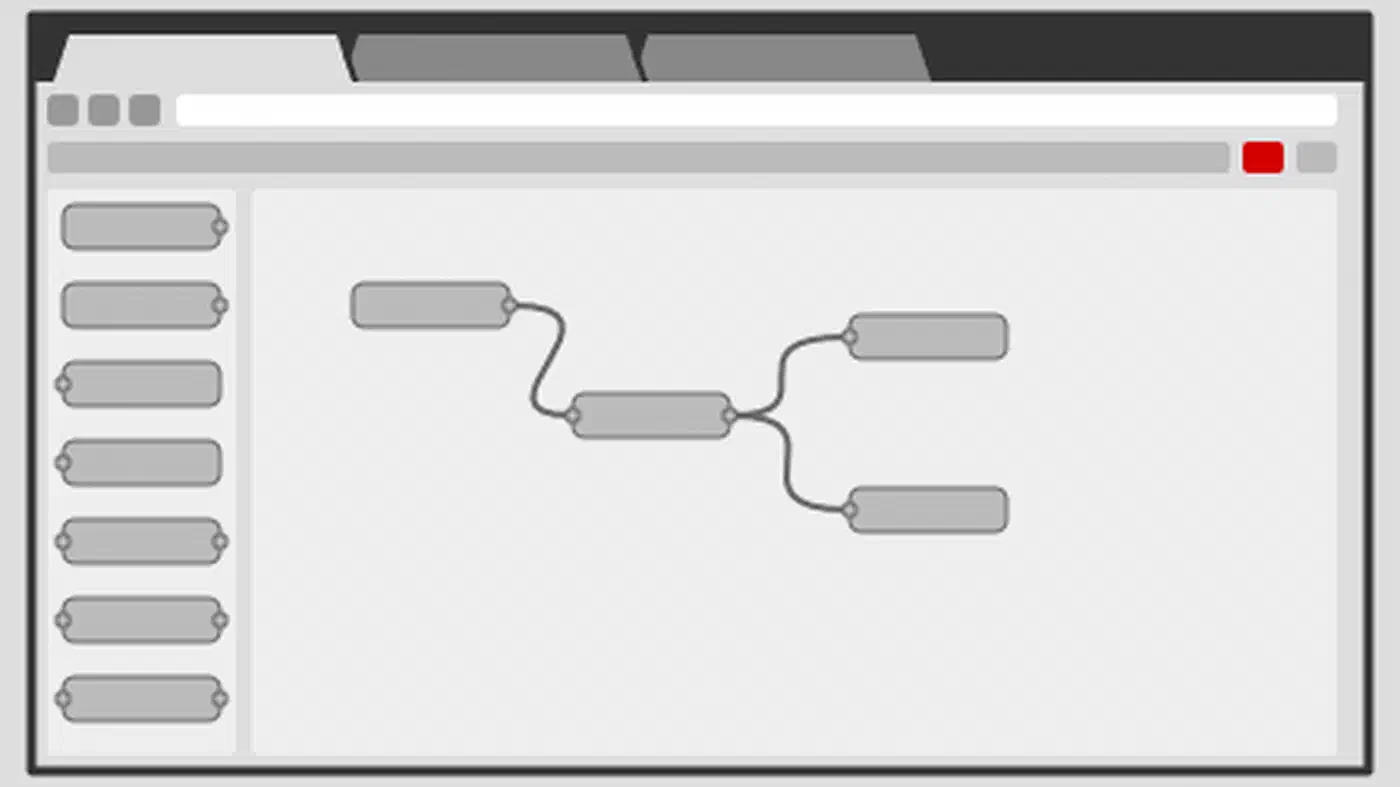
Node-RED takes a visual flow-based path. It is self-documenting and quick to tweak for mid-size flows. But for real code (loops, data structures, API parsing) you end up writing JavaScript inside function nodes anyway.
Production Best Practices
Use self.log("message", level="DEBUG") with the right log level. Set per-app log levels in appdaemon.yaml to keep noisy debug lines out of the main log. View logs in the AppDaemon add-on UI or under /conf/logs/.
While you develop, add a test_mode flag in apps.yaml that swaps real service calls for log lines. That lets you check the logic without flicking the actual lights as you iterate.
Organize your code with one file per domain (lighting.py, climate.py, presence.py). Keep a shared utils.py for common helpers like time math and message formatting. Track the whole apps/ folder in a Git repo, so you can roll back when a new rule misbehaves.
On the performance side, AppDaemon runs in a single Python process, so avoid blocking calls. Use self.run_in_executor() for slow API requests and keep callbacks fast, under 100ms. For heavy CPU work, push it to a separate thread with self.create_task(). On a Raspberry Pi 4, AppDaemon typically uses 50-150MB of RAM with a handful of apps, scaling with the number of live callbacks and state listeners.