 Botmonster Tech
Local AI coding costs will make you rethink your cloud subscription

This post is open for corrections. Highlight any line of text to challenge it or ask for a clearer explanation and leave a comment.
If you spend $70 or more per month across Cursor Pro, Claude Pro, ChatGPT Plus, and GitHub Copilot, a local AI coding GPU pays for itself in a few months. But only with the right setup. The answer is not “go fully local” or “stay on cloud.” It is a hybrid split: send high-volume autocomplete and private code to a local model on Ollama, keep cloud for hard multi-file reasoning, and cut 60-80% of your cloud bill with no loss of quality where it counts.
The math shifts with your monthly spend, team size, and how much of your daily AI use is simple autocomplete versus deep design work.
The Real Cloud Cost Stack in 2026
Most developers low-ball their total AI coding spend because it splits across many tools. The typical 2026 stack looks like this: Cursor Pro at $20/month, Claude Pro at $20/month, ChatGPT Plus at $20/month, and GitHub Copilot at $10/month. That is $70/month as a baseline, or $840/year, before anyone hits a usage tier.
Power users blow past that baseline. Cursor switched from request-based to credit-based billing in June 2025 and added tiered plans because the base plan throttles heavy users. Cursor Pro+ runs $60/month with 3x the credits. Cursor Ultra costs $200/month with 20x credits and priority access. GitHub Copilot Business bills $0.04 per premium request once you use up the included quota. A dev who goes 200 requests over adds $8 a month, and that stacks up fast across a team.
Pricing churn makes it worse. Windsurf reworked its model on March 19, 2026, swapping credits for daily and weekly quotas. Cursor’s own mid-2025 pivot from requests to credits caught many teams off guard. You can’t forecast AI coding costs from one quarter to the next. Frontier model launches add to that churn: user reactions to Claude Opus 4.7 centered on a 1.5-3x jump in effective token cost over the prior version.
At team scale, the numbers get big fast:
| Scenario | Monthly Cost | Annual Cost |
|---|---|---|
| Solo dev (baseline stack) | $70 | $840 |
| Solo dev (Cursor Ultra + APIs) | $200-300 | $2,400-3,600 |
| 10-dev team (Copilot Business) | $190 | $2,280 |
| 10-dev team (Cursor Teams) | $400 | $4,800 |
| 10-dev team (combined + API overages) | $500-2,000 | $6,000-24,000 |
| 500-dev org (Copilot Business) | $9,500 | $114,000 |
| 500-dev org (Cursor Business) | $16,000 | $192,000 |
These are the numbers local inference has to beat.
What Local AI Coding Actually Costs in 2026
The “just buy a GPU” pitch has real hardware needs and real prices at each tier. Here is what the options look like today.
Budget tier (~$1,500): An RTX 4070 Ti Super with 16GB VRAM paired with a Ryzen 7 system runs 7B models like Qwen2.5-Coder-7B and DeepSeek-Coder-V2-Lite well. It handles autocomplete and short output fine. It struggles with hard multi-file work that needs larger context windows. On an even tighter budget, getting Gemma 4 26B onto a single 8GB card stretches a cheap GPU to a sharper model.
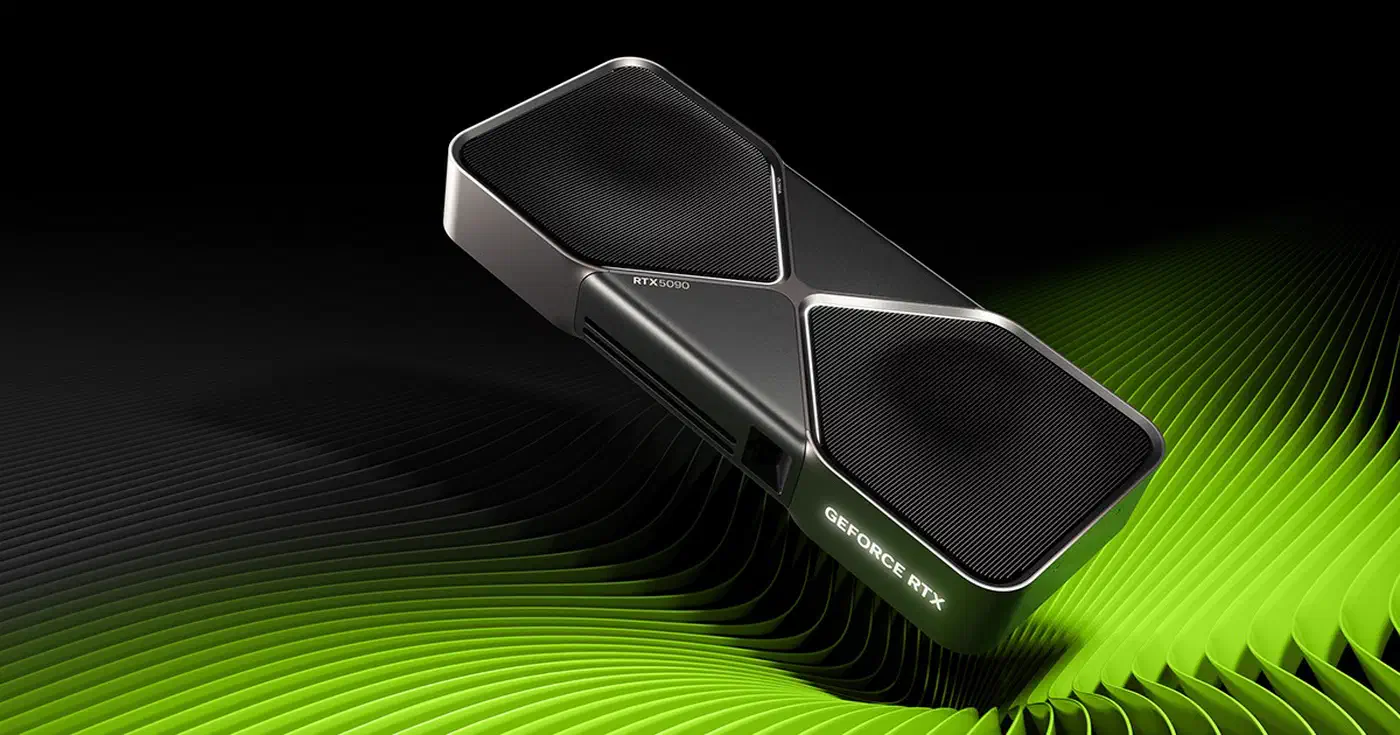
Mainstream tier ($2,200-2,500): The RTX 5090 with 32GB GDDR7 is the sweet spot for serious local coding AI. MSRP is $1,999, though street prices hit about $3,607 in early 2026 due to supply pinch. It holds 33B models in VRAM at useful quant levels. Benchmarks show it hitting 5,841 tokens/second on Qwen2.5-Coder-7B. That is about 2.6x faster than an A100 80GB and 72% faster than the RTX 4090 on NLP tasks.
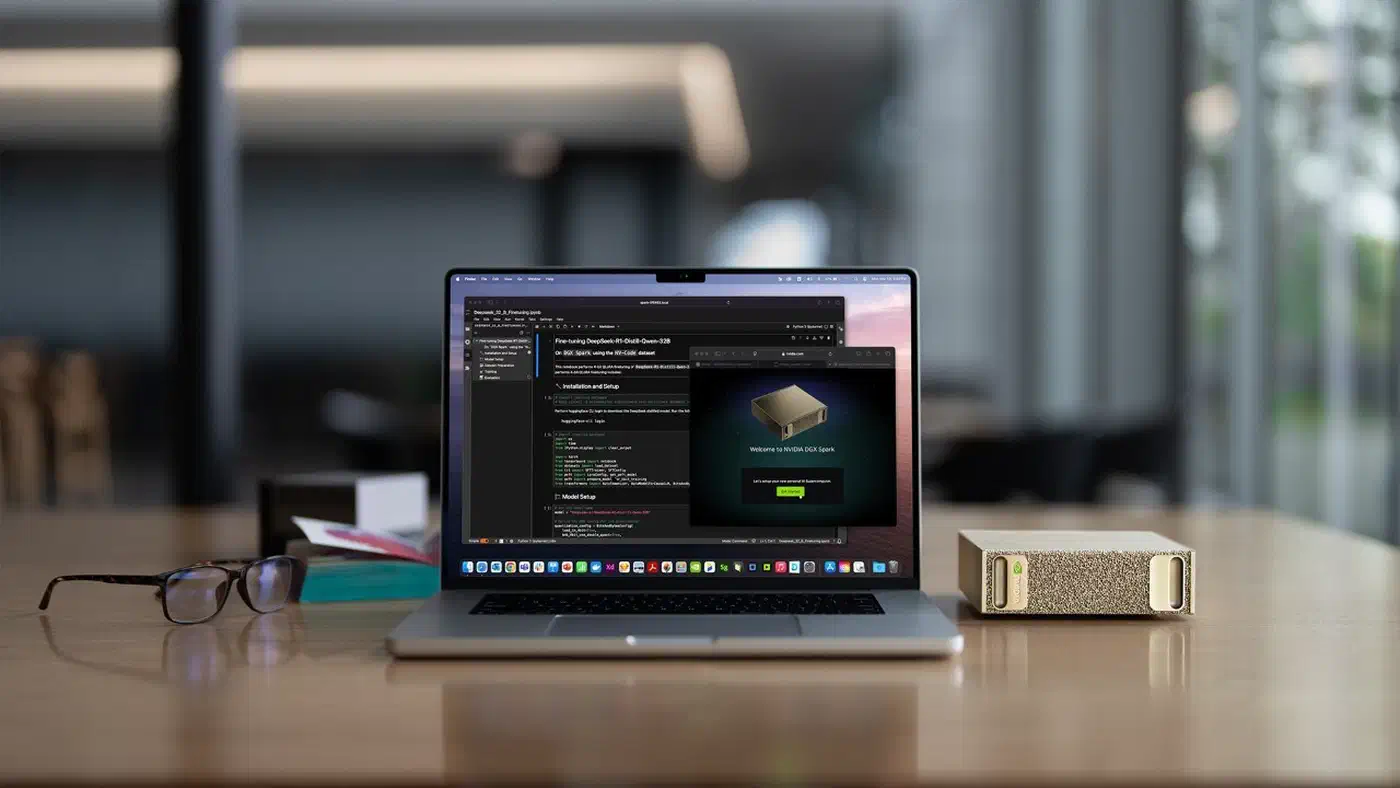
Professional tier ($4,700-6,000): The NVIDIA DGX Spark at $4,699 (up from $3,999 due to memory supply pinch) gives you 128GB unified memory on a Grace Blackwell chip. It handles models up to 200B params at 300W peak draw. An Apple M3 Ultra with 512GB unified memory can run DeepSeek R1 671B in memory, though at slower speeds.
The software stack costs nothing. Ollama (v0.20.0) is open source and hit 52 million monthly downloads in Q1 2026, and it is one of several local LLM runtimes worth weighing against LM Studio, llama.cpp, and vLLM. Continue.dev or Cody handle IDE setup. Model weights come free from Hugging Face or Ollama’s library.
Here is how the GPU options compare:
| GPU | VRAM | Max Model Size | Tokens/s (7B) | Power Draw | Price |
|---|---|---|---|---|---|
| RTX 4070 Ti Super | 16GB GDDR6X | ~13B | ~2,200 | 285W | ~$800 |
| RTX 4090 | 24GB GDDR6X | ~20B | ~3,400 | 450W | ~$1,800 |
| RTX 5090 | 32GB GDDR7 | ~33B | ~5,841 | 575W | $2,000-3,600 |
| DGX Spark | 128GB LPDDR5x | ~200B | varies | 300W | $4,699 |
| M3 Ultra (512GB) | 192GB unified | ~671B | ~76 (8B Q4) | 215W | ~$8,000 |
Break-even math: A dev spending $150/month on cloud APIs with a $2,000 GPU buy (at MSRP) breaks even in about 13-14 months. At $70/month cloud spend, break-even stretches to 28-29 months. Add power for an RTX 5090 during work hours (roughly 8 hours a day at 575W, or about 1,679 kWh a year, or about $185 a year at US average rates), and these timelines shift by a month or two. Still well within the card’s useful life. You can check a 5090 rig’s electricity cost at your own rate and hours before you buy.
Privacy, Latency, and Reliability: The Non-Financial Case
Cost is one axis. For many teams, the day-to-day wins of local inference settle the question before the spreadsheet does.
Cloud AI coding tools push your code across outside networks and run it on third-party servers. Push that to its cheapest extreme and you reach discounted API resellers, where the low price is funded by logging every prompt you send. If you work in defense, finance, healthcare, or any regulated field, that can be a non-starter. Ollama supports fully air-gapped setups with zero telemetry. Disable optional anonymous stats with --no-telemetry. This gives you GDPR-safe inference with no third-party data flow. Roughly 200,000 to 270,000 Ollama instances were live worldwide by 2025, most on private hardware. Air-gapped local AI is production reality, not a thought experiment.
For autocomplete, the most frequent AI coding action, local inference cuts the network round-trip. A 7B model on a local GPU returns results in single-digit milliseconds. Cloud latency runs 100 to 500ms based on provider load and geography. When you fire completions hundreds of times a day, that gap in feel adds up.
Cloud AI providers had at least six public outages across OpenAI, Anthropic, and Google during 2025-2026. Each lasted 30 minutes to several hours. Local inference has zero need for an outside service. Once a model is on disk, no internet is needed. It runs on planes, in locked-down networks, in regions with bad links, and during cloud incidents.
The quality gap between local and cloud models has also closed. Qwen2.5-Coder 32B Instruct scores 92.7% on HumanEval and 69.6% on SWE-Bench Verified, on par with many cloud offerings. Newer sparse releases push further: Qwen3.6-35B-A3B, a 20.9GB sparse quantization, hits 73.4% on SWE-bench Verified while running on a single laptop. DeepSeek-Coder-V2 meets or beats GPT-4-level coding quality on several benchmarks. For autocomplete, refactoring, and test code, local models now run near cloud parity. The gap stays for hard multi-file work and tasks that need 100K+ token windows. That is the whole reason hybrid wins.
The Hybrid Strategy: Route Tasks to the Right Tier
Framing this as “local or cloud” is the wrong split. The cheapest path sends each task to the tier where it fits.
Tasks that belong on local inference: autocomplete and tab completion (the highest volume, lowest complexity, most lag-sensitive work), inline code hints, boilerplate, unit tests for single functions, commit messages, code recall for familiar code, and anything that touches private or sensitive code.
Tasks that belong on cloud: hard multi-file refactors that need 100K+ token windows, design work across large codebases, debugging in new frameworks or languages, novel algorithms or data structures, and any task that needs the latest frontier model (Claude Opus, GPT-5). When you reach for that frontier tier, Reddit’s read on Fable 5 against Opus 4.8 is a useful gut-check on whether the newest model earns its token burn, and Google’s fast, cheap Gemini 3.5 Flash tier shows the other way to chase that work. Open-weight models like MiniMax M2.7 cover that cloud-tier work too. It scores 78% on SWE-bench Verified at a tenth of Opus pricing on the hosted API. The wider stack of open-weight coding models from Chinese labs, Kimi, GLM, and Qwen included, fills out this cheaper cloud tier when you do not want to pay frontier rates. To trim cloud spend further, Codex CLI’s leaner token footprint means roughly 3-4x fewer tokens per task than Claude Code.
Continue.dev lets you set up many model back ends with routing rules in a YAML config. Set local Ollama as default for autocomplete and inline hints. Set cloud API as fallback for hard chat work. Cursor also supports a local model side by side with its cloud back end. The same local Ollama endpoint also powers agent frameworks that run with no OpenAI key, so multi-step automation can stay on the same private box.

A simple rule: if the task takes under 5 seconds of model time, touches fewer than 2 files, and does not need recall of new code, route it local. Everything else goes to cloud.
This hybrid split cuts about 60-80% of cloud spend by sending the highest-volume calls to local. You keep cloud for the 20-40% of tasks where frontier models give clearly better results.
Making the Call for Your Setup
The money case depends on your own inputs. Here is a decision frame rather than blanket advice.
Solo developer: If you spend more than $100/month on cloud AI coding tools, buy an RTX 5090 and run a hybrid setup. Break-even lands in under 20 months, with free runway after that. If you spend under $50/month, cloud-only stays cheaper unless privacy is a hard rule.
Small team (5-10 developers): A shared local inference box ($3,000-5,000) running Ollama on the LAN can replace autocomplete subs for the whole team. Keep cloud APIs for hard tasks. Break-even drops to 3-6 months at team scale because the hardware cost spreads across many devs.
Enterprise (50+ developers): The $80K-100K self-hosting case kicks in here. One Dev.to write-up argued that a local setup that truly matches frontier cloud quality needs multi-GPU server builds (4x A100 80GB), business networking, failover, and IT staff time. But weigh that against $100K-200K+ a year in cloud subs. Add compliance rules (HIPAA, SOC 2, FedRAMP) that may force local inference no matter the cost math.
A few inputs swing the math one way or the other. A higher dev hourly rate raises the value of latency savings. A regulated field tips the scale toward local on compliance grounds alone. Flaky internet makes local the uptime winner. And if your work truly needs frontier model quality for most tasks, cloud stays the better deal.
Don’t go 100% local. You lose frontier models for the hard tasks that need them. Upkeep is real: model updates, GPU driver work, and Ollama version bumps all take time. Be honest about quality gaps. A local 7B model is not the same as Claude Opus on hard reasoning. Pretending it is defeats the whole point of hybrid routing.
The best way to start: install Ollama, pull Qwen2.5-Coder-32B, set your IDE to use it for autocomplete via Continue.dev, keep your cloud sub for chat and hard tasks, and track your real cloud usage drop over 30 days before you buy hardware. The data from your own workflow will tell you more than any blanket analysis can.