 Botmonster Tech
Chat with no internet, but bitchat still knows your phone
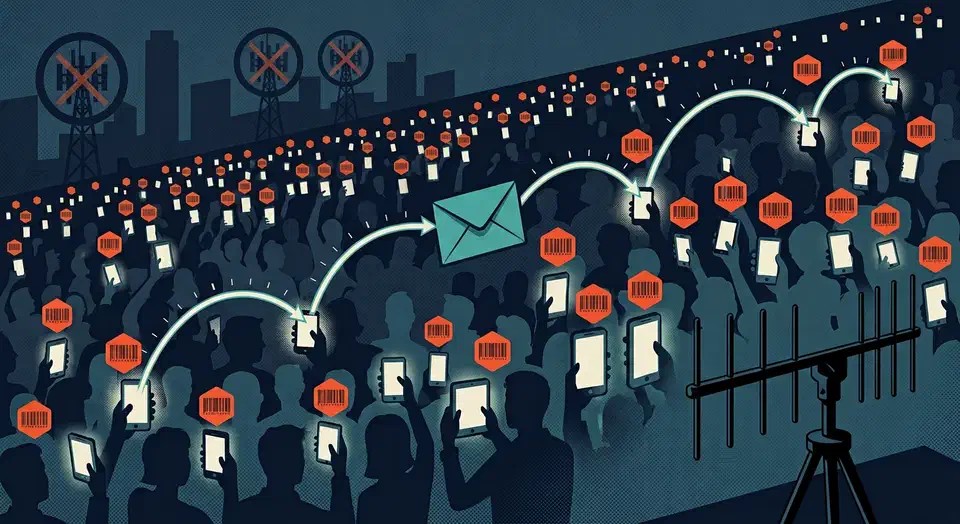
bitchat is a public domain chat app that works with no internet, relaying messages phone to phone over a Bluetooth mesh up to seven hops. It needs no accounts and no servers. But its own whitepaper confirms the mesh carries a per device ID that never rotates.
Key Takeaways
- bitchat sends messages phone to phone over Bluetooth, with no SIM and no internet.
- A message can hop through up to seven nearby phones before it arrives.
- When the internet is available, bitchat switches to Nostr relays on its own.
- Encryption hides what you say, but nearby radios still see a lasting device ID.
- The repo has faced takedown demands, so check any build against the release hash list.
What is bitchat and how does the dual transport work?
The code lives at permissionlesstech/bitchat and the project site is bitchat.free. The README calls it “the side-groupchat.” It’s written in Swift as one app for both iOS and macOS, under the Unlicense. The repo dates back to July 2025.
The Android sibling lives separately, at permissionlesstech/bitchat-android. You can install either one from the App Store or the Play Store.
“Dual transport” means the app has two separate ways to move a message. Bluetooth Low Energy handles the local, offline case. The Nostr protocol handles the global case over more than 290 internet relays.
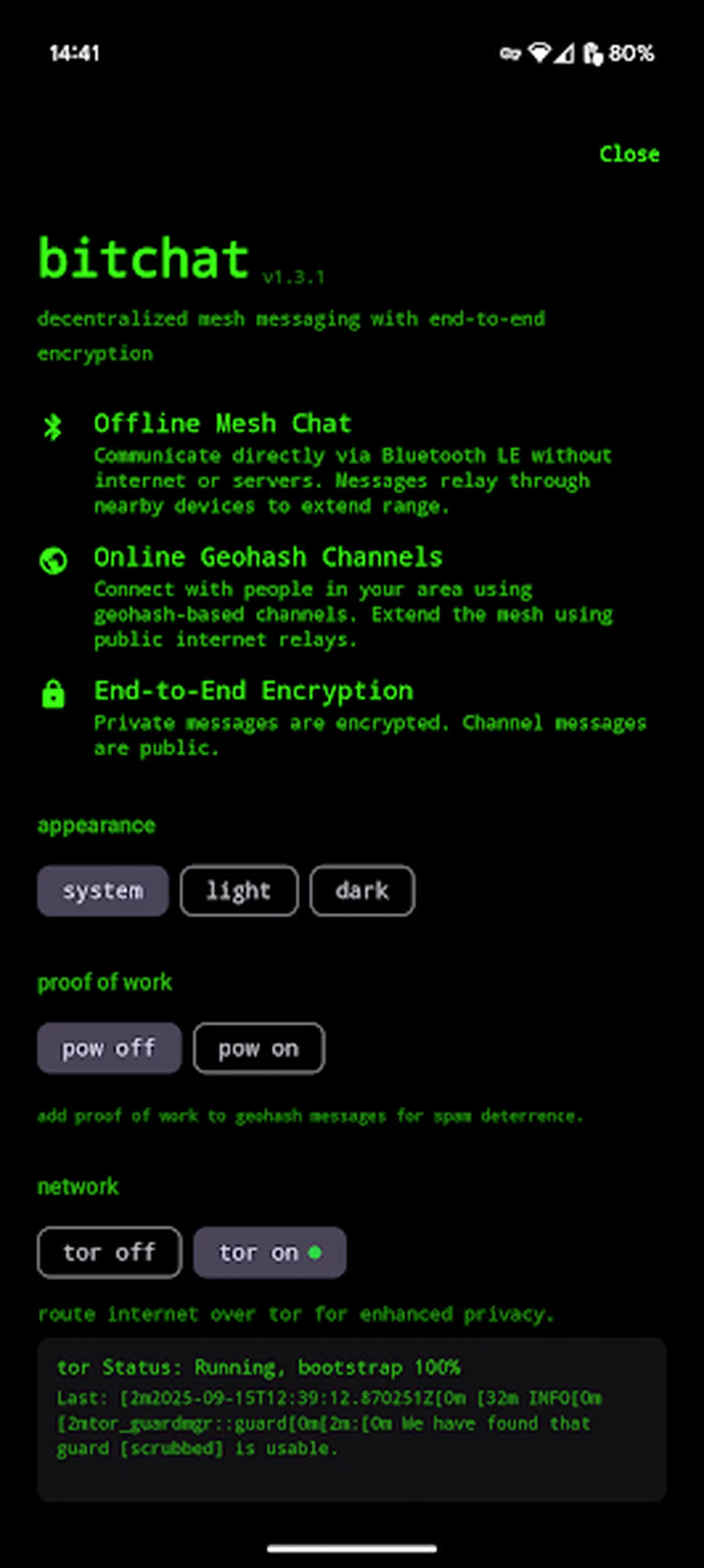
The app picks the transport for you. It tries Bluetooth first when a live encrypted session already exists, since that path is fastest. If Bluetooth cannot reach the person, it falls back to Nostr. If neither works, the message waits in a queue and goes out when a transport returns.
The Android and iOS clients speak the same binary protocol, so they share one mesh. The Android client adds two things Apple’s build lacks: a Wi-Fi Aware transport for more bandwidth on phones that support it, and built-in Tor through Arti. The full protocol sits in the repo’s technical whitepaper and the generated DeepWiki architecture pages.
How the bitchat Bluetooth mesh routes a message through 7 hops
Every phone running bitchat is a relay. Phones find each other over Bluetooth LE without pairing and without any shared network. A message hops from phone to phone until it reaches its target or runs out of hops.
The seven hop ceiling shrinks in a crowd
The published ceiling is seven hops. Packets leave your phone with a time-to-live count of 7, and each relay knocks one off. However, the whitepaper adds a detail the feature list skips. Relays cut broadcast TTL to 5 once a phone has six or more live links. Thin chains of two links or fewer relay at full depth.
So your hop budget shrinks right where the crowd is thickest. That’s a fair trade: a dense graph floods a message in far fewer than seven hops anyway. Sparse chains keep all seven, and those are exactly the cases where seven hops still cover almost no ground.
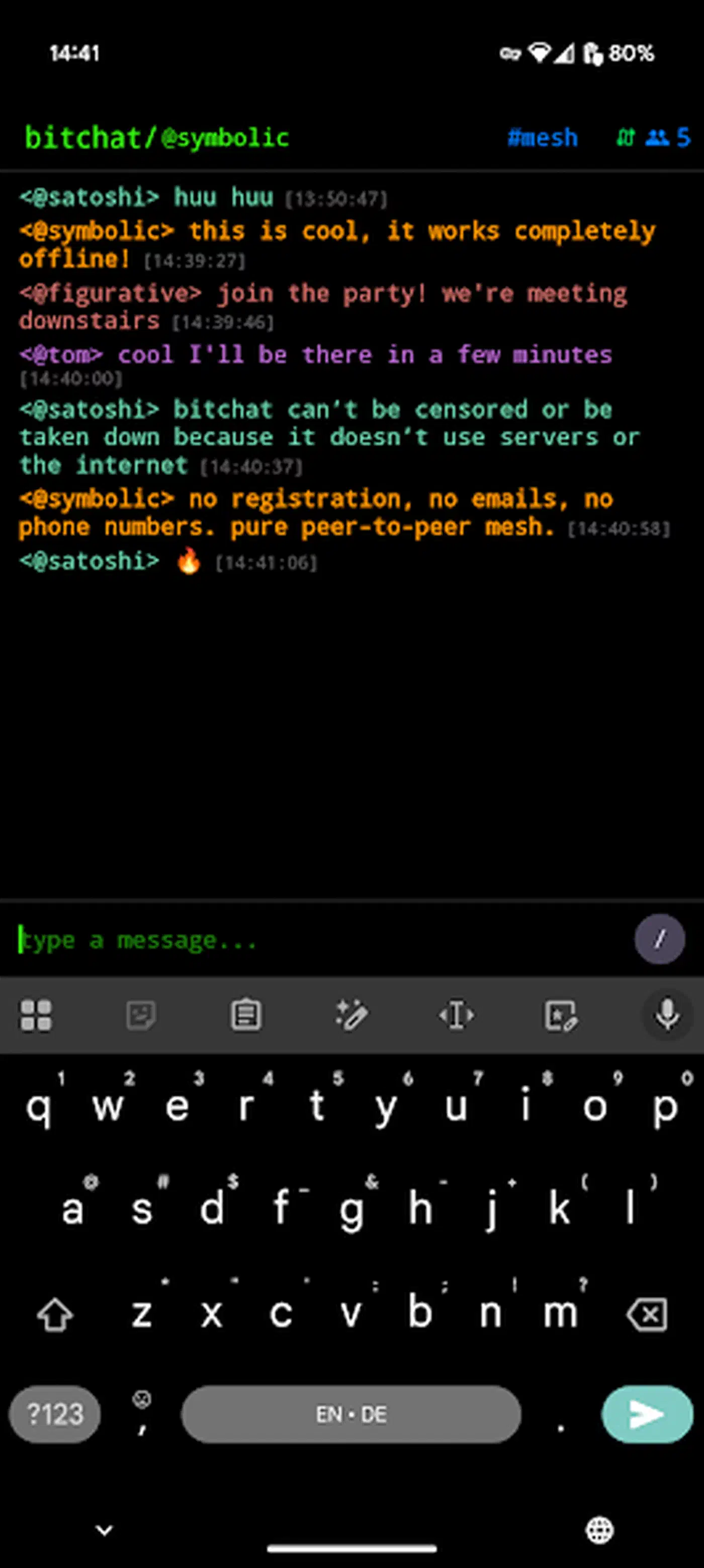
How the mesh keeps radio traffic sane
Duplicates die in a 1,000-entry seen-set with a five minute expiry. Relays also wait a random 10 to 220 milliseconds, so suppression usually wins the race. Broadcasts go to a seeded subset of links rather than all of them, roughly the base-2 logarithm of the link count. LZ4 compression shrinks payloads to fit inside Bluetooth LE packet caps. Scanning is duty cycled to save battery, so discovery slows down as the power mode gets stingier.
Range and crowd size set the real ceiling
Bluetooth LE reaches tens of meters at best, and walls, bodies, and jacket pockets shrink that fast. Seven hops of 20 meters through a packed festival crowd is a very different network from seven hops across an empty field.
Three people in a park make two disconnected pairs. The interesting behavior only shows up at crowd scale, which is why the project keeps pointing at festivals and disaster zones.
An internet mesh is a different tool for a different job. A Tailscale overlay links your devices anywhere in the world, but it dies the moment the connection does.
What bitchat encryption protects, and what it does not
Two separate questions hide inside “is it encrypted.” One is whether anyone can read what you wrote. The other is whether anyone can tell you were there at all. bitchat answers the first well and the second badly.
Message contents, transport by transport
The Bluetooth mesh path
The mesh splits into a live path and a stored path, and only one of them holds up under a stolen key.
Live sessions get forward secrecy
Private messages over the mesh use the Noise Protocol with the XX pattern. Both sides prove who they are, and live sessions get forward secrecy. Relays in the middle see scrambled bytes and nothing else. That part is solid.
Stored courier mail has no forward secrecy
Stored mail is weaker by design. When nobody can deliver a message right away, the app seals it to the recipient’s long-term key. It then hands the sealed copy to up to three “courier” phones. The whitepaper says plainly that this path has no forward secrecy, so stealing that long-term key opens every sealed message that never got through.
The Nostr internet path
The internet path uses its own envelope format, and this catches people out all the time. The Nostr section states plainly that the private-envelope format is proprietary and compatible with none of NIP-17, NIP-44, or NIP-59. Private payloads ride inside kind-1059 events, and their v2:-prefixed content is a bitchat-specific XChaCha20-Poly1305 construction rather than NIP-44 encryption.
So bitchat borrows Nostr’s relays and event numbers without joining the wider Nostr DM world. No other Nostr app can read a bitchat DM, and bitchat cannot read theirs.
The metadata encryption never touches
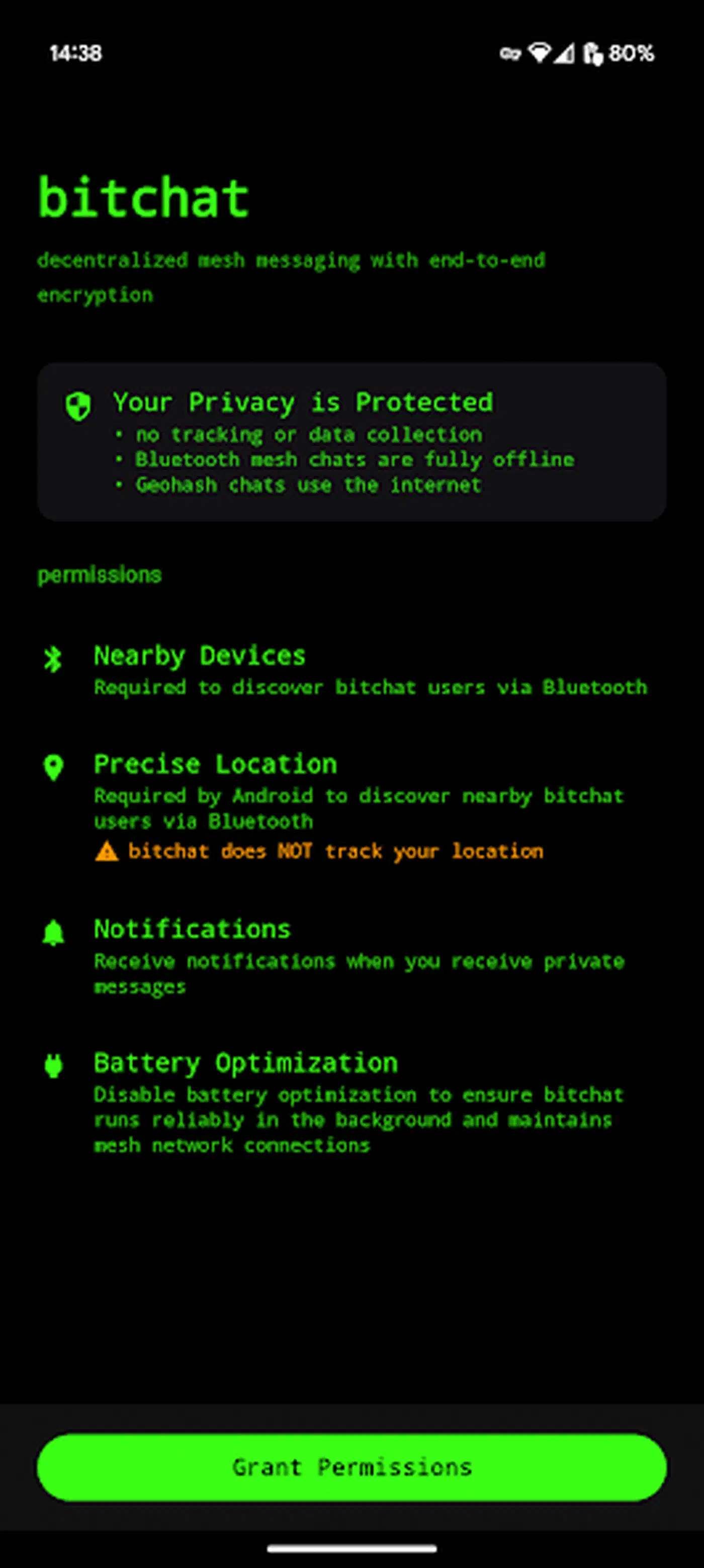
The feature list admits the gap in the same breath as its privacy pitch. No accounts, no phone numbers, no servers, and then the footnote: the mesh does carry a persistent per-device identifier derived from your identity key.
A peer ID that never rotates
I went looking for whether that ID ever rotates. It does not. The whitepaper says the 8-byte mesh peer ID comes straight off the fingerprint of your long-term key. It survives reboots, app restarts, and reinstalls that keep the keychain. Only a panic wipe replaces it.
Presence beacons broadcast it in the clear
Signed presence beacons make this worse. They broadcast your nickname and both public keys in the clear. The project’s own security section does not soften it:
Metadata is the weakest part of this design, and the peer ID does not help. The 8-byte sender ID in every packet header is derived from a never-rotating key, and announcements publish the static keys and nickname in cleartext, so a passive listener can enumerate participants and follow a device between places.
What a nearby radio picks up
Here is the split in plain terms:
| A nearby radio can see | A nearby radio cannot see |
|---|---|
| That a bitchat device is present | Message contents |
| Your stable 8-byte peer ID and nickname | Past live-session contents after key rotation |
| Your Noise and Ed25519 public keys | Who a courier envelope is addressed to |
| When and roughly how much you transmit | Which recipient a Nostr envelope names, beyond its public key |
| Payload length for most packet types | |
| Up to 10 of your direct neighbors, from announcements | |
| Coarse position, via signal strength at several receivers |
Nothing in the left column requires breaking any encryption. Beacons carry up to ten neighbor IDs, which hands one sniffer the local map of who is next to whom. Packets also leave the sender at full TTL, so hop distance points back at whoever started the message.
Throwaway keys do exist, but only on the Nostr side. You get a fresh identity per geohash area, which stops relays from tying your activity in one area to another. It changes nothing on the mesh. Rotating peer IDs sit in the whitepaper’s future work list, still unbuilt.
What emergency wipe actually clears
Emergency wipe is a triple tap that clears identity keys, favorites, carried courier mail, the sealed outbox, and stored history at once. Against a seized phone that’s a real defense. It does nothing about a radio that already recorded you.
Geohash location channels and the 290 relay Nostr side
The online half of bitchat is a set of public rooms tied to places on a map. Each room is named by a geohash prefix. The number of characters in that prefix decides how big the area is. Rooms read like block #dr5rsj7 or region #dr.
Five precision tiers ship in the app, sized here by standard geohash cell dimensions:
| Tier | Prefix length | Approximate cell size | What it feels like |
|---|---|---|---|
block | 7 chars | 153m x 152m | One city block, usually empty |
neighborhood | 6 chars | 1.2km x 0.6km | A district, sometimes active |
city | 5 chars | 4.9km x 4.9km | Where real conversation happens |
province | 4 chars | 39km x 20km | A metro area or small state |
region | 2 chars | 1,250km x 624km | A country-sized firehose |
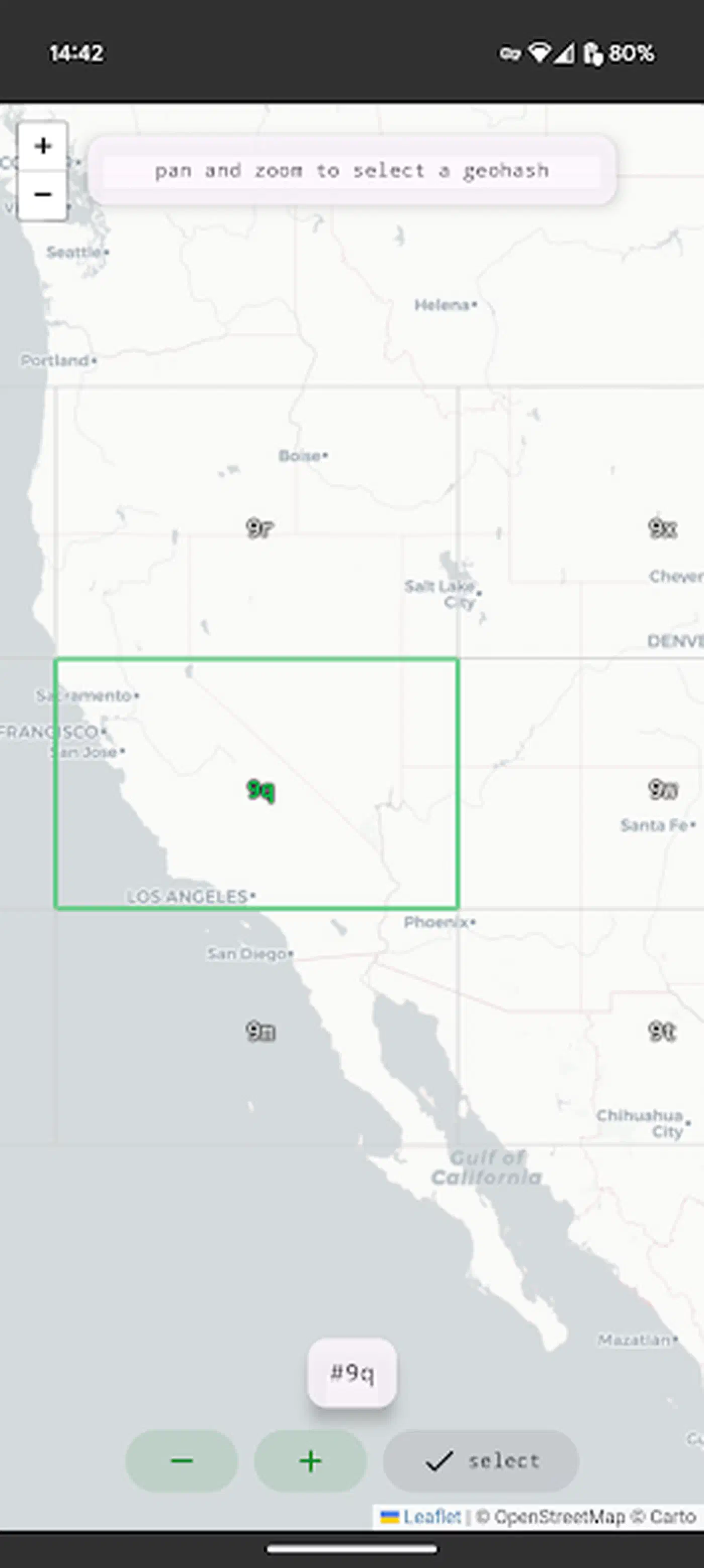
These rooms need internet. They reach out to a pool of more than 290 Nostr relays spread around the world. One relay going down does not take the room with it.
The precision choice cuts both ways. Joining a block room tells every relay carrying it where you are. The tighter you scope the room, the more precisely you have announced your spot on the map.
Treat these rooms as a public forum. Both transports share an IRC style command set: /msg, /who, /join, and /slap.
Build bitchat from verified source on macOS
A finished app from a random mirror cannot be checked. The repo’s build verification guide is blunt about why. The project has been hit with takedown demands before, and every time a repository or releases page goes dark, unverifiable mirrors show up to fill the gap.
Every tagged release ships a SOURCE-MANIFEST.txt holding a hash for every tracked file. It also carries a signed record of the build job that made it, which you can check with gh attestation verify.
Build bitchat from verified source on macOS
Install the toolchain
Install Xcode from the App Store, then run brew install just so the project’s build recipes work from the repository root.
Clone from the canonical repository
Run git clone https://github.com/permissionlesstech/bitchat.git && cd bitchat. Use only this URL. The project warns that mirrors appear whenever a takedown lands, and a mirror cannot be checked.
Verify the source against the hash manifest
Follow docs/VERIFYING-A-BUILD.md to compare your checked out tree against the per release hash manifest. Keep the manifest outside the source tree, then confirm git status --porcelain --ignored prints nothing before you build.
Create your local signing config
Run cp Configs/Local.xcconfig.example Configs/Local.xcconfig and replace the example team ID with your Apple Developer Team ID. App and App Group identifiers derive from it, so no tracked project or entitlement file needs editing.
Build without signing as a smoke test
Run xcodebuild -project bitchat.xcodeproj -scheme "bitchat (macOS)" -configuration Debug CODE_SIGNING_ALLOWED=NO build and confirm it finishes with no errors.
Run the test suites
Run swift test for the SwiftPM suite, then just test-ios for the iPhone 17 simulator suite. Pick another destination from xcodebuild -showdestinations if that simulator is not installed.
Launch the local build
Run just run. It uses the bitchat (macOS) scheme and keeps Xcode output in the ignored .DerivedData/ directory.
Good uses for bitchat and three common mistakes
Four cases where it earns its place:
- Dense crowds with dead cell service. Festivals, conferences, and stadiums are where hop count and phone density finally line up.
- Disaster response and outages. The mesh keeps running with no carrier, no Wi-Fi, and no power to anything but the phones.
- Remote dead zones with a tight group. A hiking or work party that stays within a few hundred meters of each other.
- As something to study. It’s a big, readable, public domain build of a BLE mesh plus a Nostr transport. The whitepaper writes up its own weak spots instead of burying them.
Three cases where people talk themselves into trouble:
- Calling it anonymous. Three cheap receivers around a venue are enough to log who showed up and when, since the mesh ID never changes.
- Treating it as a drop-in secure messenger. It can’t talk to other Nostr apps, and your contacts are stuck in it. Delivery leans on someone else’s phone being nearby and awake. For day to day team chat, your own chat server is the saner pick.
- Assuming a thin mesh works. With a handful of phones around there’s no network to relay through, however many hops the protocol allows.
Know how the queue behaves before you lean on delivery. The sender outbox holds 100 messages per peer for 24 hours and retries up to 8 times. It sits on disk sealed under a key that lives only in the keychain. Courier envelopes cap out at 16 KiB and 24 hours, and public history stays syncable for 6 hours. Photos and documents are a better fit for a local file transfer app like LocalSend, which needs shared Wi-Fi but no internet.
Use the official App Store or Play Store listing, or build from source you checked against the release manifest. Treat any other binary as unverifiable, because that is exactly what the project says about it.