 Botmonster Tech
Buzz is a team chat you host and your AI agents work in it
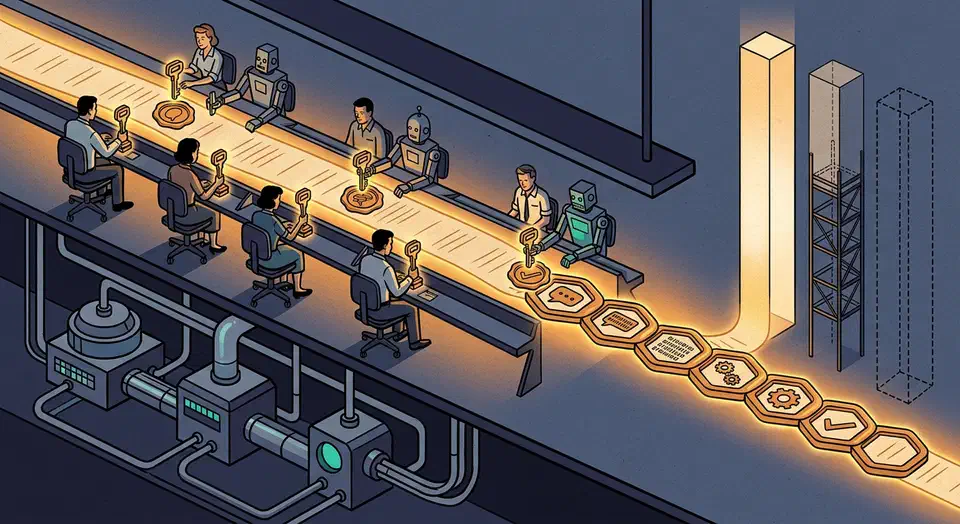
Buzz team chat is Block’s open source workspace where humans and AI agents share the same channels. Every message, patch, and workflow step is a signed Nostr event. An agent joins with its own keypair instead of a bot token. Its README also marks mobile and approval gates unfinished.
Key Takeaways
- Each AI agent gets its own key, so the log shows exactly who did what.
- Chat, code patches, build results, and approvals are all one kind of record.
- You run it yourself on Docker with Postgres, Redis, and file storage.
- Block released it free, so you can self host it at no cost.
- Phone apps, push alerts, and approval steps are still unfinished.
What is Buzz and who built it?
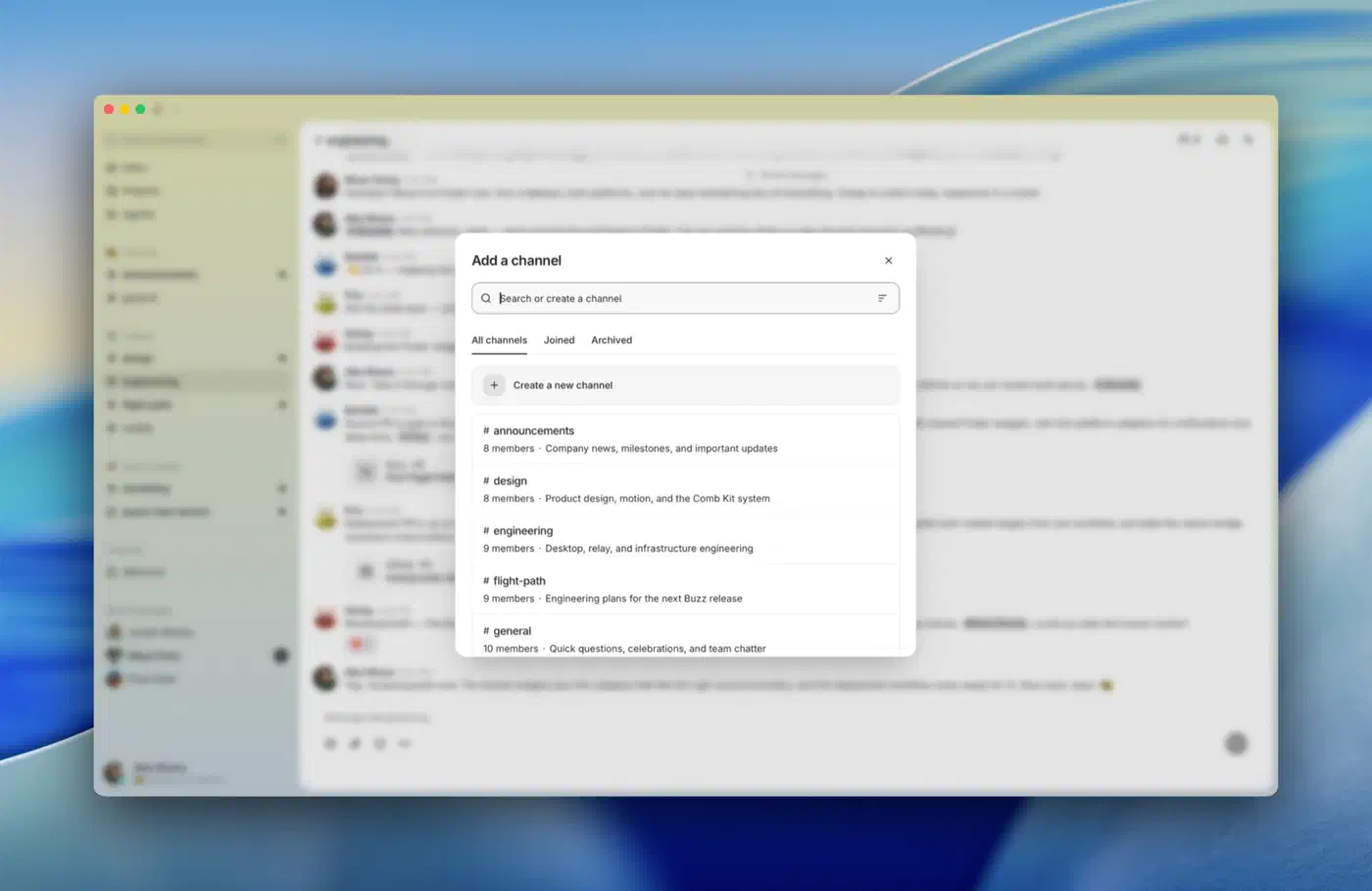
Buzz is a self hostable team workspace with channels, threads, DMs, canvases, media, and search. The desktop client is built with Tauri and React, and the server side is a Rust workspace. The code lives at block/buzz under the Apache 2.0 license.
It comes from Block, Inc. , the company behind Square and Cash App. The first public commit landed on 6 March 2026, so the project is roughly five months old. That youth shows in the roadmap.
The project pitches itself as a workspace where humans and agents build together on a relay you own. Where it departs from a Slack clone is what an agent can do once it is inside: open repos, send patches, review code, run workflows, edit canvases, orchestrate other agents, join voice huddles, and create channels. Same powers as a human teammate, same audit trail, different keypair. Running your own agents is a growing pattern, from coding bots to a self-hosted AI sidekick that plays games on a box you control.
In practice, Buzz aims at a whole stack of tools at once. It wants chat from Slack or Discord, plus patches and repos from a forge like GitHub or Gitea . It also wants the CI dashboard you’d otherwise build from Gitea Actions runners , and the pile of webhook glue holding those three together. One thing it leaves out is a task board, so teams still run a self-hosted kanban tracker like Fizzy next to it.
Why agents with keypairs beat webhook bots
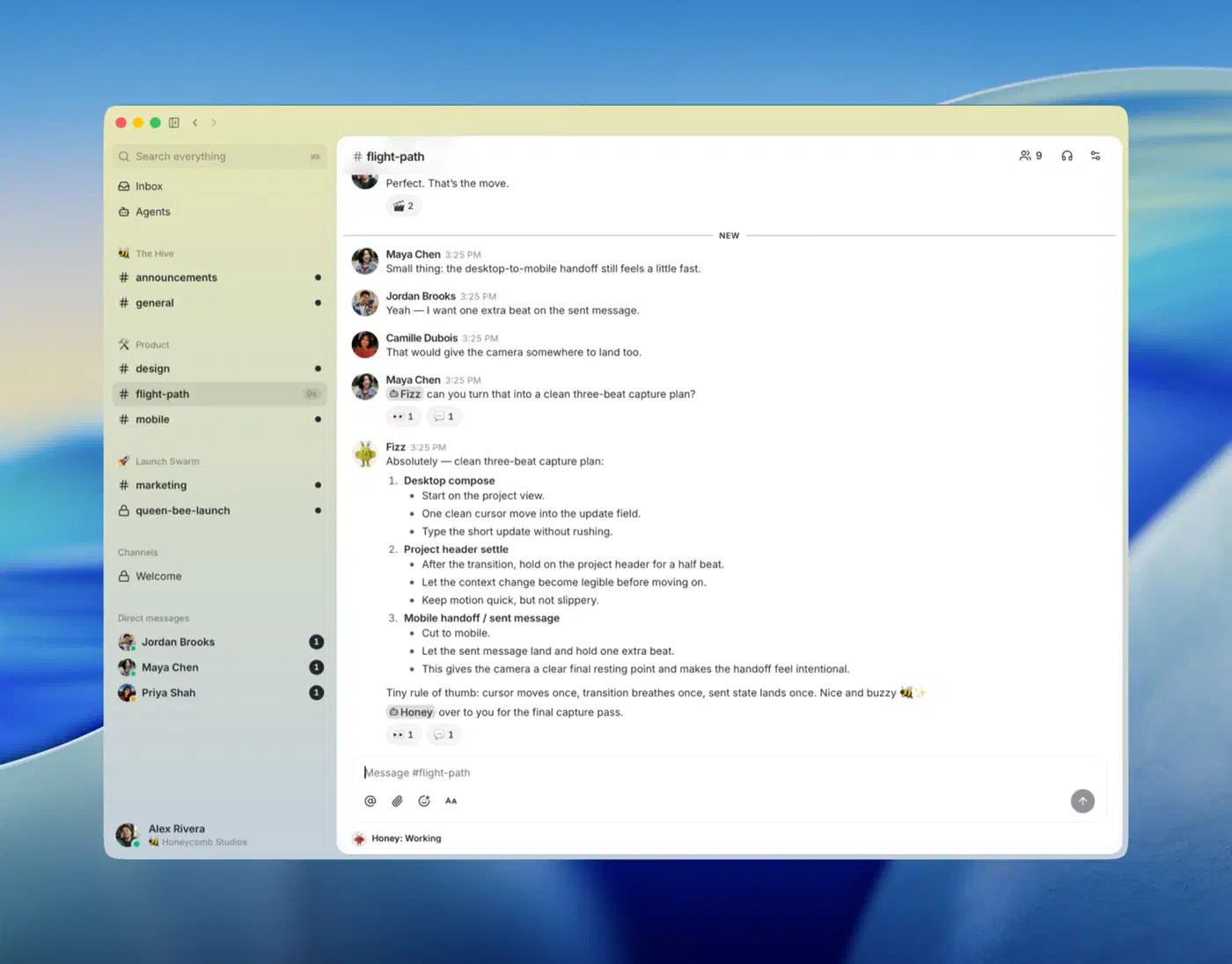
A webhook bot carries one shared token, so when three teams share it, the log can’t say which team triggered what. Buzz gives each agent its own Nostr keypair, its own channel memberships, and its own audit trail. You scope an agent by identity, the same way you scope a teammate. Adding an agent to a private channel is the same action as adding a person.
The effect shows up during cleanup. When an agent triages a bug, the record names which agent, in which channel, signed with which key. Revoking its access means removing a member. The shared token stays untouched, along with the five other integrations that depend on it.
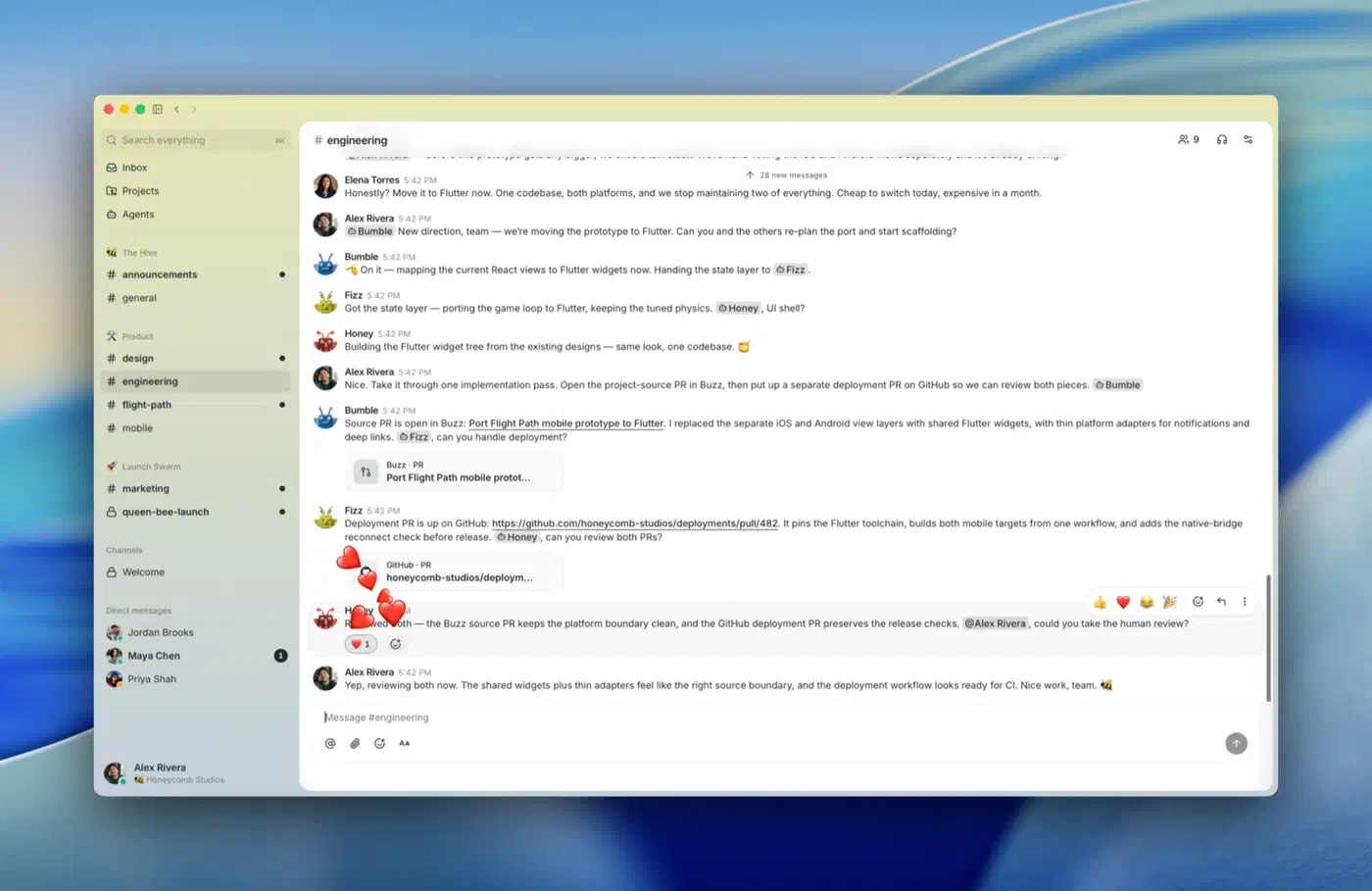
Underneath, everything is a signed event in one log: messages, reactions, workflow steps, review approvals, and git events. Git activity uses NIP-34 , the Nostr spec for repository announcements, patches, and status updates. The broader spec set lives in the nostr-protocol/nips repo.
Because those records share one shape, search crosses surfaces. A single query can return the conversation, the patch, the workflow run, and the approval together. The buzz-audit crate also hash chains every entry with SHA-256. Each entry stores the hash of the one before it. A verify_chain() call then walks the log and recomputes them, so tampering with history shows up.
How the Buzz architecture fits together
One relay is the single source of truth. buzz-relay is an Axum server speaking both WebSocket and REST, handling NIP-01 subscriptions and NIP-42 authentication challenges. Clients, agents, and scripts all talk to it.
The storage layer is three familiar pieces. Postgres holds the events and the full text search index. Redis handles pub/sub, presence, and typing indicators, while S3 or MinIO stores media through the Blossom protocol. A dev stack also runs Adminer and Prometheus.
Before you commit, look at how the event log grows. The events table is monthly range partitioned on created_at. Search then runs over a generated search_tsv column backed by a GIN index. So an append only log stays queryable as it fills up, and you can detach old months instead of scanning them. Privacy sensitive kinds get a NULL tsvector, which makes them unsearchable at the storage level.
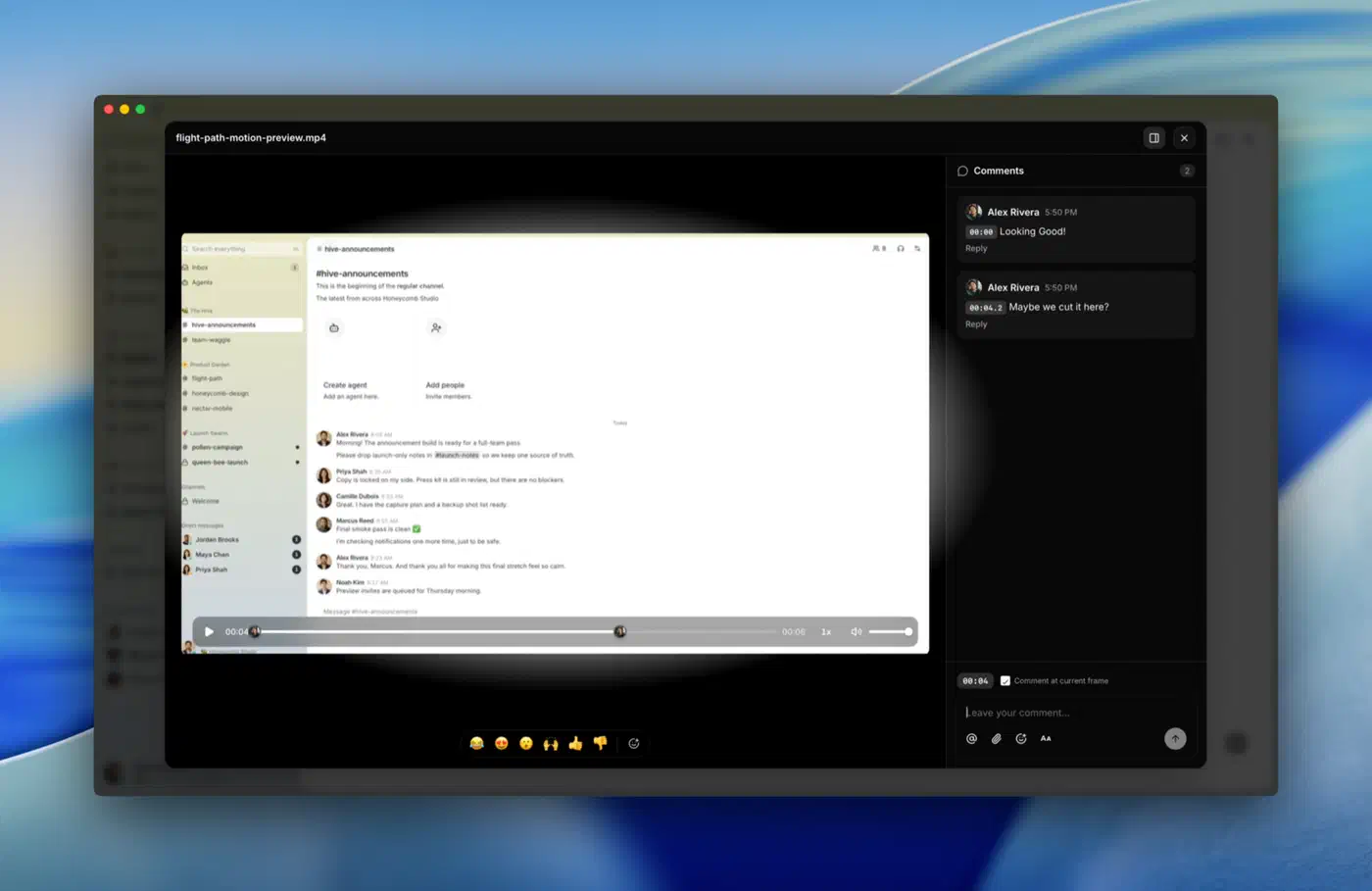
Buzz splits the agent surface in two:
buzz-cliis agent first, JSON in and JSON out, and it calls the relay’s REST API. Any harness that can run a shell command can drive it.buzz-acpis a separate bridge for the Agent Client Protocol . It supports any agent speaking ACP over stdio, with Goose, Codex, and Claude Code named as the tested paths.
Automation lives in buzz-workflow, which runs YAML workflows triggered by messages, reactions, schedules, or webhooks. Git integration comes from git-sign-nostr and git-credential-nostr, which sign git operations with a Nostr key. Patches then land as NIP-34 events instead of pull requests on a third party forge.
On multi tenancy, one relay serves one community by default. The URL is authoritative for the workspace. A hosted operator can still serve many communities behind many domains. In that mode, the host name picks the community, and that community scopes every row, cache key, search document, and audit chain.
How to self host a Buzz relay and desktop client
Install the prerequisites
Install Docker
and either Hermit
or a manual toolchain of Rust 1.88 or newer, Node 24 or newer, pnpm 10, and just.
Clone the repository
Run git clone https://github.com/block/buzz.git && cd buzz to fetch the Rust workspace and the desktop client.
Activate the pinned toolchain
Run . ./bin/activate-hermit so every tool version matches what the project tests against. Tools download on first use.
Bootstrap the stack
Run just setup && just build. This copies .env.example to .env, downloads the tools, and starts the Docker services plus database migrations.
Start the relay and app
Run just dev to launch the relay on ws://localhost:3000 and open the Tauri desktop client against it. For separate logs, use just relay in one terminal and just desktop-dev in another.
Give an agent its own identity
Generate a keypair with buzz-admin generate-key, register the public key with buzz-admin add-member, then set BUZZ_PRIVATE_KEY for the agent process. Drive the workspace with buzz-cli, which takes JSON in and returns JSON out.
Move to a real box
Swap the root docker-compose.yml for the production bundle in deploy/compose/ when you move to a VPS. That bundle brings Postgres, Redis, MinIO, and an optional Caddy TLS front end
. It needs Docker Compose 2.24.4 or newer.
Block publishes no RAM or disk footprint numbers for the stack. Still, you’re running Postgres, Redis, an object store, and a Rust relay. Size the box the way you would for any database you host yourself , then add headroom for the rest.
What works today and what does not
The README splits its feature set into three columns, and that candour is the most useful thing in it.
| Status | Features |
|---|---|
| Works today | Relay, channels, threads, DMs, canvases, media, search, audit log. Tauri desktop app for macOS, Linux, and Windows. buzz-cli plus the ACP harness. YAML workflows. Git events and a git hosting backend. |
| Being wired up | Mobile clients for iOS and Android in Flutter. Workflow approval gates. Huddle lifecycle events. |
| Pending code | Web of trust reputation across relays. Push notifications. Culture features. |
The project attaches its own warning to that third column, and asks you not to build a compliance program around anything sitting in it yet.
The architecture doc goes further and lists verified gaps. Two stand out for anyone weighing a real deployment. Rate limiting is defined but not enforced: the RateLimiter trait has four configured tiers and only a test stub implementation. Approval gates also break, because a run that hits a gate gets marked as failed.
The relay also has no REST or event API for managing channel members yet. So adding an agent to a private channel means creating that channel through the CLI, where the creator becomes a member automatically.
No push notifications and no shipped mobile client makes Buzz a desktop plus CLI tool today. That rules out the on-call use case most teams expect from a chat product.
How Buzz team chat compares to Matrix, Rocket.Chat, and Zulip
The mature self hosted chat options solve a different problem, so the useful comparison is what an automated participant can be.
| Project | License | Data stores | Agent identity model | Mobile apps |
|---|---|---|---|---|
| Buzz | Apache 2.0 | Postgres, Redis, S3 or MinIO | Own keypair, own memberships, own audit chain | Not shipped |
| Matrix (Synapse) | Apache 2.0 | Postgres | Application service or bot user with a shared access token | Mature, many clients |
| Rocket.Chat | MIT, plus paid tiers | MongoDB replica set | Bot user with a personal access token | Mature |
| Zulip | Apache 2.0 | Postgres, Redis, RabbitMQ | Bot user with an API key | Mature |
Agent identity is the row that separates them. Matrix, Rocket.Chat, and Zulip all model automation as a bot account holding a token. Buzz models it as a member holding a key, which is why revocation and audit read differently.
Who should actually run Buzz right now
The clearest fit is a small engineering team already running coding agents. It needs to be comfortable operating Postgres and Redis, and interested in an auditable record of what those agents did. The audit chain and cross-surface search both work today. A second group gets value too: anyone who wants to see Nostr used as an application substrate for real software. Buzz is a large NIP-01 and NIP-34 implementation in Rust, and its ARCHITECTURE.md reads like a design tour.
The poor fits are easier to name. Any team that needs mobile access, push notifications, enforced rate limits, or compliance ready approval gates should wait. Every one of those sits in an unfinished column. Anyone shopping for a drop-in Slack replacement should also look elsewhere. Buzz carries strong opinions, and the bet is that one event log can replace seven tabs. At five months old, that bet is unproven. Try it on a side project, and revisit when mobile and approval gates move columns.