 Botmonster Tech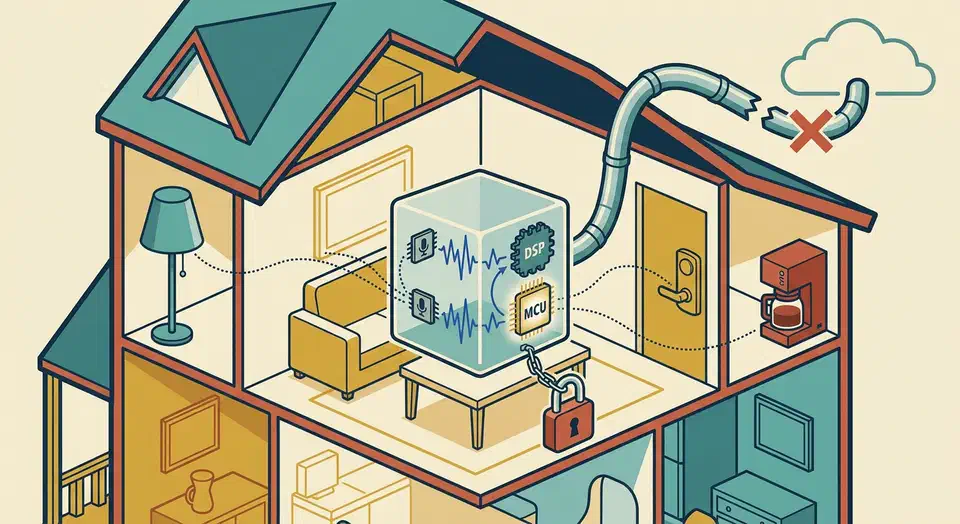
After more than a year of daily use, the Home Assistant Voice Preview Edition is ready for daily use, with caveats. It is the only $59 smart speaker on the market with zero cloud dependency, and for anyone who already runs Home Assistant it slots into existing automations with almost no friction. On the plus side you get fully local wake word detection, sub-second response on common commands, a capable far-field mic array, and a privacy story Alexa and Google cannot touch. The frustrations have been equally consistent: wake word accuracy drops in noisy rooms, the built-in speaker is too quiet for a kitchen, custom wake words require a training pipeline most users will not bother with, and anything beyond “turn the lights on” still needs either a local LLM or a cloud model piped through Assist.
Voice-Assistant

WLED LED Strips: Voice Control with Home Assistant for $30
Flash WLED 0.15 onto an ESP32 over USB in under five minutes using the web installer at install.wled.me , wire up a WS2812B or SK6812 addressable LED strip with a properly sized 5V power supply, then add the device to Home Assistant via auto-discovery and configure voice control through the built-in Assist pipeline. You get hands-free color changes, effects, and brightness control with zero cloud dependency. Total cost is under $30 for a basic setup, and the whole thing takes about an hour.
Home Assistant AI Voice With a Local LLM: What Works in 2026
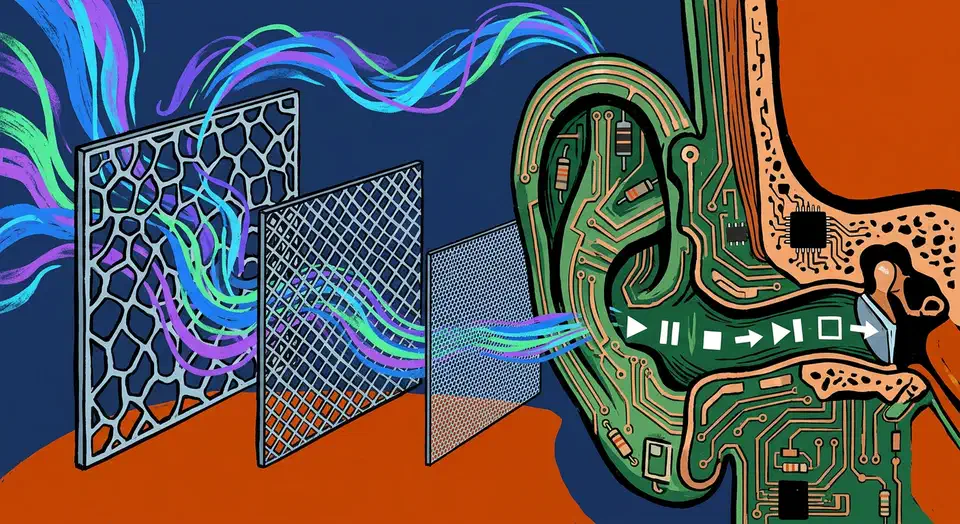
Home Assistant AI voice control with a local LLM as the brain is practical in 2026. No Amazon, no Google, no cloud. The Assist pipeline already handles the plumbing: wake word, speech-to-text, a conversation agent, and text-to-speech, all on your own hardware. Setting that up is the easy part. The hard part is picking a local model that calls Home Assistant’s tools without guessing. The loop also has to be fast, or it will never feel like a real assistant. This guide covers both: the 2026 stack, the models the community actually trusts, and the latency budget that makes it work.
Setup Local Voice Control with Willow for Home Assistant
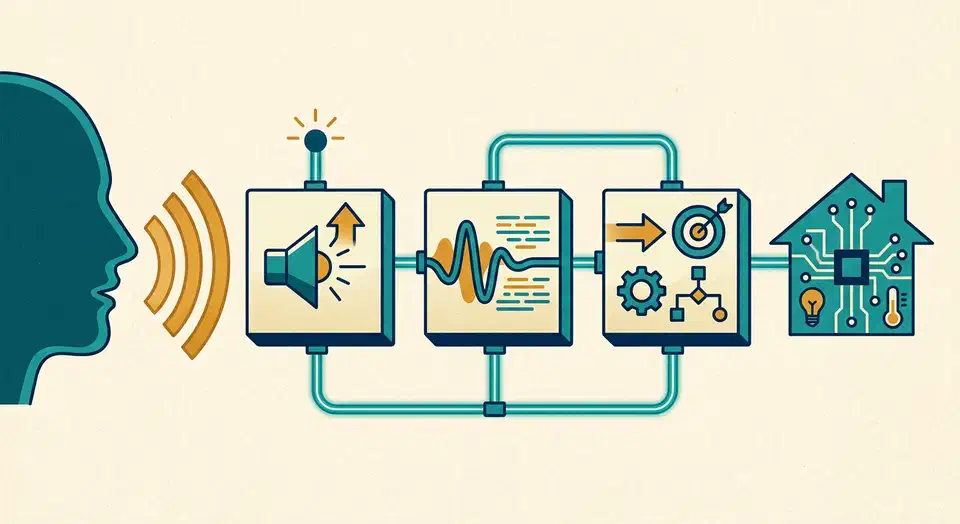
Willow gives you sub-second local voice control for Home Assistant without sending your audio to the cloud. With an ESP32-S3 Box, you can build a private smart speaker that matches the speed of commercial assistants. Every spoken word stays inside your own network. This guide walks through the full setup: hardware, server deployment, firmware flashing, pipeline config, and the fixes for the most common problems.
Why Local Voice Control Is Worth It in 2026
Say “Hey Alexa” or “OK Google” and an audio clip travels from your home to a data center. There it gets transcribed by a third-party model, passes through an intent classifier, triggers an action, and returns a response. The whole trip usually takes under two seconds. That pipeline is impressive engineering. It is also a steady stream of your household’s spoken data flowing to Amazon and Google servers, where it is logged, reviewed by contractors, and used to train future models.