 Botmonster Tech
Hallmark spends 67 KB of rules to avoid AI design slop
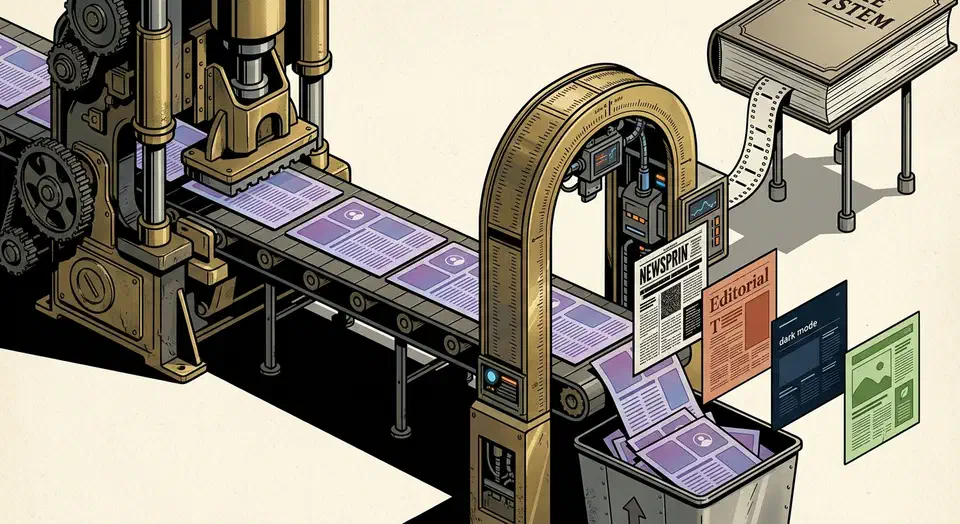
The Hallmark design skill for Claude Code is a whole design system wearing a skill’s clothes. It installs 106 files and about 659 KB of instructions, and the main rule file alone runs 67 KB. That buys 20 named themes, 21 page structures, and a 58-gate slop test that fires before your agent hands anything back.
Key Takeaways
- AI tools default to the same look because they learned from the same sites.
- Hallmark picks a structure and a theme per brief, so two pages differ.
- The main rule file is 67 KB, a real bite out of your agent’s context.
- A 58-gate checklist runs before the page comes back to you.
- It can also audit or redesign a page you already have.
Why every AI-built page looks the same
Ask a coding agent for a landing page and you usually get the same page back. It reaches for Inter, drops a purple-to-blue gradient somewhere, and lays out three equal feature cards with a rounded-square icon tile above each heading. Cards end up inside other cards, and gray text ends up on a coloured panel.
The cause is a distribution problem, which is also why it’s fixable. A language model asked for a landing page returns the most probable landing page. That page is whatever the training data holds thousands of near-copies of.
A page that looks AI-made reads as low effort, whatever the product behind it is worth. Hallmark bets that a polite prompt can’t move the output off that default, so the constraint has to be specific and enforced.
What the Hallmark design skill for Claude Code installs
Most agent skills are a page of instructions, while this one is closer to a design department. A shallow clone of the repo gives hard numbers.
| Piece | Measured |
|---|---|
Files under skills/hallmark | 106 |
| Total instruction weight | about 659 KB |
SKILL.md | 67,444 bytes |
| Slop-test rules | 31,065 bytes |
| Named themes | 20 |
| Page macrostructures | 21 |
| Component archetypes | 50 |
| Genres | 4 |
The 20 themes each carry a name: Specimen, Atelier, Brutal, Newsprint, Studio, Manifesto, Terminal, Midnight, Almanac, Garden, Riso, Sport, Bloom, Coral, Cobalt, Aurora, Editorial, Carnival, Lumen, and Hum. The 50 component archetypes split into 9 heroes, 5 section heads, 6 features, 4 CTAs, 4 testimonials, 8 footers, and 14 navigation bars.
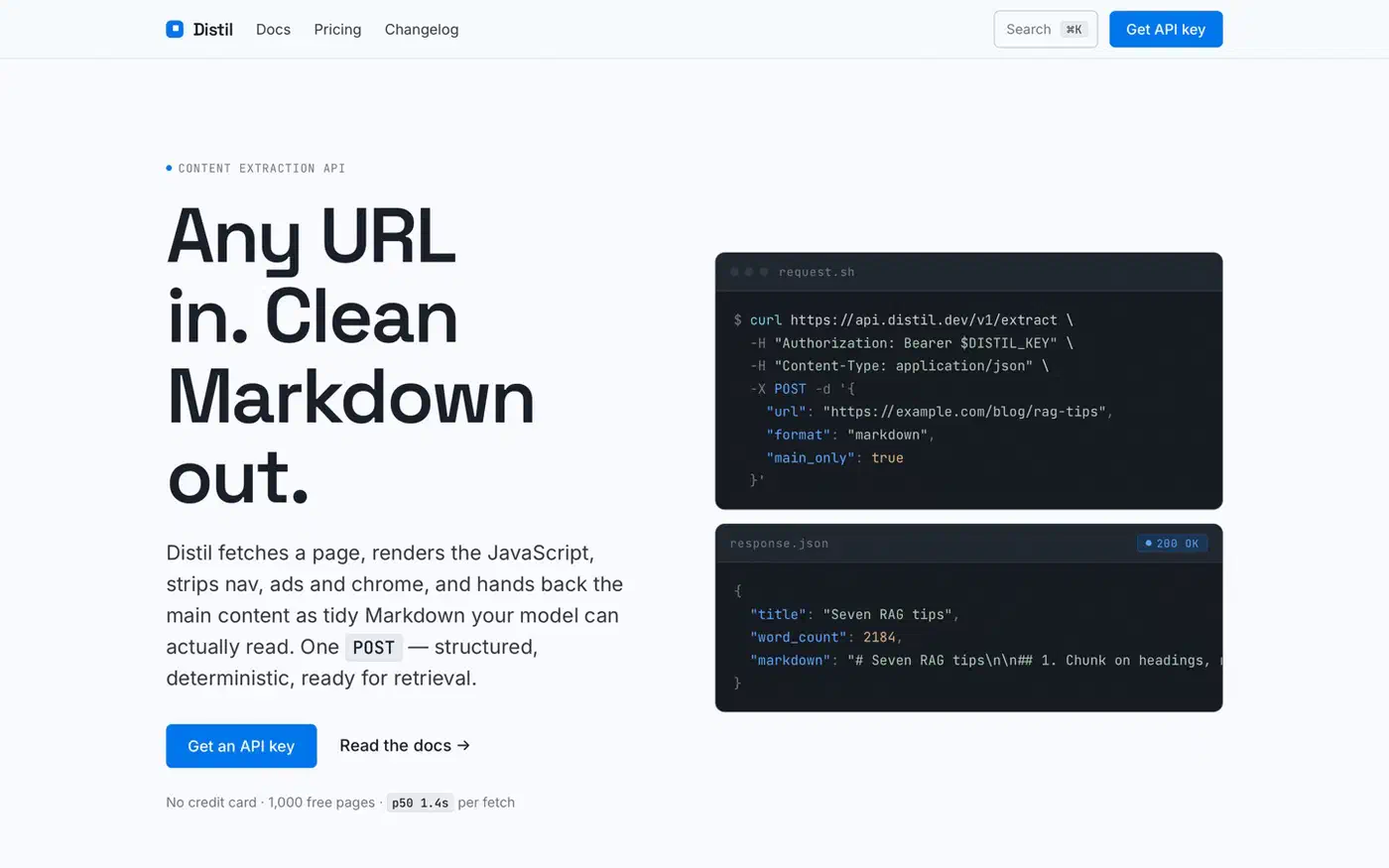
That size is survivable because almost none of it loads at once. The main rule file tells the agent to read a slim index, pick a name, then open only the matching file. A typical build pulls five to seven archetype files. The rule file is blunt: reading the component cookbook end to end is the single biggest token waste in the skill.
Install is one command, npx skills add nutlope/hallmark, with documented drop-in paths for Claude Code, Cursor, and Codex. The project is MIT licensed and made by Together AI, with a live gallery of generated pages at usehallmark.com.
A 67 KB SKILL.md is still roughly 17,000 tokens the agent reads before writing a single line of HTML. You pay that slice of context on every run.
How the theme and structure picks work
The mechanism is a forced choice from a fixed catalogue, recorded in plain text before any code, and never the same choice twice running.
First comes a genre, and there are four. Editorial is the default, and modern-minimal covers the Stripe and Linear school. Atmospheric handles the dark AI-tool look, while playful covers the soft post-Linear style. The genre then scopes which themes are allowed and which gates apply.
Next comes a macrostructure from the 21 on file: Bento Grid, Long Document, Marquee Hero, Manifesto, Quote-Led, Type Specimen, and so on. A theme follows, drawn from the genre’s own cluster instead of the full catalogue.
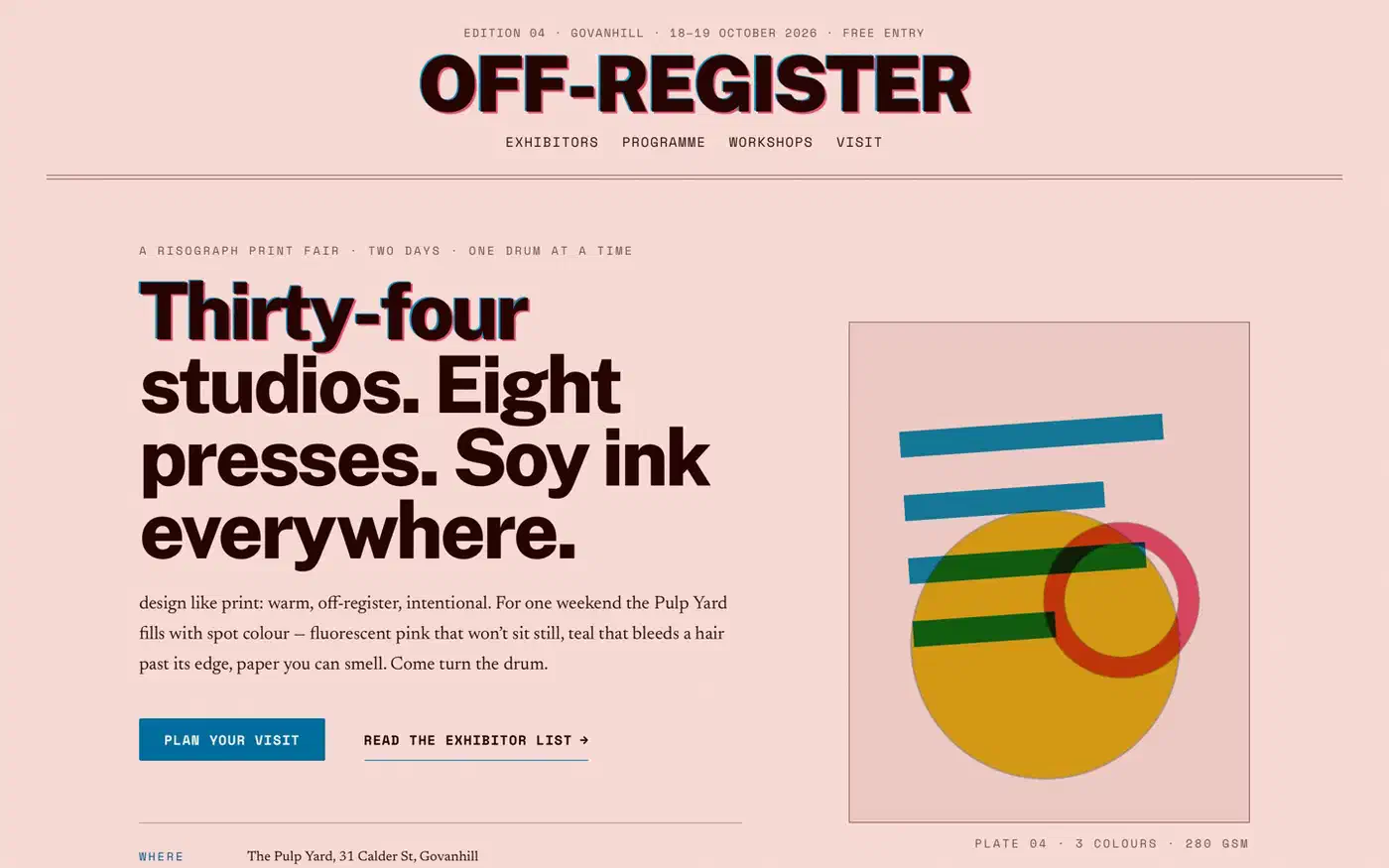
The anti-repetition rule is the clever part. Two consecutive themes must differ on at least one of three axes:
- Paper band: dark, mid, or light background, measured from the theme’s paper lightness.
- Display style: high-contrast serif, roman serif, geometric sans, grotesk, mono, condensed, and so on.
- Accent hue: warm, cool, neutral, or something chromatic like Garden’s leaf green.
If two of the three match the previous run, the agent is told to pick a more distant theme. The same rotation covers navigation and footer archetypes, and the project flags that as the single most-violated rule in practice. Agents keep reaching for the genre default, so eight builds ship two navigation bars between them.
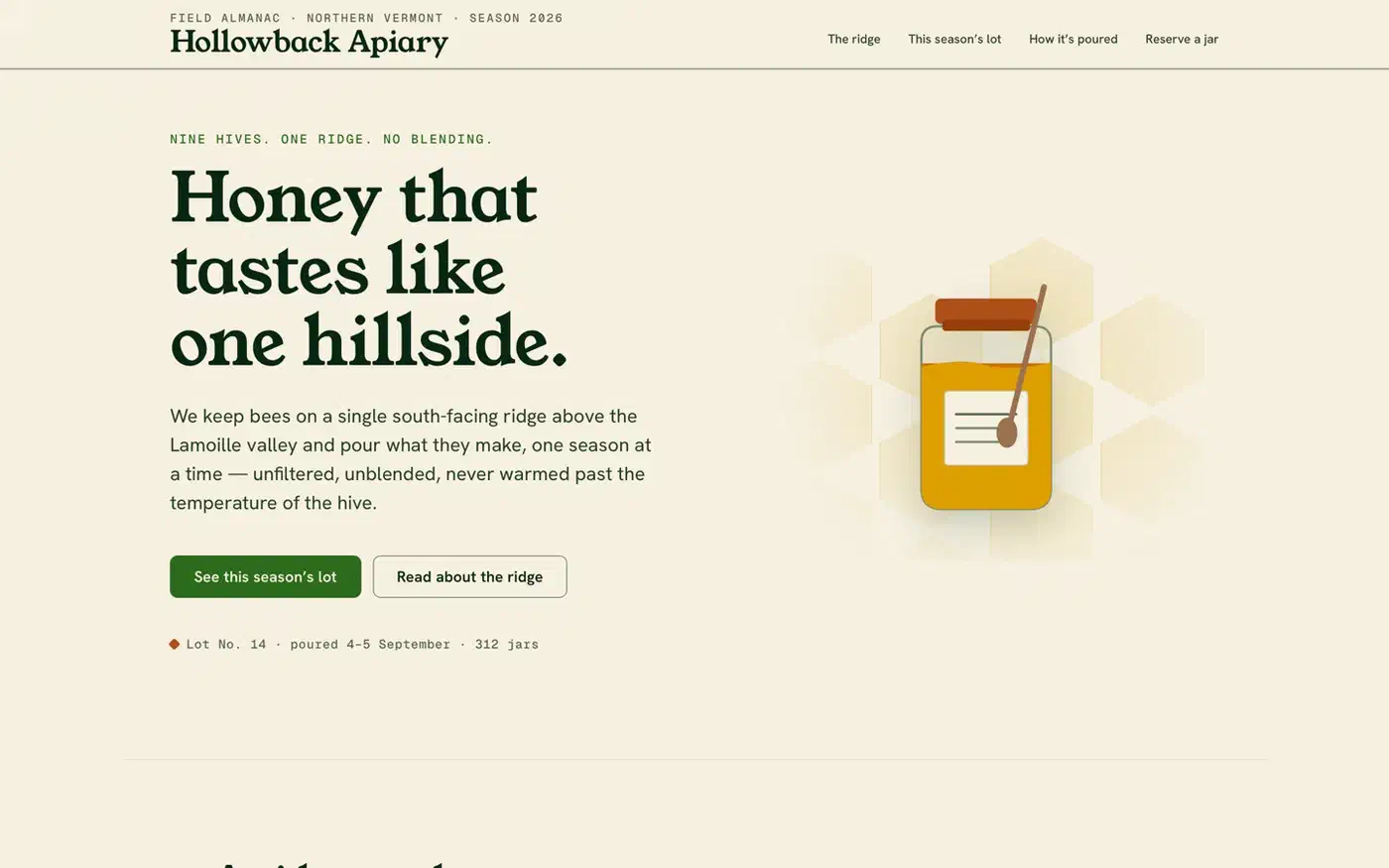
Before writing code, the agent must state its macrostructure, navigation, footer, and theme picks in plain text. It also has to name which axes differ from last time. Writing the pick down is what stops the default from winning. A .hallmark/log.json file keeps the run history, so the rule survives across sessions instead of resetting.
Tokens lock once a theme is chosen. Every colour and font rule has to point at a named variable. A stray hex value, OKLCH value, or font-family string counts as a gate violation.
The slop test, the four verbs, and the missing 58th gate
Hallmark ships four ways to invoke it, and only one of them writes new code.
| Verb | What it does |
|---|---|
| default | Builds new UI, picks structure and theme, runs the slop test before handing back. |
audit | Scores existing code against the anti-patterns and returns a punch list. No edits. |
redesign | Keeps the copy, brand, and information architecture, rebuilds the visual structure. |
study | Extracts structure, type pairing, and colour anchor from a design you admire. |
The study verb refuses pixel-clones and template-marketplace URLs. It can also emit a portable design.md, so another AI tool inherits the same system.
Before the gates run, a self-critique scores the planned page 1 to 5 on six axes: philosophy, hierarchy, execution, specificity, restraint, and variety. Anything under 3 triggers a revision pass first. The file notes that two passes is normal and three usually means the brief is wrong.
The slop-test file spells out fixes at the property level:
overflow-x: clipon bothhtmlandbody, neverhidden, so sticky and fixed children survive.- No clickable text that wraps onto two lines, covering buttons, nav links, footer links, and CTAs.
minmax(0, 1fr)instead of a bare1fron any grid track holding an image.overflow-wrap: anywhereon display headings, so long hyphenated words break instead of overflowing.
Every emitted page is checked at 320, 375, 414, and 768 pixels wide, which the project calls a hard floor.
The README advertises fifty-seven slop-test gates, while the gate file’s own heading says 58. The numbering runs 1 to 57, but an extra gate 38a sits between 38 and 39. So 58 is the honest figure, and the README undercounts by one. Gate 38a bans italic headings, which the project calls one of the most reliable AI tells.
Every gate is a statement you can check against real markup. “No two-line clickable text” holds up to that test in a way “make it look premium” never will. A rival skill takes the same idea the other way round and names 59 AI design tells so it can grade a finished page instead of guarding one on the way out.
Is a design skill worth the context it eats?
Install it if you generate UI with an agent often and keep noticing the output rhyming with itself. The diversification machinery, especially the persisted run log, is hard to replicate with prompting alone. It also earns its keep when you have a live page you suspect looks AI-made. The audit verb returns a punch list without touching your code.
Skip it if you already have a design system. The skill reads a project design.md and defers to it, so you’d be paying context for a catalogue you never open. The same goes for backend and infrastructure work, where a 67 KB design rule file is pure overhead.
The honest limitation is that a catalogue of 20 themes is still a catalogue. Two Hallmark pages from different briefs will look different from each other. But a thousand Hallmark pages across the internet will still start to share a fingerprint. The custom branch that designs from scratch only fires when the brief carries an explicit creative signal.
The same fix works outside web design: a specific constraint, enforced, with a record of what you did last time. Before committing, run audit on one page you already shipped. If the punch list tells you something you didn’t know, you have your answer in five minutes.