 Botmonster Tech
Biome vs Oxlint vs ESLint: which JavaScript linter should you pick

This post is open for corrections. Highlight any line of text to challenge it or ask for a clearer explanation and leave a comment.
Biome and Oxlint are Rust-based JavaScript linters that run 50-100x faster than ESLint on the same code. Biome also replaces Prettier as a formatter and ships in one binary with zero config. Oxlint sticks to linting, with the best ESLint rule coverage and the fastest raw speed. For new projects in 2026, pick Biome if you want one tool for lint and format. Pick Oxlint if you have a plugin-heavy ESLint config you can’t fully port yet. Keep ESLint only if you rely on plugins that neither Rust tool supports.
Why JavaScript Linting Needed a Rewrite
ESLint has owned JavaScript linting for over a decade, and for good reason: its plugin set is huge. But that lead came with costs that grew harder to ignore as codebases scaled.
Linting a 100,000-line TypeScript monorepo with ESLint takes 30 to 60 seconds. Add type-aware rules from @typescript-eslint and that number climbs another 2-5x. In CI pipelines, where every minute costs money and focus, that’s a real choke point. Pre-commit hooks that take a minute get turned off. Lint-on-save in editors feels slow, so devs disable it.
The tool sprawl made it worse. A typical 2024 JS project needed ESLint for linting, Prettier for formatting, @typescript-eslint for type-aware rules, and a stack of plugins like eslint-plugin-react, eslint-plugin-import, and eslint-plugin-unicorn. These tools had overlap, fought each other, and used separate config files that drifted out of sync.
The rewrite wave started with Rome in 2022, which rebranded as Biome in 2023 after the first company folded. At the same time, the Oxc project (short for JavaScript Oxidation Compiler) began building a full Rust JS toolchain. Oxlint sits inside Oxc as one piece, next to a parser, resolver, transformer, and minifier.
This was part of a wider shift that also gave us SWC, Rolldown, and Rspack. All swap JavaScript tools for Rust for the same reasons: steady memory use, real thread-based parallelism, and single-binary builds that skip node_modules bloat. The same pattern showed up in CSS work with Tailwind’s Rust-powered Oxide engine, which delivered 5x build speed gains.
Writing a fast parser turned out to be the easy part. Porting ESLint’s most-used rules one by one, matching their exact behavior and edge cases: that’s where most of the work went, and it’s still the biggest adoption gate in 2026.
Biome - Formatter and Linter in One Binary
Biome’s pitch is simple: one tool replaces Prettier, ESLint, and half of your TypeScript config. As of v2.4, the stable release in April 2026, it delivers on most of that pitch.
Installation is a single command:
npm install --save-dev --save-exact @biomejs/biomeConfig lives in one file, biome.json, and the defaults are sane enough that many projects need zero tweaks. Running biome check --write formats and lints your code in a single pass. No separate tools, no clashing configs.
Biome ships with 472 lint rules. They cover JavaScript, TypeScript, JSX, TSX, JSON, CSS, GraphQL, and HTML. The set includes rules ported from ESLint core, @typescript-eslint, eslint-plugin-react, plus a11y and import sorting. Rules live in groups (correctness, style, suspicious, a11y, complexity), so you can turn whole groups on or off in one line.
Format output matches Prettier at 97%. In practice, the gaps are cosmetic edge cases that teams stop noticing after the first reformat commit. Biome formats about 35x faster than Prettier. A 170,000-line codebase that Prettier handles in 12 seconds takes Biome about 0.3 seconds.
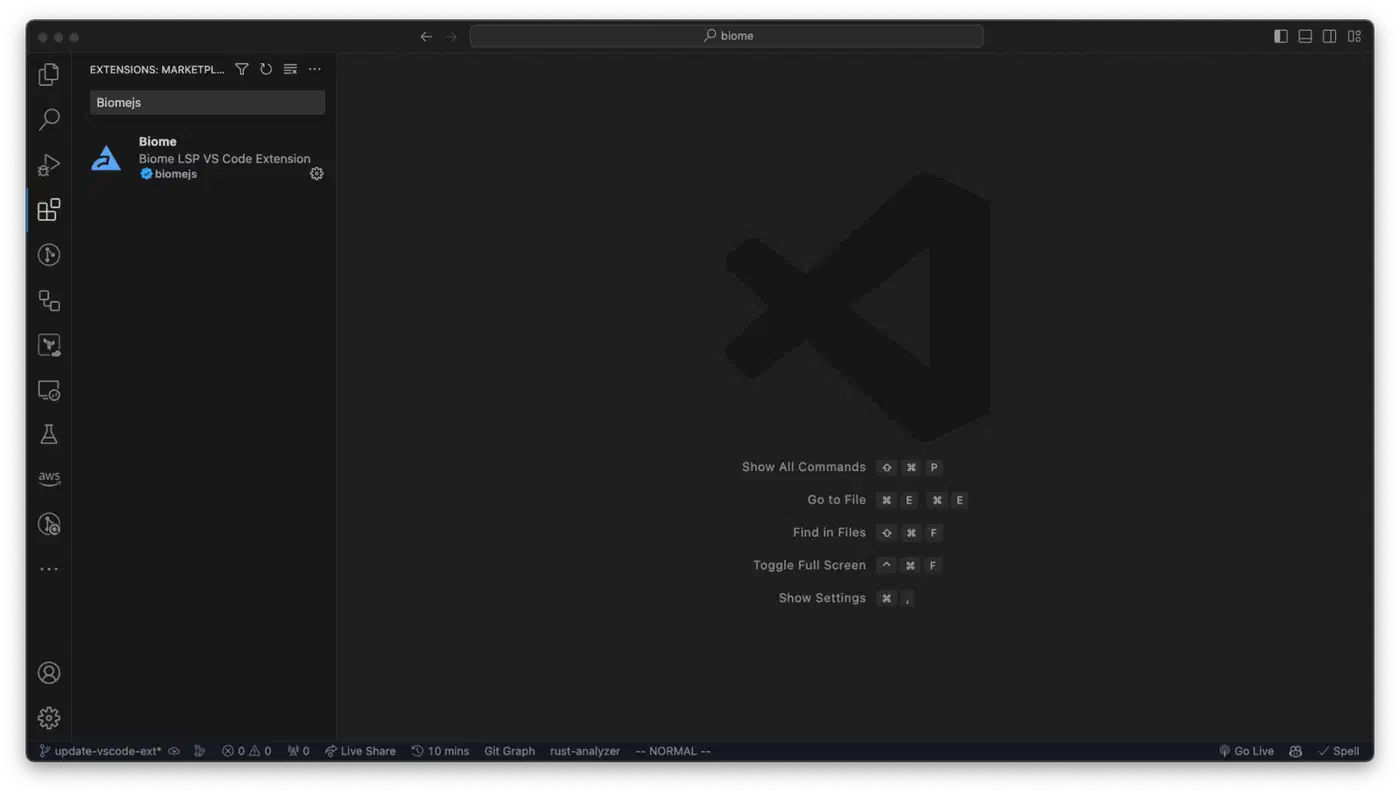
Editor support is solid. Biome ships with a built-in LSP server. First-party extensions cover VS Code and IntelliJ. Community ones cover Zed, Neovim (via lspconfig), and Helix.
Where Biome still lags: Vue SFC support got better in v2.4, with cleaner parsing and fewer false alarms, but it’s not yet on par with Vue-only tools. The formatter limits tweaking on purpose. That’s a design choice, not a missing feature, but it stings teams that need exact format rules. Biome’s type-aware linting (via its in-house type checker, Biotype) is also catching up. It covers roughly 75-85% of @typescript-eslint rules, with edge cases that differ from the TypeScript compiler.
Oxlint - The ESLint-Compatible Speed Demon
Oxlint takes a different angle. It does one job, linting, and aims for the best ESLint coverage at the top speed.
npm install --save-dev oxlint
npx oxlint
That’s all you need to start. Oxlint auto-detects your tsconfig.json, infers rule sets, and runs. No config file needed.
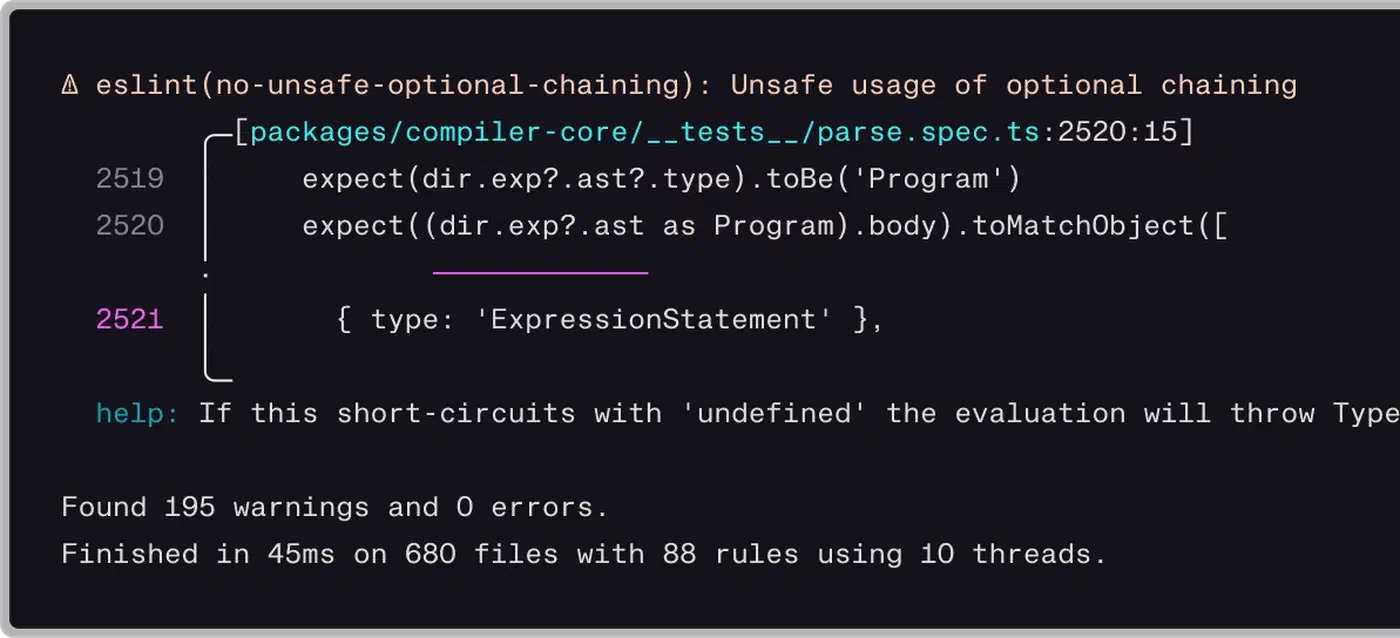
The rule porting effort has been heavy. Oxlint now ships over 700 built-in rules. The list covers eslint-plugin-react, eslint-plugin-import, eslint-plugin-unicorn, eslint-plugin-jest, eslint-plugin-jsx-a11y, eslint-plugin-nextjs, eslint-plugin-promise, eslint-plugin-vitest, eslint-plugin-vue, and @typescript-eslint. Type-aware linting runs through tsgolint, built on the TypeScript-Go base used by TypeScript 7.0. It hits 59 out of 61 type-aware rules from @typescript-eslint.
The March 2026 alpha of Oxlint JS Plugins was a big step. You can now run most ESLint JS plugins straight inside Oxlint, without any changes. The numbers tell the story:
| Plugin | Tests | Pass Rate |
|---|---|---|
| ESLint built-in rules | 33,006 | 100% |
| React hooks | 5,007 | 100% |
| ESLint Stylistic | 18,310 | 99.99% |
| Testing Library | 17,016 | 100% |
| SonarJS | 3,951 | 99.6% |
The common hybrid flow runs Oxlint first for fast feedback, then falls back to ESLint for any rules left:
npx oxlint && npx eslint --no-error-on-unmatched-patternOxlint is part of the wider Oxc toolchain. The chain includes oxc-parser (3x faster than SWC), oxc-resolver (28x faster than enhanced-resolve), oxc-transformer (a Babel swap for TypeScript and JSX), and the newer oxfmt, a formatter that claims 30x faster than Prettier and 3x faster than Biome. The creator works at VoidZero, the firm behind Vite, and is pushing to merge these into one Rust-based JS toolchain.
One catch: Oxlint’s autofix coverage is still spotty next to ESLint and Biome. Some issues get flagged but need a manual fix. If auto --fix on every commit is central to your flow, that’s a real cost.
Head-to-Head Benchmark Comparison
Speed claims are everywhere. Here are the numbers from published benchmarks and re-run tests, pulled into one table.
Linting Speed
| Tool | Version | Time (10k files) | Relative Speed |
|---|---|---|---|
| ESLint | 9.x | ~45s | 1x (baseline) |
| Biome | 2.4.x | ~0.8-2s | 20-50x faster |
| Oxlint | 1.59.x | ~0.3-0.9s | 50-100x faster |
These numbers come from linting TypeScript codebases with the same rule sets. The exact gap depends on how many rules are on, and whether type-aware linting is active. On a small 4-core laptop, the gap shrinks a bit. Biome and Oxlint use all cores via Rayon, while ESLint runs on one thread. On a 32-core CI runner, the Rust tools pull even further ahead.
Formatting Speed
| Tool | Version | Time (170k lines) | Relative Speed |
|---|---|---|---|
| Prettier | 3.x | ~12s | 1x (baseline) |
| Biome | 2.4.x | ~0.3s | 35x faster |
| Oxfmt | latest | ~0.1s | ~100x faster |
Memory Usage
Both Rust tools use far less memory than the JS ones. Biome and Oxlint peak around 100-300 MB RSS on large codebases. ESLint can hit 1-2 GB on the same job, mostly with type-aware rules that load the full TypeScript program.
What These Numbers Mean in Practice
Sub-second linting unlocks flows that were a non-starter with ESLint. Lint-on-save in your editor runs without lag you can feel. Pre-commit hooks finish before you switch windows. CI lint steps that used to take a minute become a rounding error in your pipeline. Vercel’s team logged a 60%+ CI time cut by adding Oxlint as a fast pre-pass before ESLint.
Editor Integration Status
Good editor support can make or break a linter. Here’s where each tool stands in April 2026:
| Editor | ESLint | Biome | Oxlint |
|---|---|---|---|
| VS Code | Official extension (mature) | Official extension (stable) | Extension available (improving) |
| Neovim | Via lspconfig (mature) | Via lspconfig (stable) | Via lspconfig (beta) |
| Zed | Built-in | Community extension | Official Oxc extension |
| IntelliJ | Built-in | Official plugin | Plugin in development |
| Helix | Via LSP | Community support | Limited |
Biome has the edge here with its LSP server. It serves formatting, linting, and code actions through one language server, so your editor runs fewer side processes.
CI Integration
All three tools work well in CI, but the setup differs.
Biome provides an official GitHub Action:
- uses: biomejs/setup-biome@v2
  with:
    version: latest
- run: biome ci
The biome ci command is built for CI. It runs checks without writing fixes, and exits with the right error codes.
Oxlint is simpler. It needs no special action:
- run: npx oxlint@latestFor the hybrid approach, run both sequentially:
- run: npx oxlint@latest && npx eslint .ESLint is the baseline everyone already knows:
- run: npx eslint .Migration Strategies
The single biggest adoption block is a working ESLint config with dozens of rules and team-specific tweaks. Here’s a real, staged plan.
Start by auditing your current ESLint config. Run npx eslint --print-config . on a sample file and count which rules are active. Check which plugins are required, versus ones pulled in from a shared config nobody has read in two years. Many teams find they run 150+ rules but only care about 30.
Next, run both tools in CI for about two weeks. Add Biome or Oxlint next to ESLint and compare what they flag on the same commits. This surfaces false flags, missing rules, and format gaps before you commit to a switch.
If you pick Biome, replace Prettier first. That’s the safest step, since format changes are cosmetic. Run biome format, ship one big reformat commit, update your .editorconfig and CI, then measure the diff noise on the next few merges.
From there, turn off ESLint rules that overlap as you confirm Biome or Oxlint covers what you need. The eslint-plugin-oxlint npm package auto-disables ESLint rules that Oxlint already covers, so you don’t see double warnings.
Once all the rules you need are covered, delete .eslintrc.* and drop ESLint. Or keep a tiny fallback config for the few rules that only ESLint supports. That’s fine, and common during the switch.
Custom rules need care. Biome has a plugin system for custom rules, and Oxlint’s JS plugins alpha lets you run most ESLint plugins direct. But if you have project-specific linter rules written in JavaScript, test them well under Oxlint’s plugin system before you drop ESLint. Some edge cases in custom rule APIs can act different.
Biome also ships a built-in migrate command. It reads your ESLint and Prettier configs and writes the matching biome.json settings:
npx @biomejs/biome migrate eslint --write
npx @biomejs/biome migrate prettier --write
Which Tool Should You Pick

Biome is the best pick if you are starting a new project, or are fine with its format opinions. It swaps both ESLint and Prettier for a single dep, needs little config, and lints 20-50x faster. The v2.4 release in 2026 closed most of the feature gaps that held teams back in 2024-2025.
Oxlint makes more sense if you have an ESLint config with heavy plugin use and need the fastest lint times you can get. The JS plugins alpha means most ESLint plugins work as is. Pair it with ESLint in a hybrid setup for fast feedback without losing rule coverage. Also pick Oxlint if you plan to adopt the wider Oxc toolchain (parser, transformer, formatter).
Stick with ESLint if you lean on niche plugins that neither tool supports, you need custom rules with deep AST visitors, or your team isn’t ready to change. ESLint v9 with flat config is cleaner than the old .eslintrc setup. With caching on, the speed hit may be fine for your codebase size. ESLint still has 50 million+ weekly npm downloads, and it isn’t going away soon.
JavaScript linting in 2026 is in better shape than it has been in years. Pressure from Rust tools pushed ESLint to add flat configs and lift speed. Biome proved the all-in-one path works. Oxlint showed near-full ESLint coverage at 100x speed is real. If you are also weighing the rest of your JavaScript stack, the same “which tool fits my project” question applies to JavaScript runtime choices between Bun, Deno, and Node.js. Whatever you pick, your JavaScript gets linted faster than it did two years ago.
The same fast tooling shows up elsewhere in the stack. JavaScript’s Temporal API replaces date libraries. Drizzle ORM versus Prisma covers the database layer. If you want to go further down the Rust path, try the Rust to Wasm tutorial.