 Botmonster Tech
Best AI research tools 2026
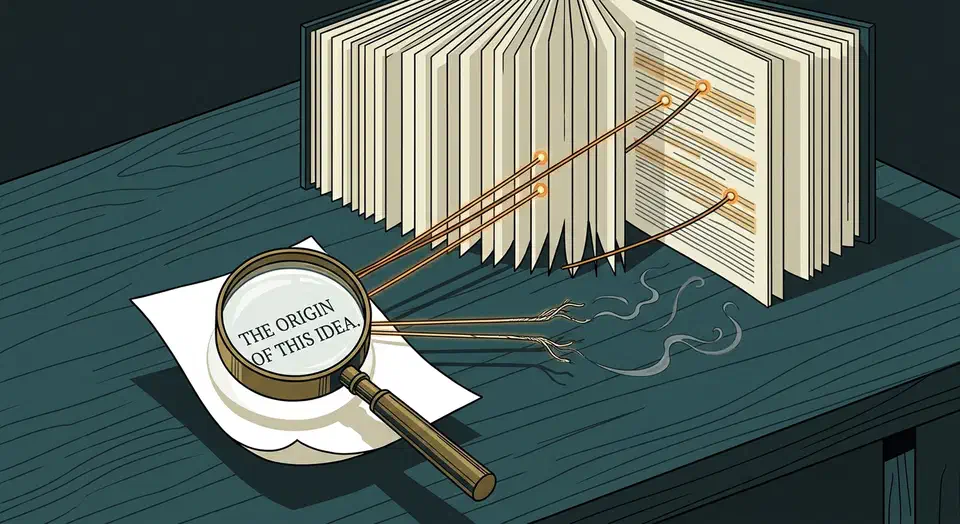
The best AI research tools 2026 has to offer are the ones that show their work. Sort them by one test: click every citation and check whether the source says what the tool claimed. If you would rather own the index, a local semantic search assistant keeps both the papers and the answers on your own disk.
Key Takeaways
- A research answer without a working link is still only a draft.
- NotebookLM only answers from files you give it, so it invents far less.
- Consensus is the one built to search academic papers instead of the open web.
- Deep research modes write impressive reports with citations that need checking.
- Students and teachers get paid tiers free, and most never claim them.
What makes an AI research tool trustworthy?
Call it the citation click test. Every claim links to a source, and the source, when you open it, says what the tool said it said.
A citation breaks in two ways. Sometimes the paper doesn’t exist at all, which is the failure everybody has heard about. Far more often the paper exists, the link opens, and the sentence attached to it says something the paper never claimed.
Researchers benchmarked 14 models in Cited but Not Verified. Over 94% of the citation links worked and about 80% were on topic. Only 39% to 77% held up when someone checked the claim against the source text.
Outright invention is rarer but real. A separate audit of citations from chatbots and deep research agents found 3% to 13% of URLs had no record in the Wayback Machine. Those pages likely never existed.
Working links are the easy part, and every tool already passes it. So a link count tells you nothing. A report with forty citations you never opened is worth less than a paragraph with three you did.
Grounded tools versus open tools
A grounded tool can only answer from a fixed set of documents you handed it. An open tool searches the whole web and decides for itself what counts as relevant. Grounded tools invent less because they know less, and that trade is usually the right one for research.
More searching doesn’t fix it either. The same benchmark found factual accuracy dropped by roughly 42% on average as a model went from 2 tool calls to 150. A longer report just carries more unchecked claims.
Best AI tools for researching your own documents
The most reliable AI research happens when you decide what the tool is allowed to read. You pick the sources, so a made-up citation has nowhere to come from.
NotebookLM
NotebookLM leads this group. Upload your PDFs, docs, slides, or pasted text and ask a question. It answers only from those files, and it points at the exact passage it drew from. Ask it something your sources don’t cover and it says so instead of guessing. The free plan allows 100 notebooks, 50 sources per notebook, 50 chat queries a day, and 3 audio overviews a day.
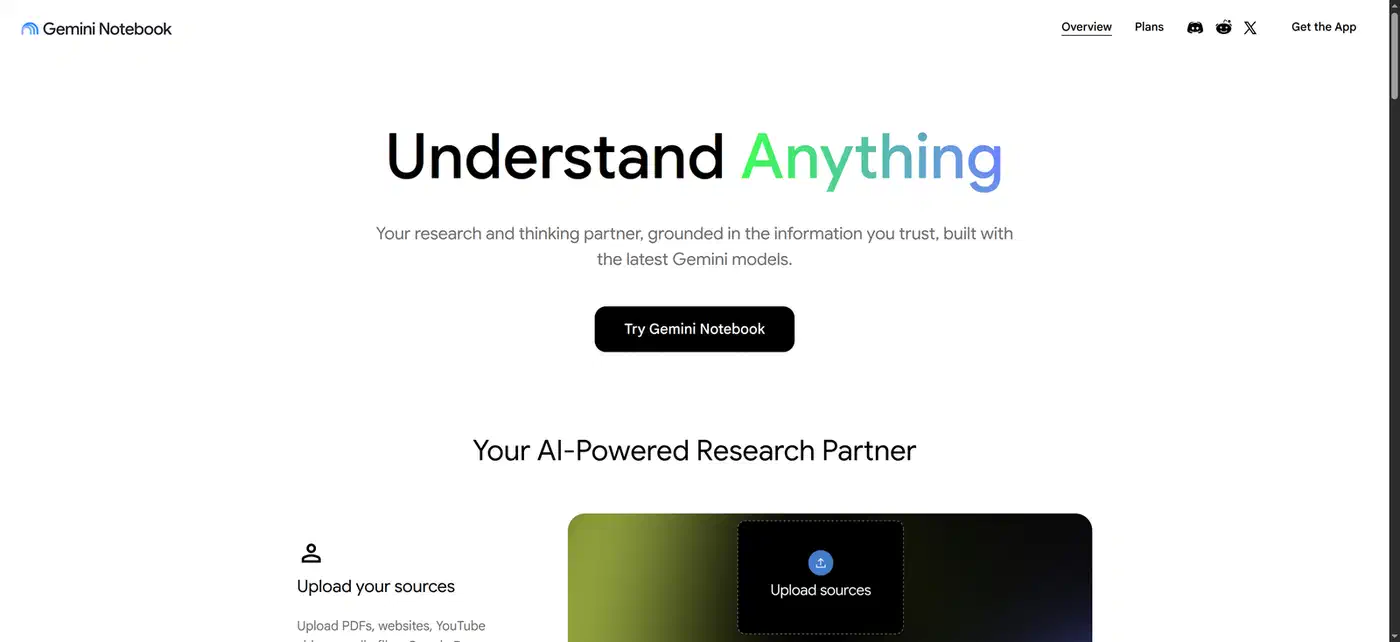
The audio overview feature turns your uploaded sources into a spoken conversation between two synthetic hosts. A commute becomes a review of material you already trust.
Humata
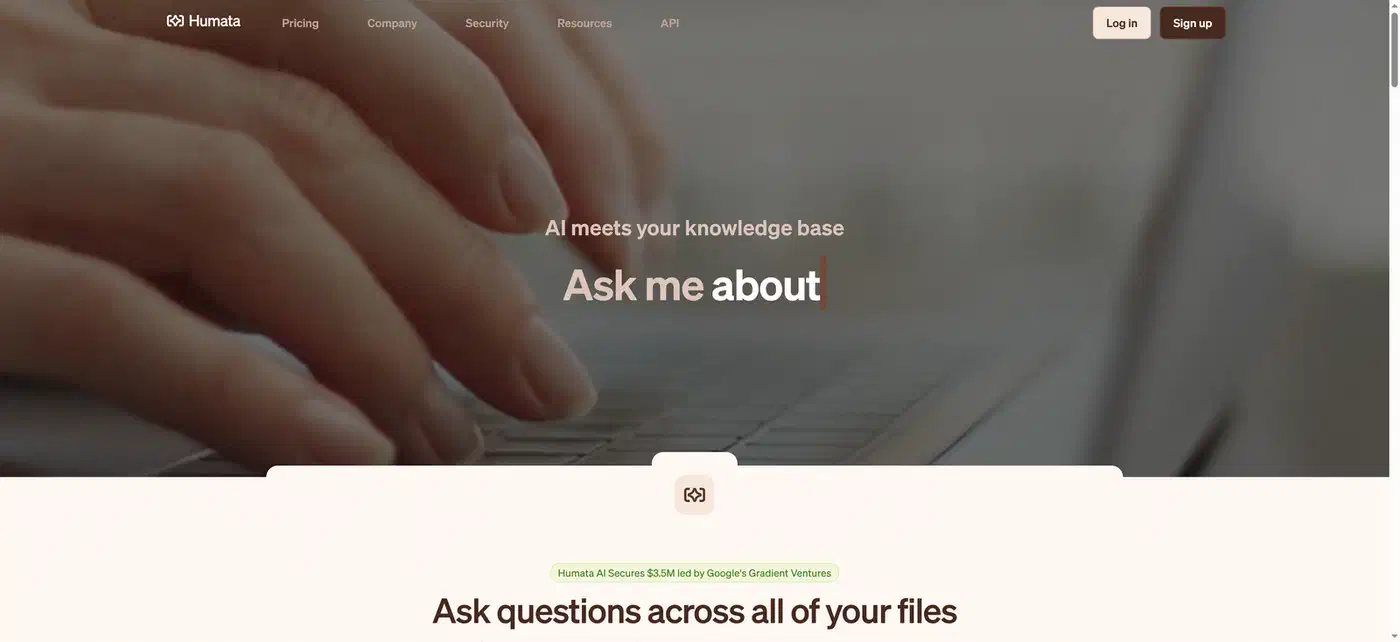
Humata covers a narrower job: one large PDF where you need to find a specific claim buried on page 74. The free plan is tight: 60 pages and 10 answers a month.
Grounded tools win outright on contract review, a stack of papers you already chose, and internal documentation. Any question where a made-up answer would be expensive belongs here. A grounded tool can’t tell you that your source set is missing the paper that contradicts it. Picking the sources is still your job.
Consumer accounts and school or work accounts get different treatment. On a personal account, humans may read your conversations to improve the models. If the document is confidential, check the terms for your account type first.
Best AI tools for finding academic papers
Searching the literature is a different job from summarizing documents, and general chatbots do it badly enough to be dangerous.
Consensus
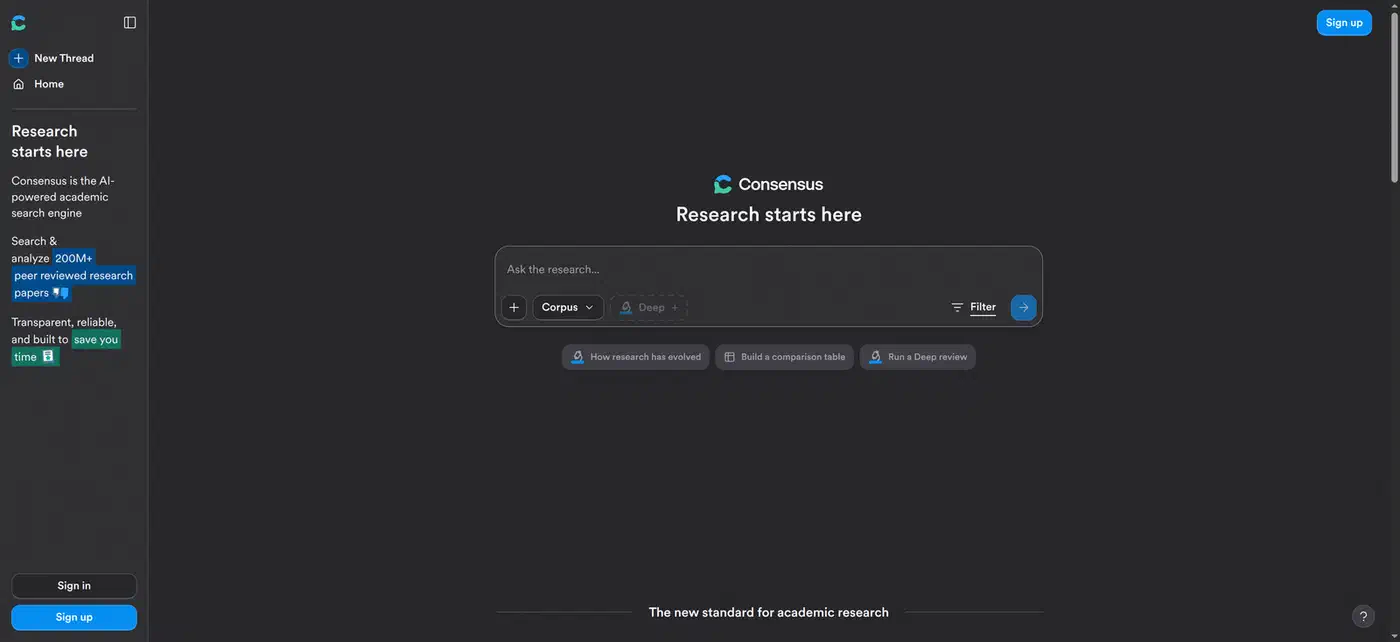
Consensus is the specialist. It searches a corpus of over 200 million academic papers. Ask it a yes-or-no research question and it shows you how the studies split. The consensus meter is a simple bar reading something like “80% of papers say yes.” That beats any single study, and it beats any chatbot summary. The free plan gives unlimited quick searches drawing on 10 sources each. Deeper searches over 20 and 50 papers come out of a monthly allowance.
Google Scholar and Semantic Scholar
Don’t skip the boring foundation, though. Google Scholar and Semantic Scholar still find the paper. Pairing a real index with an AI summarizer beats trusting either one alone.
Paywalls set a ceiling on all of it. An AI tool only summarizes what it can open, and a paywalled full text stays shut. So a confident three-paragraph summary may rest entirely on a 300-word abstract, with the methods and the limits unseen.
The cost of reaching for a general chatbot here is now measurable. An audit of 111 million references across 2.5 million papers swept arXiv, bioRxiv, SSRN, and PubMed Central. It put the count at 146,932 fake citations in 2025 alone.
A Lancet study reported by STAT News tracked the same rot in published work. In 2023, 1 paper in 2,828 carried a fabricated reference. By 2025 it was 1 in 458, and in the first seven weeks of 2026 it was 1 in 277.
This is one of the first papers that’s telling us something about the quality of what’s being produced with LLMs, and it’s a signal of slop.
A fabricated citation looks correct enough that readers paste it straight into a bibliography without ever opening it.
Deep research modes and how to check them
Deep research modes run dozens of searches, read what they find, and return a long structured report with citations. A single run takes minutes.
Perplexity
Perplexity is the everyday version. Answers are short, always cited, and fast enough to replace a search engine rather than becoming a project. The free plan caps you at roughly 5 Pro searches a day, which is enough to see whether the habit sticks.
ChatGPT and Gemini deep research
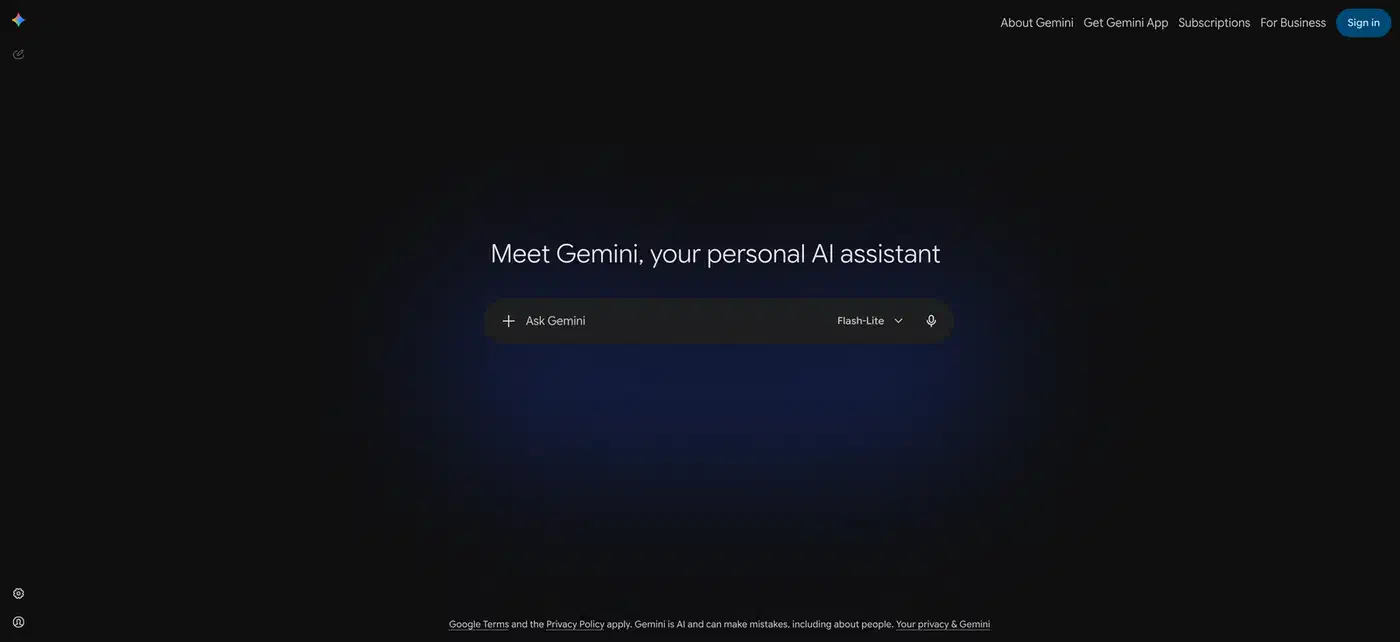
The long-form versions live inside ChatGPT and Gemini. Both give free accounts about 5 deep research runs a month. Reach for them when the question is broad and you have no starting sources. Treat the output as a first draft of the reading list.
These modes produce excellent scaffolding and unreliable specifics. The numbers, the dates, and the direct quotes are where they slip.
How I actually check one
My routine is boring on purpose. Before a number goes into a draft, I fetch the cited page and save the text to disk. Then I search that saved copy for the figure. If the number isn’t in the file, the claim doesn’t ship. The tool bought me the finding time; the reading time is still mine.
The failure I hit most often involves a real number lifted off its label. The source says 1 in 458 for 2025, and the report pins it to 2026. Or it takes a rate measured in one field and presents it as the rate for everything. Skimming never catches these, because the link works and the topic matches even when the sentence is wrong.
So spend your checking budget where it pays. Open the three claims a reader is most likely to repeat: the headline number, the price, and any direct quote. Leave the rest as background. Verifying every line of a long report takes longer than writing the thing yourself.
Free AI research access for students and teachers
The research modes are usually the first thing a vendor puts behind the paywall, so the free upgrade is worth chasing.
Google Workspace for Education
Google Workspace for Education is the broadest offer. Gemini in Classroom comes at no extra cost with every Workspace for Education edition, for educators aged 18 and over. It bundles lesson planning, quiz generation, and rubric building alongside the AI answers.
Google AI Pro and Perplexity student plans
Student offers move faster and expire. Google’s twelve-month free AI Pro promotion has closed, replaced by a one-month trial and a discounted student rate. Perplexity runs its own verified student plan at a lower price. Before assuming you qualify, check three things:
- Whether the offer keys off your school email domain or a separate verification service.
- What that verification step asks you to hand over.
- When the free period ends, since none of these renew on their own.
Everyone else still gets a usable floor. Roughly 5 deep research runs a month across the major tools covers occasional questions, though nowhere near a thesis.
The best AI research tools in 2026 compared
| Tool | Grounded or open | How it cites | Free tier | Best fit |
|---|---|---|---|---|
| NotebookLM | Grounded | Links the exact passage in your file | 50 sources per notebook, 50 queries a day | Documents you already chose |
| Humata | Grounded | Points to the page in the PDF | 60 pages, 10 answers a month | One huge PDF |
| Consensus | Open, papers only | Study-by-study agreement meter | Unlimited quick searches | Does X actually work |
| Perplexity | Open web | Inline links per sentence | ~5 Pro searches a day | Quick cited answers |
| ChatGPT deep research | Open web | Footnoted long report | ~5 runs a month | Broad question, no sources yet |
| Gemini deep research | Open web | Footnoted long report | ~5 runs a month | Broad question, no sources yet |
| Google Scholar | Index, no AI answer | The paper itself | Unlimited | Finding and verifying the paper |
Which AI research tool should you pick?
One recommendation per situation:
- Documents you already have: NotebookLM.
- A specific claim buried inside one giant PDF: Humata.
- Academic literature, and whether a finding replicates: Consensus, then read the papers.
- A quick cited answer in the middle of a task: Perplexity.
- A broad question with no starting sources: a deep research run in ChatGPT or Gemini, treated as an outline.
The zero-cost stack covers most of it. Use NotebookLM for your own sources, Consensus plus Google Scholar for papers, and one deep research run a week for the broad questions. A literature review or a thesis chapter will burn through those monthly caps inside a week.
Open the source before you quote it.
For the coding side of the same question, see the comparison of AI coding agents on cost, autonomy, and lock-in. Video works out differently again, because free AI video tiers sell credits rather than minutes. Images divide on a third axis, since only one free tool there hands back a real vector file.