 Botmonster Tech
Best AI audio tools 2026
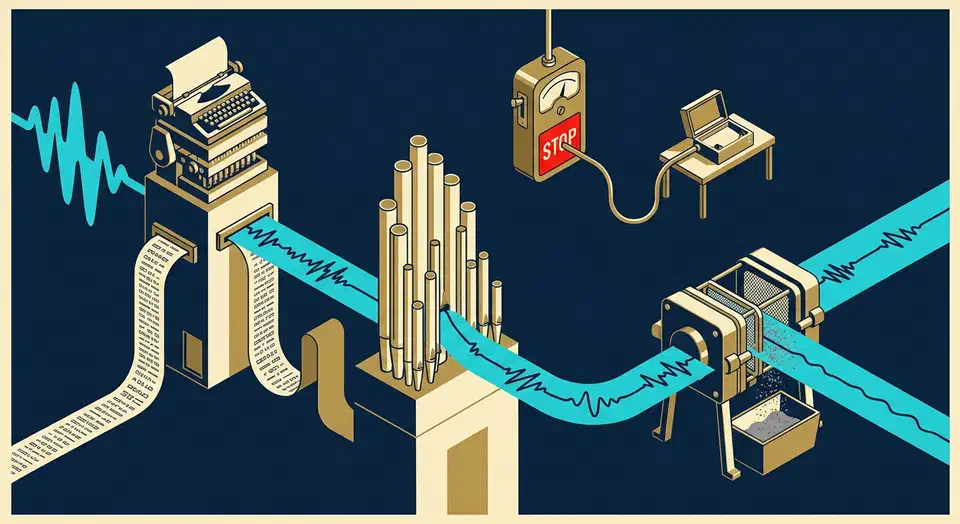
The best AI audio tools 2026 has to offer cover three jobs: writing speech down, generating it, and cleaning it up. Audio is the one category here where a free hosted tier loses outright to software you run yourself. Whisper runs on hardware you already own, with no minute cap and no monthly reset.
Key Takeaways
- Audio splits into three jobs: writing it down, making it, and cleaning it up.
- Whisper on your own machine has no minute cap and no upload.
- Hosted transcription still wins on live meetings and speaker labels.
- Voice cloning needs the speaker’s permission, every time.
- One cleanup pass on a bad recording beats hours of editing later.
What makes an AI audio tool worth using?
A tool passes the finish-line test when it carries one real recording all the way to a finished transcript or track. That means a recording as long as the ones you make, with no minute cap landing halfway through. Judge a tool on a 90-minute interview, because a three-minute demo clip proves nothing.
No tool on this list wins two of the three jobs.
Hosted tools charge by the minute, while the strongest transcription model is free to download and run. That turns the free-tier question into a hardware question.
“Diarization” means labelling who said which line. That one feature separates a usable meeting transcript from a wall of text, and hosted tools still lead on it.
Vendor accuracy claims are close to useless. Word error rate swings with accent, background noise, and jargon. A score from clean studio audio tells you nothing about your standup call on a laptop mic.
Best AI audio tools for transcription
Otter.ai
Otter.ai is the hosted default for meetings. It joins the call on Zoom, Teams, or Google Meet, transcribes live, labels each speaker by name, and pulls out action items afterwards. That last part is exactly what local tooling does worst.
The free Otter plan gives you 300 transcription minutes a month. The Otter pricing page also caps each single conversation at 30 minutes. That is about two half-hour meetings a week, and a two-hour workshop gets transcribed only up to the 30-minute mark.
Whisper
Whisper is the local option, and it changes the sums. OpenAI released the model weights under the MIT licence. It runs offline on your own machine, and nobody meters it. Sizes run from tiny at 39 million parameters up to large at 1.55 billion, and the repo lists the VRAM each one needs.
Hosted tools win when the meeting is live, the speakers need naming, and you want zero setup. Local wins once the volume climbs or the recording is confidential.
What local transcription costs in time
On an RTX 4060 with 8GB of VRAM, the turbo model transcribes at 5 to 8 times real time. A 60-minute meeting therefore finishes in about 8 to 12 minutes. Adding speaker labels through a separate diarization pass costs another 1 to 2 minutes. Those numbers come from my local meeting transcriber build .
A CPU-only box takes longer. The medium English-only model runs at 2 to 3 times real time on a Ryzen 7 7700X with 8 threads. That same hour takes 20 to 30 minutes.
Product names, internal acronyms, and surnames come out mangled, and crosstalk turns to mush. Fine-tuning fixes the word list. On my own test set, fine-tuning Whisper on three hours of domain audio cut word error rate from 32.1% to 14.7%. Domain-term recall climbed from 41% to 87%.
For a handful of short calls a month, a hosted free tier is plenty. Past roughly five hours of audio a month, the hosted free tier runs out mid-job and a local setup keeps going.
Every hosted tool also needs the recording uploaded to a vendor’s servers. Otter puts HIPAA cover on its Enterprise plan, so a client call under an NDA is not a free-tier job.
Best AI voice generation tools
ElevenLabs
ElevenLabs leads on quality, and you can hear it. Its voices give you breath, hesitation, and a rising note at the end of a question.
The ElevenLabs pricing page allows 10,000 credits a month, one credit per character on the multilingual models, or roughly ten minutes of speech. Commercial use and instant voice cloning both start on the paid Starter plan.
Coqui TTS
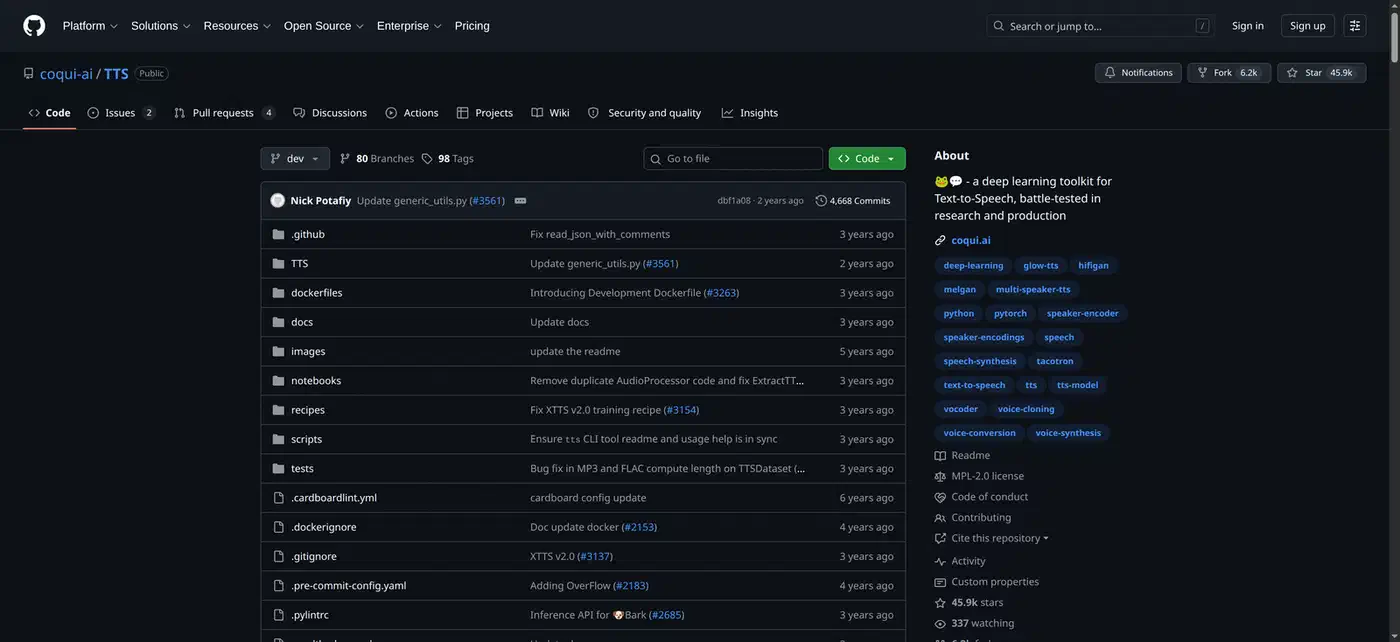
Open text-to-speech models are the local answer. They train a custom voice from a short sample on your own machine. I walk through training a custom voice with Coqui TTS and Voicebox, an open-source voice cloning app . Check each model’s licence before you sell anything made with it, because open code does not always mean open weights.
Cloning a real person’s voice needs that person’s permission. Several countries now treat a voice as a protected likeness. Tell your audience when a narrator is synthetic.
Generated voices earn their place in narration, audiobooks, and localization into a language you do not speak. They fail anywhere a human expects a human. That covers a live audience and any call to someone who thinks they are hearing you.
Best AI tools for cleaning up recordings
Adobe Podcast Enhance
Adobe Podcast Enhance is the strongest free option for rescuing bad audio. It strips room tone and reverb. A laptop mic in a bare kitchen ends up sounding close to a treated room. The free tier handles one hour of audio a day, with files up to 30 minutes and 500MB, one at a time.
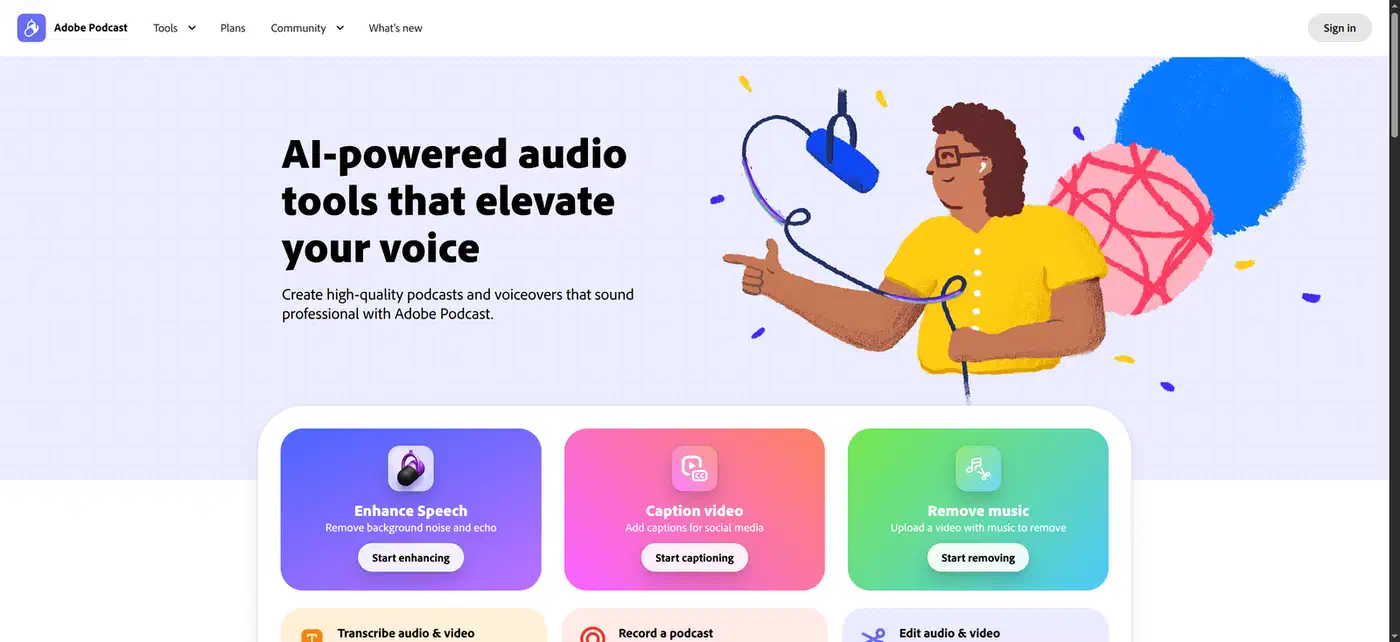
Enhance can’t fix clipped audio or a speaker who drifted off the mic, and it can’t separate two people talking over each other.
Clean up first, then transcribe. A cleaner input raises transcription accuracy, so doing it the other way round means transcribing the same recording twice.
Audacity
For anything confidential, run a noise reduction pass in Audacity instead. It is free and gets you most of the way there without the file leaving your machine.
One habit beats every tool here: a cheap microphone close to your mouth, in a room with a rug and curtains.
Making custom notification sounds with AI
Every phone ships with the same few dozen alert tones, so one message ping in a full room sends half the people there reaching for their pockets. Notify Sound is a free web app for shaping your own notification sounds, text tones and ringtones. Describe the sound to Claude, ChatGPT or Cursor, and the assistant builds it layer by layer, then hands back a link that opens it in the editor.
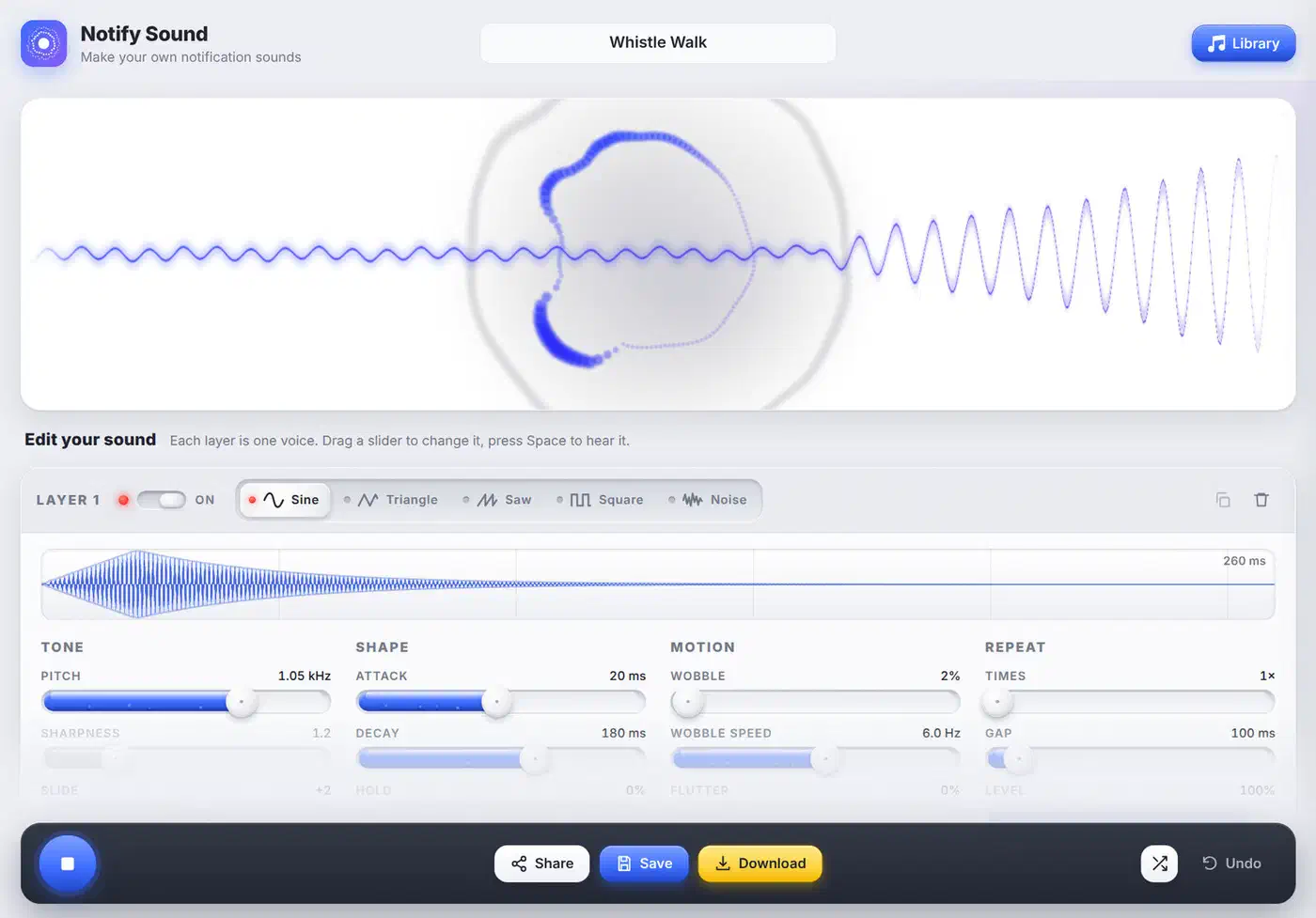
The assistant connects over MCP. You add https://notifysound.com/mcp as a custom connector, with no account and no API key. A plain request works, such as a soft two-note chime for new chat messages, warm and under a second long.
The editor works without an assistant too. Each layer is a sine, triangle, saw, square or noise wave, shaped with pitch, attack, decay, wobble and repeat sliders. Stack a bright layer above the main note for sparkle and a low one underneath for weight. Reverb, echo, chorus or a phone filter go over the whole sound.
More than 200 ready-made sounds give you a place to start. The result downloads as a royalty-free MP3 you can set as a text tone or drop into an app or game. It makes short alert sounds only, so look elsewhere for music or recorded voices.
Which AI audio tool should you pick?
| Tool | Job | Free allowance | Upload needed | Speaker labels | Commercial use |
|---|---|---|---|---|---|
| Otter.ai | Transcription | 300 min/month, 30 min per meeting | Yes | Yes | Yes |
| Whisper | Transcription | No cap | No | Add-on pass | Yes, MIT |
| ElevenLabs | Voice generation | 10,000 credits, about 10 min | Yes | n/a | Paid plans only |
| Adobe Podcast Enhance | Cleanup | 1 hour/day, 30 min per file | Yes | n/a | Yes |
| Coqui TTS | Voice generation | No cap | No | n/a | Check model licence |
| Notify Sound | Notification sounds | No cap | No | n/a | Yes, royalty-free |
Otter is the pick when you need notes out of a live meeting. Whisper handles a pile of recordings already on disk. ElevenLabs covers narration over a video. If a recording simply sounds bad, run it through Adobe Podcast Enhance first and transcribe afterwards.
The zero-cost stack for most people is Whisper for transcription, Adobe Podcast Enhance for cleanup, and Audacity for edits. That combination handles unlimited volume at no charge. It cannot join a live call as it happens, and it cannot label speakers without a second setup step.
The best free audio tool here is a model you download once and never account for again. The rest of the series puts the same finish-line test to free AI writing tools and to generating video on a free plan . In both of those, the hosted tiers come out ahead.