 Botmonster Tech
Generative AI for Beginners pairs 21 lessons with video

Microsoft’s Generative AI for Beginners is a free generative AI course of 21 lessons, and 18 of them come with a video. The code story is thinner than the README suggests. Only five lessons ship TypeScript, twelve ship Python, and nine are reading only. It’s still the best free starting point if you have never called a model.
Key Takeaways
- Twenty-one free lessons take you from prompts to a working AI app.
- Only five lessons include TypeScript, so web developers get less than promised.
- Eighteen lessons have a video, and the three newest don’t yet.
- You bring your own model key, though a free offline path exists.
- Do this before any agent course, because those assume the basics.
What a generative AI course should teach you
I judge any course that claims to teach building with models against this checklist.
- What a model does, in enough detail to reason about its failures, without a maths detour.
- The structural prompting techniques that reliably change output quality.
- Application patterns: retrieval, structured output, and function calling.
- Cost and limits, so you know why the same feature can cost ten times more built one way.
- Evaluation, meaning how you know a change improved anything. Almost every free course skimps here.
- Responsible use: what the model gets wrong, how confidently it does so, and what you owe your users.
- What to show someone when the answer might be wrong, which is where most AI products fail.
Generative AI for Beginners hits six of those seven. One lesson covers responsible use, one covers UX design for AI apps, and one covers security. Evaluation is the weak spot: the lifecycle lesson talks about LLMOps and metrics, but you never write an evaluation and watch it fail.
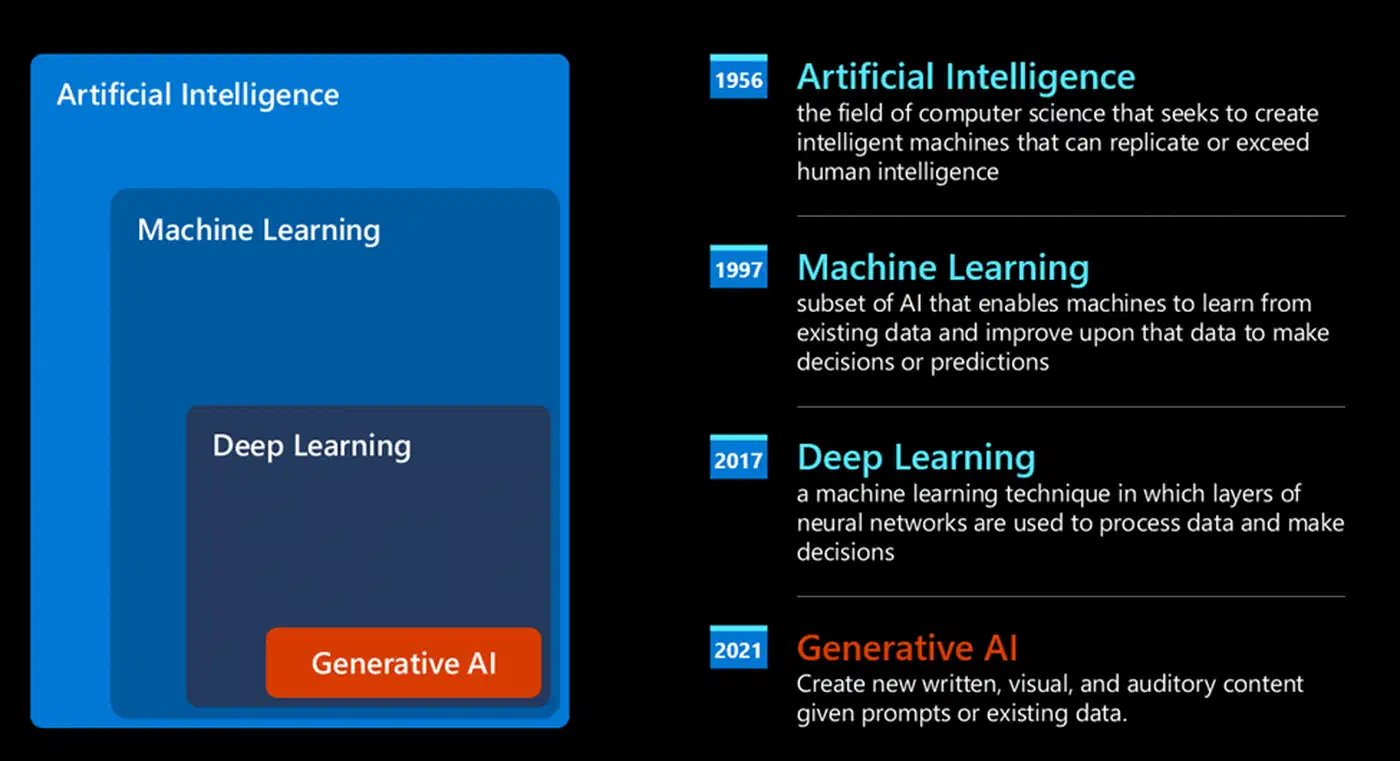
How the course is put together
The repository is a folder per lesson, numbered 00 through 21. Lesson 00 is setup, and the 21 numbered lessons after it are the course. Each folder holds a README with the written lesson, an images folder, and sometimes code.
“Learn” lessons explain a concept in prose. “Build” lessons explain a concept and then hand you a working sample. Knowing which kind you are opening tells you whether the evening involves a terminal.
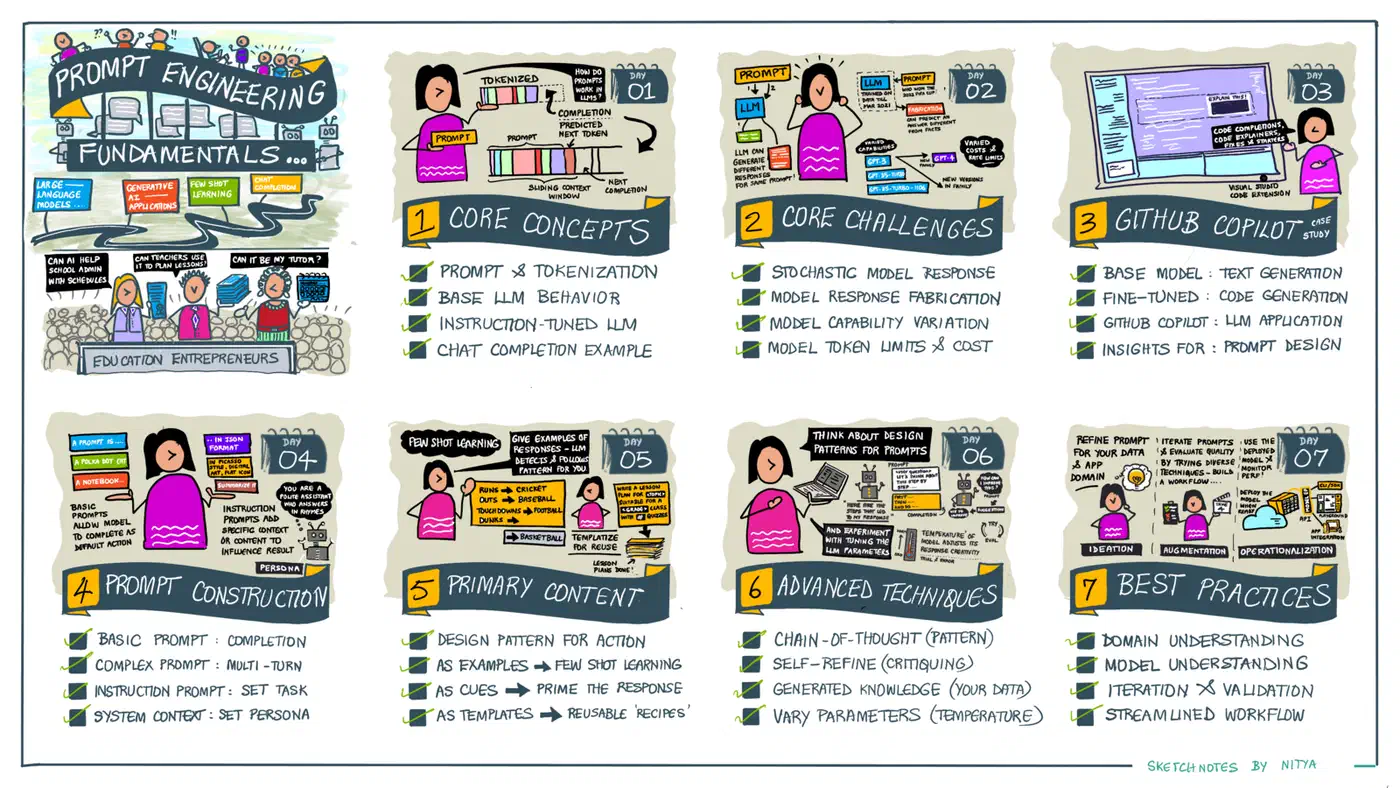
The 21 lessons break down like this, counted from the repo tree rather than the README.
| What a lesson ships | Lesson numbers | Count |
|---|---|---|
| Written lesson only | 01, 02, 03, 10, 12, 13, 14, 16, 17 | 9 |
| Python code | 04-09, 11, 15, 18-21 | 12 |
| TypeScript code | 06, 07, 08, 09, 11 | 5 |
| Plain JavaScript code | 05, 06, 07, 08, 11 | 5 |
| .NET notebook | 06, 07, 08, 09 | 4 |
| Video introduction | 01 through 18 | 18 |
The material is MIT licensed, so a company can fork it and adapt it for internal training. It also carries more than 50 translations, built by a GitHub Action and refreshed on a schedule. Those are why the README opens with a sparse checkout recipe: a full clone runs to several gigabytes.
The two-language promise does not hold up
The README says each lesson includes “Python and TypeScript code samples.” Reading the repository tree tells a different story. TypeScript appears in five lessons, and those five ship exactly one src/main.ts file each. Lesson 06’s Python folder, by contrast, holds nine scripts and three notebooks.
To be fair, the course hedges elsewhere. The getting-started section says Build lessons carry both languages “when possible,” which is the honest version. But the summary block further down the page drops the hedge, and that is the line most people read.
The TypeScript samples are real and they run. Each one is a small Node project with its own package.json and tsconfig.json, calling the OpenAI SDK against an Azure endpoint. They are demos, though. The recipe sample prints “List of ingredients:” and then uses a hardcoded string instead of reading your answer.
There’s a second catch for anyone who isn’t on Azure. The Python lessons ship separate variants tagged aoai, oai, and githubmodels, so you can pick your provider. The TypeScript samples only read the Azure variables, so a plain OpenAI key means editing the file before it runs. A web developer taking this course still spends most of it in Python.
What it teaches well and what it leaves out
The application layer is where this course is strong. Prompting, chat, search over embeddings, image generation, function calling, and retrieval each get a lesson with code you can run. Breadth is the other win. Twenty-one lessons touch topics a beginner doesn’t yet know they need, such as securing an AI app and designing for a wrong answer.
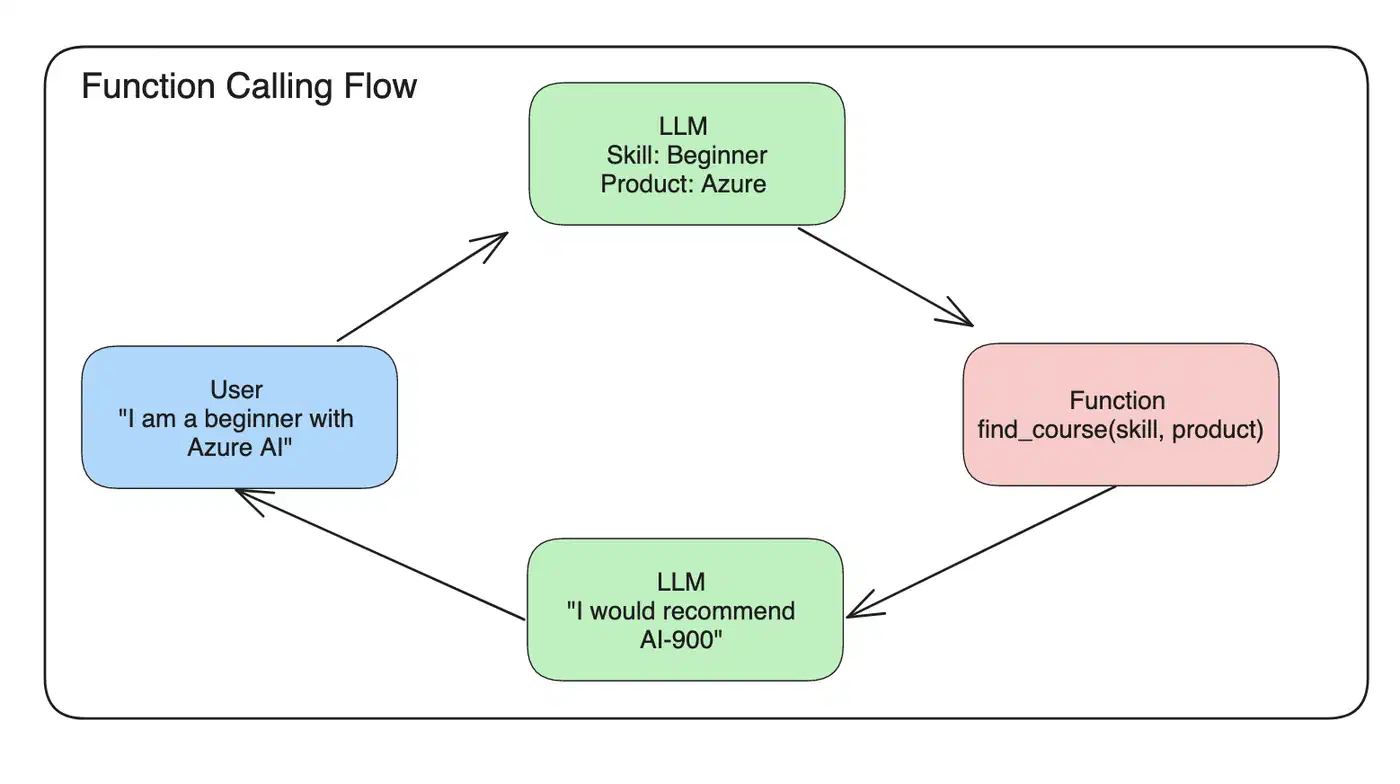
What it doesn’t do is explain how a model works inside. There’s no attention maths and no training loop. It also skips why models write one word at a time, a limit that research like next-concept modeling tries to remove. That’s a fair omission for this audience, and a different course entirely.
Three gaps stand out:
- Production reality is missing: cost under load, latency, retries, and what happens when a provider swaps the model out from under you. No beginner course handles this, and this one doesn’t either.
- The vendor lean is real. This is a Microsoft course, so the setup paths run through Microsoft Foundry and Azure OpenAI. The concepts transfer anywhere, but the setup steps often don’t.
- Prompting advice ages faster than application patterns, so read the patterns as durable and the specific prompts as examples. The lesson folders still carry
githubmodelsin their filenames. GitHub Models retires at the end of July 2026, and Microsoft Foundry Models replaces it.
The repo itself is well kept. About a dozen open issues, against 110,000 stars and 61,000 forks, is a real sign of care.
How to work through the lessons efficiently
Eight moves that save time, in a deliberate order.
Clone the repository
The lessons live as folders with code beside the prose. Working locally beats reading them in a browser tab. Use the sparse checkout from the README so you skip the translation folders.
Pick your language and stay in it
Each Build lesson offers Python, and five of them also offer TypeScript. Choose the one you already write. Switching halfway costs you the thread of the lesson.
Get model access working before lesson one
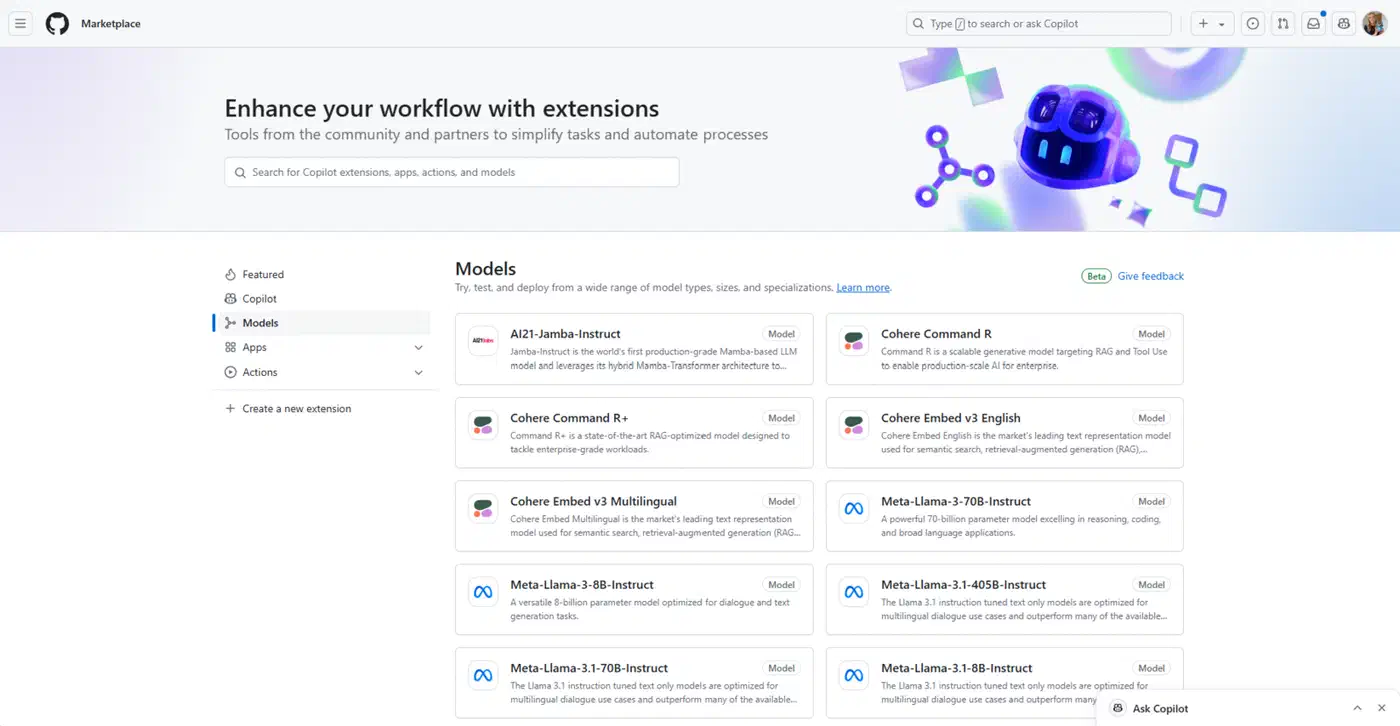
This is the step that stops people. Copy .env.copy to .env, fill in one provider, and make one call that works. If you’d rather not pay anything, Foundry Local and Ollama both run models on your own machine with an OpenAI-compatible endpoint.
Watch the video or read the lesson
They cover the same ground, so doing both wastes an evening. The Microsoft Learn video series hosts the recordings if you prefer to watch.
Run the code in every Build lesson
Reading a prompting technique teaches you little. You learn it by running it, changing one line, and running it again. The same habit pays off in Anthropic’s cookbook notebooks once you want more examples.
Break the prompts on purpose
Take a working prompt and strip out its constraints. Watch what the model does with the freedom. That failure is the actual lesson, and it sticks better than the success.
Build something at lesson ten
Stop and build a small tool for a problem you genuinely have. Then come back. The later lessons on RAG, agents, and fine-tuning land far harder once you’ve felt a real limit.
Skip what you already know
If you’ve shipped anything with a model, lessons 01 through 03 are revision. The course is a set of folders you can open in any order you like.
Which course to take, and in what order
Microsoft publishes several free AI courses. This one assumes the least, so start here unless you’ve already built something.
| Course | Assumes | Take it when |
|---|---|---|
| Generative AI for Beginners | You can write Python or TypeScript | You have never called a model from code |
| AI Agents for Beginners | You know how one model call behaves | You want tools, planning, and multi-step work |
| Generative AI for Beginners .NET | You already write C# | Your team lives in .NET |
| Dive into LLMs | Comfort with maths and training loops | Your goal is understanding, not shipping |
Take the agents course second. Agent material assumes you already know what a single model call does and where it goes wrong. Skip all of them if you’ve already shipped something, and spend that time on provider docs and evaluation instead.
What you do between courses counts for more than which course you pick. Build one thing you actually want, badly, and finish it. A course worked if you come out of it able to pick your own next project.