 Botmonster Tech
Voicebox clones your voice and gives it to Claude Code
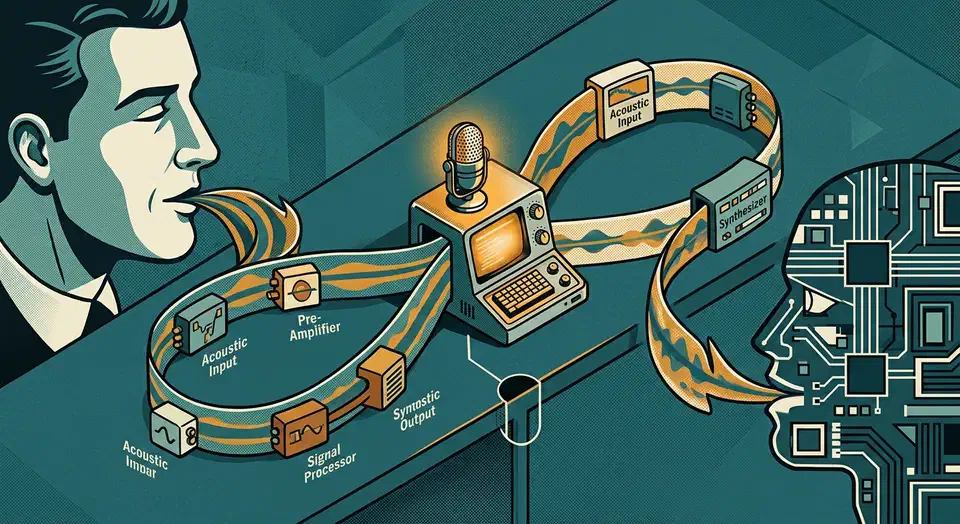
Voicebox is an open source voice cloning app that closes the whole voice loop on one machine. You dictate into any text field, seven speech engines read text back, and a built-in MCP server lets Claude Code answer out loud in a voice you cloned. Free tools normally cover one direction only.
Key Takeaways
- Voicebox clones a voice from a few seconds of audio, on your machine.
- One app does both halves: you dictate in, it speaks out.
- Your coding agent can answer out loud in a voice you picked.
- Seven speech engines ship in the box, from a tiny one up.
- Bug reports arrive faster than fixes, so expect rough edges.
What an open source voice cloning app does that the cloud versions don’t
Most people already pay two companies for this job. ElevenLabs generates speech from text. Wispr Flow turns your speech into typed text. Each one does half the job and never touches the other half.
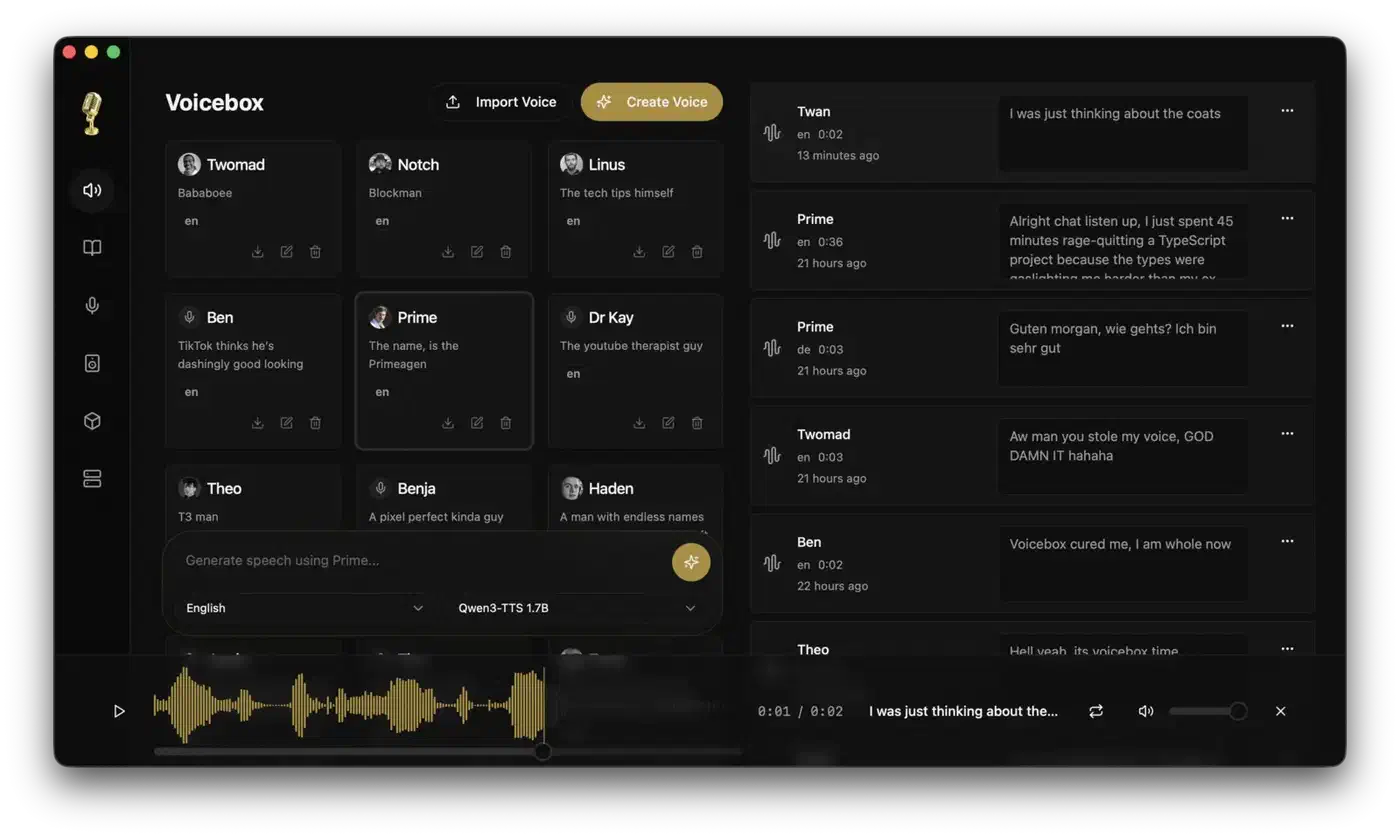
Voicebox runs both halves in one desktop app on your own hardware. Dictation and generation share the same voice profiles and the same downloaded models. Nothing leaves the computer, so models, reference recordings, and captured audio all sit in a local data folder.
Cloud services also meter output by the character, which is where long narration gets expensive. Voicebox has no meter at all.
| Tool | Speech out | Dictation in | Where it runs | Cost |
|---|---|---|---|---|
| Voicebox | Yes, 7 engines | Yes, global hotkey | Your machine | Free |
| ElevenLabs | Yes | No | Cloud | Metered per character |
| Wispr Flow | No | Yes | Cloud | Monthly subscription |
Long text is handled by auto-chunking. Voicebox splits at sentence boundaries, generates each chunk on its own, then crossfades the pieces back together. The ceiling is 50,000 characters per generation, with a chunk size you can tune between 100 and 5,000.
Cloud services run on their hardware, so speed is constant. Here it depends on your machine, and an old laptop with no graphics card will keep you waiting.
It installs as a native desktop app built on Tauri, with no Python folder or bundled web page to set up first. That is a large part of why the release page has served about 1.9 million binary downloads across 25 tagged versions.
Seven speech engines, and how to pick one
Picking the wrong engine is the most common reason a first attempt sounds bad. You can switch per generation.
| Engine | Languages | Best for |
|---|---|---|
| Kokoro | 8 | 82M model, 50 preset voices, fast without a GPU |
| LuxTTS | English | About 1GB of video memory, 48kHz, 150x real time on a processor |
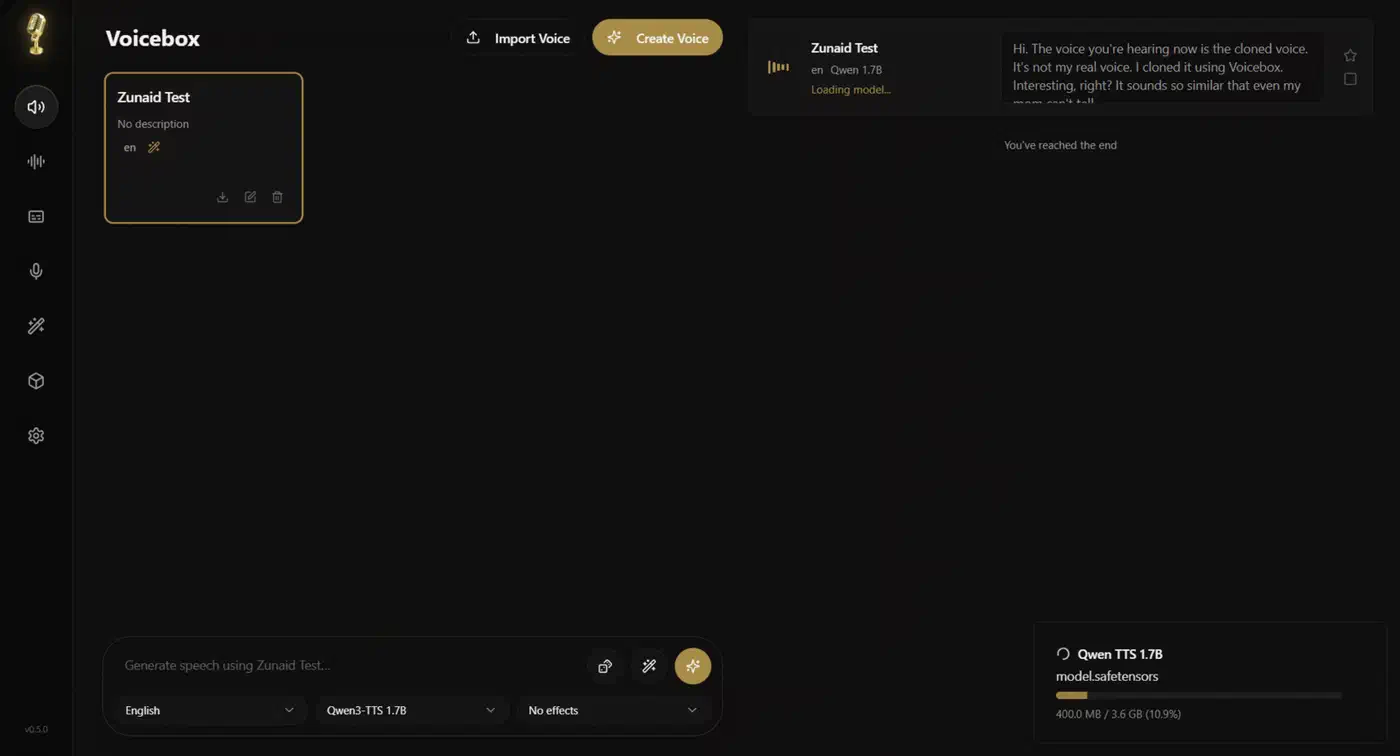
| Qwen3-TTS (0.6B / 1.7B) | 10 | High-quality cloning, plus instructions like “speak slowly” |
| Qwen CustomVoice | 10 | 9 preset voices, no reference recording needed |
| Chatterbox Multilingual | 23 | Widest coverage: Arabic, Hindi, Swahili, Polish, Turkish |
| Chatterbox Turbo | English | 350M model, the only one that reads emotion tags |
| TADA (1B / 3B) | 10 | Very long output, over 700 seconds in one pass |
Start with Kokoro if you have no graphics card. Move to Qwen3-TTS once you do, since it clones better and takes plain-language delivery notes.
Emotion tags only work on Chatterbox Turbo. Type [laugh] or [sigh] into any other engine and it says the word “laugh” out loud.
Hardware support is broad: Metal on Apple Silicon, CUDA on NVIDIA, ROCm on AMD, DirectML on any Windows GPU, IPEX on Intel Arc, and processor-only everywhere else.
How-To Geek rated the cloned output highly after recording a clean 20 to 30 second sample.
The clone quality is top-notch thanks to its collection of cutting-edge models.
The preset voices fared worse in the same review.
the generated speeches sound quite robotic. Not good use of punctuation, stress, or emotions in speech.
How do I dictate into any app on my computer?
Hold a hotkey anywhere on the system, speak, and release. On macOS the transcript is pasted straight into whatever text field has focus. The paste is accessibility-verified, and your clipboard is saved and restored around the injection so nothing you copied gets clobbered.
Both hold-to-talk and tap-to-toggle work. Holding the key and then tapping space upgrades one mode into the other without a gap in the recording.
Transcription runs OpenAI Whisper locally, the same engine behind a local meeting transcriber. You get the standard size ladder plus Turbo, which is roughly eight times faster than Whisper Large at close to the same quality. A small local Qwen3 model can optionally strip the ums, restarts, and false starts before the text lands.
One caveat: Windows and Linux have no auto-paste yet. Both are on the roadmap, using SendInput on Windows and uinput or AT-SPI on Linux. Until then, those users dictate into the app rather than into other apps.
Every dictation lands in a Captures tab with the original audio kept beside the transcript. So you can re-run it later with a bigger Whisper model, or promote a good recording into a reference sample for a voice profile.
Giving your coding agent a voice over MCP
Voicebox runs a local server on port 17493 with an MCP endpoint at /mcp. Any MCP-aware agent reaches it over plain HTTP, and Claude Code speaks that protocol natively. Four tools ship: voicebox.speak, voicebox.transcribe, voicebox.list_captures, and voicebox.list_profiles.
The call an agent makes is one line.
await voicebox.speak({ text: "Deploy complete.", profile: "Morgan" });Pin Claude Code to one voice and Cursor to another, and you know which agent is talking without looking at the screen. A floating pill appears on the desktop for the full duration of any agent speech and names the voice. No agent speech happens without that on-screen marker.
Anything that doesn’t speak MCP can hit the same REST endpoint. curl -X POST http://127.0.0.1:17493/speak works from a shell script or a CI job. Clients that only speak stdio point at the bundled voicebox-mcp binary inside the app instead of the URL.
Voice personalities layer on top. Attach a persona to a profile, pass personality: true, and the text goes through the local model to be rewritten in character before it is spoken.
There is no authentication on that port. The MCP guide states plainly that any process able to reach your loopback interface can call the tools. The server binds to 127.0.0.1 only, which is a reasonable stance on a machine you use alone and a bad one on a shared host. Bearer tokens are on the roadmap but have not shipped.
Give Claude Code a voice you cloned
Install the app
Download the DMG or MSI from voicebox.sh for macOS or Windows. Linux has no prebuilt binary yet, so Linux users build from source or run the Docker Compose setup.
Download a speech engine
On first run, pick an engine in the model manager. Kokoro is the small starter option and runs fine on a processor alone. Qwen3-TTS is the better multilingual choice if you have a GPU.
Record a reference sample
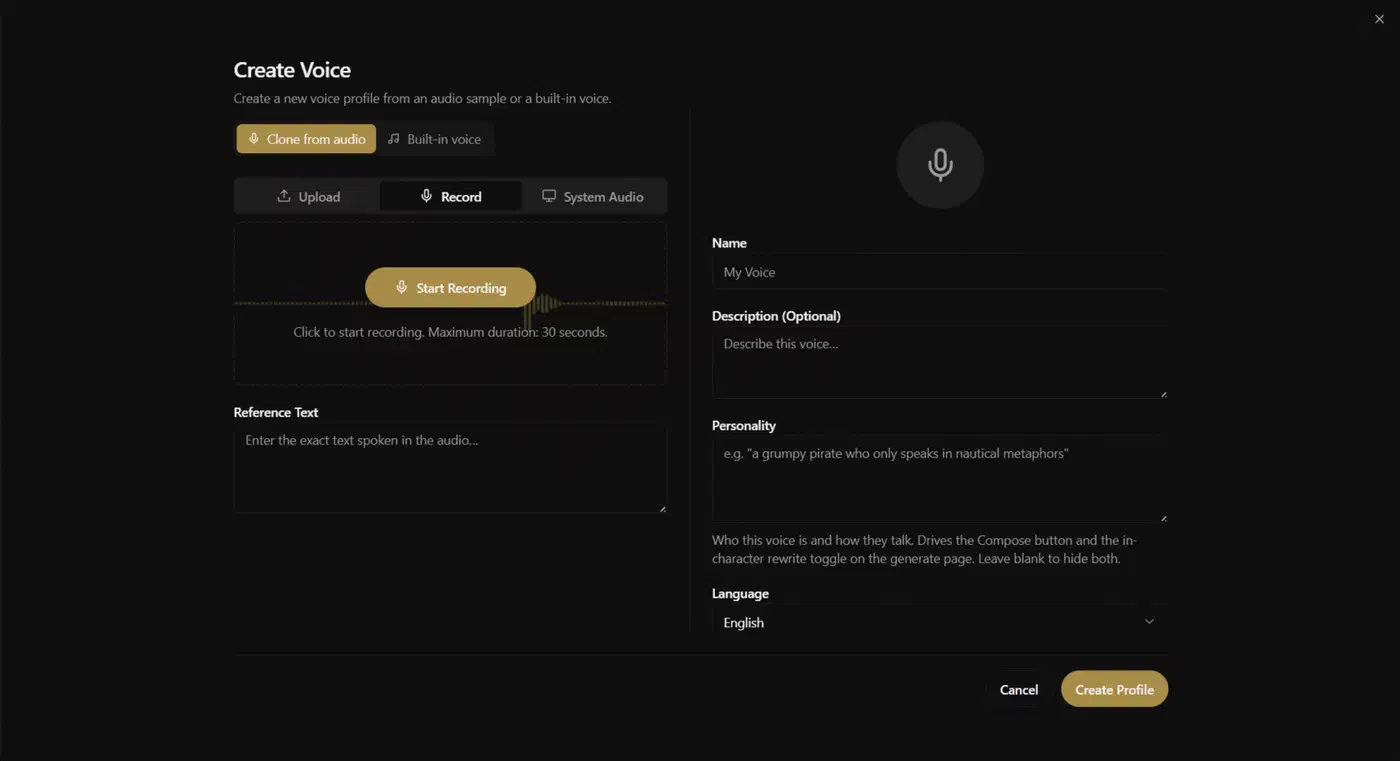
Create a voice profile, then either record in the app or drop in a clean audio file. A few seconds of clear speech with no background noise is the whole requirement, though 20 to 30 seconds gives better results.
Test the clone
Type a sentence, generate, and listen. Regenerate with a new seed if the delivery is off. Add a second sample to the profile if the voice does not hold.
Connect your agent
Run this one-liner:
claude mcp add voicebox \
  --transport http \
  --url http://127.0.0.1:17493/mcp \
  --header "X-Voicebox-Client-Id: claude-code"
Cursor and Windsurf take the same URL in their own MCP config.
Bind a voice to that agent
In Settings, then MCP, pin the profile you just made to the Claude Code client. The agent then uses it without being told each time.
Verify it speaks
Ask the agent to call voicebox.speak with a short line. The speaking pill should appear.
Where Voicebox is still rough
The project is less than a year old and moving fast. The issue queue shows where it stands: 461 open issues against 188 closed. Reports are arriving faster than fixes land.
The tag list has also drifted from the code. The last tagged release is v0.5.0, while commits kept landing for months after it, so what you download is not what sits on main.
Linux users have no prebuilt binary at all. You build from source with just setup and just dev, or run the Docker Compose stack. Model downloads are large, and the first generation on a new engine includes that wait, so nothing is instant on day one.
The code is MIT licensed, so commercial use is unrestricted. The limits here are ethical ones. Cloning a voice you do not own is the obvious hazard, and the project puts no gate in front of it. If you publish a cloned voice to an audience, the EU AI Act’s synthetic-media rules expect you to disclose that it is AI-generated.
The author is Jamie Pine of Spacedrive Technology, and the interface has the polish to match that pedigree.