 Botmonster Tech
Android SSH clients compared, Termius beats the rest
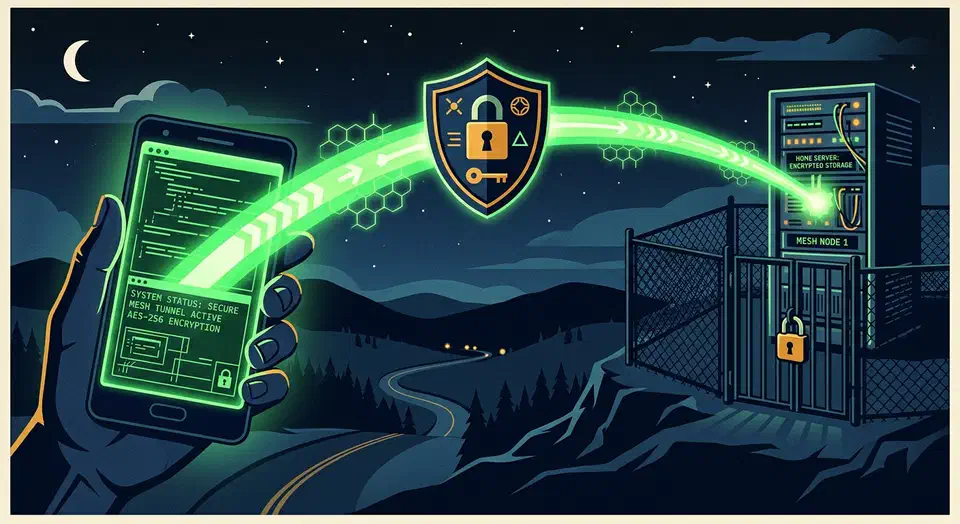
The Android SSH client to install in 2026 is Termius. Google Play unpublished JuiceSSH on 11 December 2025 after four years without an update. That cut the old field down to three maintained apps: Termius, ConnectBot, and Termux. Termius is free for SSH and file transfer on one device.
Key Takeaways
- Google Play pulled JuiceSSH in December 2025, so new users cannot install it.
- Termius gives you SSH and file transfer free; only syncing across devices costs money.
- ConnectBot is free and open source, but it cannot move files.
- Termux is the only pick that keeps a session alive when your signal drops.
- Keep port 22 shut and reach your server over Tailscale instead.
Which Android SSH client should you use in 2026?
| Client | Price | Key auth | Mosh | SFTP | Hardware keyboard | Ads |
|---|---|---|---|---|---|---|
| Termius | Free Starter, Pro $10 a month billed yearly | ed25519, biometric-locked keys, agent forwarding on paid tiers | No | Yes, free tier | Yes | No |
| ConnectBot | Free, open source | ed25519, agent forwarding | No | No | Yes | No |
| Termux plus OpenSSH | Free, open source | Full OpenSSH, ssh-agent, ~/.ssh/config | Yes | Yes, sftp, scp, rsync | Yes, tunable key row | No |
| JuiceSSH | Pro unlock now unbuyable | ed25519 | Yes | No | Yes | Yes, free tier |
Pick Termius for most people, Termux when the connection drops constantly, and ConnectBot when you refuse to make an account.
The free Termius Starter plan is fine for work use. It covers SSH, file transfer, port forwarding, and autocomplete, per the Termius pricing page. Pro at $10 a user each month, billed yearly, adds the cloud vault, sync across devices, session logs, and snippets. One trade stays off the table: Termius is closed source with a vendor-hosted vault, which is what sync costs you.
What happened to JuiceSSH
JuiceSSH was the default answer on every Android SSH roundup for a decade, and most of those roundups are now wrong. AppBrain’s listing shows the app was unpublished from Google Play on 11 December 2025. Its last release was version 3.2.2, back on 4 February 2021. That is nearly five years with no update.
The cause is compliance. Google Play makes apps target a recent Android version, and a stale 2021 binary eventually drops below that floor. In practice, existing installs keep working, but new users cannot install it. A Pro unlock cannot be repurchased either.
Do not go looking for a mirrored APK of a dead SSH client. An SSH app holds your private keys, so the only sane source is the official one, and there is no official one anymore. The real loss is Mosh. JuiceSSH was the rare graphical client that spoke it, and that job now falls to Termux.
Setting up Termius on Android
Import your existing key instead of generating a throwaway. Open Keychain, tap add key, then paste the private key or open it from storage. This leaves the authorized_keys file on your server untouched.
Termius stores keys in a keychain and can lock them behind Android biometrics. On paid tiers it also supports agent forwarding, so your private key never lands on a jump host, per the Termius keychain docs. Set up a host with its name, port, username, and key, then drop it in a group so a homelab does not become a flat list of twelve entries.
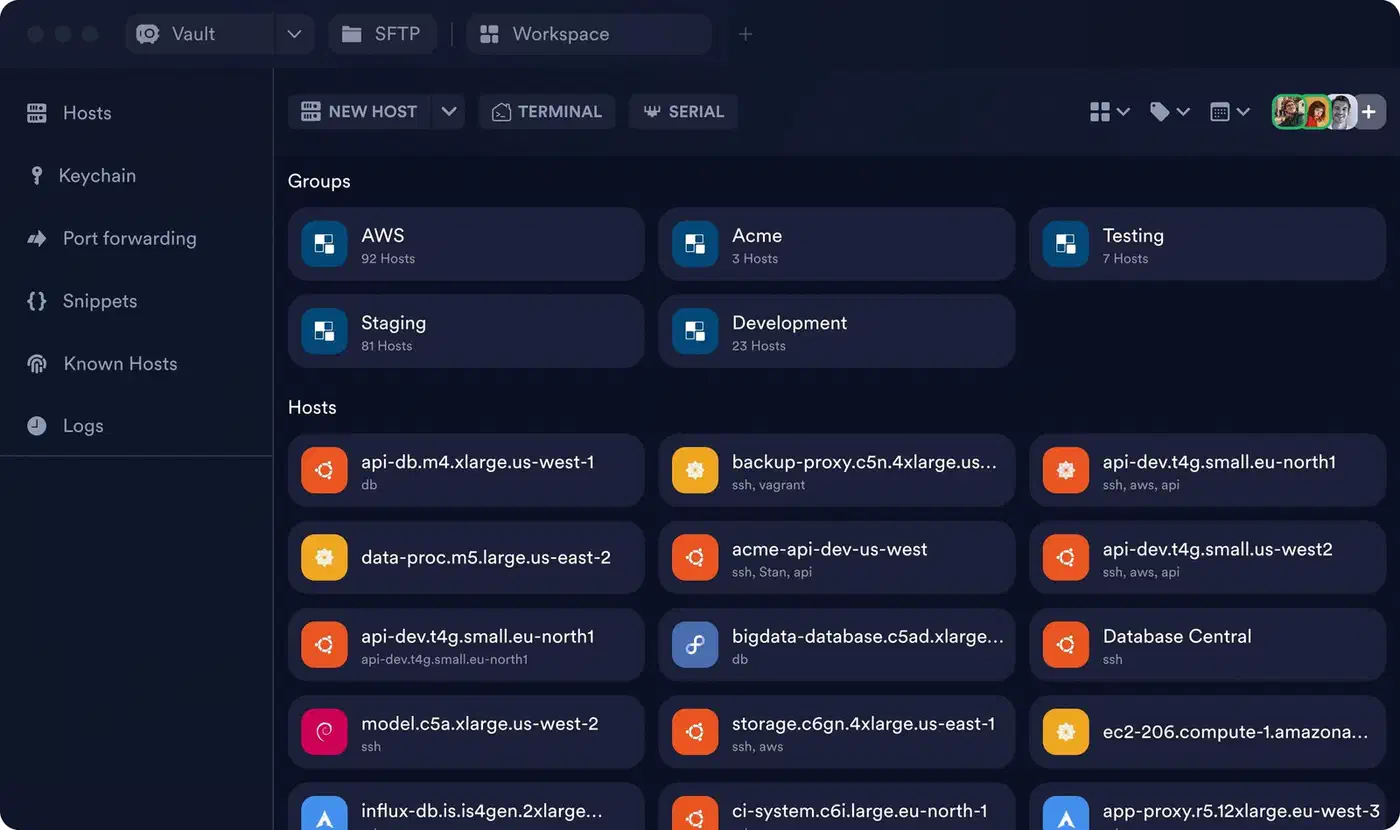
File transfer sits on the free tier. Tap a host, switch to the SFTP tab, and drag a file. This is the fastest way to pull a log off a server from a phone. The free tier has one hard limit, though: your hosts and keys live on one device. Reinstall the app or swap phones and you start over.
Snippets are the underrated paid feature. A saved one-liner beats typing a long docker compose command on glass. One note: agent forwarding and biometric keys had bugs together, now fixed across recent releases per the Termius Android changelog.
ConnectBot is the free, open source fallback
ConnectBot is the answer when you will not make an account or trust a vendor with your keys. It is still maintained. Development on the ConnectBot repo continues, with recent fixes to exporting ed25519 keys in OpenSSH and PEM formats. Modern key handling is not the weak spot here.
The gaps are specific. There is no file transfer, so moving a file means shelling out to scp on the far end or reaching for a second app. There is no Mosh either. A separate mosh4android fork exists under the ConnectBot group, plus an open request to fold Mosh into the main app, but the shipping app speaks plain SSH only.
The interface also shows its age. That look is the cost of no account, no telemetry, and no subscription. Pick ConnectBot when the phone is a break-glass tool for a single server and key, with no sync and no vendor.
Termux plus OpenSSH is the power-user route
Termux is less an SSH client than a small Linux environment that happens to contain the real OpenSSH. That difference is why it wins on the axes a graphical app cannot reach. Install it from F-Droid, not Google Play, because the Play build is a deprecated fork and F-Droid and GitHub are the official channels.
Then add the two packages that make it worth the effort:
pkg install openssh
pkg install mosh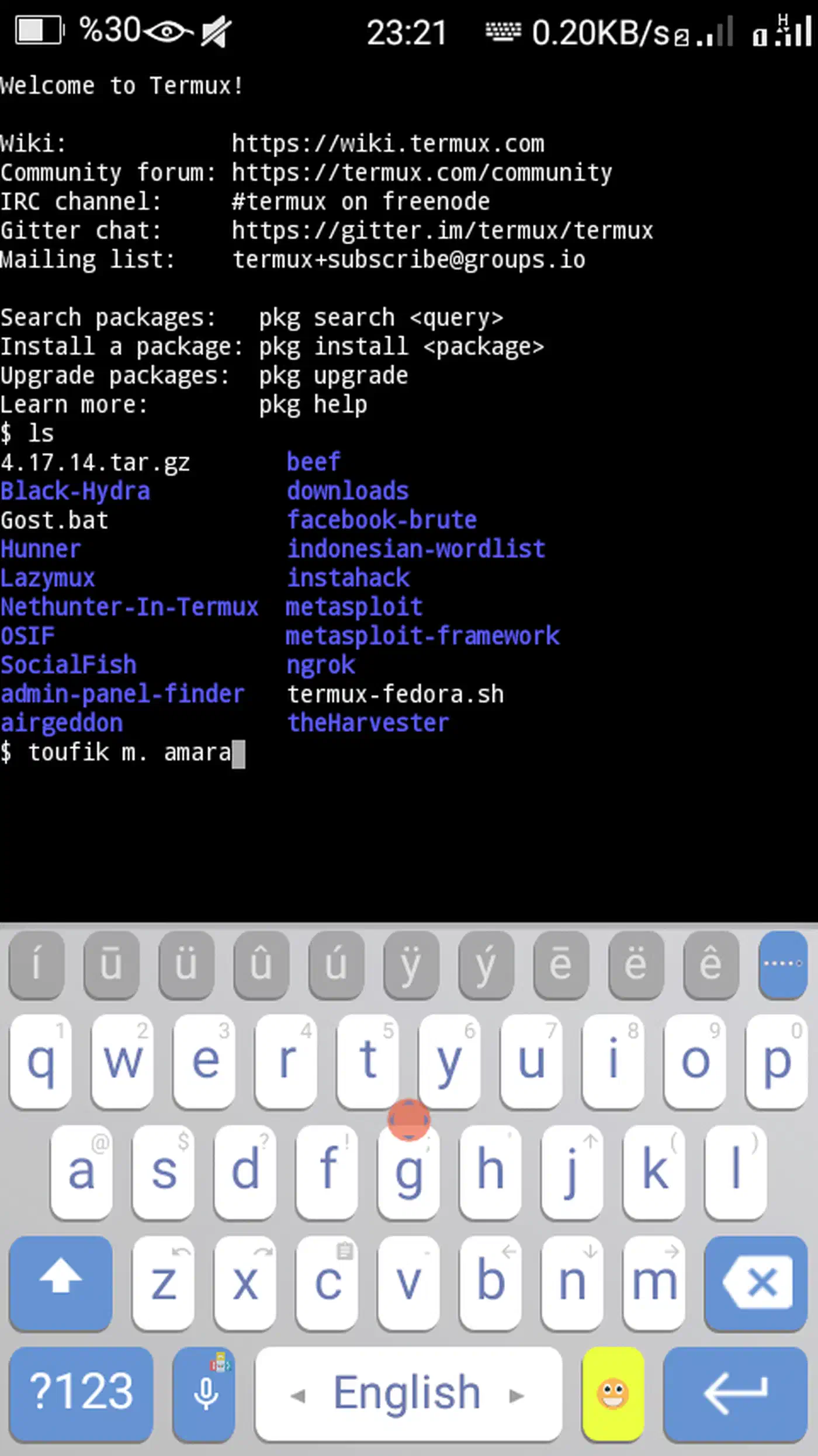
OpenSSH gives you the real client, so a ~/.ssh/config with Host, ProxyJump, and IdentityFile behaves exactly like it does on a laptop. Mosh is the reason to bother at all. It survives IP changes and dead air, so a session opened on Wi-Fi keeps running when the phone falls back to cellular. Pair it with tmux on the server and the phone reconnects into a live session instead of a dead prompt.
Key agents work too. Running ssh-agent and ssh-add means a passphrase-protected key is typed once per session, not once per connection. You can tune the on-screen key row through extra-keys, or empty it and reclaim the space when a Bluetooth keyboard is attached. In exchange you lose the host list, tap-to-connect, and the file browser. You type everything, which is fine with a keyboard and painful without one.
Handling SSH keys safely on a phone
A phone that holds your server keys is a credential you carry into cafes and leave in taxis. Start with the algorithm and generate an ed25519 key:
ssh-keygen -t ed25519 -C "phone"Every client in the table above imports that output cleanly. Always add a passphrase, even on a phone with biometrics, because screen lock and key encryption are separate defenses. Termius can then bind the key to Android biometrics, so a stolen unlocked phone is still one step short of your servers. Android’s hardware keystore is what makes that binding real: the private key stays in secure hardware rather than app storage.
Give the phone its own key rather than a copy of your laptop key. One line removed from authorized_keys then revokes the phone alone. Forward the agent rather than copying keys onto a jump host. You can also restrict what the phone key can do with from=, command=, or restrict options when the phone only ever needs to reach one thing. The matching desktop config lives in this SSH config guide.
Reaching a home server behind NAT without opening port 22
Most people want to reach a box at home from a train, and the tempting fix is to forward port 22 on the router. Refuse it. A public SSH port starts collecting credential-stuffing traffic within hours of opening.
Use a mesh VPN instead. Tailscale is the low-effort path: install it on the phone and the server, log in on both, and the server gets a stable 100.x address the phone can reach from anywhere. Put that address in your SSH host entry and it works the same on home Wi-Fi and on cellular. Plain WireGuard is the no-account alternative, but it needs one publicly reachable endpoint and manual key exchange.
Tailscale’s own SSH mode can replace key management entirely, at the cost of routing your login through its identity layer. Decide which trade you prefer. On-demand VPN keeps the tunnel up without you thinking about it, though it drains battery, so weigh both settings. The full mesh walkthrough sits at the Tailscale setup guide.
What running a terminal from a phone feels like
The table says nothing about whether this is pleasant. Interest in the idea spiked when DHH posted about it:
Samsung Fold 8 as an on-the-go agent terminal is pretty compelling. What a delightful form factor.
Driving a coding agent over SSH from a phone works better than expected, with one big condition. The keyboard is the whole experience. A Bluetooth keyboard turns the phone into a usable terminal. The on-screen keyboard is fine for a quick git status and hostile to anything with modifiers, since Ctrl, Esc, and Tab are the sore points on glass. Termius has a modifier bar and Termux has the tunable key row, yet neither fully replaces a real Ctrl key.
Connection drops are the next problem. Plain SSH dies on a network change and Mosh does not, which is the practical reason to run Termux over a prettier app. Battery is a cost too. An always-on tunnel plus a live session is a measurable drain, so a long train ride will eat a real chunk of charge.
Reading long agent output on a small screen is the tight spot. A foldable’s extra width helps the line wrap more than it helps anything else. Approving, monitoring, and restarting from a phone works fine, but a long editor session or a multi-pane layout does not. For that, wait until you are back at a real keyboard.