 Botmonster Tech
Google’s Gemma 4 is not one model - it is a family of four, each targeting different hardware and different use cases. The smallest runs on a Raspberry Pi. The largest ranks #3 on LMArena across all models, open and closed. All four ship under the Apache 2.0 license, a first for the Gemma family. This guide walks through installing each variant with Ollama (currently at v0.20.2), benchmarks them on real consumer hardware, and helps you decide which one fits your setup.
Gpu

Fine-Tuning Gemma 4 with Unsloth on a Single GPU: A Practical Guide
Google’s Gemma 4 family covers the 2.3B E2B, 4.5B E4B, 26B MoE, and 31B dense variants. It delivers strong open-weight performance across text, vision, and audio. But general-purpose models still struggle with narrow tasks. You often need a fixed output format, special terms, or facts that weren’t in the training data. Fine-tuning fixes this. Unsloth makes it work on a single consumer GPU. Its custom CUDA kernels cut VRAM by up to 60% and double training speed next to a standard Hugging Face plus PEFT setup.

Gemma 4 vs Qwen 3.5 vs Llama 4: Which Open Model Should You Actually Use? (2026)
For most developers in 2026, Gemma 4 31B is the best all-around open model. It ranks #3 on the LMArena leaderboard, scores 85.2% on MMLU Pro, and ships under Apache 2.0 with zero usage limits. Qwen 3.5 27B edges it on coding, and its Omni variant offers real-time speech output that no other open model matches. Llama 4 Maverick (400B MoE) wins on raw scale, but it needs datacenter hardware and Meta’s restrictive 700M MAU license. So pick Gemma 4 for the best quality-to-size ratio, Qwen 3.5 for coding-heavy work, and Llama 4 only when you need the largest open model.

Run Vision Models Locally: Florence-2 and Qwen-VL for Image Analysis
Florence-2 and Qwen2-VL both run on consumer NVIDIA GPUs with as little as 8 GB VRAM. They handle OCR, object detection, image captioning, and visual question answering, all of it offline. Florence-2 uses a small sequence-to-sequence design with task prompt tokens. That makes it fast and reliable for structured extraction. Qwen2-VL takes a chat-style approach. It handles open-ended reasoning, dense documents, and follow-up questions. The two models work best as a pair, not as swaps for each other.

Clone Your Voice with Coqui TTS: 5 Minutes to Custom Speech
You can clone your own voice with Coqui TTS using just 5 minutes of recorded audio, all on your own hardware. The steps are simple. Record clean audio. Turn it into a training set. Fine-tune an XTTS v2 or VITS model. Export the result for real-time use. On a modern GPU like the RTX 5070 with 12 GB of VRAM, fine-tuning takes 2 to 4 hours. The output sounds natural and keeps the target voice’s timbre, pacing, and accent.
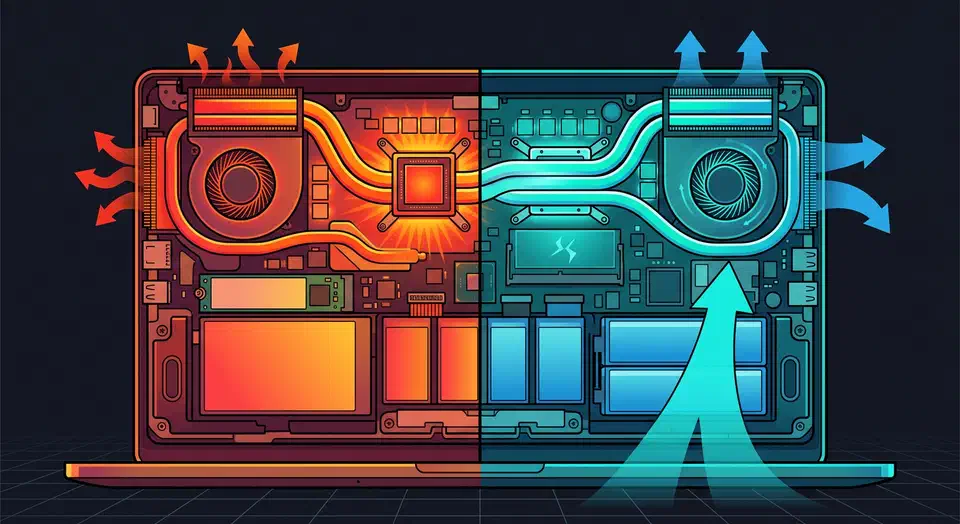
Linux Thermal Management: Fix Laptop Overheating
Laptop overheating on Linux is rarely one bug. It’s a stack problem. Firmware, kernel power policy, the CPU governor, discrete GPU power, and plain dust in the heatsink all interact. The good news: Linux shows you every layer. Work through it in order and you can cut sustained temps by 8 to 20 C, quiet the fans, and stretch battery life without slowing the laptop down.
This guide reads as a full workflow, not a random list of tweaks. You’ll start with prereqs and a baseline, score how bad the issue is, then fix in order: software first, firmware and kernel next, hardware last.