 Botmonster Tech
Prompt caching lets you skip re-processing identical prefix tokens across LLM API calls, cutting costs by up to 90% and reducing latency by 50-80% on requests that share long system prompts, few-shot examples, or document context. Anthropic’s Claude offers prompt caching with explicit cache_control breakpoints, OpenAI’s GPT-4o supports automatic prefix caching, and local inference servers like vLLM and SGLang implement prefix caching natively. The rule: put your static, reusable prompt content first and the variable user query last.
Optimization

Web Font Subsetting: Cut Payload by 90% with Variable Fonts
By subsetting a variable font with pyftsubset to include only the Unicode ranges and OpenType features your site actually needs, and serving it as a WOFF2 file with the CSS unicode-range descriptor, you can reduce web font payload by 70-85%. A typical setup drops a 300 KB variable font to under 40 KB while keeping full weight and italic axis support for every glyph you actually use. This post walks through the entire process from font selection to CI integration.

Python Memory Optimization: 50-80% Reduction with memray
You can find and fix Python memory leaks with three tools that pair well: memray
for flame graphs, tracemalloc
for line-level tracking, and objgraph
for object reference maps. Start with memray to spot the hungry functions. Drop into tracemalloc to find the exact lines. End with objgraph to see why objects won’t get collected. Pair this with generators, __slots__, memory-mapped files, and chunked reads to cut peak memory by 50-80% in data-heavy apps.

Service Worker Caching: Network-First, Cache-First, SWR
Service workers give you a programmable network proxy right inside the browser. They sit between your page and the server, intercept every fetch request, and let you decide whether to serve a response from cache or from the network. For static sites - where every page is a pre-built file and every asset has a predictable URL - this is a natural fit. A well-configured service worker makes your static site load in single-digit milliseconds on repeat visits, work fully offline, and pass every Lighthouse PWA audit. The entire implementation fits in a single JavaScript file under 100 lines.

Hall Effect Mechanical Keyboard Switches: Wooting vs. Geon Raw HE
If you’ve been following the mechanical keyboard scene over the past couple of years, you’ve probably noticed Hall Effect keyboards moving from niche curiosity to genuine mainstream contender. The technology that was once confined to expensive custom builds and obscure group buys is now showing up in mid-range boards from Keychron, Razer, and SteelSeries. And at the top of the pile, two keyboards have emerged as the flagships of the Hall Effect world: the Wooting 80HE and the Geon Raw HE .
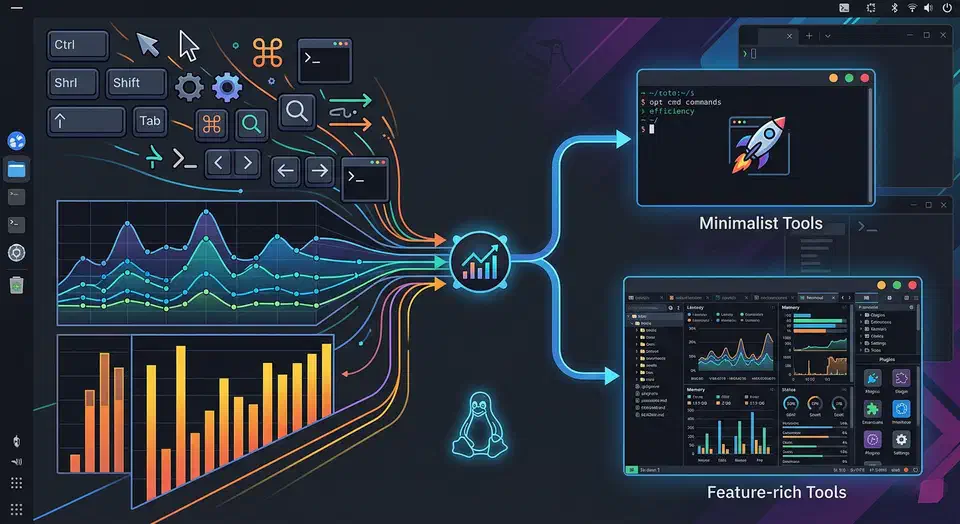
Alacritty vs. Kitty: Best High-Performance Linux Terminal
Alacritty and Kitty are both fast in 2026, so speed no longer decides it. The real split is how they draw text. Kitty renders emoji and glyphs that Alacritty mangles. Each project also has a very different lead developer. This guide tests both on real Linux work.
Key Takeaways
- Both terminals are fast now; the speed gap is too small to decide most setups.
- Kitty renders emoji and box glyphs cleanly, while Alacritty struggles with wide characters.
- Pick Alacritty for the lowest input lag plus tmux or zellij for panes.
- Pick Kitty for built-in splits, image previews, and a scripting API.
- Maintainer style and community drama differ, so check both before you commit.
GPU-Accelerated Terminals in 2026
Linux terminals got fast. Almost every good one feels quick now. So “fast versus slow” is the wrong question. In 2026 you choose by features and feel, not raw speed.