 Botmonster Tech
For most local AI workloads in 2026, the RTX 5080 with 16 GB of GDDR7 is the better buy. It delivers 40-60 tokens per second on quantized 7B-13B parameter models at roughly half the price of the RTX 5090. The RTX 5090’s 32 GB of GDDR7 only justifies the premium if you regularly run 30B+ parameter models or full-precision fine-tuning jobs that cannot fit in 16 GB of VRAM. If either of those describes you, the 5090 earns its keep. If not, you are paying $1,000 extra for headroom you will not use.

Self-Driving Business: Integrating OpenClaw with Google Workspace CLI
By combining OpenClaw (an open-source autonomous AI agent) with Google’s Workspace CLI and the Model Context Protocol, you can build a self-driving business layer that monitors Gmail, manages Google Drive, and updates Calendar - all without manual intervention. The setup requires configuring OAuth credentials in Google Cloud Console, installing the GWS CLI via npm, and exposing the Workspace tools to OpenClaw via an MCP server - giving your AI agent structured, programmatic access to the entire Google productivity stack.
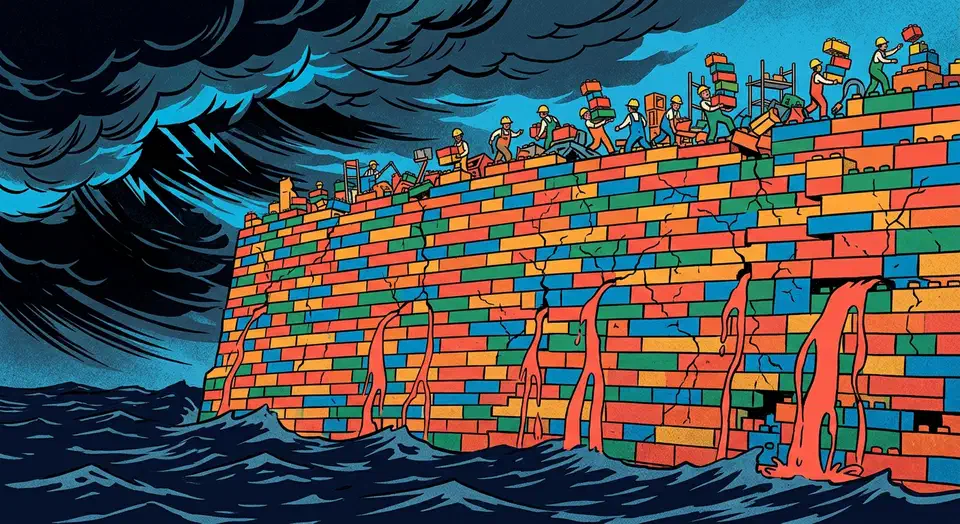
Vibe Coding Security Crisis: 2,000 Vulnerabilities Found in 5,600 AI-Built Apps
The numbers are in, and they’re bad. Escape.tech scanned 5,600 vibe-coded apps in the wild. It found over 2,000 bugs, more than 400 exposed secrets, and 175 leaks of personal data, including medical records and IBANs. A separate December 2025 audit by Tenzai found 69 flaws across just 15 test apps built with five popular AI coding tools. Georgia Tech’s Vibe Security Radar tracked CVEs caused by AI-generated code. They climbed from 6 in January 2026 to 35+ by March. The incidents aren’t hypothetical now. They’re outages, leaked databases, and wiped customer records.

Local AI Image Upscaling: Real-ESRGAN vs. Topaz vs. SUPIR
For local AI image upscaling in 2026, Real-ESRGAN is the best free pick. It is fast and solid for most jobs. Topaz Photo AI gives the best overall quality with smart noise reduction and face recovery, but costs $199/year. SUPIR (Scaling Up to Excellence) makes the most detailed and lifelike output on badly degraded images. It needs 12+ GB of VRAM and runs 10-50x slower than the rest. The right pick depends on your workload: Real-ESRGAN for batch jobs and pipelines, Topaz for pro photo work, and SUPIR for one-off hero shots where time is not a factor.
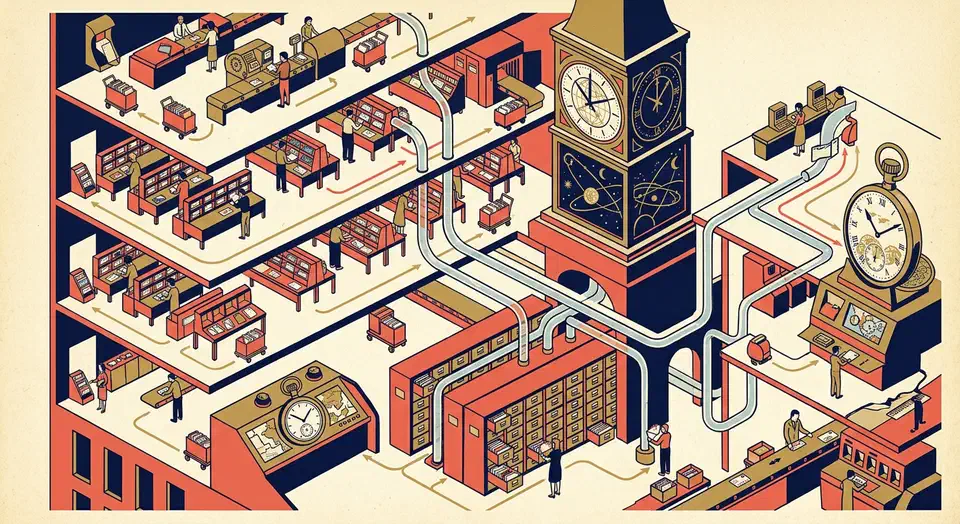
Gemma 4 Architecture Explained: Per-Layer Embeddings, Shared KV Cache, and Dual RoPE
Gemma 4 shipped on April 2, 2026 with four model variants under the Apache 2.0 license. The 31B dense model ranks third on the Arena AI text leaderboard with a score of 1452. The 26B MoE model scores 1441 while firing only 3.8B of its 26B total parameters per forward pass. So what design choices make this possible? Three of them break from the standard transformer recipe: Per-Layer Embeddings (PLE), Shared KV Cache, and Dual RoPE. Each one shifts the math for inference cost, memory use, and fine-tuning. The rest of this post covers those three, plus the Mixture-of-Experts layer and the multimodal encoders.

Running Gemma 4 26B MoE on 8GB VRAM: Three Strategies That Work
The short answer is no, the Gemma 4 26B MoE model will not fit entirely in 8 GB of VRAM at standard Q4_K_M quantization - the weights alone require roughly 16-18 GB. But with the right approach, you can run it on budget hardware and get usable interactive performance. The three practical strategies are aggressive quantization (IQ3_XS brings weights under 10 GB), GPU-CPU layer offloading (split 15-20 of 30 layers to GPU, rest on system RAM), and multi-GPU setups (two cheap 8 GB cards via tensor parallelism). Each involves different trade-offs between quality, speed, and hardware requirements.