 Botmonster Tech
The best ARM Linux laptop in 2026 runs Snapdragon X2

This post is open for corrections. Highlight any line of text to challenge it or ask for a clearer explanation and leave a comment.
The best ARM Linux laptop in 2026 is an ASUS Zenbook A14 or A16 on Snapdragon X2, because those are the laptops Qualcomm’s own engineers are bringing up on Linux. Most guides still describe the first-generation X Elite from 2024. That advice is out of date, and some of it was never right.
Key Takeaways
- The ASUS Zenbook A14 and A16 are the best ARM Linux laptops to buy in 2026.
- Qualcomm’s Snapdragon X2 Linux preview targets developers and runs on Debian 13.
- Debian support lands by the end of 2026, certified Ubuntu in the first half of 2027.
- First-gen X Elite laptops are outside Qualcomm’s X2 Linux program.
- Every X2 laptop ships with Windows, so buy now only if you can patch kernels.
On 23 September 2026 Qualcomm announced an Early Developer Preview of Linux on Snapdragon X2. It is aimed at distro maintainers and kernel developers, not end users. The turnkey “install and go” experience, in Qualcomm’s words, “will come later.” So every ARM Linux laptop below is a project, and the best one is the one with the most upstream work behind it.
Snapdragon X2 Elite Linux support status in October 2026
Qualcomm’s preview was validated on a Debian 13 (“Trixie”) user space with a custom kernel. It boots through systemd-boot and covers USB, PCIe, display, the Adreno GPU through the Freedreno, Turnip and Rusticl Mesa drivers, and the Hexagon NPU through FastRPC. Power management, thermal and reliability work is still in progress, and Qualcomm warns that readiness varies by OEM design. Qualcomm targets the end of November 2026 for production readiness, and upstreaming goes on after that.
The partners give these dates:
- Debian: Qualcomm says Debian support arrives by the end of 2026.
- Ubuntu: Canonical is building a certified Ubuntu image for Snapdragon X2, targeted for 2027. Canonical’s Cindy Goldberg put it at the first half of 2027.
- Laptops: ASUS plans to sell the Zenbook A14 and A16 with Ubuntu in that same window, per ITdaily. HP has promised “Linux open source enablement” without naming a model.
- Today: the Ubuntu concept ISO for Snapdragon moved to kernel 7.3 on 29 September 2026. It gives initial X2 support for the Zenbook A14 and A16, the Lenovo Yoga Slim 7x and the HP EliteBook X G2q.
What works on each ARM Linux laptop, per Qualcomm’s patch notes:
| Laptop | Kernel status | Works | Missing |
|---|---|---|---|
| ASUS Zenbook A14 (UX3407NA) | Queued for kernel 7.4 | Boots from its device tree | HDMI output, patches in progress |
| ASUS Zenbook A16 (UX3607OA) | Patches posted July 2026 | Audio, GPU, display, HDMI, Wi-Fi, Bluetooth, ports, SD card | Touchscreen untested, video decode pending |
| Lenovo Yoga Slim 7x Gen 11 | Queued for kernel 7.4 | Audio, GPU, display, touchscreen, Wi-Fi, Bluetooth | Camera, EC driver |
| HP EliteBook X G2q 14 AI | Queued for kernel 7.4 | GPU, eDP, USB-C, NVMe, Wi-Fi, keyboard | Camera, HDMI issues |
Kernel 7.4 is due around the end of December. Until then you run the concept ISO or Qualcomm’s Debian image scripts.
First-gen X Elite is not part of the program
Qualcomm’s preview “does not currently cover desktop form factors, earlier Snapdragon X platforms, or other development boards.” If you own a 2024 X Elite laptop, its Linux support is unchanged: community device trees and the Ubuntu concept ISO, which did improve first-gen support with the move to kernel 7.3.
The best ARM Linux laptop picks for 2026
These picks weigh how much of each laptop’s Linux support Qualcomm has posted upstream. Windows reviews do not count.
| Laptop | Chip | Screen | Price | Best for |
|---|---|---|---|---|
| ASUS Zenbook A14 (UX3407NA) | X2 Elite, 18 cores | 14-inch OLED | not listed | Best overall |
| ASUS Zenbook A16 (UX3607OA) | X2 Elite Extreme, 48 GB | 16-inch OLED | from $2,199 | Most performance |
| Lenovo Yoga Slim 7x Gen 11 | X2 Elite or X2 Plus | 14-inch | about $1,449 or $1,049 | Best value |
| HP EliteBook X G2q 14 AI | X2 Elite, 32 GB | 14-inch | $4,586 | Business fleets |
The Zenbook A14 is the default pick. It is in the kernel 7.4 queue, and Qualcomm’s Konrad Dybcio has posted an embedded controller driver for both Zenbooks. It reads fan speeds and two temperature sensors, controls the keyboard backlight and tells the controller about suspend. ASUS has also named the laptops it will sell with Ubuntu. HDMI does not work yet. The 14-inch model weighs 990 g, and ASUS claims over 33 hours of battery life from its 70 Wh battery on Windows.
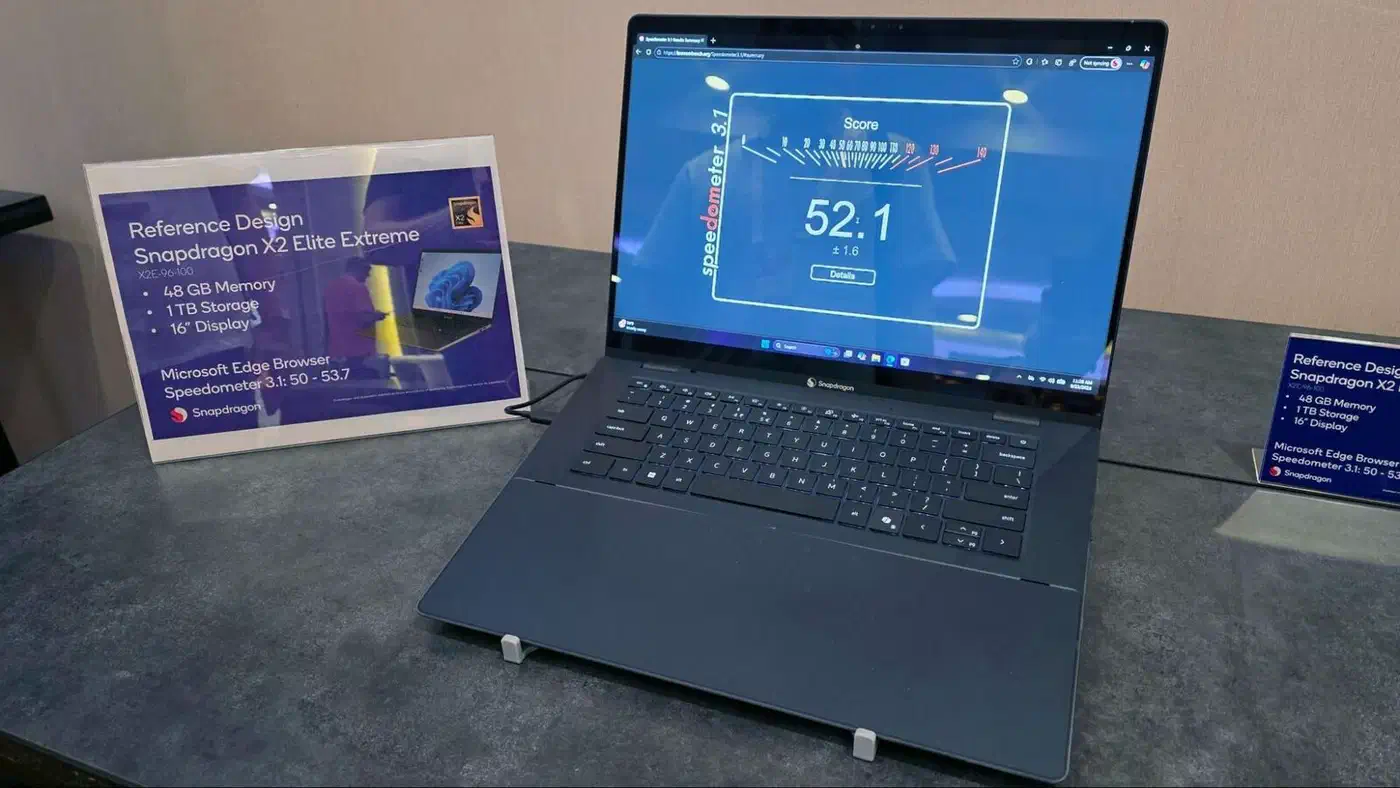
The Zenbook A16 UX3607OA is the performance pick. It pairs the 18-core X2 Elite Extreme with 48 GB of RAM and a 2880 x 1800 OLED, from $2,199. The 16-inch Ceraluminum design weighs 1.2 kg, and ASUS quotes over 21 hours of battery life on Windows.

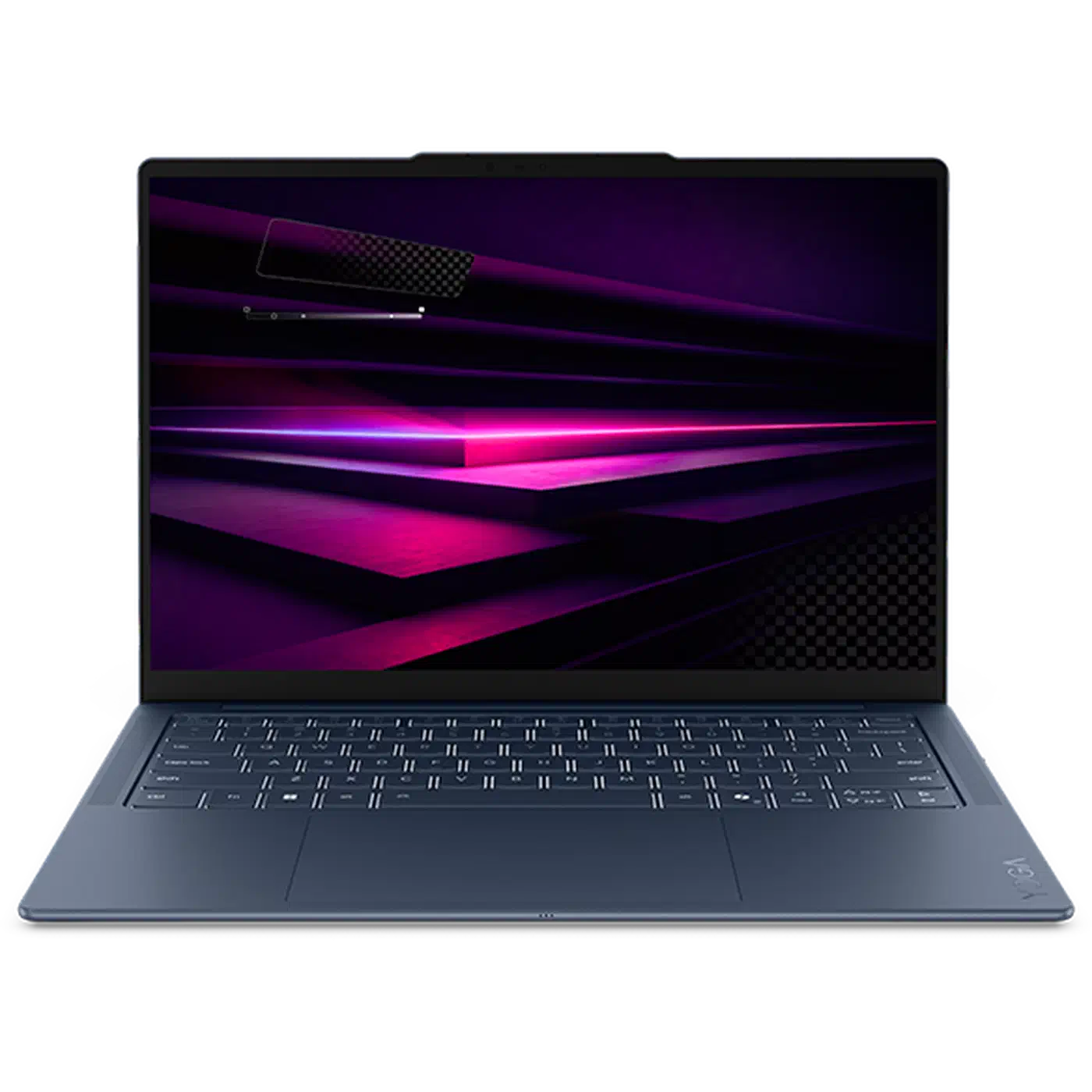
The 14-inch Lenovo Yoga Slim 7x Gen 11 is the value pick. Phoronix listed it at about $1,449 with the X2 Elite, 32 GB and 1 TB, or $1,049 with the X2 Plus. The camera is missing and there is no EC driver, so the OS cannot read the keyboard backlight state.
The 14-inch HP EliteBook X G2q is a business machine at a business price: $4,586 for the X2 Elite with 32 GB. It ships with Windows 11 Pro and HP Wolf Pro Security. The webcam is unsupported and HDMI still has issues.
X2 laptops to skip on Linux for now
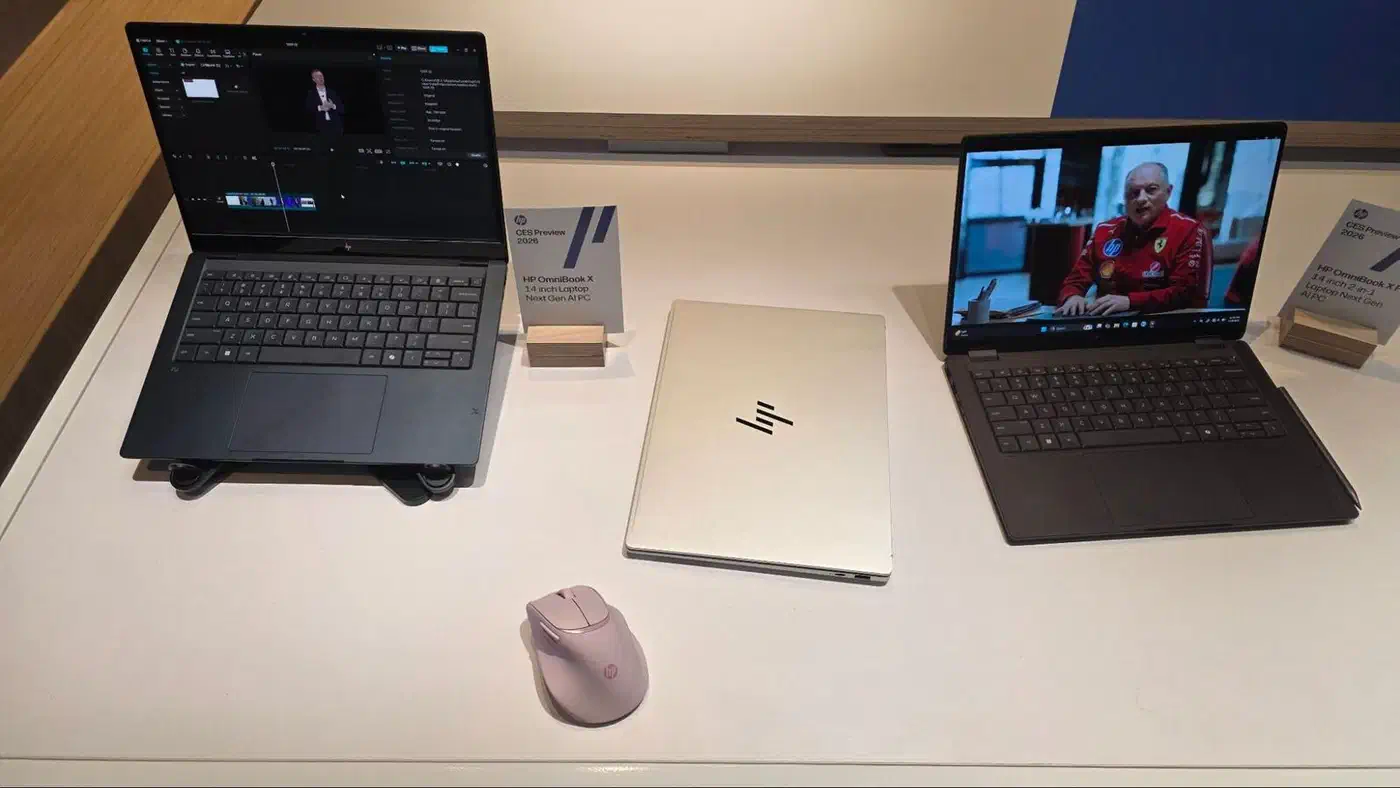
The HP OmniBook Ultra 14 is a great Windows laptop. It has an exclusive X2 Elite (X2E-90-100) with an 85 TOPS NPU, a 14-inch 2880 x 1800 OLED at 120 Hz, and a 70 Wh battery. It has no posted device tree I could find, so it is not a pick for now.
Microsoft now sells a 13-inch Surface Laptop and a 12-inch Surface Pro with the X2 Plus. Neither has posted patches, and the older Surface Pro 11 runs the first-gen chip. Treat every Surface Pro as a Windows machine.
The Lenovo ThinkPad T14s Gen 7 with X2 has no posted patches either. Its first-gen sibling, the T14s Gen 6, got Qualcomm patches in 2024 and is among the best-supported X Elite machines.
Buy now or wait: a verdict by buyer type
- Kernel developers and distro maintainers: buy a Zenbook A14 or A16 now and start from Debian 13. Qualcomm built the preview for them.
- Users who want a daily driver: wait for the certified Ubuntu image in the first half of 2027, or for the ASUS laptops that ship with it.
- Budget buyers: a first-gen X Elite laptop is cheap now that X2 exists. Expect community support only.
- Anyone who needs CUDA, anti-cheat games or a work VPN client: use x86 with Intel or AMD.
What the X2 Elite changes for Linux
The X2 Elite Extreme (X2E-96-100) and the X2E-88-100 have 18 cores, and the X2E-80-100 has 12. The Extreme reaches 5 GHz on up to two cores, a first for an ARM chip. The chips are built on a 3nm process, the NPU rises from 45 to 80 TOPS, and memory is LPDDR5X-9523. Qualcomm claims up to 31% more multitasking performance than the first gen at 43% less power, and 2.3x the GPU performance per watt.
For Linux drivers, the big change is the GPU, a new Adreno Gen 8 design. The kernel side landed in 6.19, and the Turnip Vulkan driver gained Gen 8 support in Mesa 26.0. Variable rate shading was still disabled when it merged. An older Mesa leaves you without GPU acceleration, so run a current distro.
ARM laptops also boot differently from x86 ones. These are Windows-on-ARM machines, and each model needs its own device tree file. So support goes model by model, and a generic ARM64 ISO will not boot.
Running x86 software and games on an ARM64 laptop
Docker, Firefox, VS Code, Rust, Go and Python all run natively on an ARM Linux laptop. The gaps are closed apps. In mid-2025, Varun Priolkar found no native ARM64 build of Chrome, Slack, Discord or Zoom, and used browser versions instead.
For x86 binaries you have two translators. FEX-Emu ships monthly, and FEX-2610 came out on 7 October 2026. It added AVX-VNNI and a software fallback for RDRAND and RDSEED, useful on Qualcomm Oryon, where the FEX team says the hardware RNG “is bugged and doesn’t return real values.” box64 0.4.0 from January 2026 runs Steam on ARM64, though its author warns the Box32 layer behind it is still unstable.
Register FEX with the kernel’s binfmt_misc hook and x86 binaries just run, with no wrapper script. That also covers docker run --platform linux/amd64 images.
Can Snapdragon X2 Elite run games?
Some games, yes. Turnip gives the GPU native Vulkan, and box64 runs Steam and some games on ARM64, though its author says not all of them work. Anti-cheat systems like EAC and BattlEye refuse translated code, so most online shooters are off the table.
Battery life and performance vs Intel and AMD
Nobody has published battery life or performance numbers for an X2 laptop on Linux yet. Phoronix’s Michael Larabel hopes to test X2 hardware in 2027. The numbers that do exist come from first-gen X Elite machines, and they show how far the open stack trails Windows.
Kernel contributor Daniel J Blueman runs a first-gen X Elite laptop daily on Ubuntu 26.04 with extra power patches. In a FOSSASIA 2026 talk he reported about 8 hours of real use and 11 hours idle from a 70 Wh battery. He called its 5 W idle power draw high for a chip derived from phones. Unmerged sleep and PCIe power patches were worth about 2 W.
Varun got 6 to 7 hours at 13 to 14 W on a first-gen Yoga Slim 7x, and lost about 30% overnight in suspend. TUXEDO Computers dropped its X Elite notebook in November 2025 for the same reasons. It never reached the expected battery life, and it had no fan control, no BIOS updates and no KVM.
Read any vendor battery or performance claim as a Windows figure. On a Qualcomm reference design running Windows, the X2 Elite Extreme scored 4,080 in Geekbench 6.5 single-core, a figure Tom’s Hardware saw in its own runs. In Qualcomm’s comparison, the AMD Ryzen 9 HX 370 scored 2,881, the Intel Core Ultra 9 288V 2,919, the Core Ultra 9 285H 3,026, and an Apple M4 MacBook Pro 3,872. In multi-core it scored 23,491 against 17,680 for the 285H. Part of that gain comes from Arm’s SME matrix instructions, which Geekbench 6.5 now uses.
If you want x86 efficiency instead, AMD’s Ryzen AI Max 395 mini PCs push the same idea on the desktop. You lose portability and gain the memory bandwidth to run big local models.
Why the fan barely works on ARM Linux laptops
Fan control limits sustained performance on these machines, and it rarely comes up before you buy.
The embedded controller is the small chip that runs the fan and the charging circuit. The laptop maker picks it and writes its firmware, not Qualcomm. On x86, ACPI gives the kernel a standard way to talk to it. On Windows-on-ARM machines that logic lives in PEP, a Windows-only driver, and the ACPI tables the kernel would read are empty.
Engineers from Linaro and Qualcomm explained the fallout in a Linux Foundation session on first-gen ARM laptops:
- The chip slows down early. With no fan control, the kernel throttles at about 56 to 60 degrees.
- Sometimes it cuts out. If the kernel misses that point, a safety circuit reboots the machine.
- The kernel slows the wrong part. Charge while compiling and it drops three CPU cores, when the fix is to charge more slowly.
One engineer worked out the commands to spin the fan on a Lenovo, then found five or six other vendor variants and stopped. X2 is the first sign of change: Qualcomm itself wrote the ASUS EC driver above. It only reads fan speeds for now, and it covers two laptops. A long build will still run slower than the spec sheet, so treat these as light-load machines.
Other ARM options: first-gen, Apple Silicon and Chromebooks
- First-gen X Elite: cheap, and the T14s Gen 6 and Yoga Slim 7x run well on the Ubuntu concept ISO. Keep the Windows partition, because the concept tooling pulls firmware from it. Expect a dead camera and poor suspend.
- Apple Silicon: Asahi Linux daily drives the M1 and M2 MacBook Air and MacBook Pro, but M3 and newer are not ready. An HN thread notes the MacBook Air M1 has no external display support.
- ARM Chromebooks: the same thread reports a Chromebook Plus 14 on MediaTek running Debian in the Linux container. It is the easiest ARM Linux setup, but it is a VM, not bare metal.
The ARM picture also scales down to small boards, where a Raspberry Pi 5 makes a capable single-board hacking lab. If you dock a laptop to a desktop OLED for coding, you will look at that screen more than the laptop’s own.
Common questions about ARM Linux laptops
Can ARM laptops run Linux?
Yes, with work. Snapdragon laptops need a device tree per model, and support arrives model by model. For X2, the Zenbook A14, Yoga Slim 7x and EliteBook X G2q are headed into kernel 7.4. Every one of them ships with Windows, and no vendor sells an ARM laptop with Linux preinstalled yet.
Is it worth getting an ARM laptop?
In 2026, only if you enjoy bring-up work or need the battery life badly enough to accept missing cameras and HDMI. For most people, the better answer is to wait for the certified Ubuntu machines in the first half of 2027, or keep Windows on the laptop until then.
What is the best Linux operating system for ARM computers?
On Snapdragon X2, Debian 13 is Qualcomm’s reference build, and the Ubuntu concept ISO is the easiest way to install. Certified Ubuntu follows in 2027. On Apple Silicon, use Asahi’s Fedora Remix.
Is ARM better than Intel?
Snapdragon X2 leads on single-core performance in Qualcomm’s Windows numbers. Intel and AMD lead on driver support and on running any binary without an emulator. In 2026, x86 is still the safer pick for a Linux pro who needs everything to work today.