 Botmonster Tech
Jellyfin is the media server with nothing behind a paywall
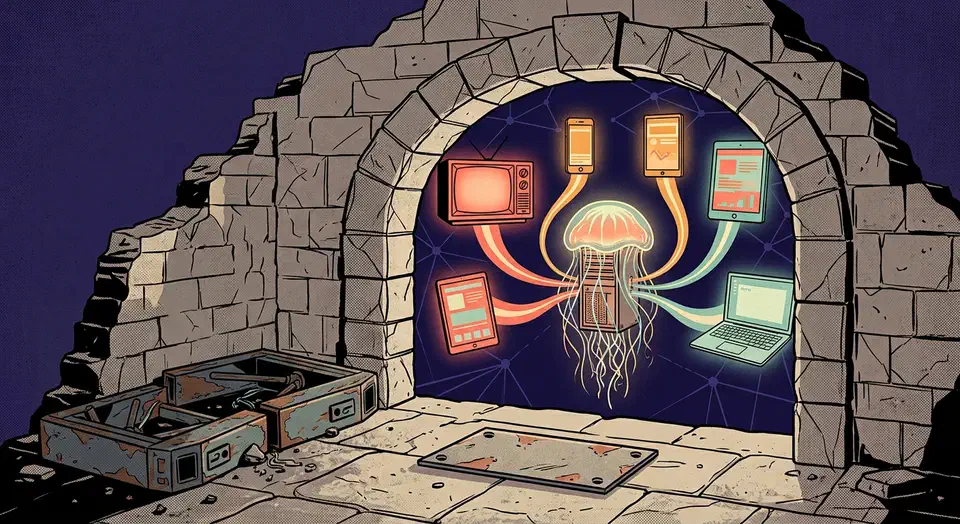
Jellyfin is a free open source media server that streams your own films, television, and music to phones, televisions, and browsers. The gap between it and the paid options is structural. Every feature ships switched on, and you never register a licence key or an account with the project, so there is nothing for a vendor to move behind a paywall later.
Key Takeaways
- Every Jellyfin feature is free, including hardware transcoding and live television.
- You never make an account with the project, so your library stays on your server.
- It runs on Windows, Linux, macOS, Docker, and most network storage boxes.
- Apps cover phones, televisions, and browsers, though polish varies a lot by platform.
- Nobody is paid to smooth the rough edges, so some setup work falls to you.
What a free open source media server includes
A free open source media server has to do the same job as a paid one before the price gets interesting. Jellyfin indexes your own files, fetches artwork and data, then streams to clients at home or over the internet.
- Hardware transcoding on Intel Quick Sync, NVIDIA NVENC, AMD AMF, VA-API, Apple VideoToolbox, and Rockchip RKMPP, per the hardware acceleration guide. On the paid alternatives this is the usual reason people pay.
- Fourteen official client apps on the downloads page, covering browsers, Android, iOS, Android TV, Roku, WebOS, Tizen, Xbox, and Kodi.
- Multiple users, each with their own watch state, library access, and parental controls.
- Live television and DVR recording from an HDHomeRun tuner or an M3U playlist, with guide data from XMLTV or Schedules Direct. The live TV documentation has the details.
- Offline downloads in the Android client, included as standard, so a phone plays with no connection at all.
There is no premium tier to be excluded from.
Where Jellyfin came from, and what the licence guarantees
Jellyfin began as a fork of Emby 3.5.2, the last release Emby shipped under a free licence. The project README describes the port to the .NET platform that gave it cross-platform support. The repository has been running since 2018.
The licence is GPL-2.0, and it is the guarantee under everything else here. A future maintainer can’t close the source of code that already shipped. Anyone unhappy with the direction can fork it again, just the way Jellyfin forked Emby.
Jellyfin is a volunteer effort with no company behind it, paid for by donations instead of sales. There is no revenue target, and no shareholder asking why remote streaming is still free. That same pressure pushed Portainer’s 3.0 release to drop the free Community Edition.
The trade runs both ways. Support contracts and roadmap promises don’t exist here. Nobody is on the hook when a release breaks something you relied on.
Plenty of people take that trade anyway. The official image on Docker Hub has passed 397 million pulls. Over on jellyfin.org there are installers for Windows, Linux, macOS, Docker, and most network storage boxes.
Run Jellyfin in Docker and add your first library
Docker is the shortest path to a working server. It keeps your settings, your cache, and your media in three folders you chose.
Organise your files first
Jellyfin works out what a file is from its name and its folder. Fixing names before the first scan saves more time than any setting in the app.
Start the container
Run the official image with your settings folder saved and your media mounted read-only. The read-only flag means a mis-click in the web app can’t delete anything.
docker run -d --name jellyfin \
  -v /srv/jellyfin/config:/config \
  -v /srv/jellyfin/cache:/cache \
  -v /srv/media:/media:ro \
  -p 8096:8096 \
  jellyfin/jellyfin:latest
Pass through a graphics device if you have one
Add --device /dev/dri:/dev/dri to the command above before you run it. Turning on hardware acceleration later means tearing down and rebuilding the container anyway.
Run the setup wizard
Open http://your-server:8096 in a browser. Create the admin account, then pick your language and your artwork sources. The installation guide covers the same wizard on every other platform.
Add a library
Point the library at a mounted folder and pick the right content type. Film and television libraries fetch different artwork and different data. The wrong type makes a mess that takes longer to unpick than to avoid.
Let the first scan finish
The first artwork fetch takes a while on a big collection. Check the results before you add more libraries. One naming problem spread across four libraries is four times the cleanup.
Turn on hardware transcoding
Enable it in the playback settings and tick only the formats your devices really support. Ticking everything is the classic mistake, and it hands your server jobs the graphics chip can’t finish.
Verify direct play
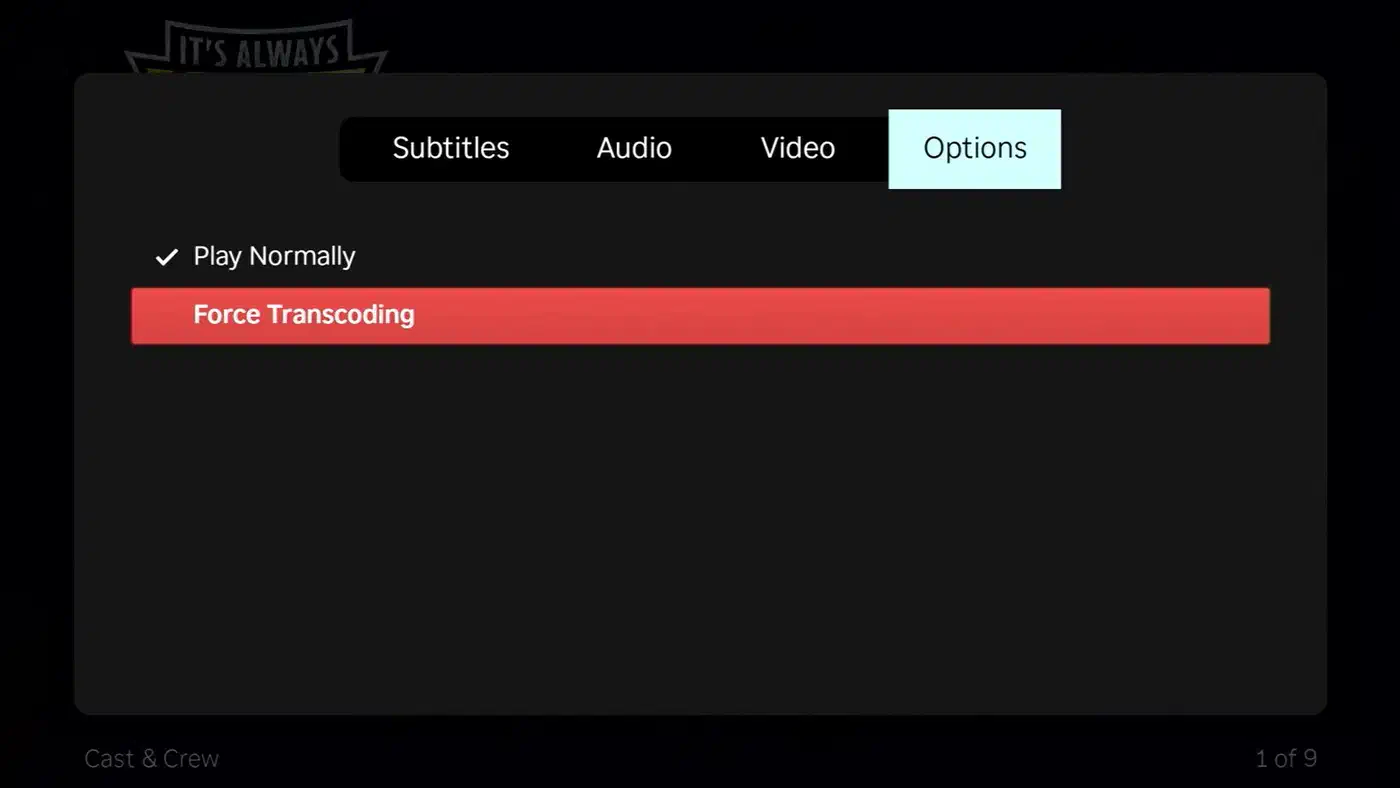
Play something, then open the dashboard and look at the active session. If it says transcoding instead of direct play, your file and your client disagree. Almost every Jellyfin speed complaint starts at that one mismatch.
Where Jellyfin is rougher than the paid options
Client quality is uneven, and the downloads page admits it with badges. Two official clients, Jellyfin Vue and the iOS app Swiftfin, still carry a beta label. The web and Android clients get the most attention, so they feel the most finished.

Offline downloads show that unevenness well. The Android client has them, while on iOS the Swiftfin team has kept a public downloads and offline mode roadmap open for years and the feature is still short of beta.
Remote access is something you set up yourself. There’s no relay service in the middle, so you add a reverse proxy, a tunnel, or a mesh network. That’s more work than a paid relay, and it’s also why no third party ever touches your traffic.
Transcoding setup is fiddly, and getting the graphics chip into a container is where most people get stuck. The documentation is blunt about the limits too. H.264 10-bit gets no hardware help on Intel, NVIDIA, or AMD. Raspberry Pi support was dropped, because newer Pi models ship without an encoder at all.
Matching files to the right film or episode fails the same way it does on every media server. Odd editions, anime episode numbering, and non-English titles all need a manual fix sooner or later. For TV, Sonarr heads off much of that by renaming each episode to a clean pattern before Jellyfin scans it.
The issue tracker sits at around 574 open issues. For a volunteer project this widely used, that number shows reach more than neglect. Still, your own bug may sit there a long time.
Releases are steady rather than fast. The 10.11 series carries the stable builds on the releases page, and version 12.0 is working through release candidates. That jump drops the leading “10.” for good, and the upgrade has teeth. You must be on 10.11.x first, the old login method is off by default, and plugins need reinstalling.
The server itself holds up well, and the surrounding experience is where the volunteer budget runs out.
Jellyfin against the paid alternatives
The paid options aren’t standing still, and they’re mostly moving in one direction. Plex raised its lifetime pass from $249.99 to $749.99, and explained the jump in its own pricing announcement.
We’ve considered eliminating the Lifetime Plex Pass in the past, given that recurring subscriptions help us sustain long-term development, but we know it’s still a valuable option for many in our community. So instead of retiring it, we’re keeping it available at a price that reflects the real, ongoing value of the software we’re committed to building and maintaining for years to come.
| Server | Cost to unlock everything | Hardware transcoding | Offline downloads | Account with the vendor |
|---|---|---|---|---|
| Jellyfin | Free, GPL-2.0 | Included | Included where the client supports it | None |
| Plex | $749.99 lifetime, or a subscription | Plex Pass | Plex Pass | Required |
| Emby | $119 lifetime, or $4.99 a month | Emby Premiere | Emby Premiere | Required |
Switch to Jellyfin if you run your own hardware and want no subscription. You also need to be happy putting a reverse proxy in front of it. The other good reason is privacy. Your library and your viewing habits never pass through a company’s servers.

Stay where you are if your household needs the slickest television app on the market and nobody wants to fix one. The same goes if you lean on something only your current product has. Its discovery feed and its remote streaming relay have no Jellyfin equal.
Run both servers against the same library for a fortnight. Then let the people who actually watch television cast the deciding vote.
Transcoding is the only sizing question. A box with a modern built-in graphics chip handles far more streams at once than its price suggests. A library your clients can direct play needs almost no power at all.