 Botmonster Tech
Tailwind CSS v4 is a ground-up rewrite. The JavaScript-based PostCSS plugin is gone. In its place is a Rust-powered engine called Oxide. Configuration moves from tailwind.config.js into CSS-native @theme directives. Full builds run up to 5x faster, and incremental builds over 100x faster. The entry point is now a single @import "tailwindcss" line instead of three @tailwind directives. Most v3 projects can migrate in under an hour with the official @tailwindcss/upgrade codemod. Still, knowing what changed, and why, prevents surprises during the move.
Css

Tailwind v4: Oxide Rust Engine, 182x Incremental Builds, CSS Config

Designing a Professional Home Assistant Dashboard with CSS
A professional Home Assistant
dashboard uses custom CSS Grid layouts and HACS cards like button-card to build responsive, mobile-first interfaces. Moving past the default grid lets you design a “control center” that looks like a native high-end app, not a scrolling list of toggles. This guide walks through every layer of that change. It covers why the default UI falls short, the CSS Grid basics you need, how to build a clean theme, how to structure room-based navigation, and how to make it all work well on the HA Companion App.

CSS Container Queries: Build Truly Responsive Components
CSS container queries
(@container) style a component by the width of its parent, not the browser viewport. Add container-type: inline-size to a parent element. Then write @container (min-width: 400px) { ... } rules on the children. Those children adapt their layout to the space they get, not the screen size. All major browsers have supported them since early 2023: Chrome 105+, Firefox 110+, Safari 16+. As of 2026 they sit at over 96% global support, per Can I Use
.
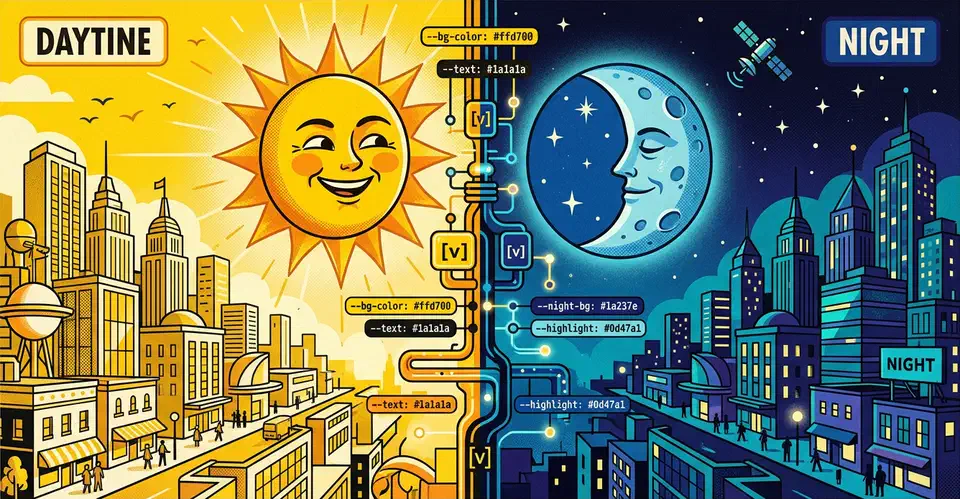
Implement Dark Mode in Vanilla CSS (Zero JavaScript)
You can build a solid dark mode using only the prefers-color-scheme media query and CSS Custom Properties
(variables). This CSS-first approach gives users a flash-free theme switch. It also keeps your site’s code clean, light, and free of JavaScript.
Why Avoid JavaScript for Dark Mode
Most dark mode tutorials reach for JavaScript to toggle a class on <body>. It feels like the obvious fix. You add a button, read a preference from localStorage, and apply a class. It works well enough in demos. But in production, on real hardware and real networks, this approach breaks in ways worth knowing about before you commit to it.

Core Web Vitals: Fix LCP, CLS, and INP
To pass all three Core Web Vitals, target three numbers. Get LCP under 2.5 seconds by preloading your hero image and cutting server response time. Get CLS under 0.1 by reserving explicit dimensions for all media. Get INP under 200ms by breaking long JavaScript tasks into smaller chunks. Diagnose all three with Chrome DevTools, Lighthouse, and the CrUX Dashboard for real-user field data.
Why Core Web Vitals Matter for SEO and User Experience
Google added Core Web Vitals to its ranking algorithm in 2021, and their weight has grown since. The March 2026 core update brought holistic CWV scoring. Google now aggregates performance data across your whole domain rather than judging it page by page. If 30% of your indexed pages fail LCP thresholds, that drags down the site-wide score even when your homepage is fast.

Web Components: Build Framework-Agnostic UI Elements
Web Components are native browser APIs: Custom Elements, Shadow DOM, and HTML Templates. They let you build reusable UI parts like <modal-dialog> or <accordion-panel> that work in React, Vue, Svelte, Angular, or plain HTML. No build tools, no framework lock-in. With 98% browser support in 2026, they’re the most portable component format around. Write it once, ship it anywhere.
The Three APIs That Make Up Web Components
Web Components is an umbrella term for three browser APIs that work together. You can use each one on its own. Custom Elements without Shadow DOM, Shadow DOM without Templates. But the combination is where they shine.