 Botmonster Tech
You implement OAuth 2.0 login by using the Authorization Code flow with PKCE (Proof Key for Code Exchange). Your web app redirects the user to the provider’s authorization endpoint with a code_challenge, the user authenticates and consents, the provider redirects back with an authorization code, and your backend exchanges that code along with the code_verifier for an access token. PKCE is mandatory for all OAuth 2.0 clients under the OAuth 2.1 draft specification
(currently at draft-ietf-oauth-v2-1-15) and eliminates the need for a client secret in public clients. Building this from scratch - without Auth0, Clerk, or NextAuth - takes roughly 200 lines of code and teaches you exactly how token exchange, session management, and token refresh actually work.
Privacy

Implement OAuth 2.0 with PKCE: Flask + GitHub Login

Self-Host Plausible Analytics: 1 KB Script, No Cookies
You can run a self-hosted Plausible Analytics
instance on a $6/month VPS. It uses Docker Compose and a Caddy
reverse proxy for automatic HTTPS. The whole process takes under 30 minutes. Once it runs, you add one <script> tag to your site and you’re done. No cookie banners, no personal data collected. The tracking script weighs under 1 KB gzipped. It stores everything in a ClickHouse
database on your own server, and gives you a clean, fast dashboard for your traffic.

Self-Hosted AI Search: Combine SearXNG and a Local RAG Pipeline
You can build a private AI search engine modeled on Perplexity
. You combine SearXNG
with a local language model running through Ollama
. Here is the stack. SearXNG pulls results from many search engines at once. A Python scraper fetches and cleans the actual page content. The LLM then turns everything into a cited answer with inline references like [1], [2]. No API keys, no telemetry, no query logging to third-party AI services. A machine with 12 GB VRAM runs the whole pipeline, and most queries come back in 5-15 seconds.

Pi-hole and Unbound DNS: DNSSEC, QNAME Minimization, Privacy
Every DNS query your devices make tells a story. When your home network sends those queries to Google (8.8.8.8), Cloudflare (1.1.1.1), or your ISP’s resolver, that provider builds a record of every domain every device visits. Your phone, your laptop, your smart TV, your thermostat: all of it. You can fix this. Run Pi-hole as a DNS sinkhole to block ads and trackers across the whole network. Then pair it with Unbound , a local recursive resolver, so your queries go straight to the DNS root servers instead of a third-party middleman.

Smart Home Network Segmentation: VLANs and Firewall Rules
Placing IoT devices on a dedicated VLAN with firewall rules that block all traffic to your main network - except specific connections to your Home Assistant server - prevents a compromised smart bulb or camera from becoming a pivot point into your personal computers and NAS. This setup works with consumer-grade managed switches and either UniFi or OpenWrt routers, and takes about an hour to configure properly.
The core idea is straightforward: instead of trusting every device on your network, you divide the network into isolated segments and only allow the traffic you explicitly approve. Your smart plugs, cameras, and voice assistants get their own network segment where they can reach the internet and your home automation server, but nothing else. If one of them gets compromised, the attacker is stuck in a sandbox with no path to your laptop or file server.
Home Assistant AI Voice With a Local LLM: What Works in 2026
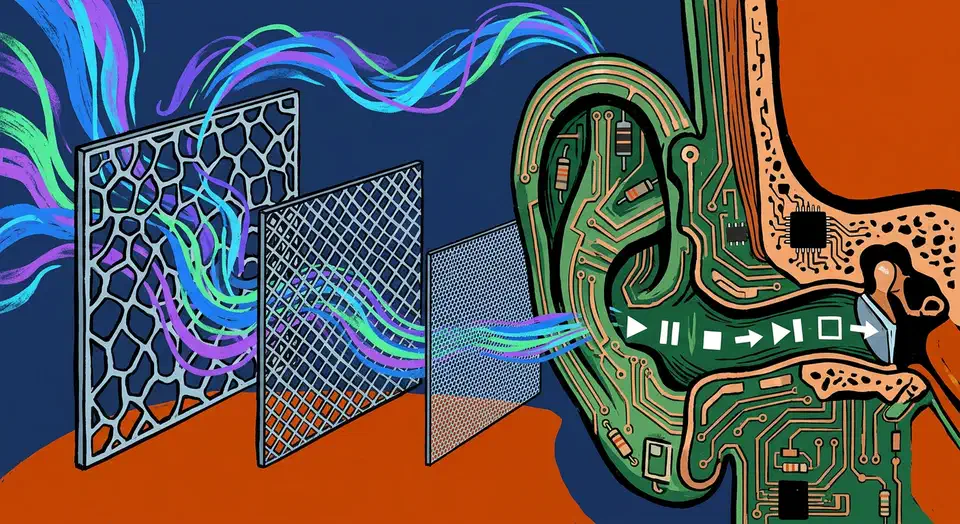
Home Assistant AI voice control with a local LLM as the brain is practical in 2026. No Amazon, no Google, no cloud. The Assist pipeline already handles the plumbing: wake word, speech-to-text, a conversation agent, and text-to-speech, all on your own hardware. Setting that up is the easy part. The hard part is picking a local model that calls Home Assistant’s tools without guessing. The loop also has to be fast, or it will never feel like a real assistant. This guide covers both: the 2026 stack, the models the community actually trusts, and the latency budget that makes it work.