 Botmonster Tech
By combining OpenClaw (an open-source autonomous AI agent) with Google’s Workspace CLI and the Model Context Protocol, you can build a self-driving business layer that monitors Gmail, manages Google Drive, and updates Calendar - all without manual intervention. The setup requires configuring OAuth credentials in Google Cloud Console, installing the GWS CLI via npm, and exposing the Workspace tools to OpenClaw via an MCP server - giving your AI agent structured, programmatic access to the entire Google productivity stack.
Productivity

Best USB-C Docking Stations for a Dual-Monitor Linux Desk Setup in 2026
The best USB-C docking stations for a dual-monitor Linux setup in 2026 are the CalDigit TS4 (Thunderbolt 4, dual 4K@60Hz, rock-solid kernel 7.0 support) and the Anker 777 (USB4 Gen 2, excellent driver compatibility, more affordable at $149). The deciding factor is whether your laptop supports Thunderbolt 4 or only USB4. Thunderbolt provides guaranteed DisplayPort alt-mode bandwidth for dual 4K; USB4 solutions share that bandwidth with USB traffic and may require Multi-Stream Transport (MST) support from both the dock and the kernel.

CLAUDE.md Productivity Stack: Skills, Git Worktrees, and Hooks for Parallel Development
The single most important file in any Claude Code project is CLAUDE.md - a persistent instruction set that loads every session and shapes how the agent reads, writes, and verifies code. But CLAUDE.md alone is not what separates productive setups from fragile ones. The real productivity stack in 2026 combines CLAUDE.md conventions with on-demand skills, deterministic hooks, and git worktree isolation for running 10-15 parallel sessions against a single repository. Each session is scoped to one task, operating in its own branch, turning a solo developer into a small engineering team .

Hall Effect Mechanical Keyboard Switches: Wooting vs. Geon Raw HE
If you’ve been following the mechanical keyboard scene over the past couple of years, you’ve probably noticed Hall Effect keyboards moving from niche curiosity to genuine mainstream contender. The technology that was once confined to expensive custom builds and obscure group buys is now showing up in mid-range boards from Keychron, Razer, and SteelSeries. And at the top of the pile, two keyboards have emerged as the flagships of the Hall Effect world: the Wooting 80HE and the Geon Raw HE .
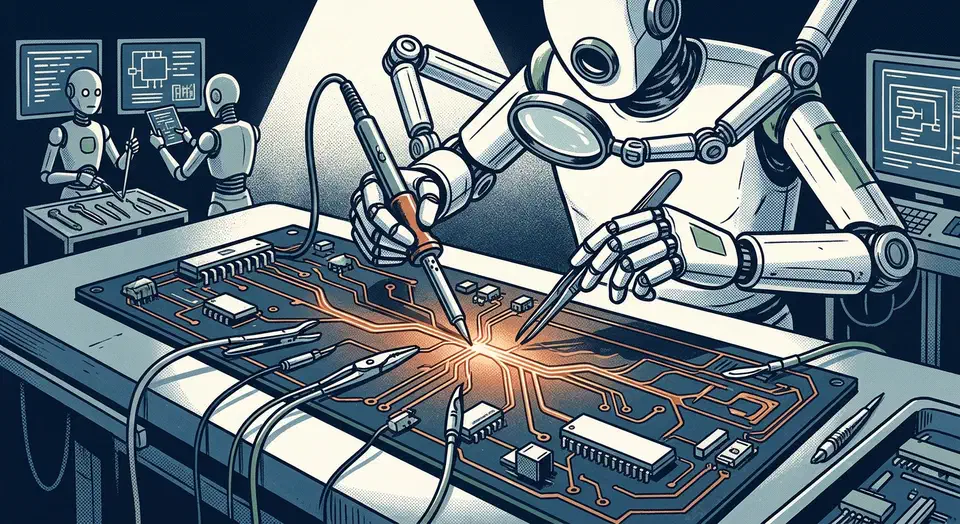
Mechanical Keyboard PCB Repairs with Flux and Continuity Tests
Fixing a broken mechanical keyboard PCB usually means re-soldering a loose hotswap socket or bridging a damaged trace with a small piece of wire. With a basic soldering iron, some flux, and a multimeter, you can fix the most common keyboard faults yourself. You don’t need to replace the whole keyboard. Most repairs take 15 to 30 minutes once you’ve found the fault.
ESD Safety First
Before you touch any PCB, set up your ESD (electrostatic discharge) precautions. A static jolt too small to feel can wreck the microcontroller or the key matrix diodes on a keyboard PCB. Two steps cover almost every build:

Best Silent Mechanical Keyboard Switches in 2026
The best silent switches in 2026 use dual silicone pads and quality TPE to kill both the “clack” of bottom-out and the “ping” of spring return. They do it without flattening the tactile bump. For quiet office typing, pick a Silent Linear with factory lube and a dampened bottom-out. The result: a deep, muted sound.
What Makes a Switch “Silent”? The Mechanics Explained
First, it helps to know what makes the noise. A mechanical keyboard has two distinct noise sources, and the best silent switches kill both.