 Botmonster Tech
Vaultwarden runs Bitwarden on a box you already own
This post is open for corrections. Highlight any line of text to challenge it or ask for a clearer explanation and leave a comment.
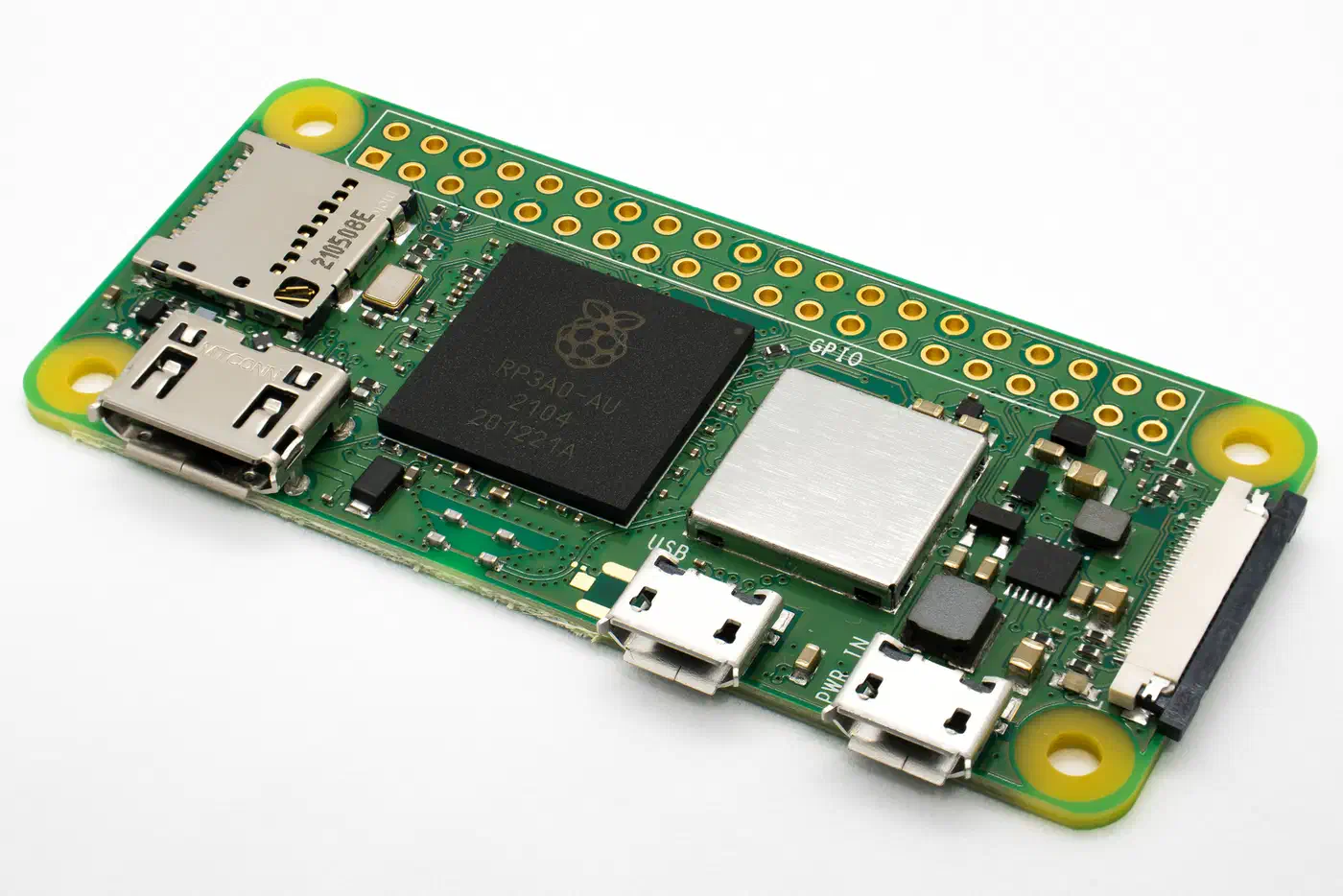
A self-hosted Bitwarden server sounds like a big commitment until you see what Vaultwarden actually needs. It reimplements the Bitwarden client API from scratch and idles near 50 MB on a Raspberry Pi Zero 2W, where the official stack wants x64 hardware and gigabytes of RAM.
Key Takeaways
- Vaultwarden gives you a password server on your own hardware.
- The official Bitwarden apps work with it unchanged.
- It idles near 50 MB, small enough for a Raspberry Pi.
- Sharing, reports, and group vaults come with the server for free.
- It is unofficial, so backups and updates are your job.
What a self-hosted Bitwarden server changes
Custody is the honest reason. Your encrypted vault sits on hardware you can point at and unplug. Nobody can suspend it, reprice it, or move it to a region you didn’t pick. Pair it with a throwaway mailbox you run on Cloudflare, and every site gets its own sign-up address while the vault remembers which one went where.
The other pull is cost. Sharing, group vaults, event logs, and reports all ship with the server, where the hosted plan puts them behind a paid tier.
A hosted service pays a security team to watch its servers, while your home server has only you. If patching and backups are things you mean to get around to, the hosted plan is safer.
What self-hosting doesn’t change is the encryption. Bitwarden encrypts your vault on your device before anything leaves it. The server only ever holds scrambled data, so it can’t read your passwords either way.
A stolen disk only hands an attacker an encrypted blob. The bigger danger is a dead disk with no backup, which leaves you with nothing at all.
How an unofficial server talks to official apps
Vaultwarden is a fresh build of the Bitwarden client API, written in Rust. It shares no code with the official server, and only has to speak the same protocol the apps already speak.
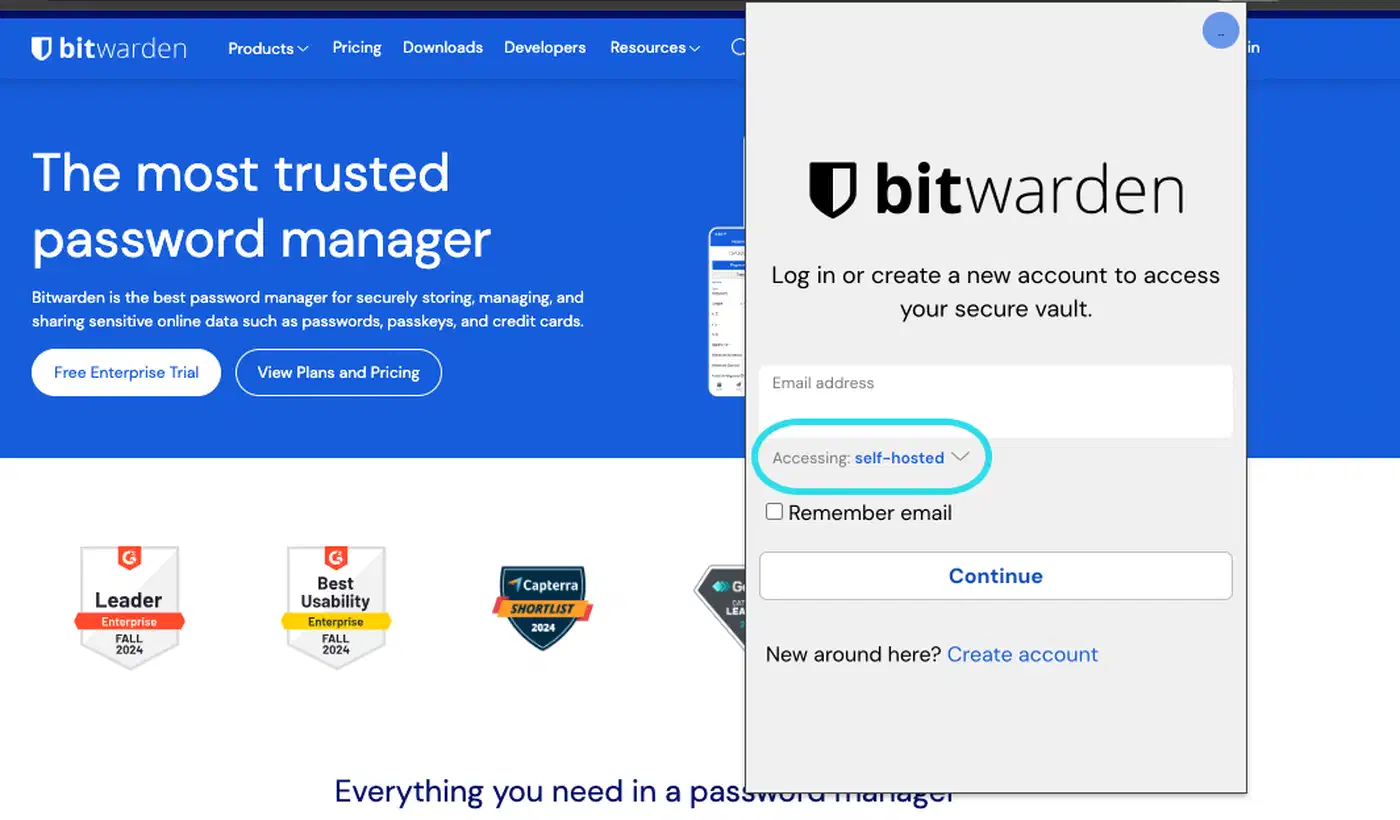
Open any official Bitwarden app on desktop, mobile, browser, or the command line. Change one server URL, then log in. Nothing else about the app changes.
Take the word “unofficial” literally. The project says in its README disclaimer that it isn’t associated with Bitwarden, Inc. One odd wrinkle sits alongside that: an active maintainer works at Bitwarden and contributes on their own time. The other maintainers review that work.
The upstream risk you inherit
Bitwarden Inc. controls the apps. When they change the API, browser extensions and mobile apps auto-update on their own schedule. Vaultwarden then has to catch up. The project’s container image guide is blunt about the consequence. Fall behind on server updates and your clients can break without warning.
Read the release notes before you pull. Never update the server and every client on the same evening.
Who has audited the code
Germany’s federal security office, the BSI, reviewed the code of Vaultwarden 1.30.3. It published the full report. The security firm ERNW also found three flaws during a customer pen test. One was an auth bypass, filed as CVE-2024-55225.
an unauthenticated attacker can create an auth request to log in as another user
The first patch missed part of the problem, and the full fix landed in 1.32.5. ERNW credited the team for moving fast.
The licence is AGPL-3.0, which changes nothing for a family vault. If you plan to sell Vaultwarden hosting to other people, read the licence first.
What it costs to run, and where it runs
Vaultwarden is one binary with a small database built in, while the official stack is built for companies.
| Server | Idle memory | CPU support | Moving parts |
|---|---|---|---|
| Vaultwarden | around 50 MB | x64 and ARM, down to ARMv6 | one container, SQLite by default |
| Bitwarden self-hosted | 2 GB minimum, 4 GB advised | x64 only | several containers plus a database |
Abhishek Kumar Mishra ran it on the smallest board he owned and wrote up the result for XDA.
The Pi Zero 2W handles all this without crashing midway, and I haven’t observed any spikes since I deployed the tool.
Official container images sit on GitHub Container Registry, Docker Hub, and Quay. Almost nobody needs to build it, which is lucky. A community thread puts peak build usage above 7 GB, which a small board simply doesn’t have. Pull the image.
HTTPS is not optional
The web vault leans on the browser Web Crypto API, which browsers only hand out over HTTPS. Without a valid certificate the vault won’t work at all. The project’s HTTPS guide tells you to use a reverse proxy rather than the built-in TLS. The Rocket framework calls its own TLS development-only, and it can’t do strict SNI or ECC certs.
You then pick one of two ways in from outside the house. You can expose the server behind a proxy that fetches certificates for you, which my Caddy reverse proxy walkthrough covers. Or you can keep it off the public internet and reach it over a mesh VPN such as Tailscale.
The mesh option carries less risk, and it’s what I’d pick by default. It removes the public attack surface instead of hardening it. One Shodan search for exposed Bitwarden servers makes the case on its own.
How long the project has been around
Vaultwarden started in 2018 under the name bitwarden_rs. The rename came later, to avoid mix-ups with the official server and any trademark trouble. The same kind of trademark friction later split the self-hosted Git world, where Gitea and Forgejo forked apart over who controlled the name. The release feed moves steadily and sits on the 1.37 line. The issue tracker holds about 77 open items against a project with over 64,000 stars.
The docs are unusually good for a project this size. The project wiki has working proxy examples, a hardening guide, SMTP setup, mobile push, and single sign-on.
How to run Vaultwarden and point a Bitwarden client at it
Start the container behind HTTPS, make your account, then connect a client. Set up backups before you trust it with anything.
Decide where it lives
Pick a small machine that stays on: a mini PC, a home server, or a Raspberry Pi. The only hard rule is that it must be reachable the moment you need a password.
Put HTTPS in front of it first
Browser and mobile clients need a valid certificate. A reverse proxy that gets Let’s Encrypt certs for you is the normal answer. Caddy does it with the least setup.
Start the container
Run the official image with a data volume that outlives restarts. Everything you care about lives there: the SQLite database, attachments, and the RSA keys that sign your login tokens.
services:
  vaultwarden:
    image: vaultwarden/server:latest
    container_name: vaultwarden
    restart: unless-stopped
    environment:
      DOMAIN: "https://vw.example.com"
      SIGNUPS_ALLOWED: "false"
    volumes:
      - ./vw-data/:/data/
    ports:
      - 127.0.0.1:8000:80
Create your account, then turn off signups
Register your own account first. Then set SIGNUPS_ALLOWED to false so nobody else can sign up. Group owners can still send invites, so turn invites off as well if you want registration fully locked.
Set the admin token properly
The admin page can read and delete every account on the server. Make a long random token, then run vaultwarden hash on it. That stores an Argon2id hash rather than plain text. If you’ll never use the page, leave it switched off.
Connect a client
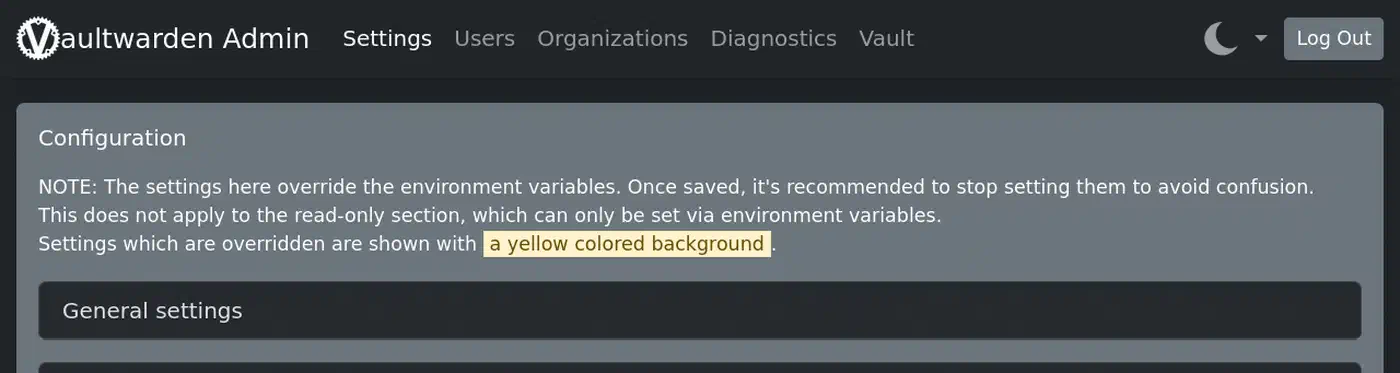
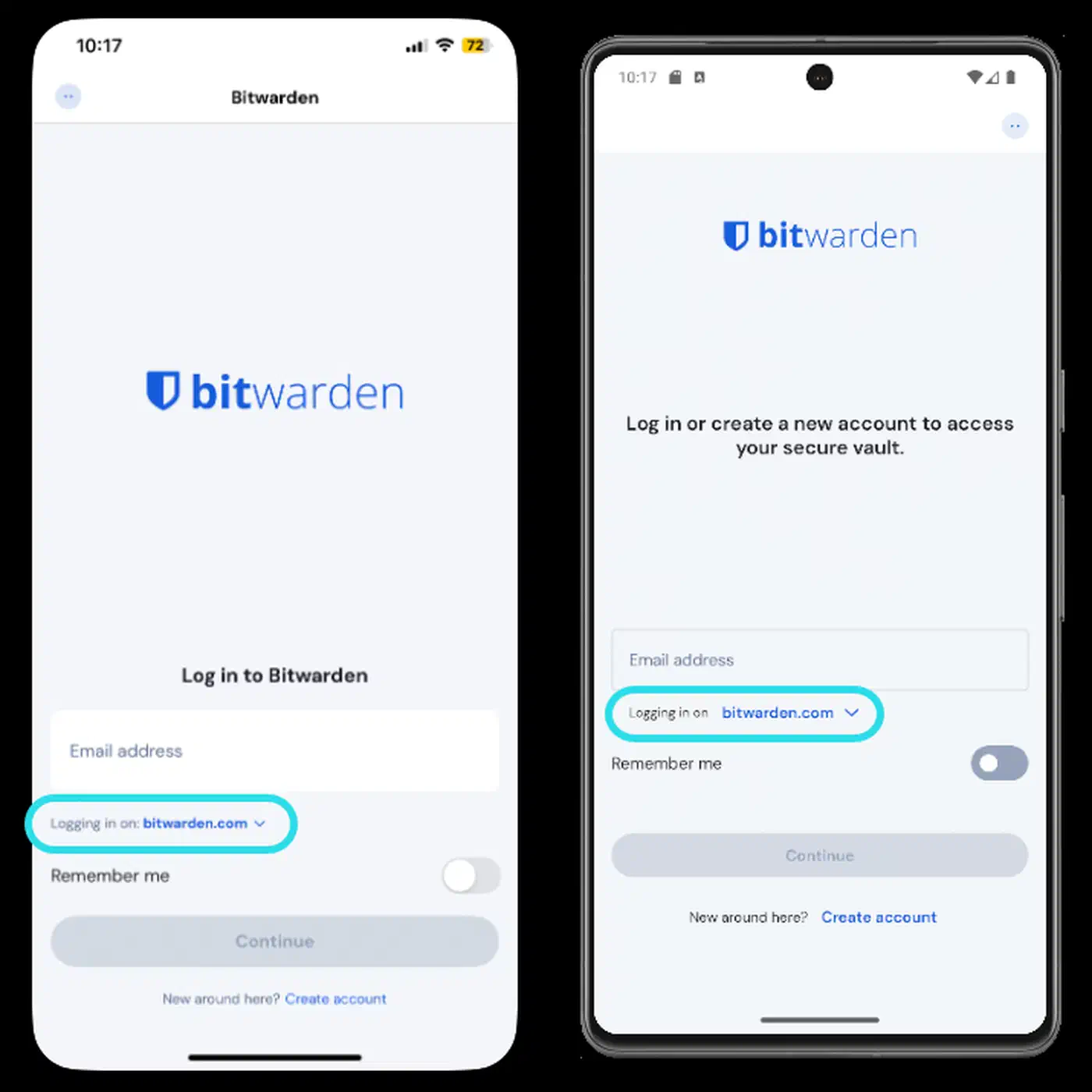
Open any official Bitwarden app and find the server settings before you log in. Enter your own URL, then register or log in as normal.
Set up backups today
Back up the data folder on a schedule. Keep one copy somewhere the server can’t reach. Since 1.32.1 there’s a built-in command, so you don’t need a SQLite binary in the container.
docker exec -it vaultwarden /vaultwarden backupBack up the attachments folder too. Attachments are plain files on disk, so a database dump alone will miss them.
Test a restore
Restore the backup into a throwaway container and log in. A backup you’ve never restored is only a guess, and a password vault is a bad place to find that out.
The failure modes nobody plans for
The worst case is circular. The server is down, and the password you need to fix the server is inside the server. Keep your SSH key passphrase, router login, and master password somewhere separate, on paper if that’s what it takes.
Close behind comes the dead disk with a backup plan that never became a backup file. That is the most common way people lose a self-hosted vault.
Bitwarden apps keep a local encrypted copy of your vault, so a short outage won’t lock you out of your passwords. That buys you time, and it is still no substitute for a backup.
Two more failures point you the wrong way while you debug them:
- Skip many releases, then upgrade all at once, and a small migration becomes a big one. Move in steps and read the notes.
- An expired certificate stops the mobile clients working, and the error looks like a login failure. Check the certificate first. Android also needs the full chain, so use
fullchain.pem.
Bitwarden’s vault export writes a portable file, so you can move in or out whenever you like.
A self-hosted password manager is really a backup habit with a login screen attached. Get the backups right and Vaultwarden becomes one of the calmest services in a homelab to run.