 Botmonster Tech
Aider is the open-source AI pair programming tool that shipped before Claude Code , Codex CLI , and Gemini CLI . It is still the only major AI coding assistant that lets you pick whichever language model you want. Claude, GPT-5, Gemini, DeepSeek, Grok, a local model through Ollama : Aider connects to all of them. The project sits at 42K GitHub stars, 5.7 million pip installs, and 15 billion tokens per week. It ships under Apache 2.0, so the tool itself costs nothing. You only pay for API tokens at provider rates, which runs $30 to $60 per month for most developers.
Ai-Coding

Vibe Coding Security Crisis: 2,000 Vulnerabilities Found in 5,600 AI-Built Apps
The numbers are in, and they’re bad. Escape.tech scanned 5,600 vibe-coded apps in the wild. It found over 2,000 bugs, more than 400 exposed secrets, and 175 leaks of personal data, including medical records and IBANs. A separate December 2025 audit by Tenzai found 69 flaws across just 15 test apps built with five popular AI coding tools. Georgia Tech’s Vibe Security Radar tracked CVEs caused by AI-generated code. They climbed from 6 in January 2026 to 35+ by March. The incidents aren’t hypothetical now. They’re outages, leaked databases, and wiped customer records.

AI Coding Agents Are Insider Threats: Prompt Injection, MCP Exploits, and Supply Chain Attacks
Your AI coding agent has the same file access, shell rights, and database keys you do. A review of 78 studies from January 2026 (arXiv:2601.17548 ) tested every big coding agent. The list ran every major agentic coding assistant . All fell to prompt injection. Adaptive attacks landed more than 85% of the time. This isn’t theory. CVE-2026-23744 gave attackers remote code execution on MCPJam Inspector at CVSS 9.8. A booby-trapped PDF tripped a physical pump through a Claude MCP link at a plant. Attackers hit GitHub’s MCP server to exfiltrate private repository data via malicious issues . And 47 firms fell to a poisoned plugin ecosystem that hid for six months.

Claude Code Skills Ecosystem: 1,340+ Installable Agent Skills for AI Coding Assistants
The Claude Code
skills ecosystem passed 1,340 installable skills in early 2026, and the number keeps climbing. These skills use the universal SKILL.md format
: folders of structured instructions that teach AI coding tools to do special tasks. They work across Claude Code, Cursor, Codex CLI, and Gemini CLI without changes. Official skills have shipped from teams at Anthropic, Trail of Bits, Vercel, Stripe, Cloudflare, and dozens of solo devs. Install takes one npx command.

Three Tiers of AI Pair Programming: From Autocomplete to Autonomous Overnight Agents
The most productive developers in 2026 don’t use a single AI tool. They run a three-tier stack. Tier 1 is inline completions for line-by-line speed. Tier 2 is parallel agent sprints that take on feature-sized work. Tier 3 is overnight batch agents that run 30 to 50 improvement cycles while you sleep. GitHub’s research shows AI pair programming makes developers 55% faster, but that gain comes mostly from Tier 1. The real win comes from running all three tiers at once, with clear rules about which task goes where.
Running Multiple AI Coding Agents in Parallel: Patterns That Actually Work
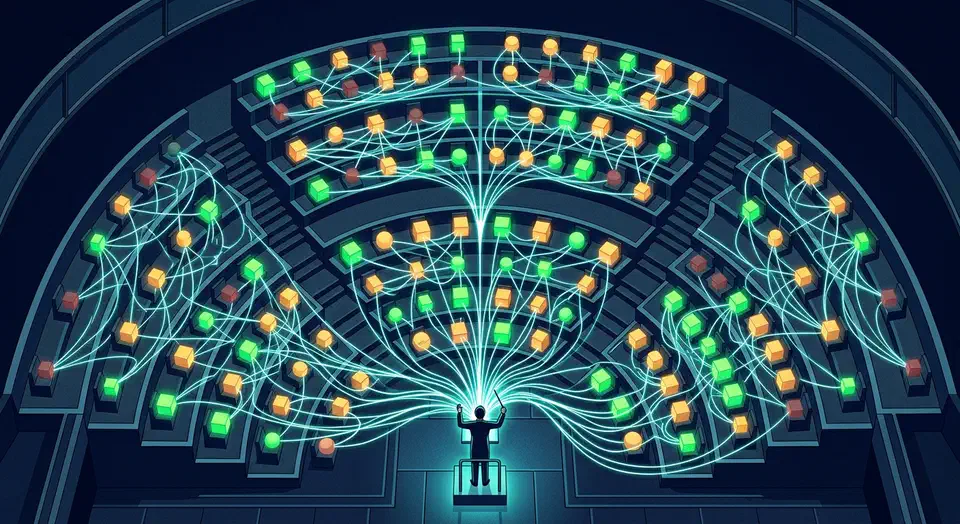
Three focused AI coding agents beat one broad agent working three times as long. Addy Osmani showed this at O’Reilly AI CodeCon , and the finding captures both the upside and the catch of multi-agent work. The speed gains are real. They only show up when you solve the coordination problem. Without file isolation, iteration caps, and review gates, parallel agents make a mess of merge conflicts and duplicated work.