 Botmonster Tech
By combining OpenClaw (an open-source autonomous AI agent) with Google’s Workspace CLI and the Model Context Protocol, you can build a self-driving business layer that monitors Gmail, manages Google Drive, and updates Calendar - all without manual intervention. The setup requires configuring OAuth credentials in Google Cloud Console, installing the GWS CLI via npm, and exposing the Workspace tools to OpenClaw via an MCP server - giving your AI agent structured, programmatic access to the entire Google productivity stack.
Cli
Interactive Go CLIs with Cobra Command Trees and Bubble Tea
You can build a polished, interactive command-line app in Go by pairing Cobra for command structure with Bubble Tea for the terminal UI. Cobra covers argument parsing, subcommands, flags, and auto-generated shell completions. Bubble Tea adds spinners, tables, text inputs, progress bars, and keyboard navigation on top. The result is one static binary. It runs in scripts and CI when called plainly, and shows a full terminal interface when a person runs it.
10 Claude Code Plugins to 10X Your AI Development Projects
I get better output from Claude Code
by adding fewer tools, not more. Piling on MCP servers rarely helps, but the right official marketplace plugins, CLI tools, and skills do. Start with /plugin and picks like typescript-lsp and security-guidance, then add Supabase CLI, Playwright, GitHub CLI, and the GSD framework. That stack handles code, deploys, research, and browser work on its own.
When I first found Claude Code, I tried to connect every MCP server I could find. Within a week, the agent felt slower and less decisive, and it often picked the wrong tool for the job. The fix was almost always a smaller, more careful toolset.
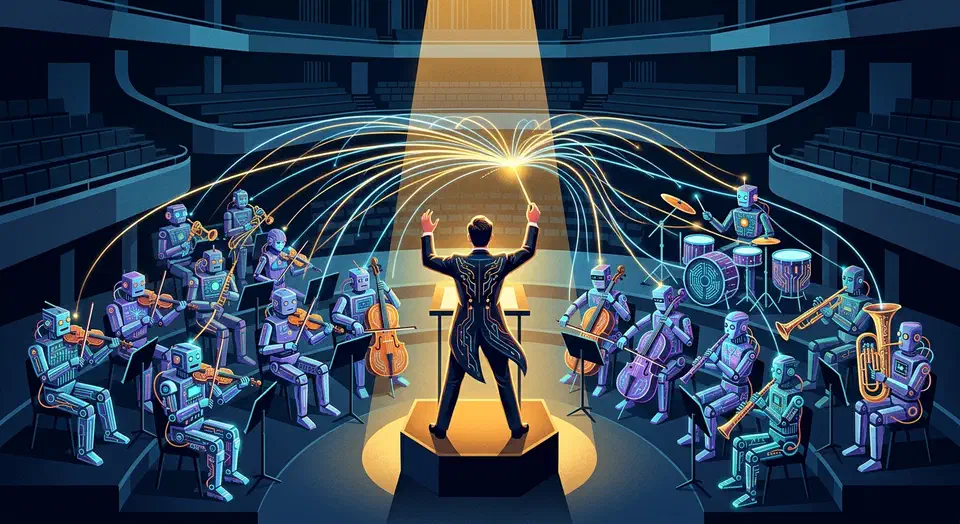
Claude Code Agent Teams: Orchestrating Multiple AI Sessions on One Project
Claude Code Agent Teams is an experimental feature, live since v2.1.32. It lets you run 2-16 Claude Code sessions under one team lead. Each teammate gets its own context window and full tool access. They talk through a shared task list and direct peer-to-peer messages. You turn it on with one config change, then describe the team you want in plain language. Claude handles the spawning, the assignment, and the coordination. The feature shines on work you can split up: multi-file refactors, cross-layer feature builds, and research-and-review jobs. The catch is that it costs 3-7x more tokens than a single session, and it cannot resume a session.
Systemd Timers vs Cron: Resource Control and Journal Logging
Systemd timers should replace cron for nearly every scheduled task on modern Linux. They log to the journal, manage dependencies, and add random delays to avoid resource stampedes. They also catch up on runs missed during a reboot. The one reason to keep cron is legacy support on minimal systems without systemd. If your distro shipped in the last decade, you have everything to switch.
This guide covers the real problems with cron. It explains how systemd timers work and migrates several cron jobs step by step. It also covers the sandboxing and resource controls that make timers a better fit for production.

Claude Code with MCP: Local Agent for Files, SQL, APIs
Claude Code combined with custom MCP (Model Context Protocol) servers creates a local AI coding agent that can read and write files, query databases, call APIs, and execute shell commands - all orchestrated by Claude through a standardized tool-use interface. You set up the Claude Code CLI, configure MCP servers in your project or user settings, and the agent automatically discovers and uses the tools you expose. The result is a development workflow where you describe tasks in natural language and Claude executes multi-step coding operations with full access to your project context.