 Botmonster Tech
Five open source repositories dropped in March 2026 that expand what Claude Code can do. Karpathy’s AutoResearch runs overnight ML experiments without you. OpenSpace makes agent skills fix and improve themselves. CLI-Anything turns GUI software into agent-ready command-line tools. Claude Peers MCP lets many Claude Code sessions coordinate on one machine. And Google Workspace CLI opens Gmail, Drive, Calendar, and Sheets to agents. All five are free, open source, and plug right into Claude Code.
Cli
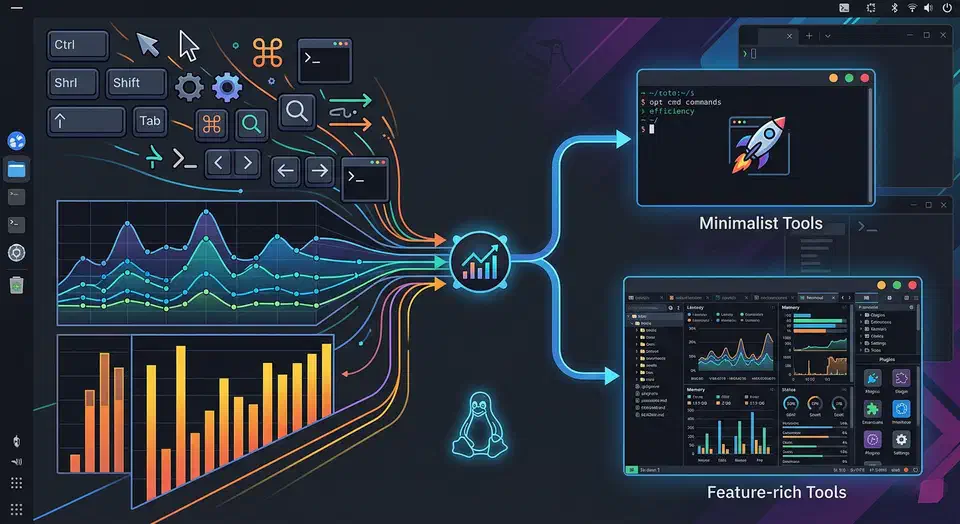
Alacritty vs. Kitty: Best High-Performance Linux Terminal
Alacritty and Kitty are both fast in 2026, so speed no longer decides it. The real split is how they draw text. Kitty renders emoji and glyphs that Alacritty mangles. Each project also has a very different lead developer. This guide tests both on real Linux work.
Key Takeaways
- Both terminals are fast now; the speed gap is too small to decide most setups.
- Kitty renders emoji and box glyphs cleanly, while Alacritty struggles with wide characters.
- Pick Alacritty for the lowest input lag plus tmux or zellij for panes.
- Pick Kitty for built-in splits, image previews, and a scripting API.
- Maintainer style and community drama differ, so check both before you commit.
GPU-Accelerated Terminals in 2026
Linux terminals got fast. Almost every good one feels quick now. So “fast versus slow” is the wrong question. In 2026 you choose by features and feel, not raw speed.
Stop Copy-Pasting: Interactive CLI Tools for Gitea Repositories
If you host your own code on a Gitea instance, you’ve likely felt the friction of cloning new projects. Opening the web UI, searching for a repo, clicking the “SSH/HTTP” button, and then jumping back to your terminal is a workflow that belongs in 2010.
If you want to “walk through” your repositories and pick what to clone directly from your terminal, here are the best tools for the job.
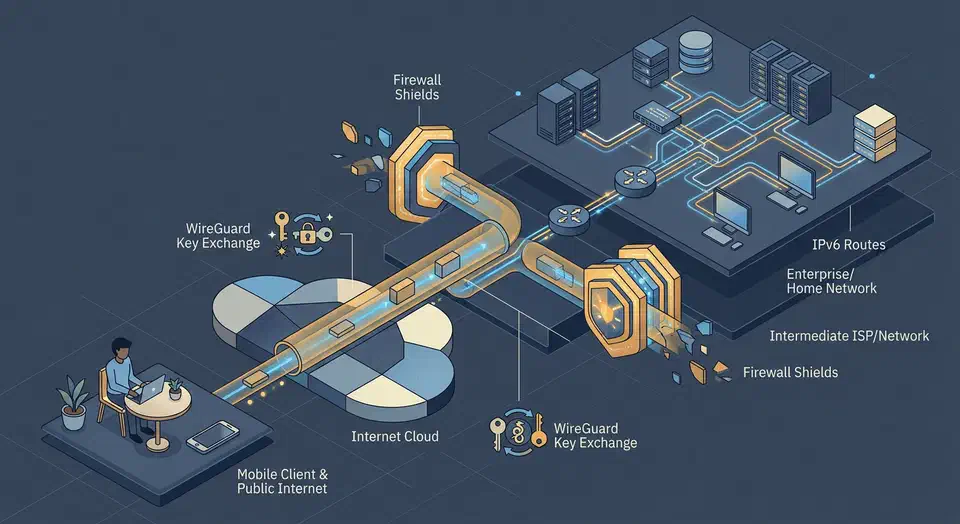
Setup a Private WireGuard VPN for Secure Remote Access
A private WireGuard VPN is the simplest way to reach your home lab, self-hosted apps, and dev machines from anywhere. You don’t expose services directly to the internet. Instead of opening many inbound ports, you publish one UDP endpoint and move trusted traffic through an encrypted tunnel. In 2026, that still gives you the best mix of speed, security, and simple upkeep.
This guide builds a setup from scratch on Ubuntu or Debian . Then it hardens that setup for the real world: home IPs that change, IPv6, mobile clients behind carrier NAT, and networks that try to block VPN traffic. You’ll also see a GUI path, wg-easy , for teams that would rather click than edit config files.
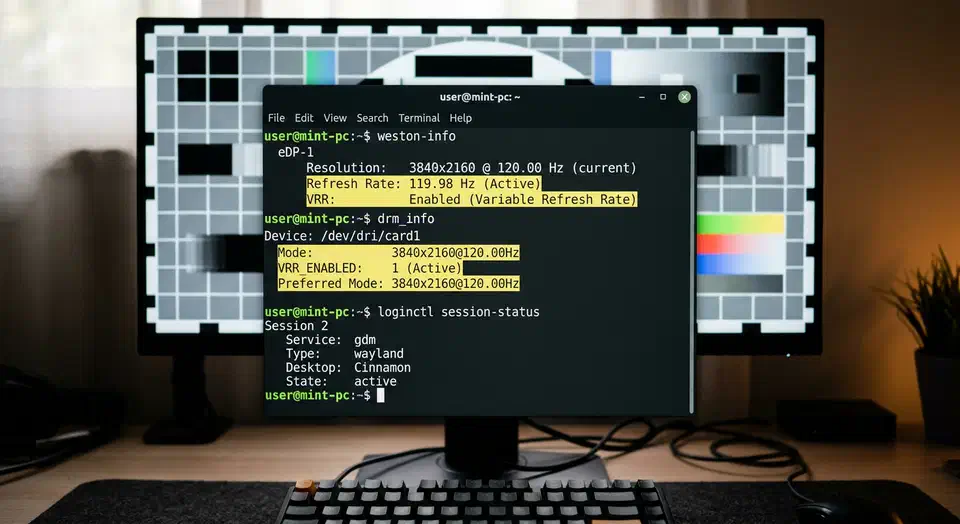
Fixing Wayland Screen Tearing on Linux Mint (2026)
Screen tearing on Linux Mint in 2026 is rarer than in the X11 days. It still shows up on Wayland when the render pipeline is not in sync end to end. Most guides oversimplify and claim Wayland alone wipes out tearing forever. In practice, you need the right kernel, the right driver path, sane compositor settings, and monitor settings that match what your GPU can deliver.
This guide is for Linux Mint users on modern hardware, especially high refresh displays and mixed monitor setups. It walks through root causes, check commands, VRR setup, fractional scaling traps, NVIDIA steps, and a full troubleshooting matrix. By the end, you can tell whether tearing comes from compositor timing, GPU sync, display config, or a bad session choice for your hardware.
The Best Portable Monitors for a CLI Workflow (2026)
The best portable monitors for developers pair high-DPI 1440p panels with single-cable USB-C for power and video. In 2026, light OLED models win on contrast and on terminal readability. They do come with burn-in caveats worth knowing before you buy.
What a CLI Developer Actually Needs from a Portable Monitor
Most portable monitor reviews chase the wrong specs. Refresh rate, HDR brightness, and color gamut coverage are useful for gaming and video editing. For eight hours of staring at a terminal prompt, the math is different.