 Botmonster Tech
Thunderbolt 5
doubles the pipe to 80 Gbps in both directions (120 Gbps with Bandwidth Boost for displays). It is USB4 v2 compliant and tunnels PCIe Gen 4 x4. For Linux users, that means real gains for eGPU rigs, multi-display docks, and fast NVMe drive bays. Kernel 6.10+ ships basic Thunderbolt 5 support through the thunderbolt driver. Full feature work depends on your distro, firmware, and hardware. The upgrade pays off only when you need more speed than Thunderbolt 4’s 40 Gbps can give.
Hardware

Thunderbolt 5 Explained: What It Means for Linux Users

Best Lightweight Tactile Switches for Thocky Sound: Under 45g Mechanical Keyboard Guide
You don’t have to sacrifice a deep, thocky sound to get a light typing feel. The best lightweight tactile switches under 45g include the Input Club Hako Violet (28g), Akko V3 Creamy Purple Pro (30g), Chilkey Sprout Green (35g), HMX Valerian Light (48g actuation but exceptionally light feel), and TTC Bluish White (42g) - all of which deliver satisfying tactile feedback with a deep bottom-out sound when paired with the right housing materials and lubing technique.
Best OLED Monitors for Coding 2026: WOLED Beats QD-OLED for Text
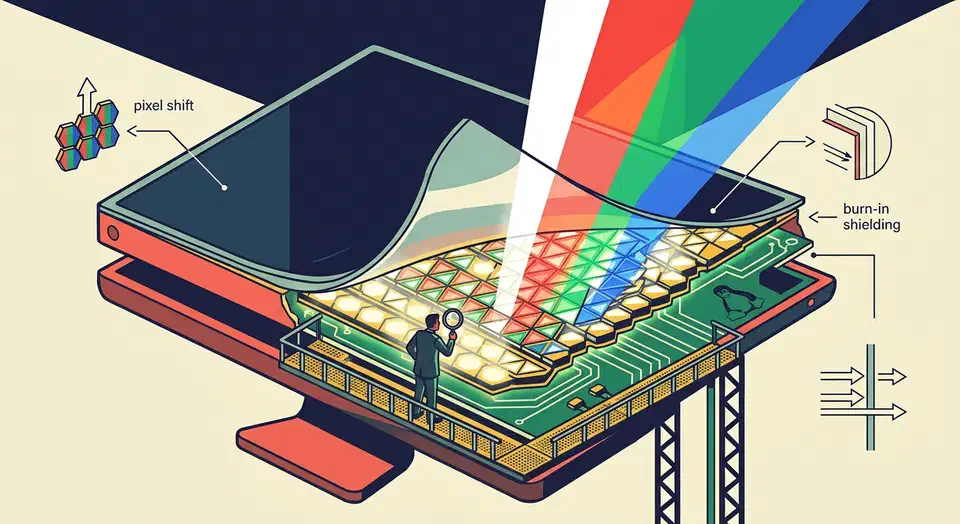
For coding in 2026, the LG UltraFine OLED 32GS95UE is the default pick: a 32-inch 4K WOLED panel at 140 PPI with five-year burn-in coverage and clean Linux support on Wayland under KDE Plasma 6.3 or later. WOLED beats QD-OLED on small monospace text, and 27-inch 1440p OLEDs should be avoided outright.
Key Takeaways
- The LG UltraFine OLED 32GS95UE is the default coder pick in 2026, with five-year burn-in coverage and clean Linux support.
- WOLED beats QD-OLED for small monospace text, and 140 PPI is the density where color fringing stops being visible.
- 27-inch 1440p OLEDs make code text look worse than a cheap IPS panel at the same price.
- KDE Plasma 6.3 on Wayland is the only mature Linux path for OLED HDR, brightness, and 10-bit color in early 2026.
- Use grayscale font antialiasing, dark themes, and auto-hidden system bars to keep burn-in risk near zero.
The Text Clarity Problem: WOLED vs QD-OLED Subpixel Layouts and Why They Matter for Code
OLED panels do not use the standard horizontal RGB stripe that ClearType and freetype subpixel hinting were designed around. WOLED uses a WRGB quad (a white subpixel next to the three color subpixels), and QD-OLED uses a triangular RGB arrangement. Both produce visible color fringing on small black-on-white text unless you compensate with scaling, hinting tweaks, or raw pixel density. If your first few hours with a new OLED leave you thinking VS Code looks off, this is usually what your eyes are picking up.

Best Budget 4K Monitors for Linux Development in 2026
The best budget 4K monitors for Linux development in 2026 are the Dell S2722QC (around $330, USB-C with 65W power delivery, clean out-of-box scaling), the LG 27UL500-W (around $250, wide color gamut IPS with HDR10), and the ASUS ProArt PA279CRV (around $420, factory-calibrated with 96W USB-C PD). All three report correct EDID on major distributions, handle Wayland fractional scaling at 150% or 175% without driver workarounds on kernel 6.x, and deliver the pixel density you need for sharp text at 27 inches.
Windows 11 + Linux: Shared exFAT, systemd-boot Bootloader
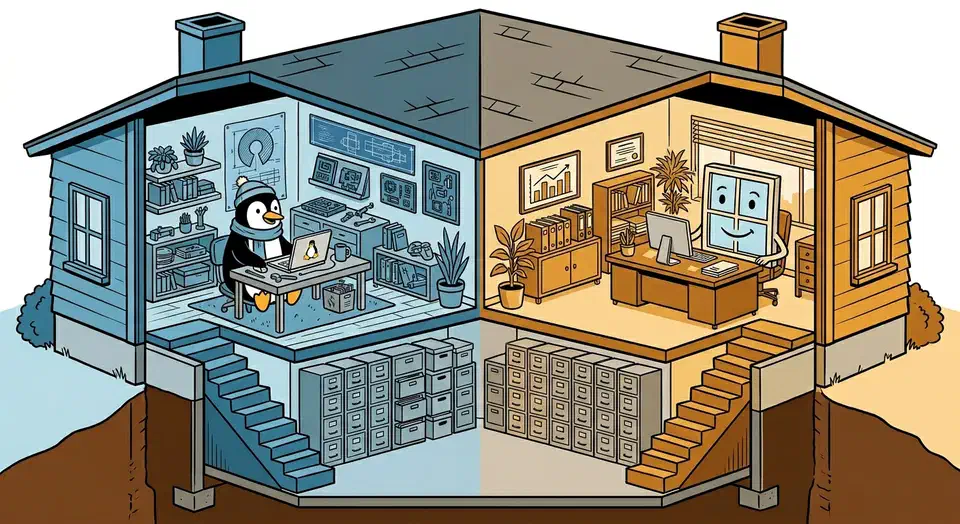
Install Windows first. Then install Linux with systemd-boot as the bootloader on a shared EFI System Partition. Add a dedicated exFAT partition for cross-OS file sharing. This setup avoids the classic problem of Windows Update wiping out GRUB , since systemd-boot entries sit next to Windows Boot Manager in the ESP without a fight. Both systems read and write exFAT out of the box, with no risk of corruption.
Intel Arc 140V on Linux: The Best GPU Control Panel Apps and Driver Setup
Got a Lunar Lake laptop and went looking for Intel’s Arc Control app on Linux? It doesn’t exist. Intel only ships Arc Control for Windows. Linux users get a community tool instead: LACT
, the Linux GPU Configuration and Monitoring Tool. It covers temperature, power limits, clock speeds, and voltage through a proper GUI. For live performance data, intel_gpu_top and nvtop handle the rest from the terminal.
Below: driver setup, LACT installation, CLI monitoring tools, power tuning, and the most common things that go wrong on a fresh install.