 Botmonster Tech
Tailwind CSS v4 is a ground-up rewrite. The JavaScript-based PostCSS plugin is gone. In its place is a Rust-powered engine called Oxide. Configuration moves from tailwind.config.js into CSS-native @theme directives. Full builds run up to 5x faster, and incremental builds over 100x faster. The entry point is now a single @import "tailwindcss" line instead of three @tailwind directives. Most v3 projects can migrate in under an hour with the official @tailwindcss/upgrade codemod. Still, knowing what changed, and why, prevents surprises during the move.
Javascript

Tailwind v4: Oxide Rust Engine, 182x Incremental Builds, CSS Config

Real-Time Chat with WebSockets: Under 150 Lines, No Framework
A WebSocket chat needs two pieces. The server holds open connections and sends each message to every client. The browser client opens a socket, sends text on form submit, and shows new messages in the page. This build uses Node.js with the ws library and plain JavaScript on the client. No React, no Socket.IO, no build step. The whole thing fits in under 150 lines and handles dozens of users at once on a cheap server. This tutorial walks through every part.

Service Worker Caching: Network-First, Cache-First, SWR
Service workers give you a programmable network proxy right inside the browser. They sit between your page and the server, intercept every fetch request, and let you decide whether to serve a response from cache or from the network. For static sites - where every page is a pre-built file and every asset has a predictable URL - this is a natural fit. A well-configured service worker makes your static site load in single-digit milliseconds on repeat visits, work fully offline, and pass every Lighthouse PWA audit. The entire implementation fits in a single JavaScript file under 100 lines.

CSS Container Queries: Build Truly Responsive Components
CSS container queries
(@container) style a component by the width of its parent, not the browser viewport. Add container-type: inline-size to a parent element. Then write @container (min-width: 400px) { ... } rules on the children. Those children adapt their layout to the space they get, not the screen size. All major browsers have supported them since early 2023: Chrome 105+, Firefox 110+, Safari 16+. As of 2026 they sit at over 96% global support, per Can I Use
.
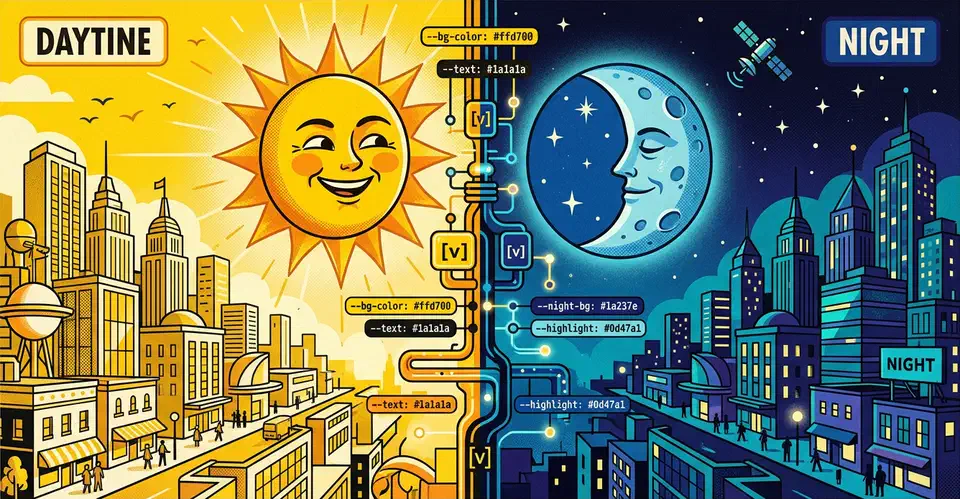
Implement Dark Mode in Vanilla CSS (Zero JavaScript)
You can build a solid dark mode using only the prefers-color-scheme media query and CSS Custom Properties
(variables). This CSS-first approach gives users a flash-free theme switch. It also keeps your site’s code clean, light, and free of JavaScript.
Why Avoid JavaScript for Dark Mode
Most dark mode tutorials reach for JavaScript to toggle a class on <body>. It feels like the obvious fix. You add a button, read a preference from localStorage, and apply a class. It works well enough in demos. But in production, on real hardware and real networks, this approach breaks in ways worth knowing about before you commit to it.

Building a Progressive Web App from Scratch with Vanilla JavaScript
A Progressive Web App requires just three things beyond your existing website: a Web App Manifest JSON file that defines the app’s name, icons, and display mode; a service worker that intercepts network requests for offline support and caching; and HTTPS hosting. Add these to any site with plain JavaScript - no React, Angular, or framework needed - and browsers will offer an install prompt, enable push notifications, and cache your app for offline use. The entire setup can be done in under an hour with three files.